Tastes
Taste skills for AI coding agents.
A taste skill is a complete visual identity — tokens, components, layouts and motion — that your coding agent applies to every screen it builds. Not a style guide it may ignore, not one template it copies: a point of view it can hold across a whole product.
9 of 441 tastes · Portfolios · Quiet & refined
In the studio · 9
Packaged. Covers are each package’s own exemplar page; a taste lists once it passes Taste QA twice.
 Pro
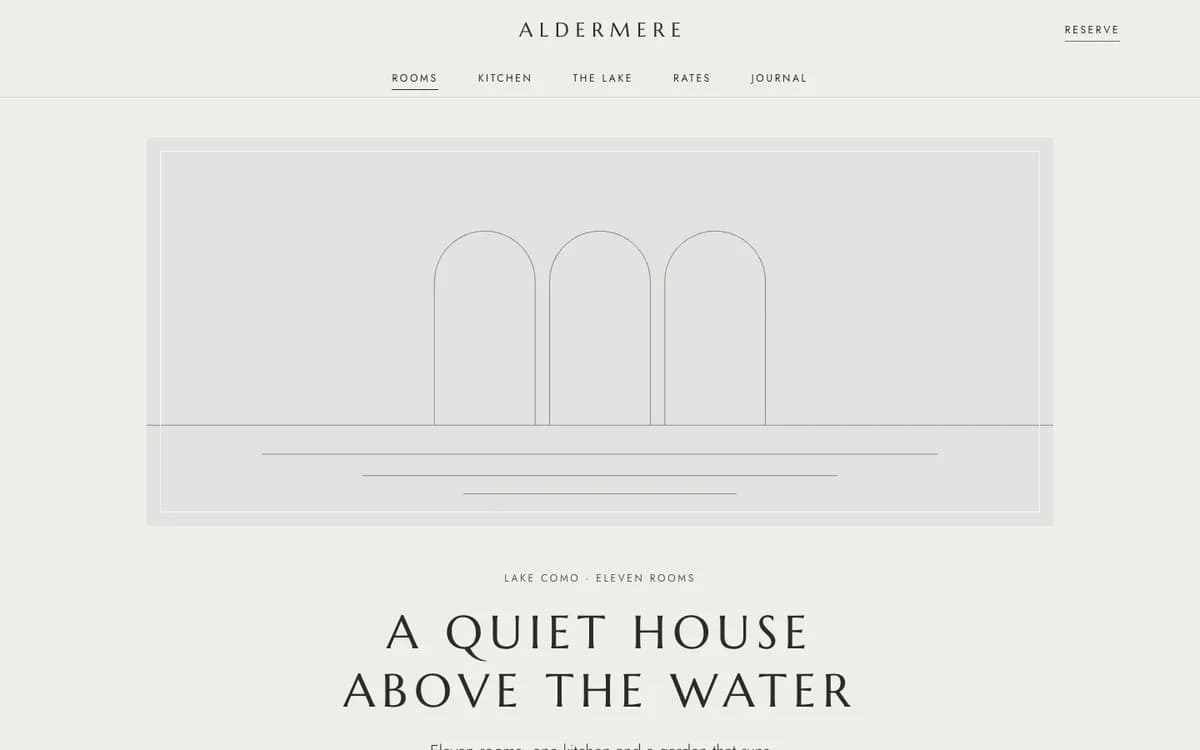
Quiet Luxury
Muted palette, hairlines, wide-tracked serifs
Marcellus / JostPro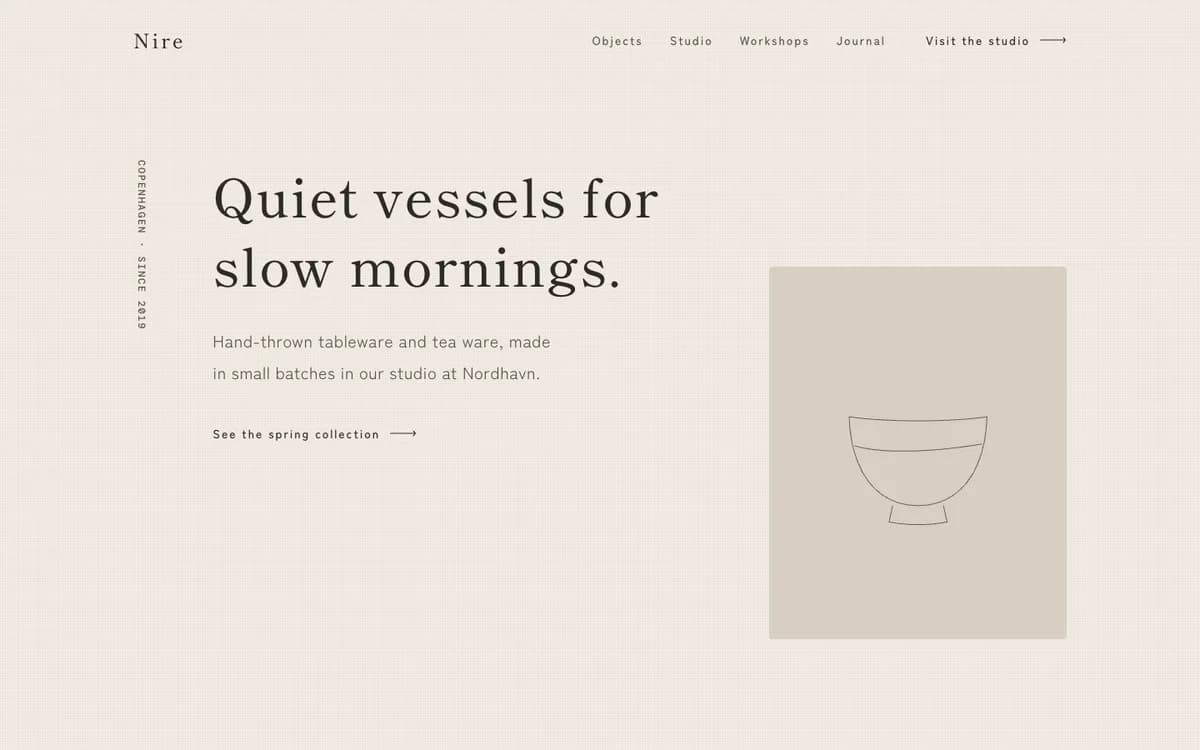 Pro
Japandi
Linen and clay neutrals, calm space, quiet craft
Shippori Mincho / Zen Kaku Gothic NewPro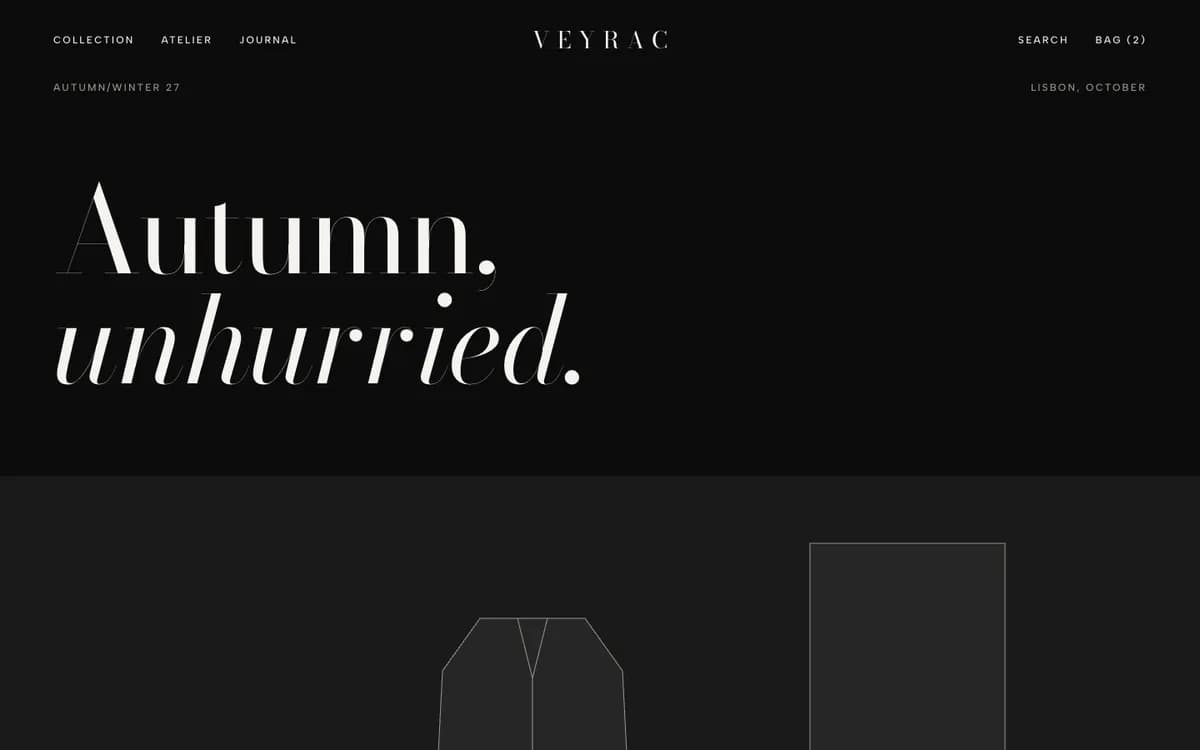 Pro
Fashion
Black ground, Didone headlines, editorial photography
Bodoni Moda / Albert SansPro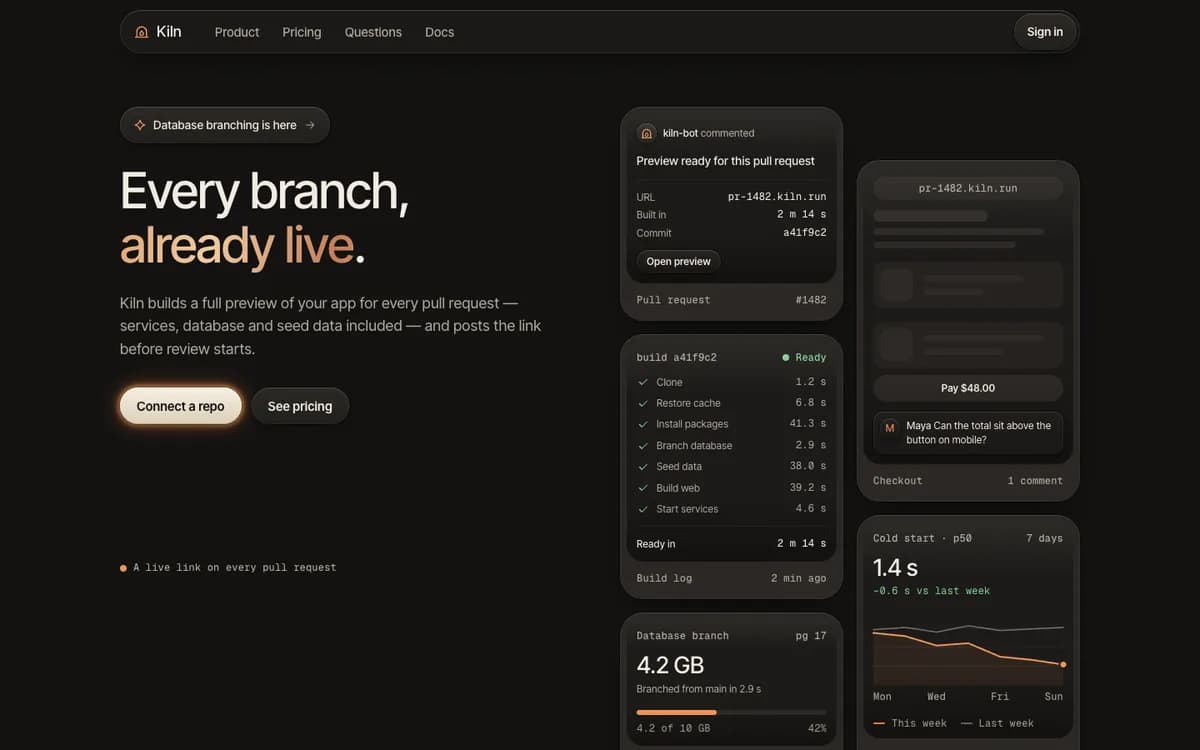 Pro
Liquid Metal
Bevelled metal, liquid glass and one ember of light
Inter TightPro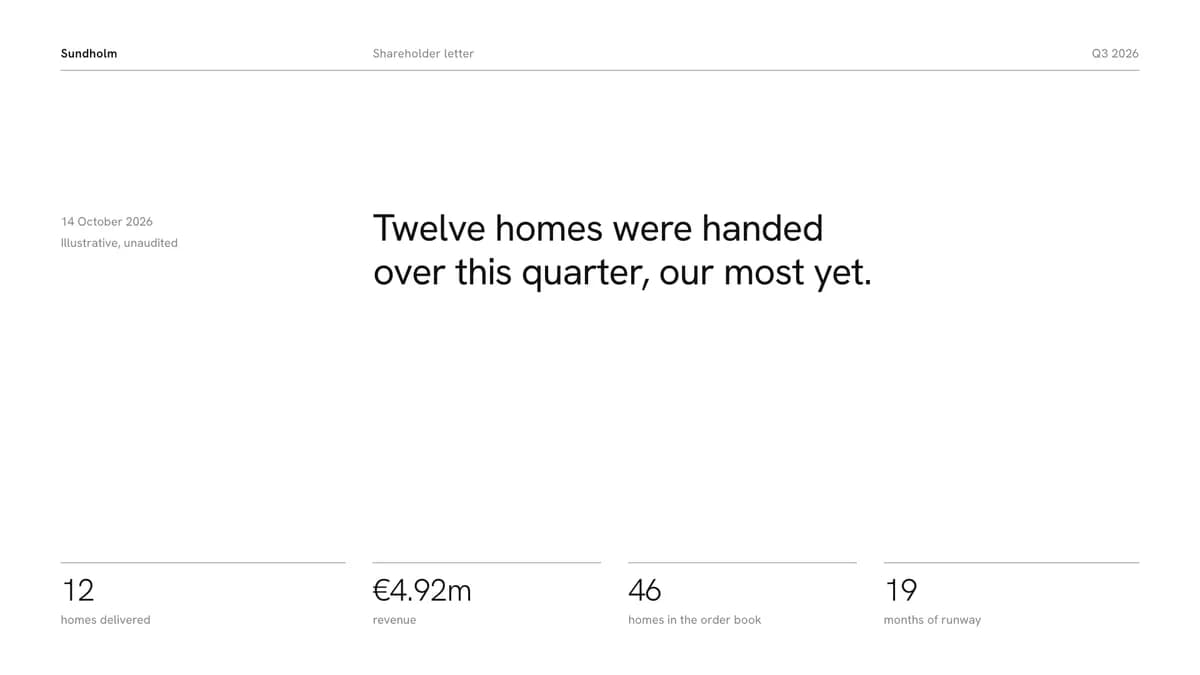 Pro
Hush Deck
One quiet sentence per slide
Hanken GroteskPro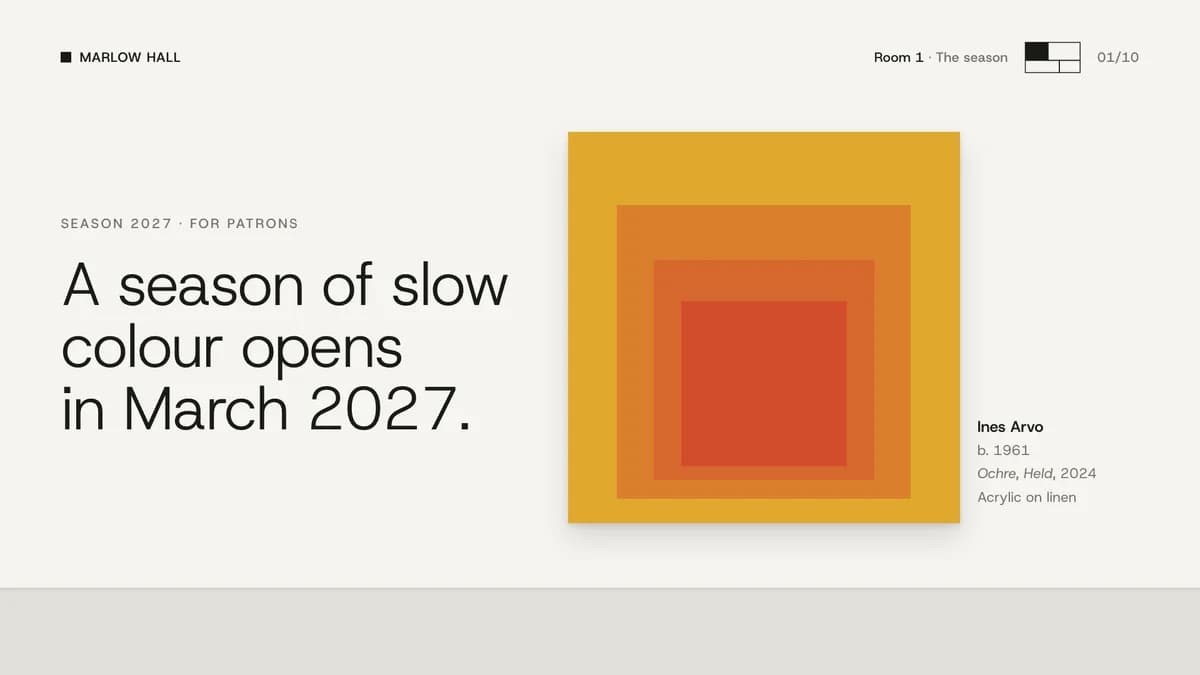 Pro
Gallery
Exhibition slides on white walls
Host GroteskPro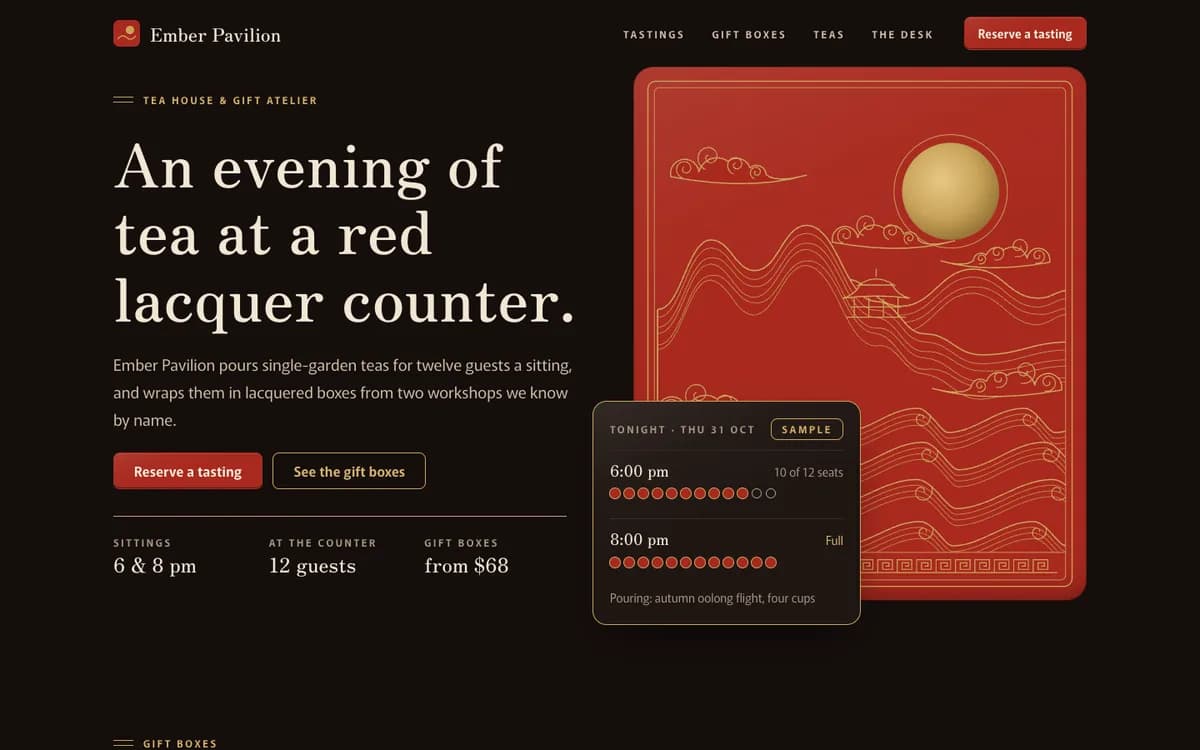 Pro
Lacquer
Black and cinnabar lacquer with fine gold line clouds, waves and a quiet Mincho serif
Zen Old Mincho / MurechoPro Pro
Arcana
A tarot film: cards deal and turn over, a gold celestial wheel turns at midnight
Aboreto / EB GaramondPro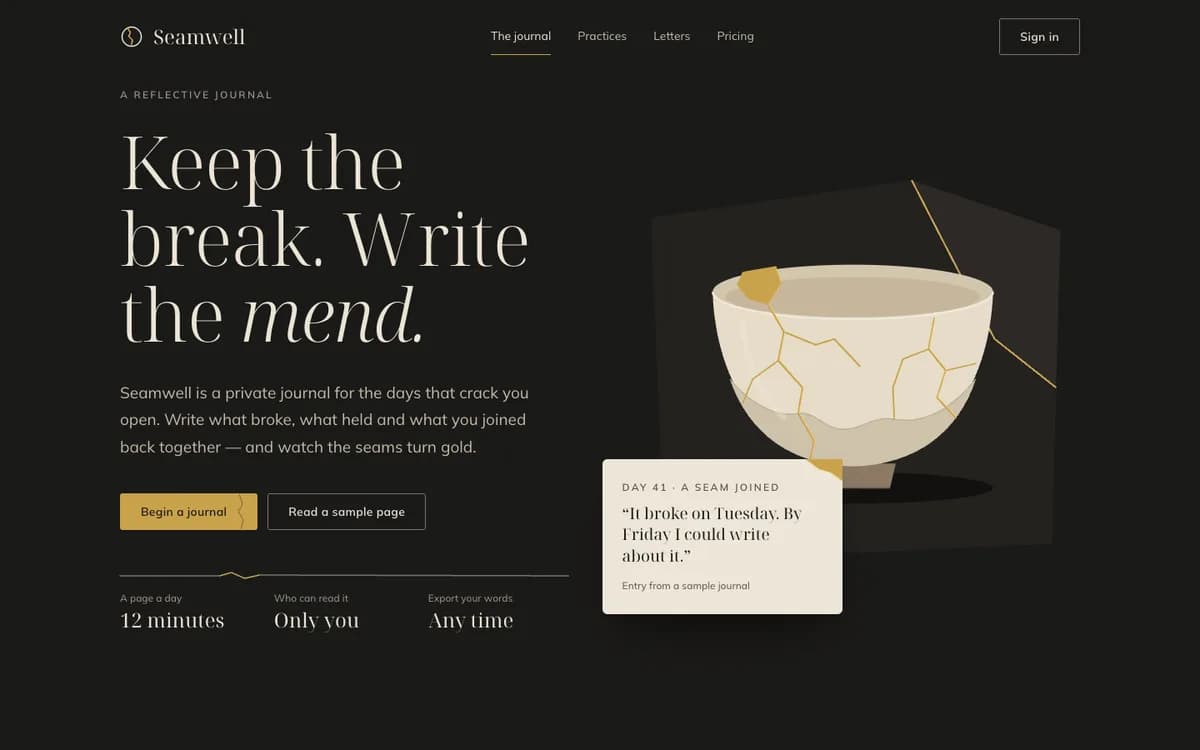 Pro
Kintsugi
Charcoal ceramic shards joined by gold seams, a quiet serif and generous space
Noto Serif Display / MulishPro
By use
What are you building?
How to install a taste- Landing pages380 tastesEditorial, Swiss, Brutalist…
- Web apps & dashboards227 tastesEditorial, Swiss, Terminal…
- Online stores169 tastesSoft Depth, Playful Pop, Quiet Luxury…
- Portfolios47 tastesEditorial, Brutalist, Quiet Luxury…
- Blogs & publications78 tastesEditorial, Swiss, Risograph…
- Docs & developer tools49 tastesBrutalist, Terminal, Midnight…
- Launch videos119 tastesGlow UI, Kinetic Type, Terminal…
- Social images & OG cards98 tastesSignal Card, Quote Card, Infographic…
- Pitch decks & slides88 tastesStatement, Sketchnote, Keynote Dark…
- All tastes441 tastesSearch by style, tone or keyword
Questions
Questions, answered.
- What is a taste skill?
- A folder your coding agent reads before it designs anything: a manifesto, design tokens, component and layout rules, motion, and do/don’t examples. Install it once and every page or screen the agent builds follows that identity instead of framework defaults.
- Which agents does it work with?
- Claude Code, Cursor, Codex, Gemini CLI and any agent that reads Agent Skills (a SKILL.md folder). The install guide covers each one.
- Does it work with my framework?
- Yes. Tokens ship as CSS variables, Tailwind v3 and v4 config and neutral JSON, and the rules are written for plain HTML/CSS, so React, Next.js, Vue, Svelte or static sites all work.
- How do I know it actually works?
- A taste goes on sale only after it passes Taste QA twice: a fresh agent builds the same standard brief with the skill installed, and the result is graded against a written checklist. The before/after on each skill page comes from a run of that brief.