Tastes
Taste skills for AI coding agents.
A taste skill is a complete visual identity — tokens, components, layouts and motion — that your coding agent applies to every screen it builds. Not a style guide it may ignore, not one template it copies: a point of view it can hold across a whole product.
8 of 441 tastes · Social images & OG cards · Technical & digital
In the studio · 8
Packaged. Covers are each package’s own exemplar page; a taste lists once it passes Taste QA twice.
 Pro
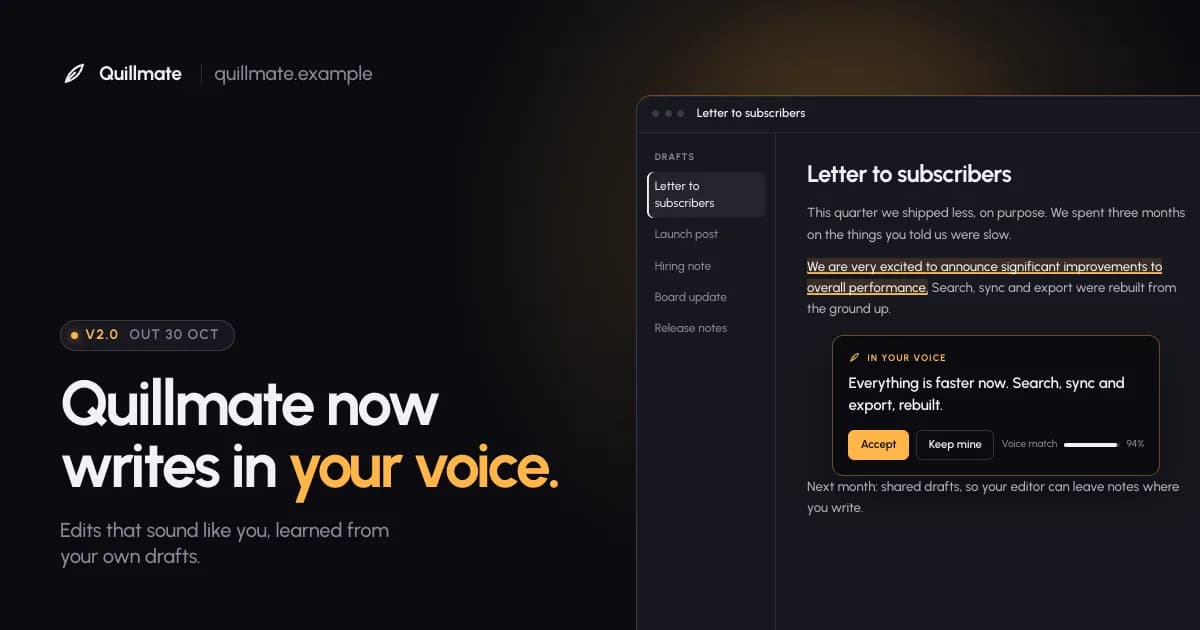
Launch Card
Product crops under one amber light
UrbanistPro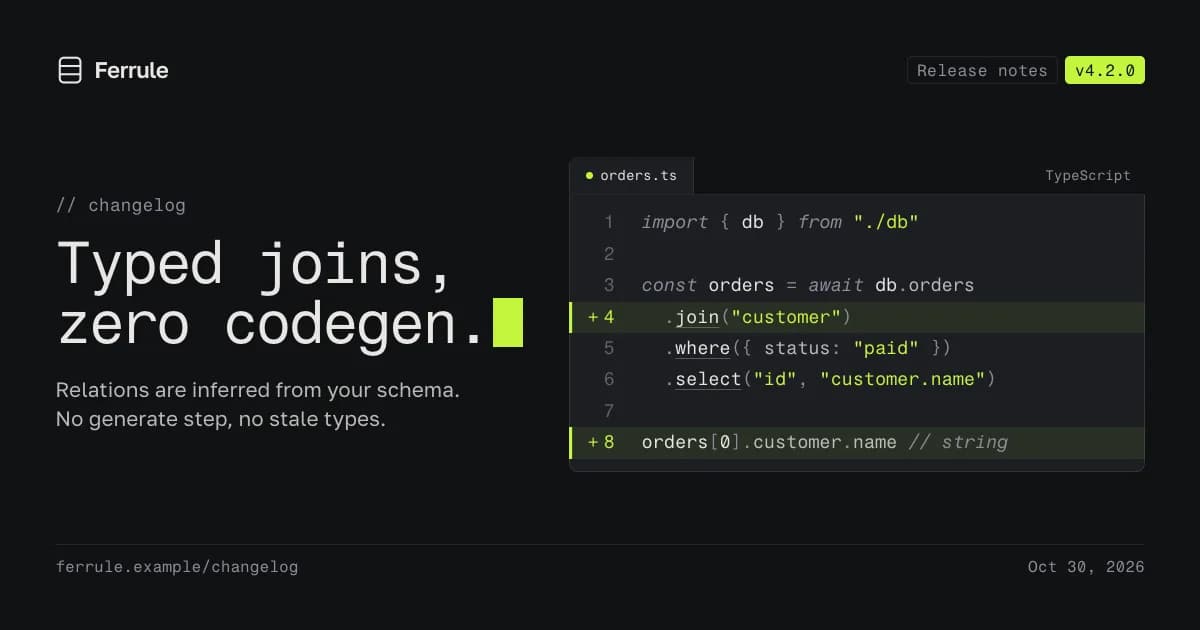 Pro
Code Card
Real code, one lime line
Fragment Mono / Golos TextPro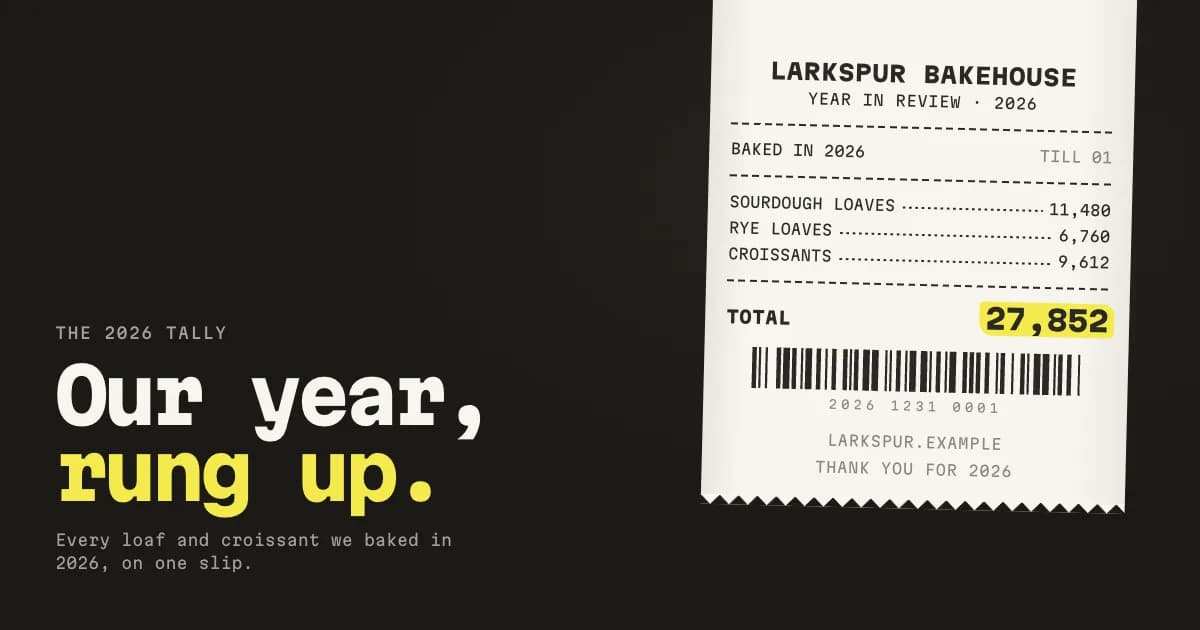 Pro
Receipt
Your numbers on a thermal slip
Martian MonoPro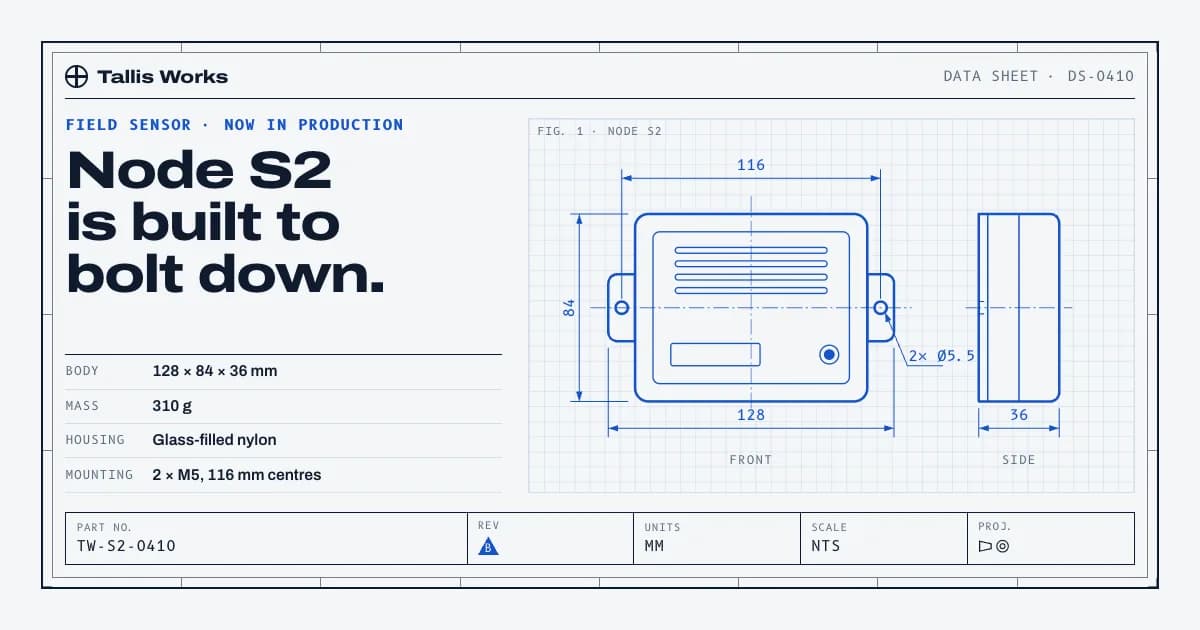 Pro
Spec Sheet
Technical data-sheet cards
ArchivoPro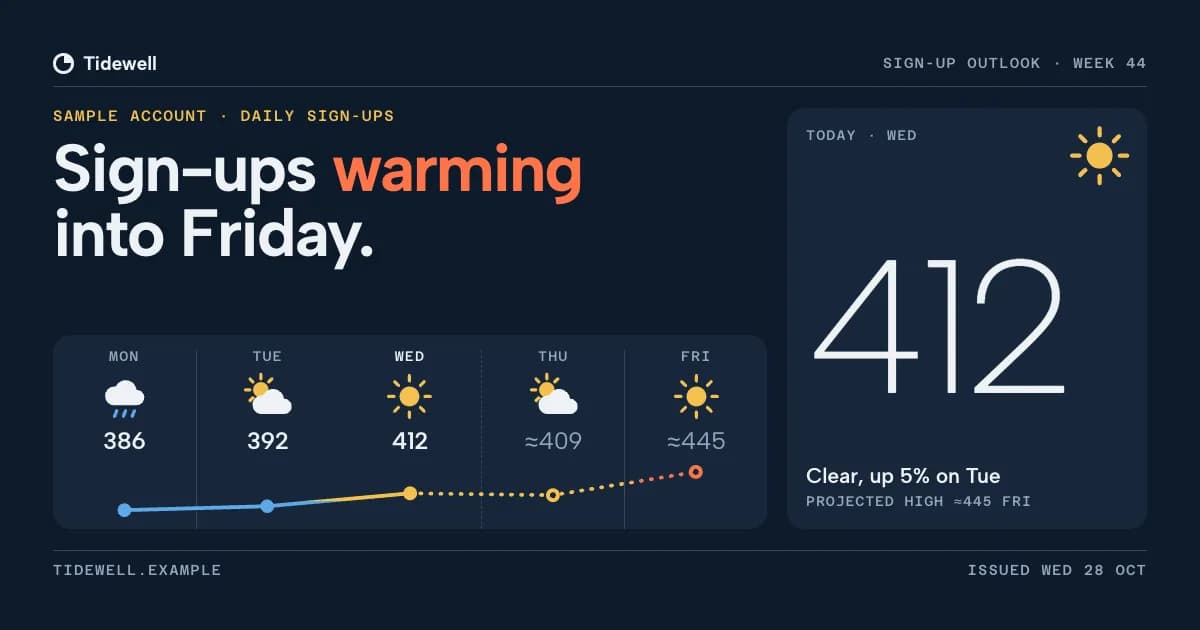 Pro
Forecast Card
Metrics as a weather forecast
Albert SansPro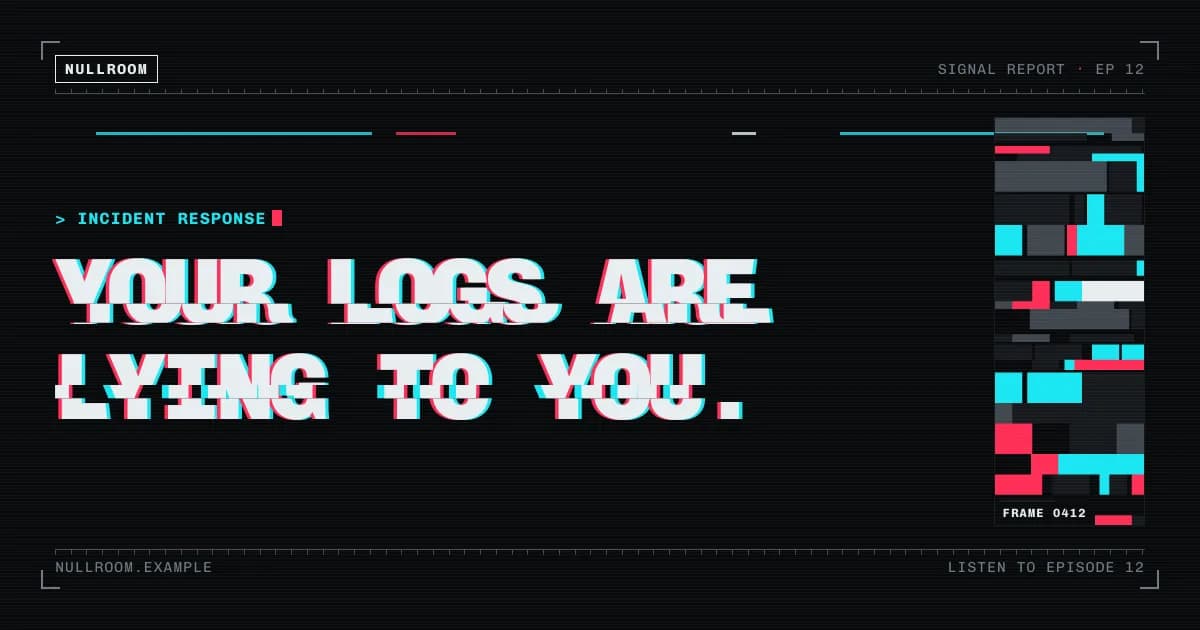 Pro
Glitch Card
Controlled RGB-split headlines, datamosh blocks and HUD rails on black
Chivo MonoPro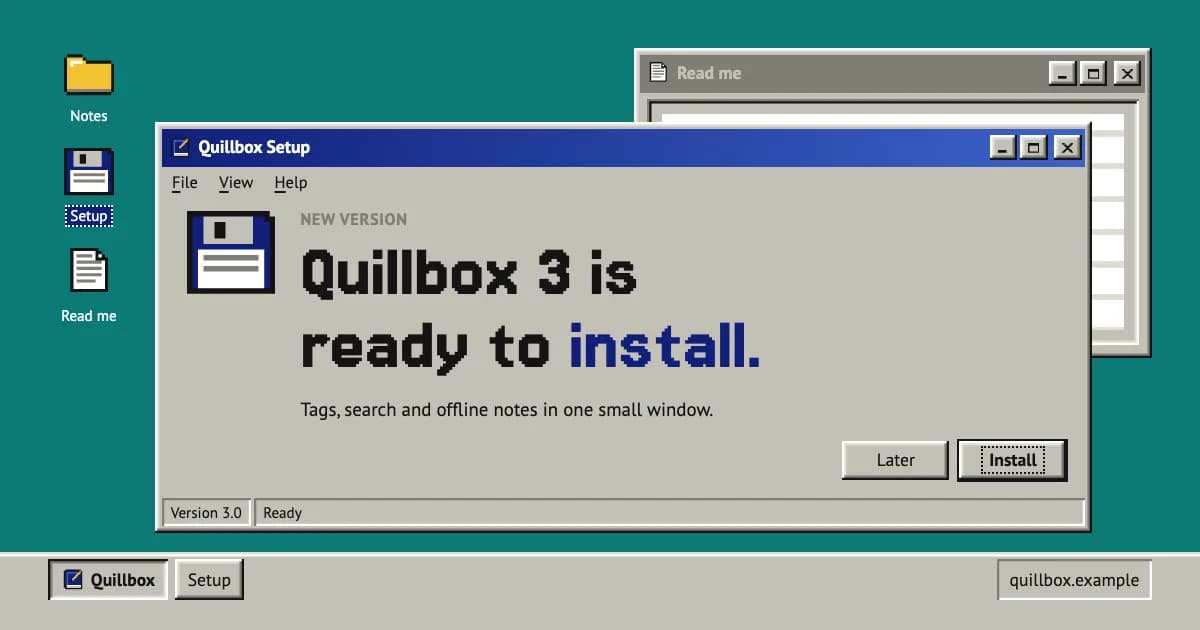 Pro
Retro OS Card
A bevelled 90s window on a teal desktop: navy title bar, dialog buttons, pixel icons
Jersey 15 / PT SansPro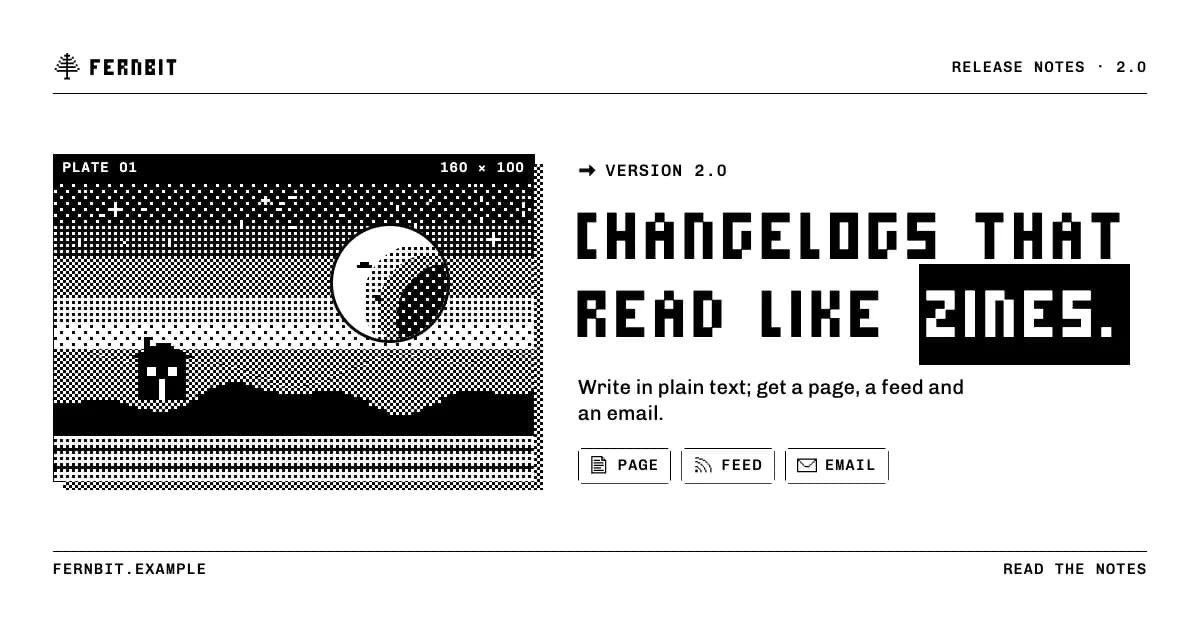 Pro
One Bit Card
Pure black and white: dithered tones, a bitmap display plate, 1px rules, pixel icons
Micro 5 / ChivoPro
By use
What are you building?
How to install a taste- Landing pages380 tastesEditorial, Swiss, Brutalist…
- Web apps & dashboards227 tastesEditorial, Swiss, Terminal…
- Online stores169 tastesSoft Depth, Playful Pop, Quiet Luxury…
- Portfolios47 tastesEditorial, Brutalist, Quiet Luxury…
- Blogs & publications78 tastesEditorial, Swiss, Risograph…
- Docs & developer tools49 tastesBrutalist, Terminal, Midnight…
- Launch videos119 tastesGlow UI, Kinetic Type, Terminal…
- Social images & OG cards98 tastesSignal Card, Quote Card, Infographic…
- Pitch decks & slides88 tastesStatement, Sketchnote, Keynote Dark…
- All tastes441 tastesSearch by style, tone or keyword
Questions
Questions, answered.
- What is a taste skill?
- A folder your coding agent reads before it designs anything: a manifesto, design tokens, component and layout rules, motion, and do/don’t examples. Install it once and every page or screen the agent builds follows that identity instead of framework defaults.
- Which agents does it work with?
- Claude Code, Cursor, Codex, Gemini CLI and any agent that reads Agent Skills (a SKILL.md folder). The install guide covers each one.
- Does it work with my framework?
- Yes. Tokens ship as CSS variables, Tailwind v3 and v4 config and neutral JSON, and the rules are written for plain HTML/CSS, so React, Next.js, Vue, Svelte or static sites all work.
- How do I know it actually works?
- A taste goes on sale only after it passes Taste QA twice: a fresh agent builds the same standard brief with the skill installed, and the result is graded against a written checklist. The before/after on each skill page comes from a run of that brief.