Tastes
Taste skills for AI coding agents.
A taste skill is a complete visual identity — tokens, components, layouts and motion — that your coding agent applies to every screen it builds. Not a style guide it may ignore, not one template it copies: a point of view it can hold across a whole product.
8 of 441 tastes · Pitch decks & slides · Technical & digital
In the studio · 8
Packaged. Covers are each package’s own exemplar page; a taste lists once it passes Taste QA twice.
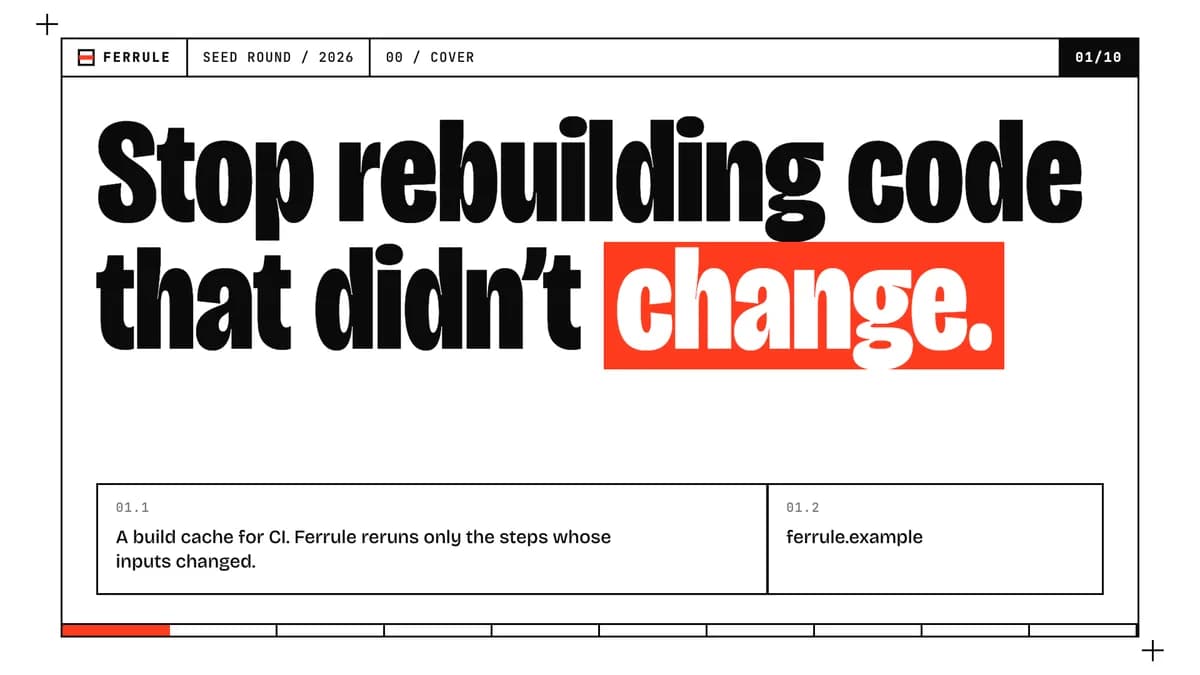 Pro
Raw
Exposed frames, heavy claims
Bricolage GrotesquePro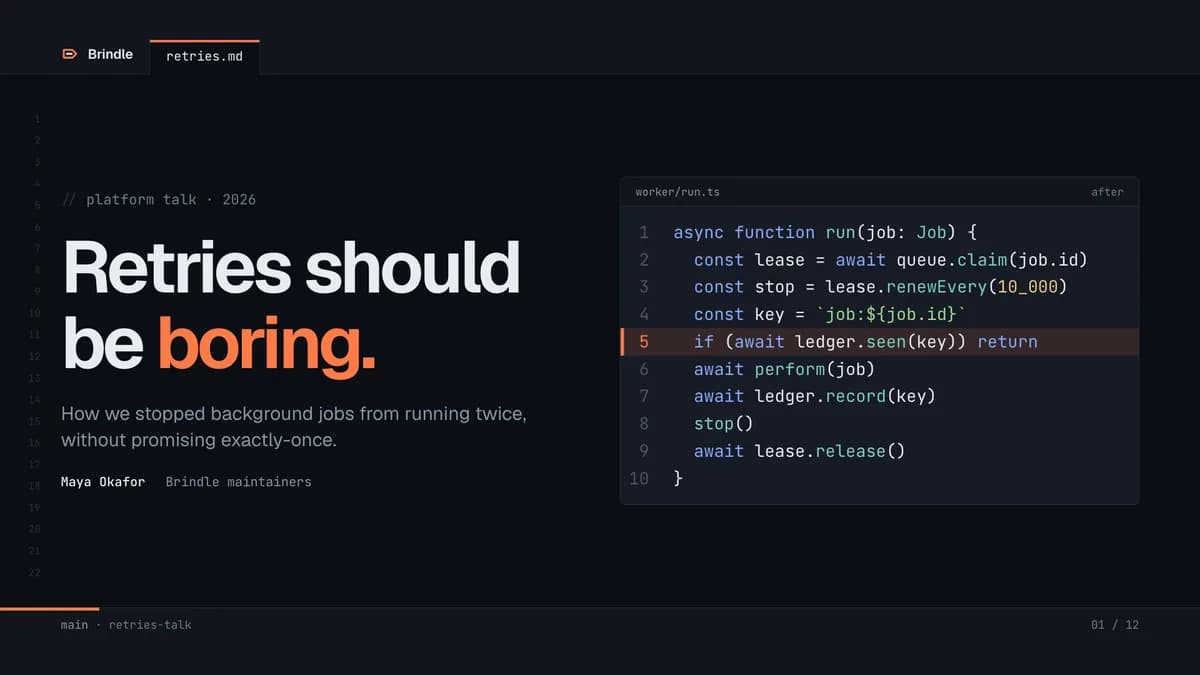 Pro
Dev Talk
Engineering talks inside the editor
GeistPro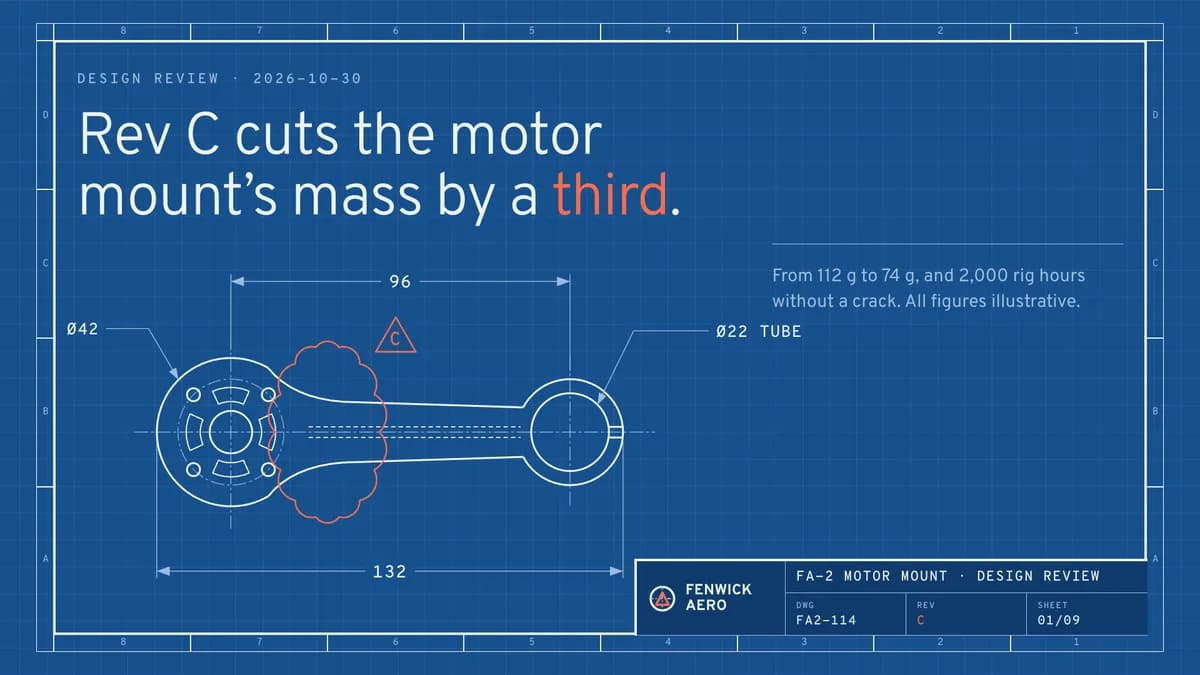 Pro
Blueprint Deck
Engineering drawings as slides
OverpassPro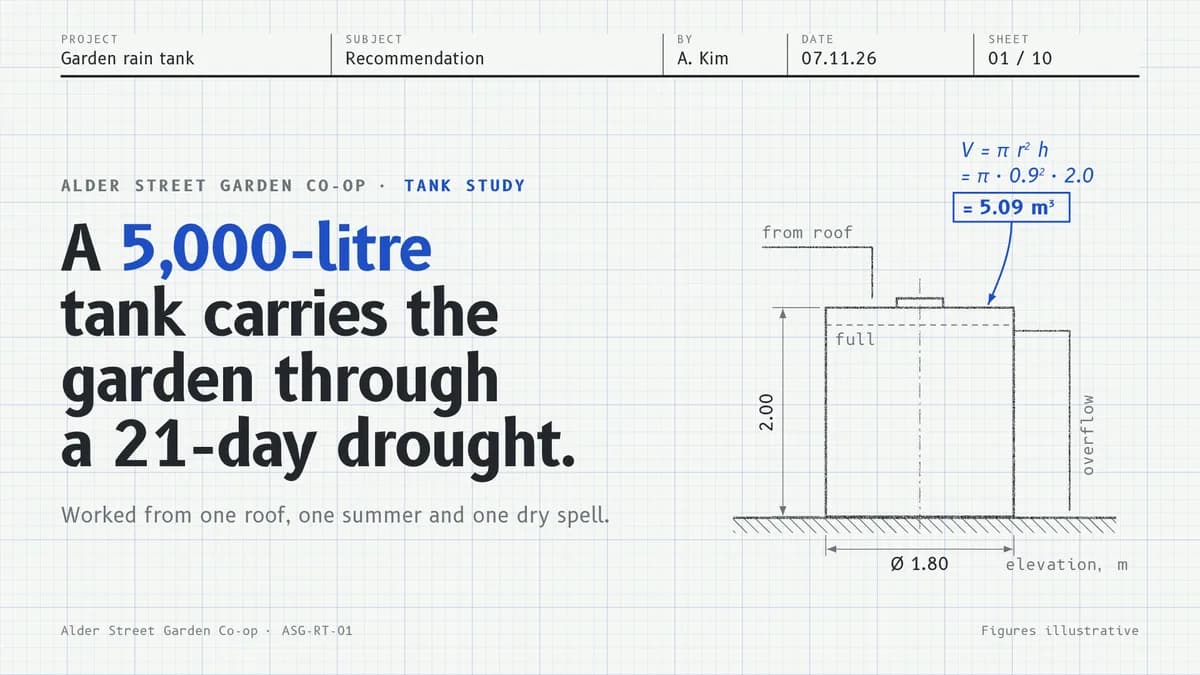 Pro
Graph Deck
Engineering-notebook slides on graph paper, working shown in blue ink
B612Pro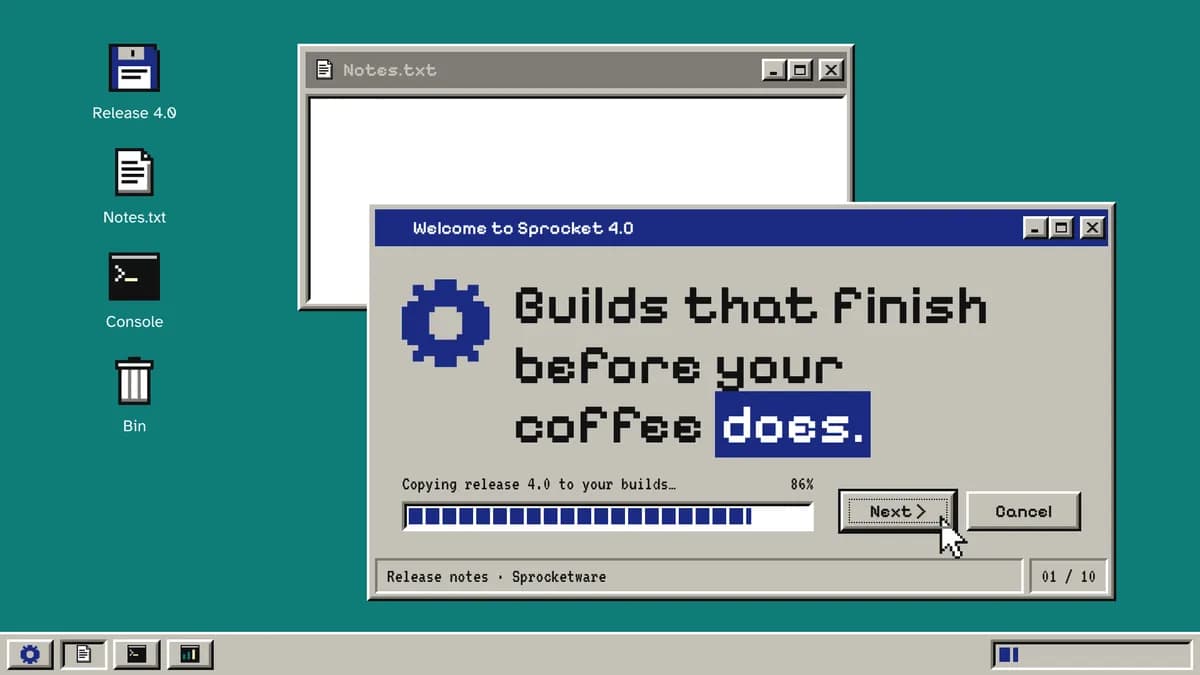 Pro
Retro OS Deck
Nineties-desktop slides with bevelled windows, dialog boxes and progress-bar metrics
Pixelify Sans / Atkinson HyperlegiblePro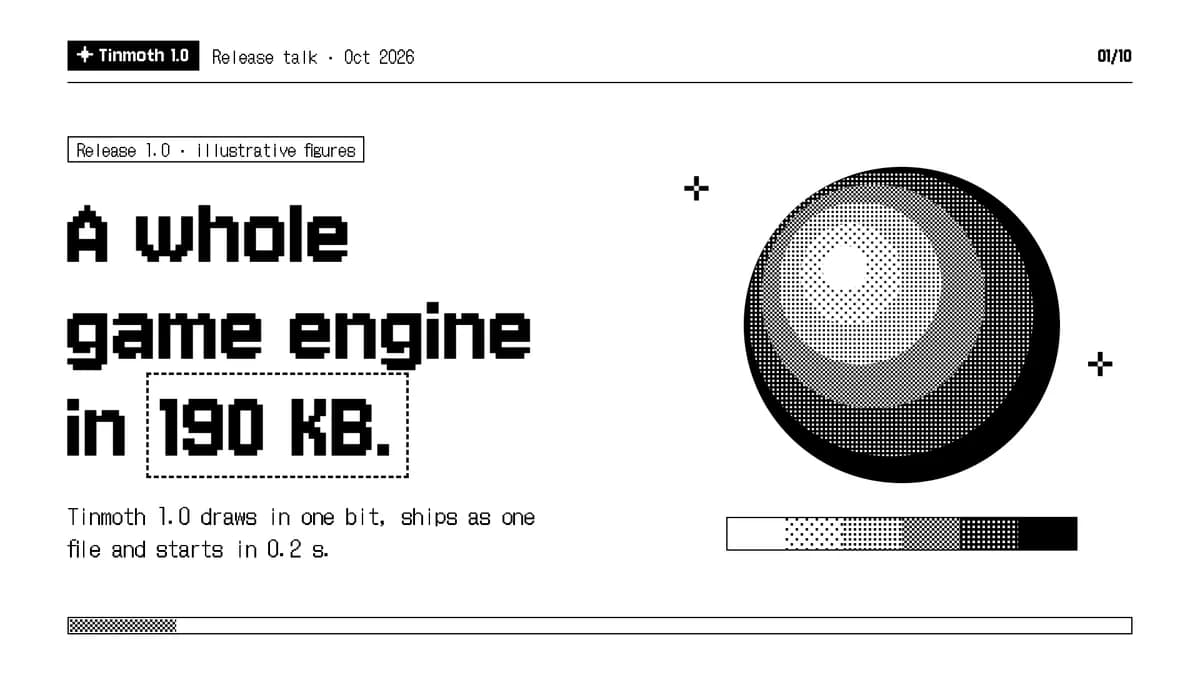 Pro
One Bit Deck
Pure 1-bit slides: black and white only, dithered charts, bitmap type and pixel icons
Jersey 10 / DotGothic16Pro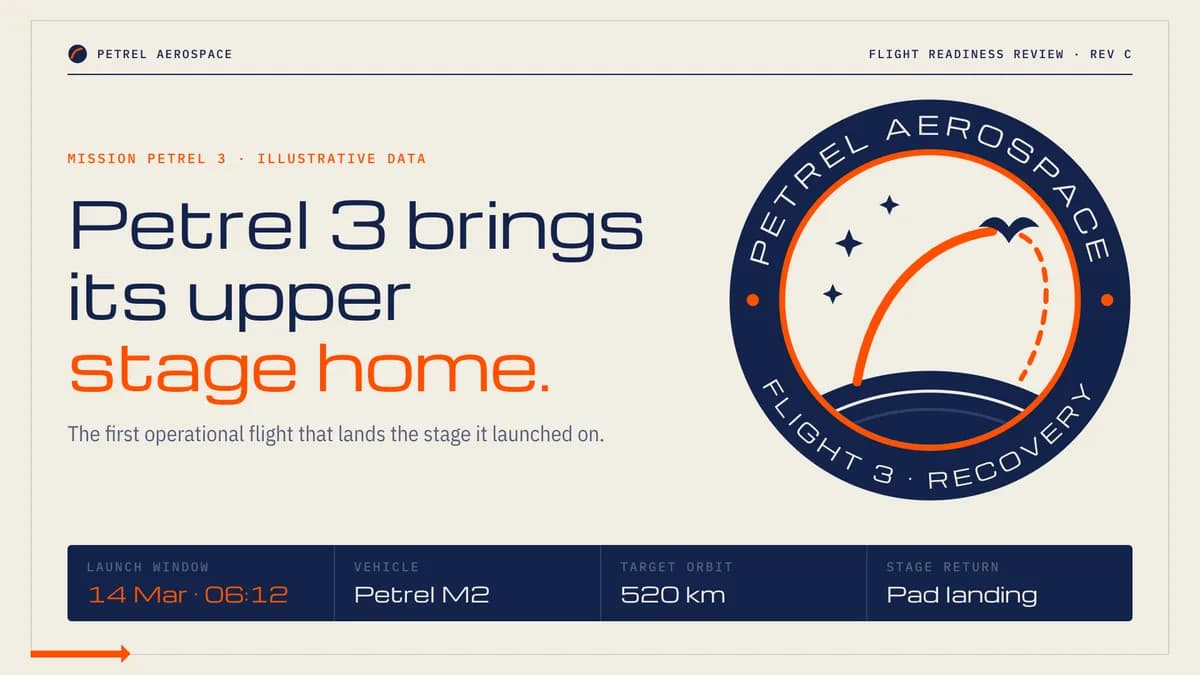 Pro
Mission Deck
Mission-control slides that count down from T−2 to the go you are asking for
Michroma / IBM Plex Sans CondensedPro Pro
Circuit Deck
PCB slides: solder-mask green, copper traces at 45° and designators for sections
OxaniumPro
By use
What are you building?
How to install a taste- Landing pages380 tastesEditorial, Swiss, Brutalist…
- Web apps & dashboards227 tastesEditorial, Swiss, Terminal…
- Online stores169 tastesSoft Depth, Playful Pop, Quiet Luxury…
- Portfolios47 tastesEditorial, Brutalist, Quiet Luxury…
- Blogs & publications78 tastesEditorial, Swiss, Risograph…
- Docs & developer tools49 tastesBrutalist, Terminal, Midnight…
- Launch videos119 tastesGlow UI, Kinetic Type, Terminal…
- Social images & OG cards98 tastesSignal Card, Quote Card, Infographic…
- Pitch decks & slides88 tastesStatement, Sketchnote, Keynote Dark…
- All tastes441 tastesSearch by style, tone or keyword
Questions
Questions, answered.
- What is a taste skill?
- A folder your coding agent reads before it designs anything: a manifesto, design tokens, component and layout rules, motion, and do/don’t examples. Install it once and every page or screen the agent builds follows that identity instead of framework defaults.
- Which agents does it work with?
- Claude Code, Cursor, Codex, Gemini CLI and any agent that reads Agent Skills (a SKILL.md folder). The install guide covers each one.
- Does it work with my framework?
- Yes. Tokens ship as CSS variables, Tailwind v3 and v4 config and neutral JSON, and the rules are written for plain HTML/CSS, so React, Next.js, Vue, Svelte or static sites all work.
- How do I know it actually works?
- A taste goes on sale only after it passes Taste QA twice: a fresh agent builds the same standard brief with the skill installed, and the result is graded against a written checklist. The before/after on each skill page comes from a run of that brief.