Moves
One beat, ready to cut.
A move is one beat of a film — the job a clip does, such as a hook, a reveal or a proof point — that your agent drops into any launch video: 220 of them in 11 sets, all included with Pro. Every move ships in the set’s house style — and wears any video taste you own.
15 of 220 moves · Close · End Cards
End Cards · 15
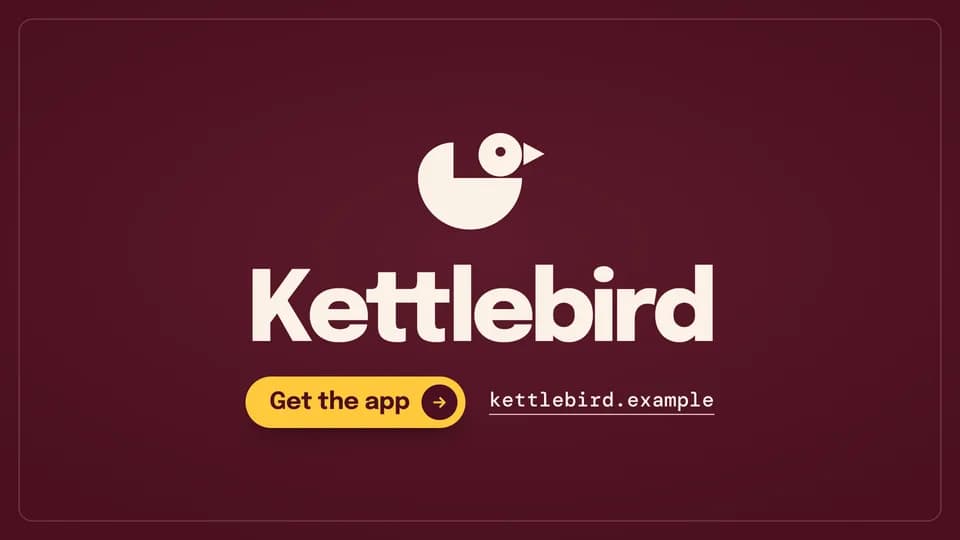 Close · sign-off4.8 s
Mark assembly
Four shapes fly in and lock into the brand mark, then the name reveals beneath it with the call to action and the URL.
--move mark-assemble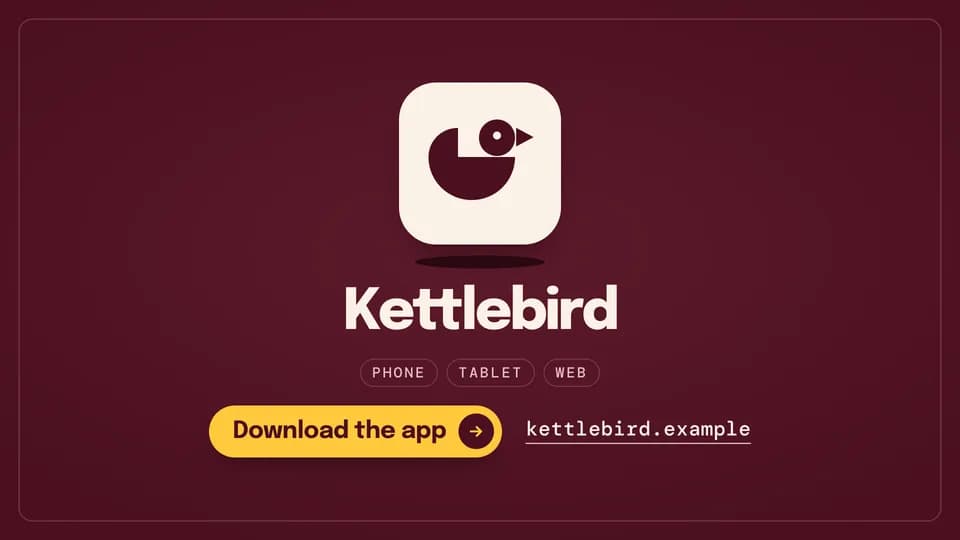 Close · download5 s
Icon bounce
The app icon drops onto its shadow and hops twice to rest; the name, three platform words and the call to action follow.
--move icon-bounce Close · launch4.8 s
Available-now stamp
The name sets large, then a rubber stamp reading “Available now” thumps down beside it at a tilt.
--move stamp-now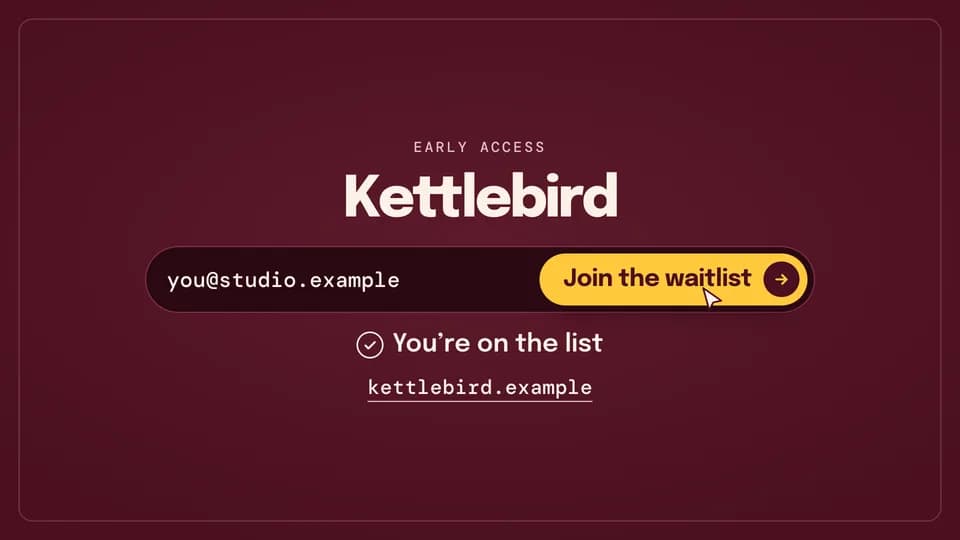 Close · sign-up5.6 s
Waitlist fill
An email types into a waitlist field, the cursor presses Join and the button lights; a “you’re on the list” line confirms.
--move waitlist-fill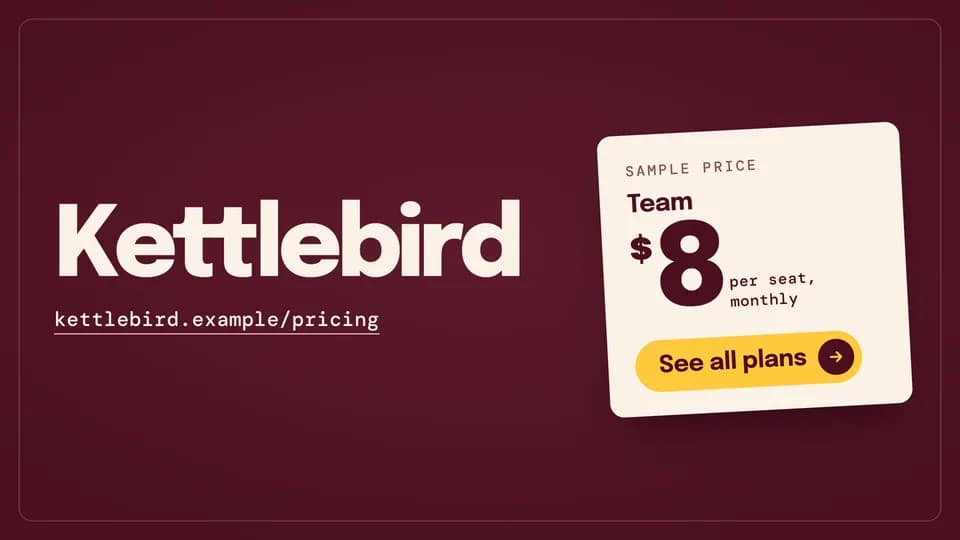 Close · offer5.2 s
Price card
A sheet price card drops in from above and settles at a slight tilt beside the name, its call to action on the card.
--move price-card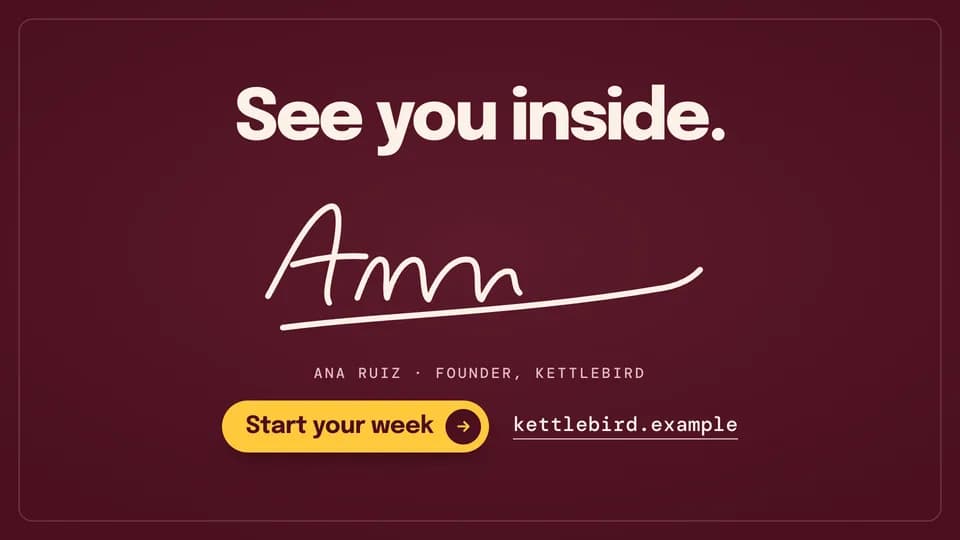 Close · founder sign-off5.4 s
Signature
A short thank-you line, then a founder’s signature writes itself across the card and the call to action follows.
--move signature Close · sign-off5 s
Wordmark write
The brand name writes itself letter by letter as one monoline stroke, then the line, call to action and URL settle under it.
--move wordmark-write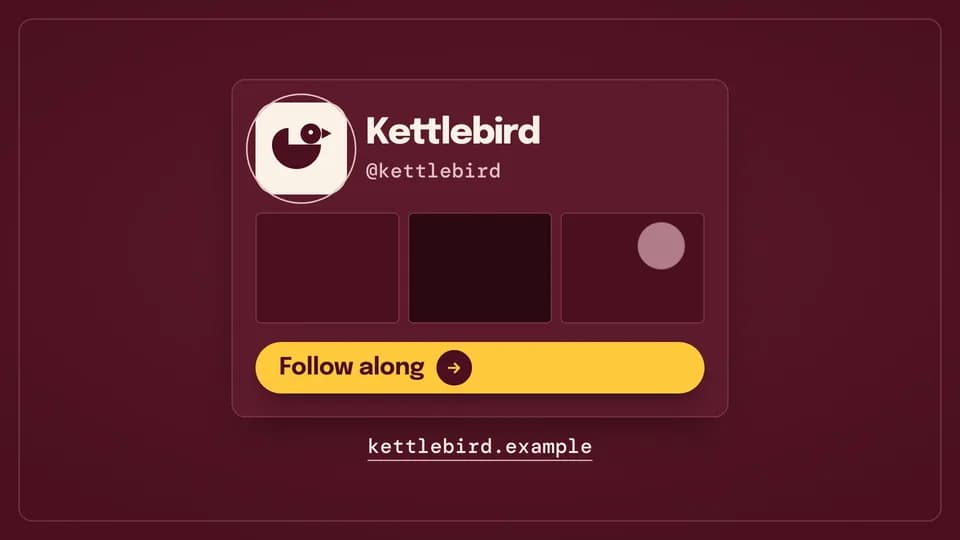 Close · follow5 s
Follow card
A profile card rises, a ring draws round the avatar and the invented handle types itself out above a follow call to action.
--move handle-card Close · credits6 s
Credit roll
Three “made with” credits roll up through the frame like film credits, then the name, call to action and URL rise and hold.
--move credit-roll Close · pre-launch5 s
Countdown
A dial drains as the days count down from 30 to 7, and the launch date, name and a save-the-date call to action land beside it.
--move countdown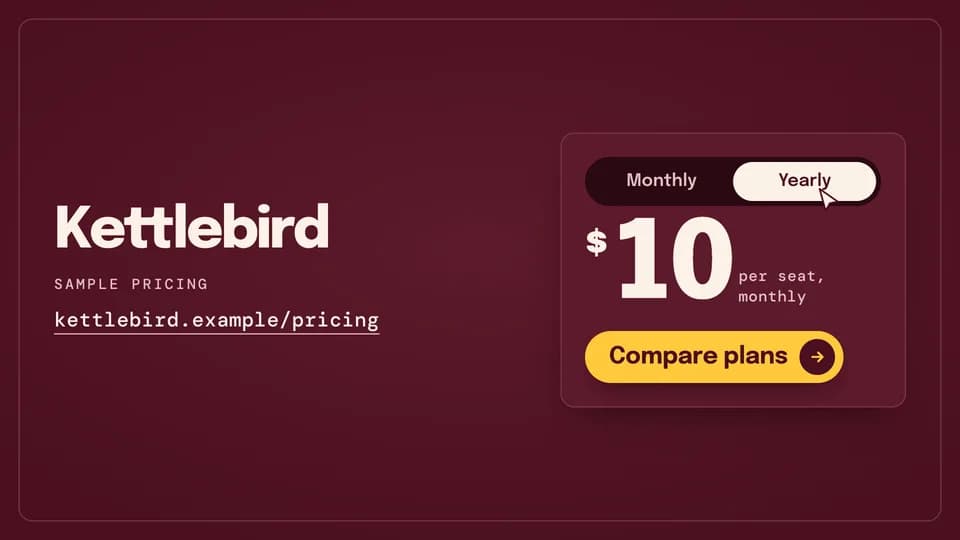 Close · offer5.2 s
Pricing toggle
The cursor flips a monthly/yearly toggle, the knob slides, and the sample price ticks down before the compare-plans call to action.
--move pricing-toggle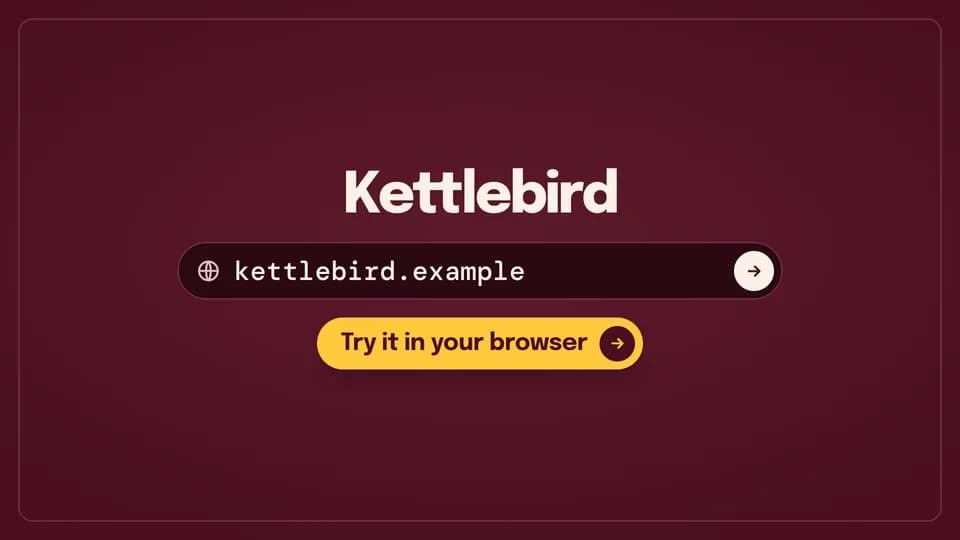 Close · visit5.2 s
Address bar
The URL types itself into an address bar, the go key is pressed, and the call to action rises underneath.
--move url-type Close · sign-off4.8 s
Lockup split
The mark lands alone at centre, then slides aside as the name opens out beside it into a lockup over a hairline rule.
--move lockup-split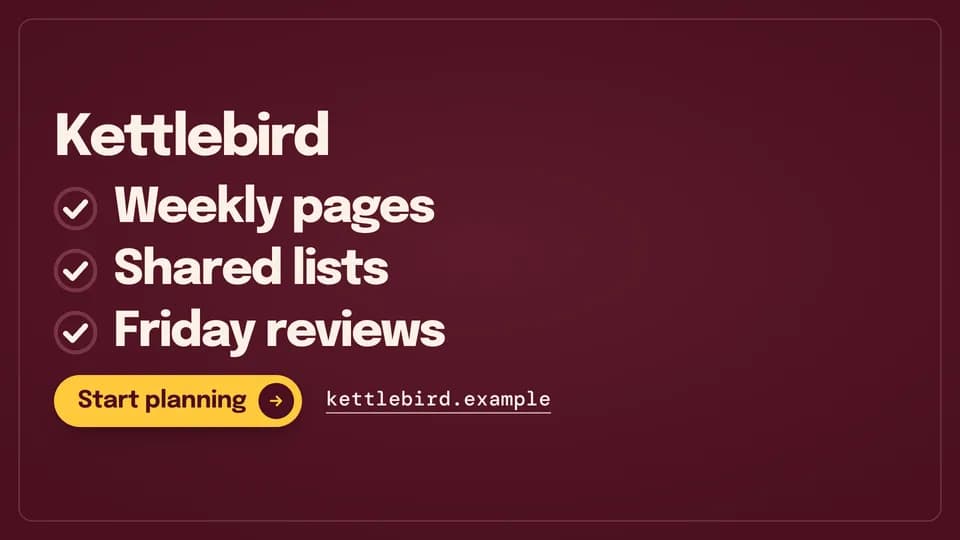 Close · recap5.2 s
Recap ticks
Three short benefits tick off one by one under the name, each check drawing itself, then the call to action lands.
--move recap-ticks Close · sign-off5 s
Card flip
A calling card shows the mark on its face, then flips over to the name, the call to action and the URL on its back.
--move card-flip
How moves work
A move is a film with one scene.
Pick a move.
Each one is a single beat — an opener, a reveal, a stat, an end card — as one scene, 3 to 8 seconds, in 16:9, 1:1 and 9:16.
Start a film from it.
Your agent runs new.mjs with --move and the move’s slug, then edits words and figures. Check, QA and render work as for any film.
Wear any taste.
wear.md maps a Taste Stack video taste’s palette and type onto the move, so one beat comes in every style in the catalog.