Moves
One beat, ready to cut.
A move is one beat of a film — the job a clip does, such as a hook, a reveal or a proof point — that your agent drops into any launch video: 220 of them in 11 sets, all included with Pro. Every move ships in the set’s house style — and wears any video taste you own.
220 of 220 moves
Launch Openers · 20
 Hook4.2 s
Word punch
Three short pain phrases cut in one after another at full size, then the stage snaps to ink for the promise.
--move word-punch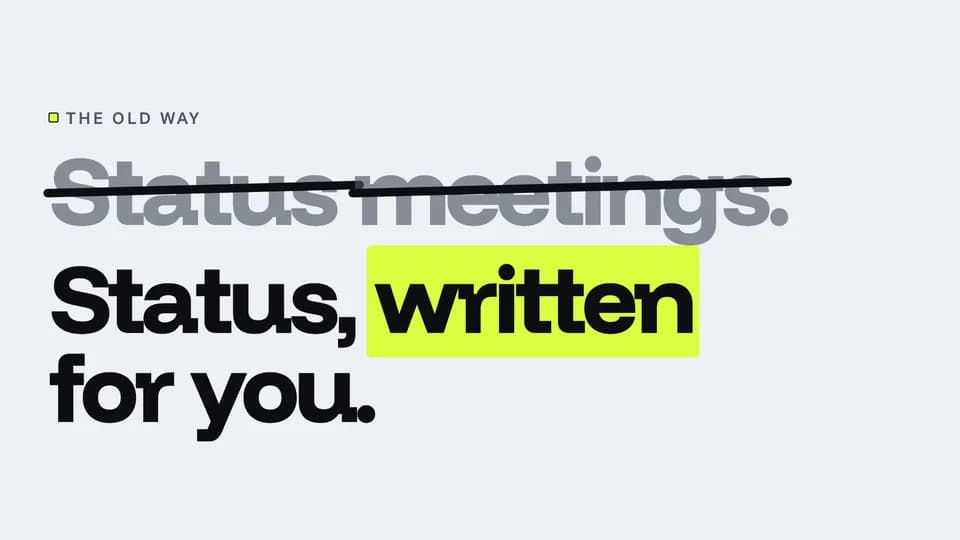 Hook4.8 s
Strike and swap
The old way sits in soft ink, an ink rule strikes it out, and the new way rises beneath it with one highlighted word.
--move strike-swap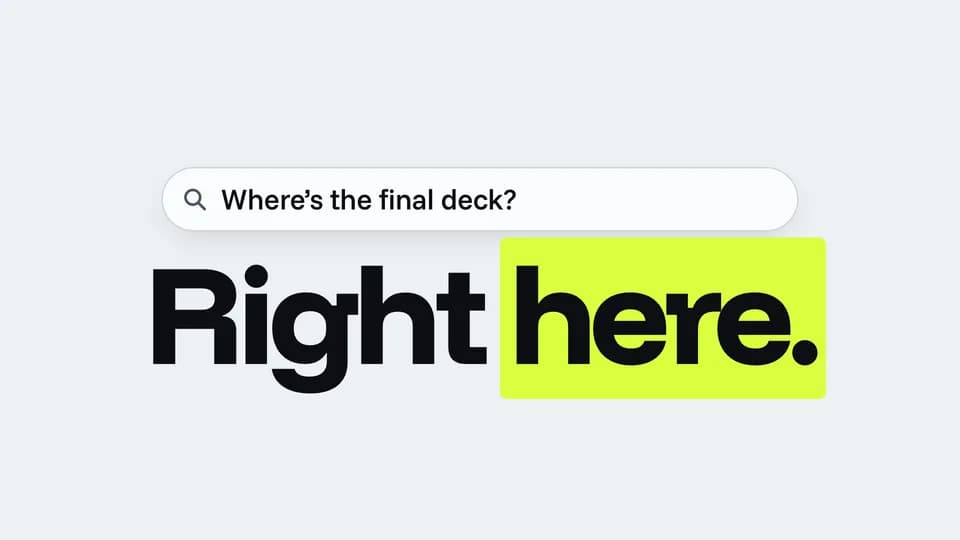 Hook5.2 s
Ask and answer
A question types itself into a search bar, holds a beat, and a two-word answer slams in underneath.
--move ask-answer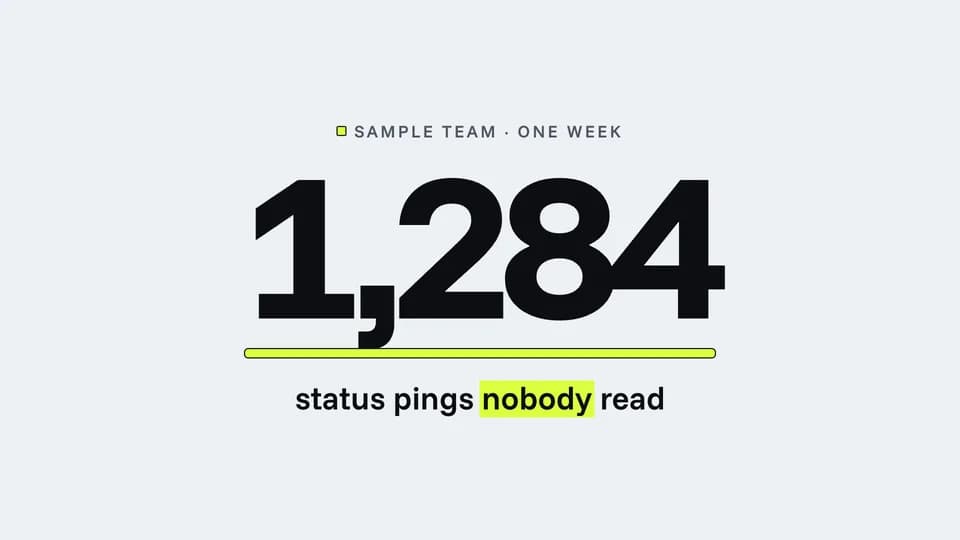 Hook · hook · proof4.6 s
Counter race
A huge number races up and lands on a surprising sample figure while a highlighter rule grows under it.
--move counter-race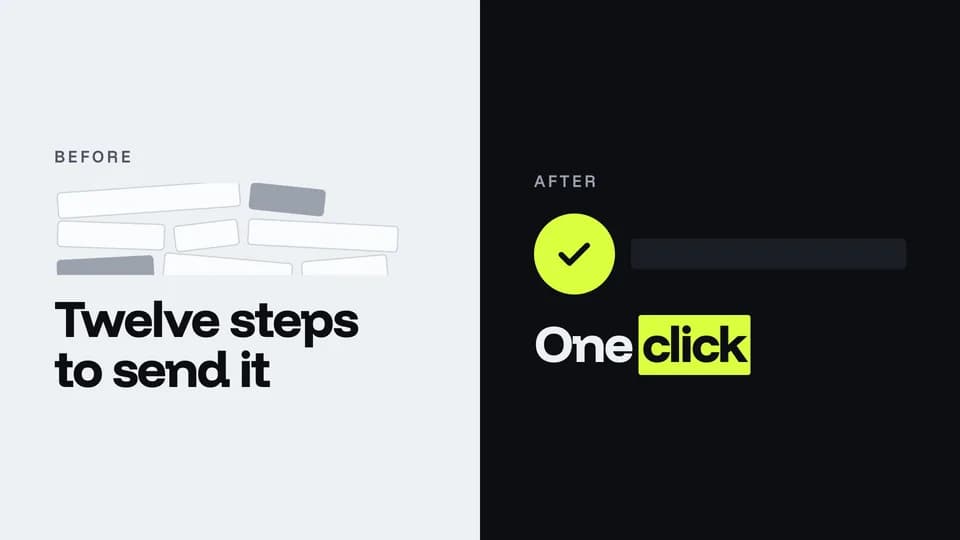 Hook · hook · contrast5.6 s
Before / after
A cluttered paper half and a clean ink half split the frame; the after side wipes in with one highlighted check.
--move before-after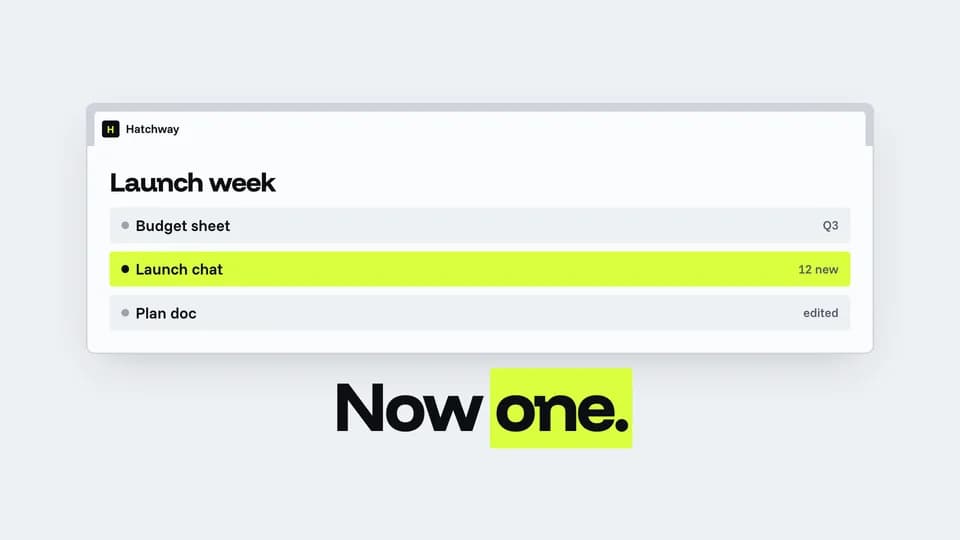 Hook · hook · reveal5.8 s
Tab collapse
Browser tabs pile up across the strip, then fold away until one tab, the product, stretches across the window.
--move tab-collapse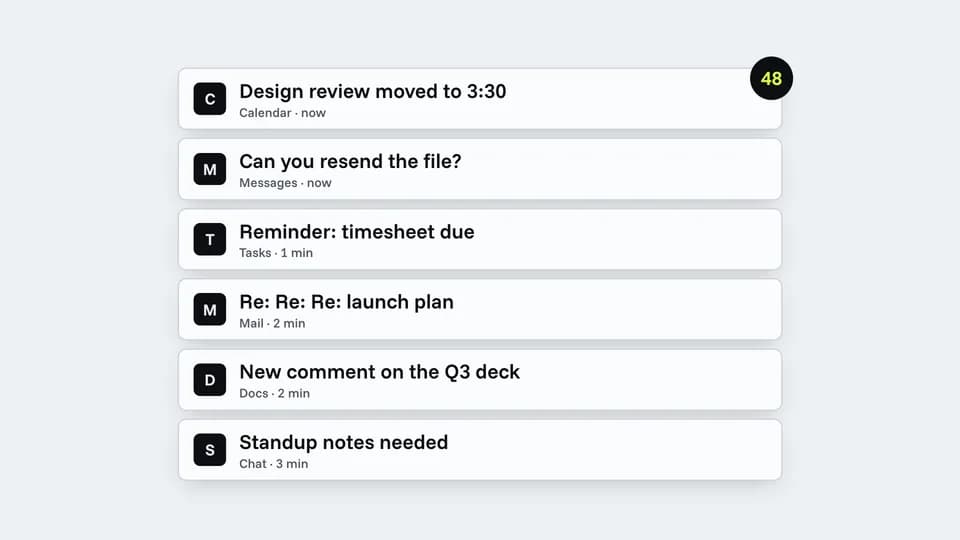 Hook · hook · pain5.8 s
Ping storm
Notification cards stack up fast with a climbing badge, then all sink away and one calm line is left.
--move ping-storm Hook · hook · payoff3.2 s
One-word slam
One giant word slams onto an ink stage and the highlighter sweeps under it; a small line sets the scene.
--move one-word-slam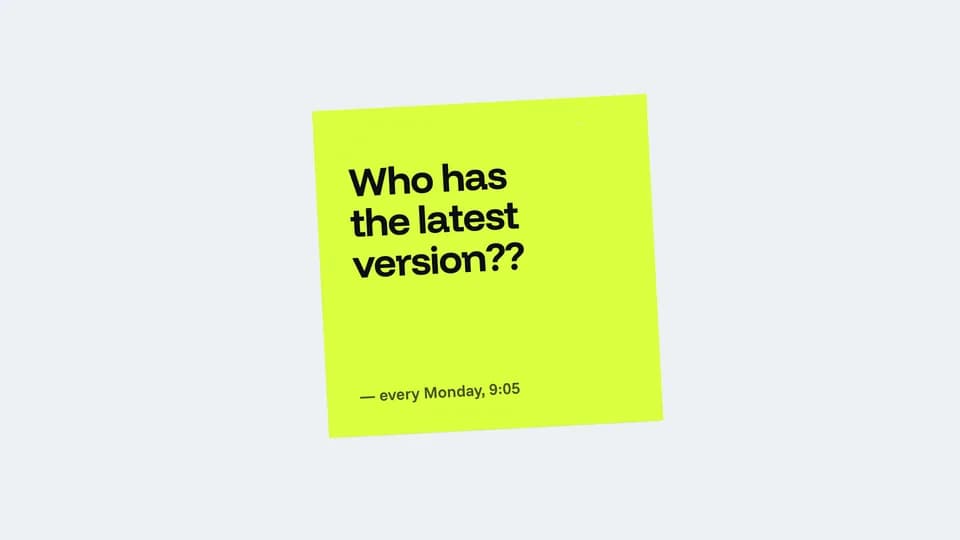 Hook · hook · pain to promise5.4 s
Sticky tear
A highlighter-yellow sticky note with a familiar complaint is torn off the board, revealing the promise behind it.
--move note-tear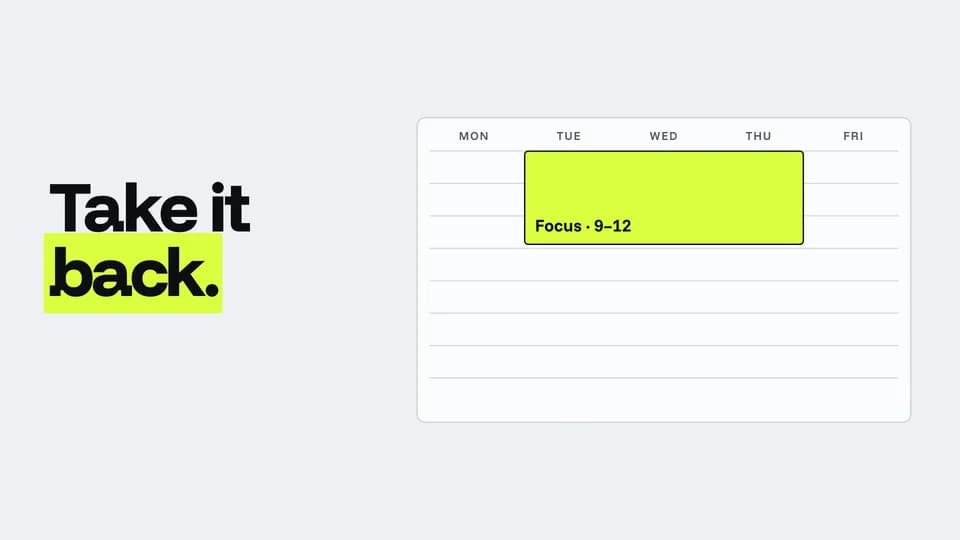 Hook · hook · pain to promise5.8 s
Calendar flood
A week fills block by block with meetings, empties at once, and one highlighted focus block takes the morning.
--move calendar-flood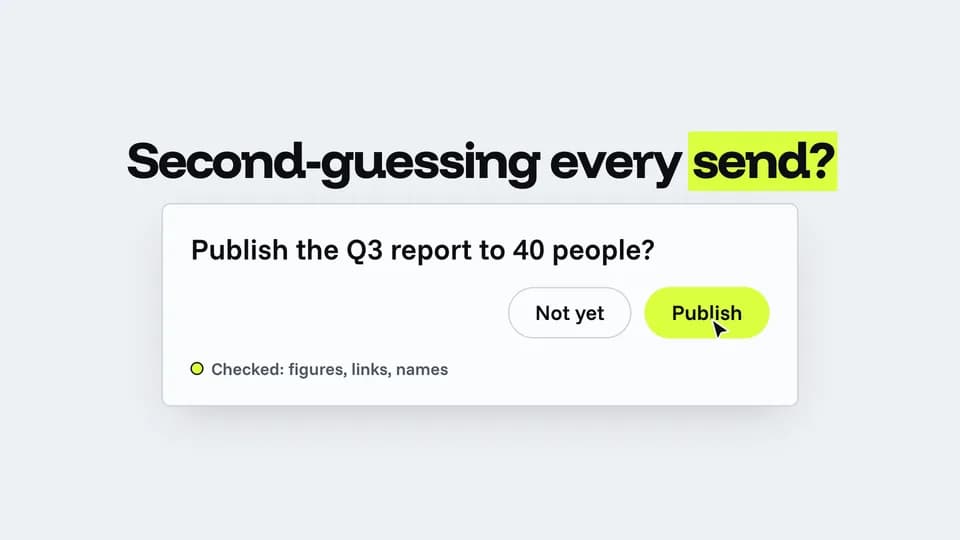 Hook · hook · demo5.6 s
Cursor doubt
A cursor hovers over Publish, drifts back to Not yet, returns and clicks; the button lights and the check lands.
--move cursor-doubt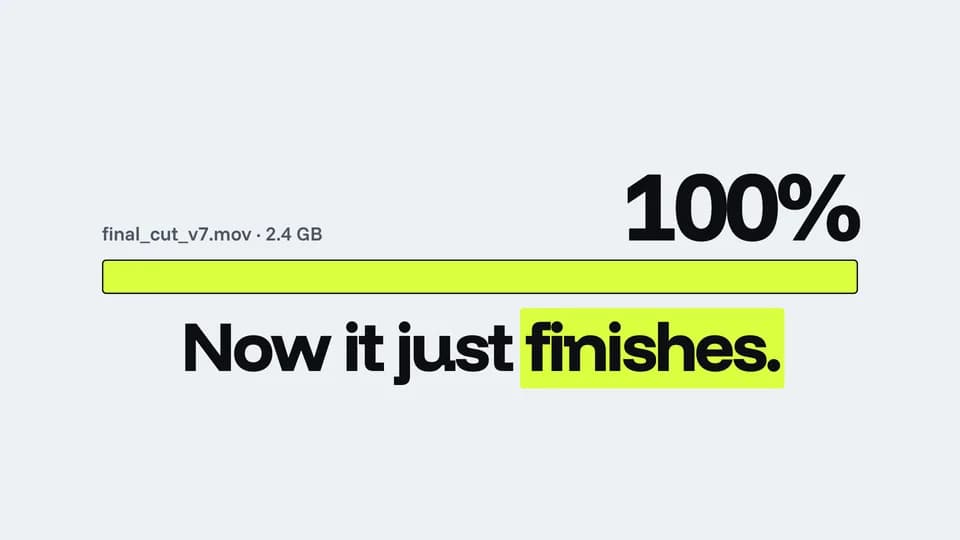 Hook · hook · pain to promise5.4 s
Stuck bar
An upload bar races to 99% and hangs, then snaps to a full highlighter bar as the promise rises.
--move stuck-bar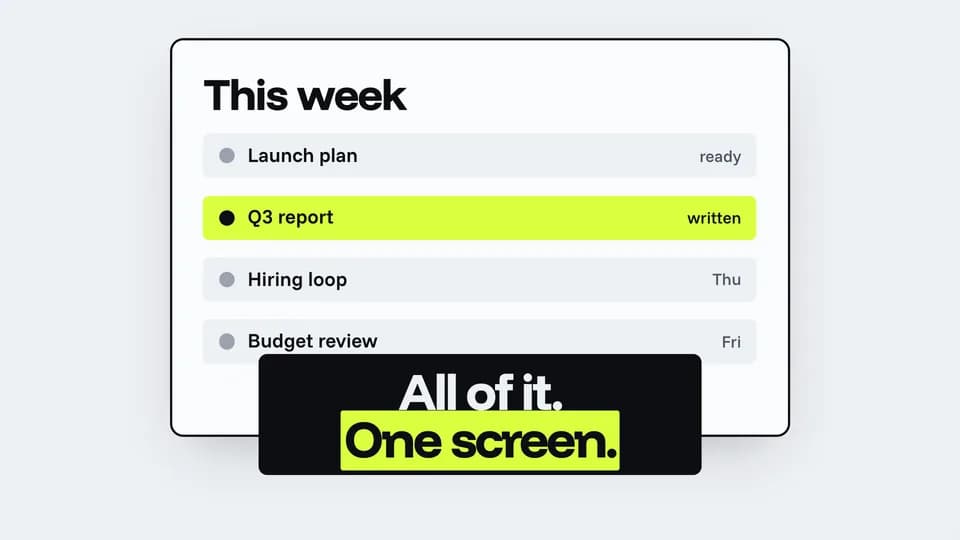 Hook · hook · reveal5.6 s
Desk zoom
A messy desk of scattered papers zooms into the one clean screen in the middle, and a caption names it.
--move desk-zoom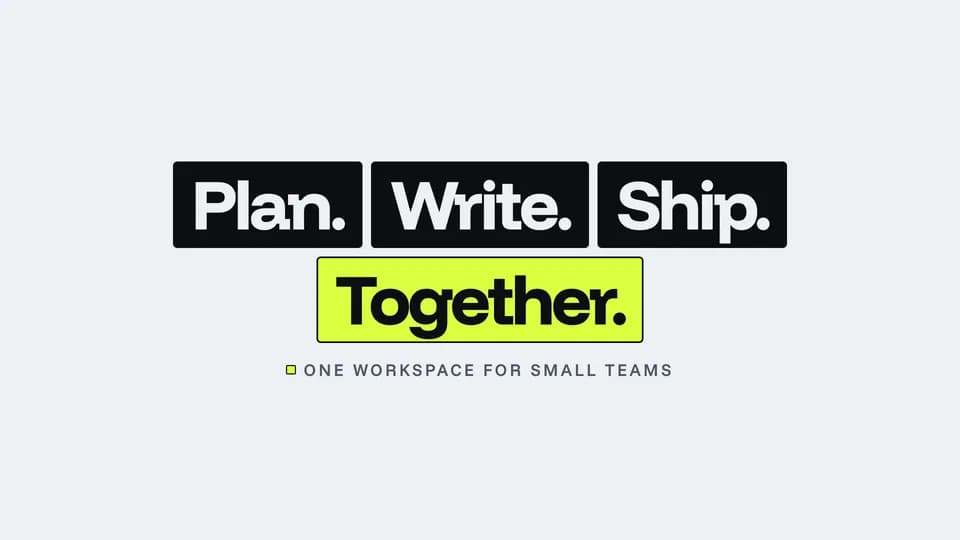 Hook · hook · promise4.6 s
Tile lock
Word tiles fly in from scattered angles and lock into one headline, the last tile in highlighter.
--move tile-lock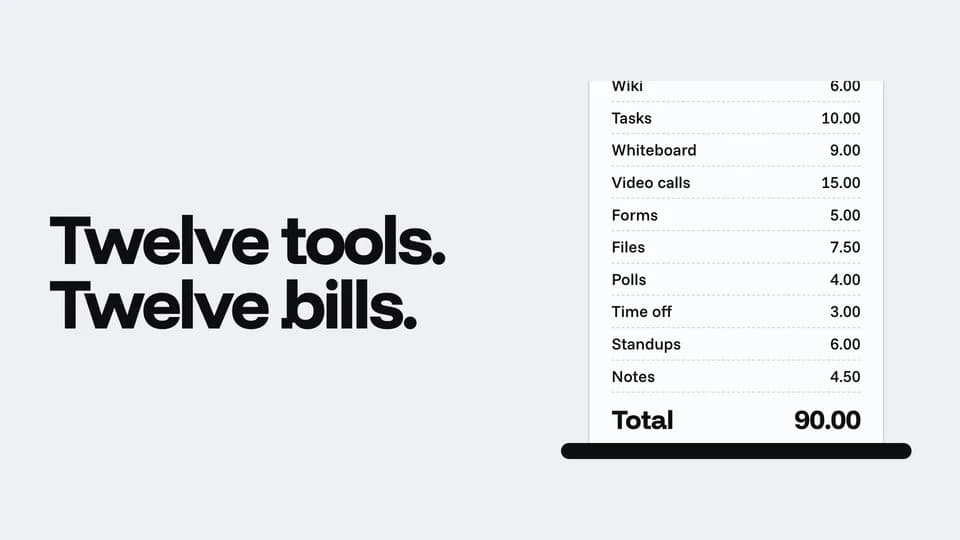 Hook · hook · pain to promise6.4 s
Receipt cut
A long sample bill of twelve tools rolls past, a dashed line cuts it, and the stack drops away to one line.
--move receipt-cut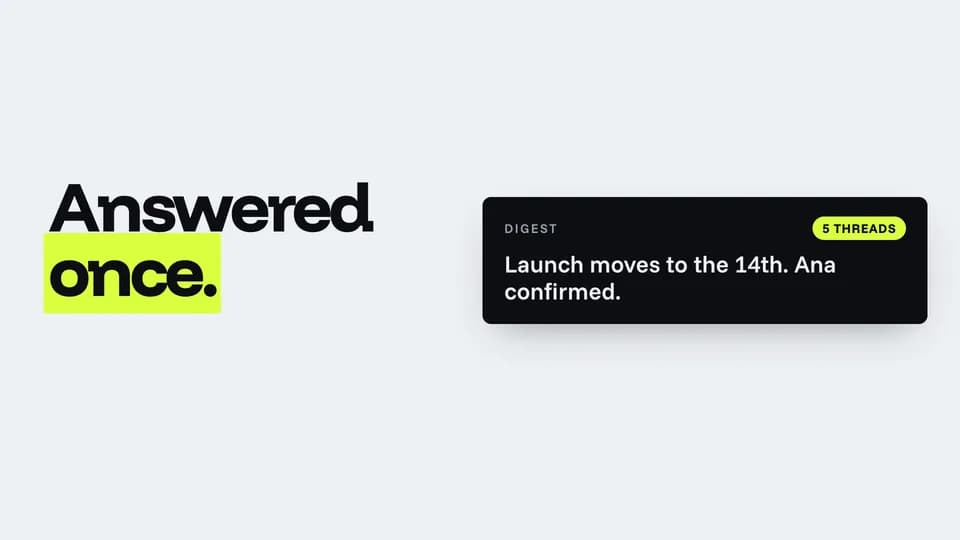 Hook · hook · reveal5.4 s
Inbox merge
Five near-identical email threads slide together and fold into one ink digest card.
--move inbox-merge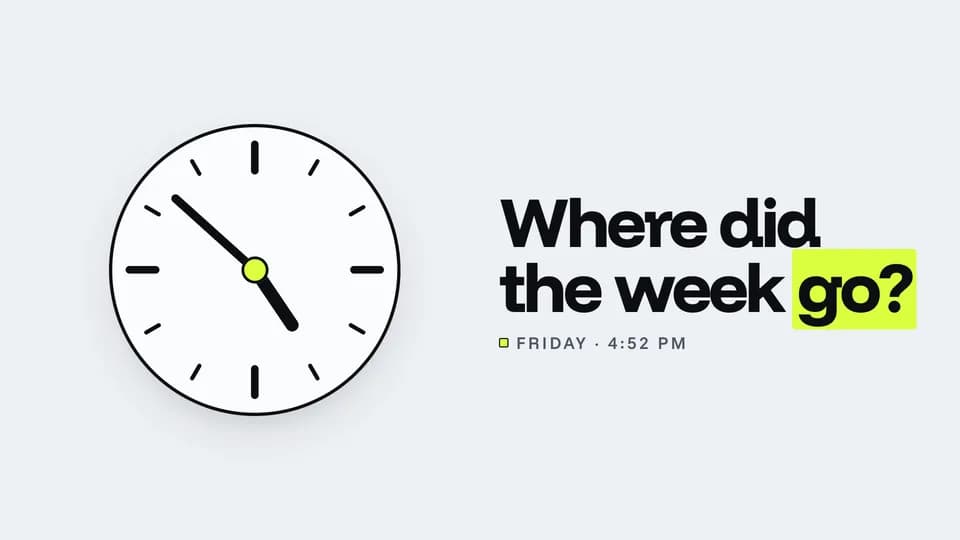 Hook · hook · pain4.8 s
Clock stop
Clock hands spin through the afternoon and brake hard on 4:52 as the question lands beside them.
--move clock-stop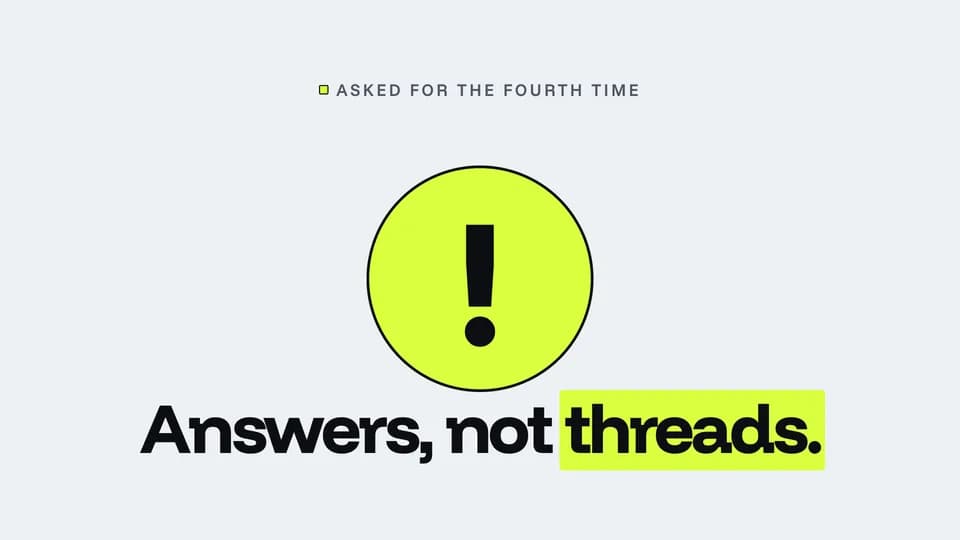 Hook · hook · turn4.4 s
Question to answer
A giant question mark tips over and gives way to an exclamation mark on a highlighter disc.
--move question-bang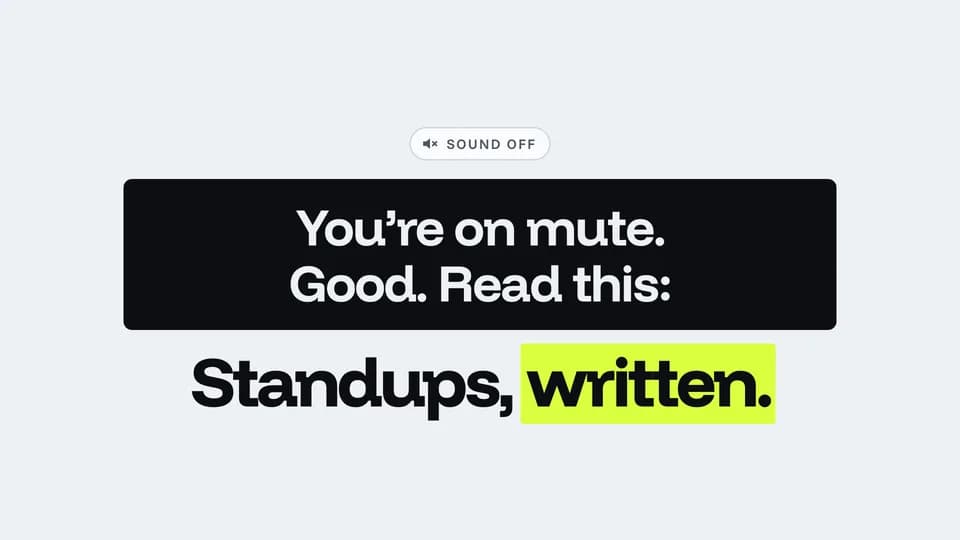 Hook · hook · sound-off5.6 s
Caption first
A sound-off chip, then a subtitle bar fills word by word like a caption track before the promise lands.
--move caption-first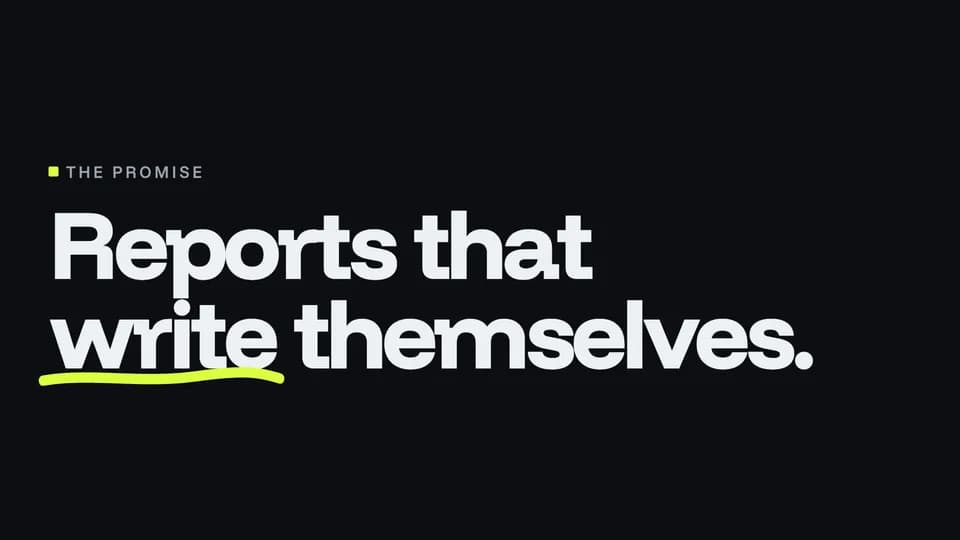 Hook · hook · promise4.4 s
Promise stroke
The promise sets in large on ink and a hand-drawn highlighter stroke underlines its one key word.
--move promise-stroke
Product Reveals · 20
 Reveal · reveal · hook5 s
Rise from dark
On a black stage the light comes up and the product window climbs out of the floor into it, throwing a reflection.
--move rise-from-dark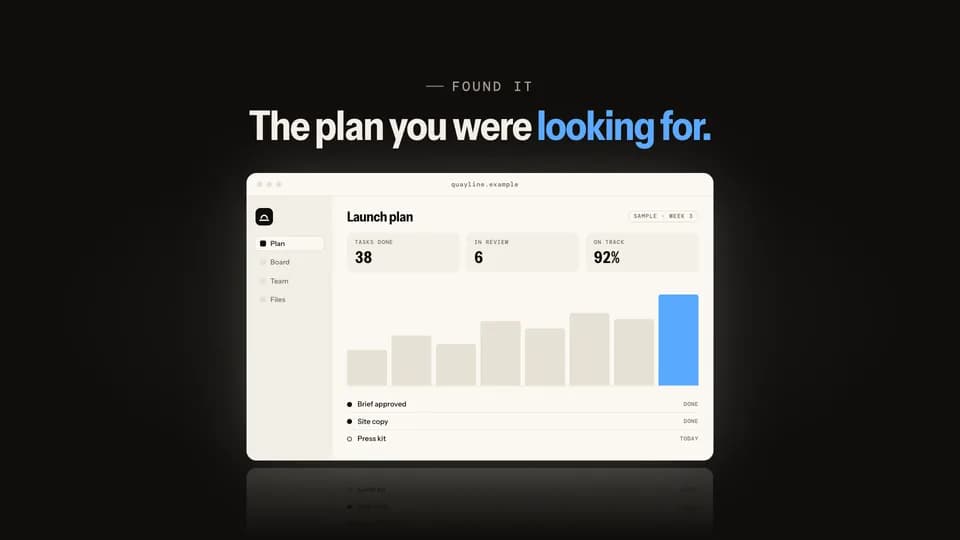 Reveal5.6 s
Spotlight find
A spotlight sweeps the dark stage, finds the product window, opens wide, and the house lights come up on it.
--move spotlight-find Reveal5 s
Phone swing
A phone slides in tilted from the side, swings level as it lands on its own light, and its screen wakes up.
--move phone-swing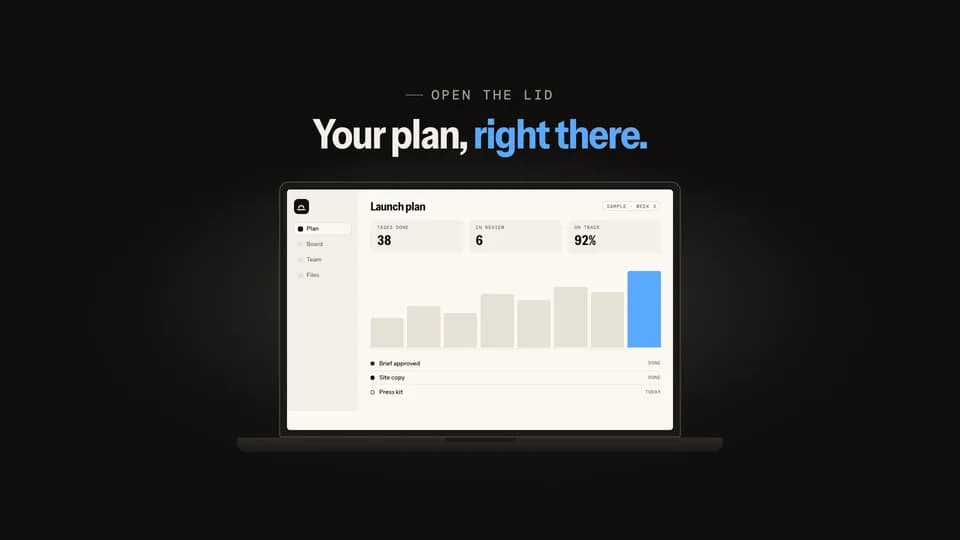 Reveal5.4 s
Lid open
A closed laptop opens its lid on the hinge; the screen glows on with the product and light spills around it.
--move lid-open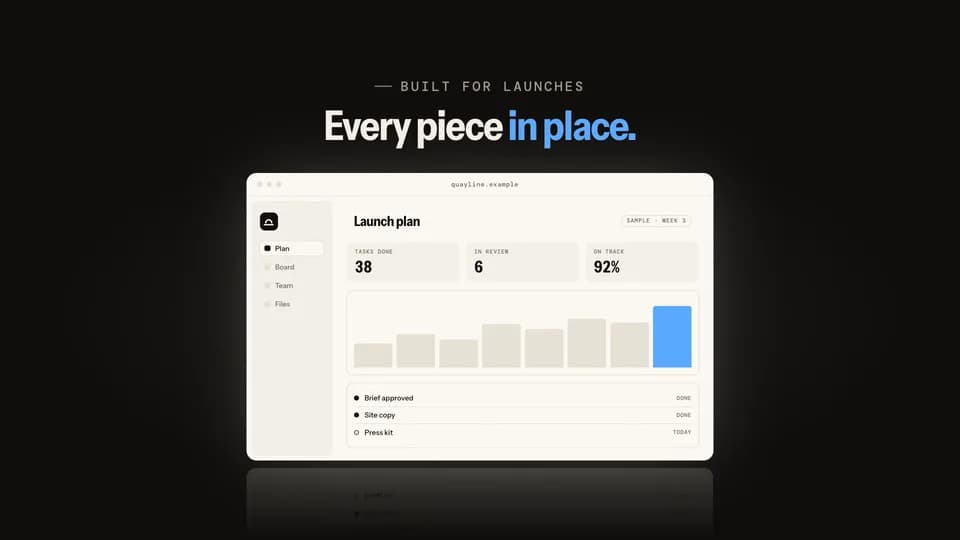 Reveal · reveal · build5.4 s
Panel assemble
The screen’s own panels fly in from scattered angles, lock into an empty window frame, and the screen lights behind them.
--move panel-assemble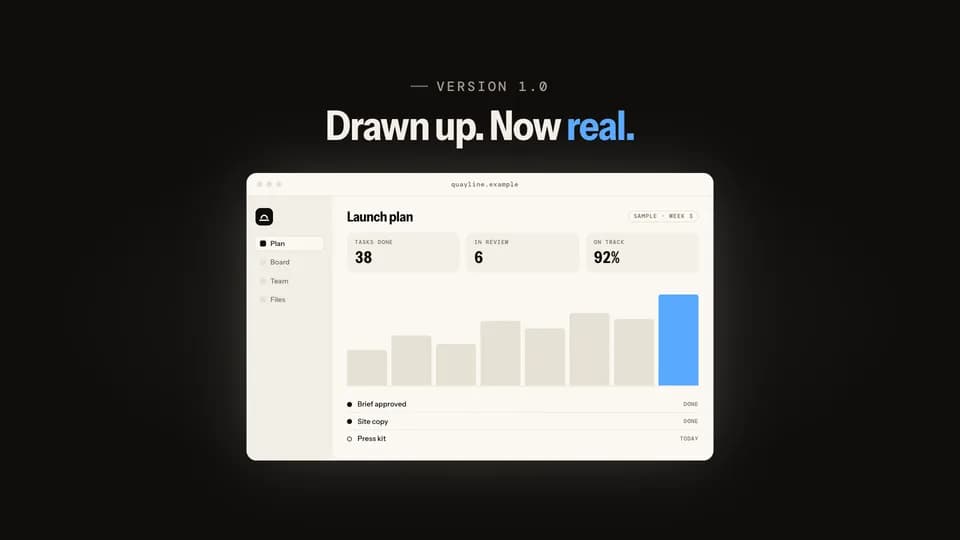 Reveal · reveal · build5.8 s
Blueprint fill
A cue-blue outline of the screen draws itself line by line, then the real, finished screen wipes in over it.
--move blueprint-fill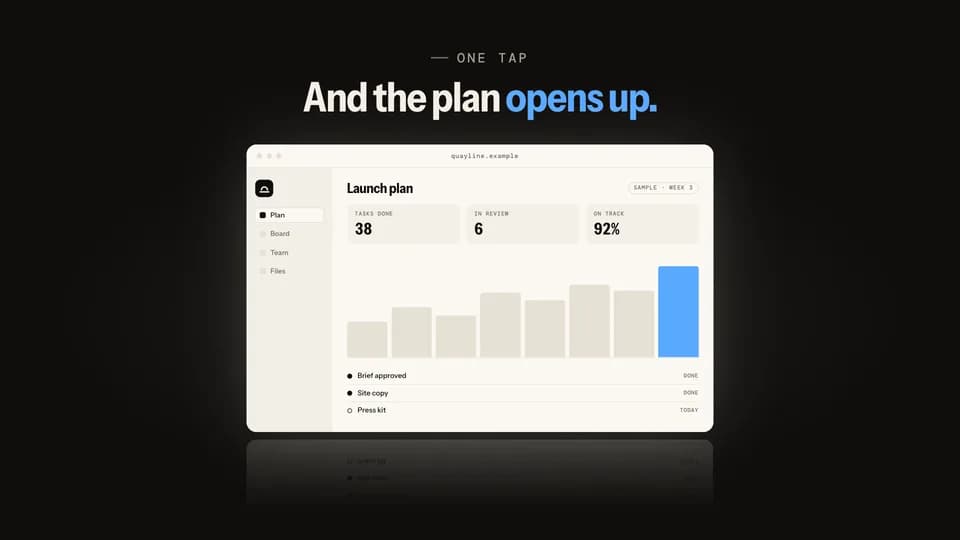 Reveal5.4 s
Icon bloom
The app icon sits alone on the stage, then blooms open, its corners easing square, into the full product window.
--move icon-bloom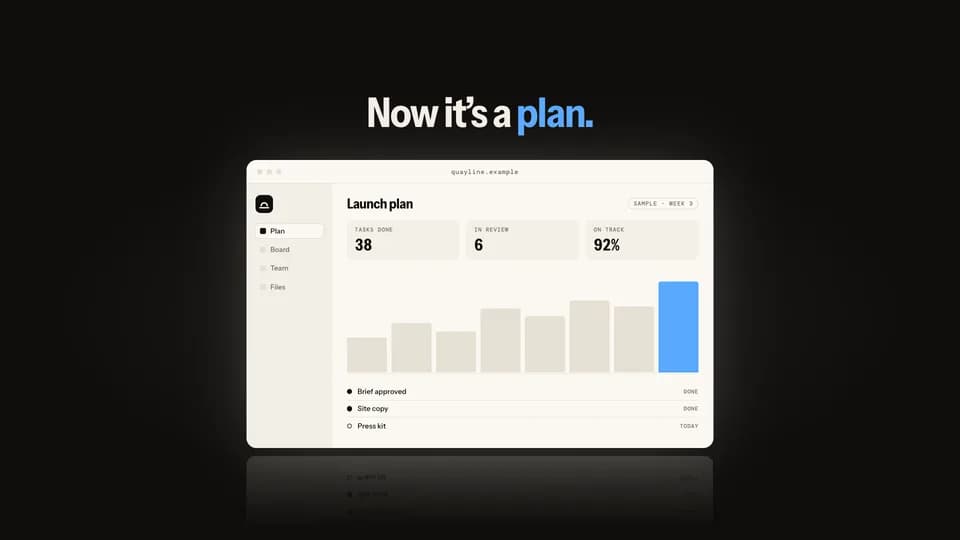 Reveal · reveal · contrast5.8 s
Page peel
A plain document lies over the product; its corner peels back, then the whole sheet lifts away to show the screen.
--move page-peel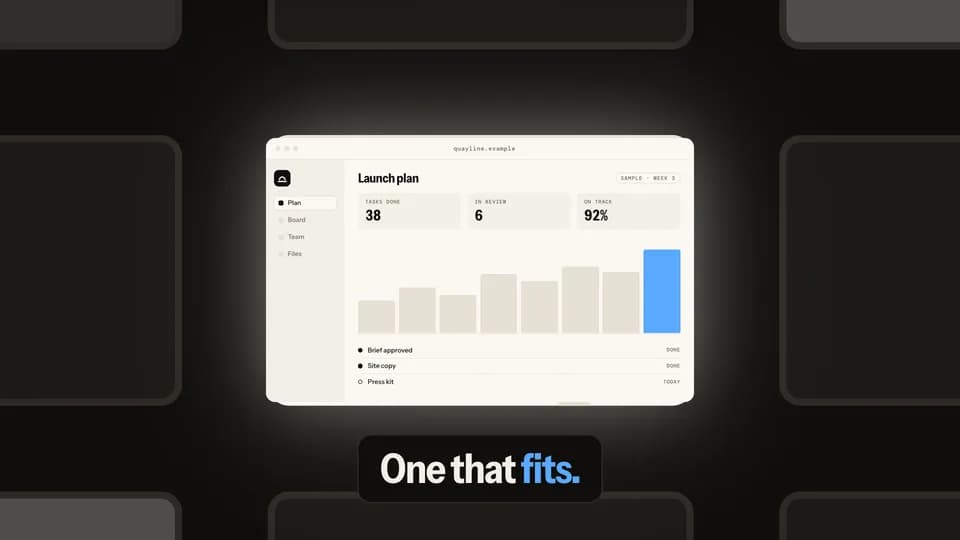 Reveal · reveal · hook6 s
City zoom
A night city of dim windows; one is lit, and the camera dives into it until it becomes the product screen.
--move city-zoom Reveal5.2 s
Turn to face
A phone stands edge-on in the light, turns on its axis to face the lens, and a sheen crosses the glass as it lands.
--move turn-to-face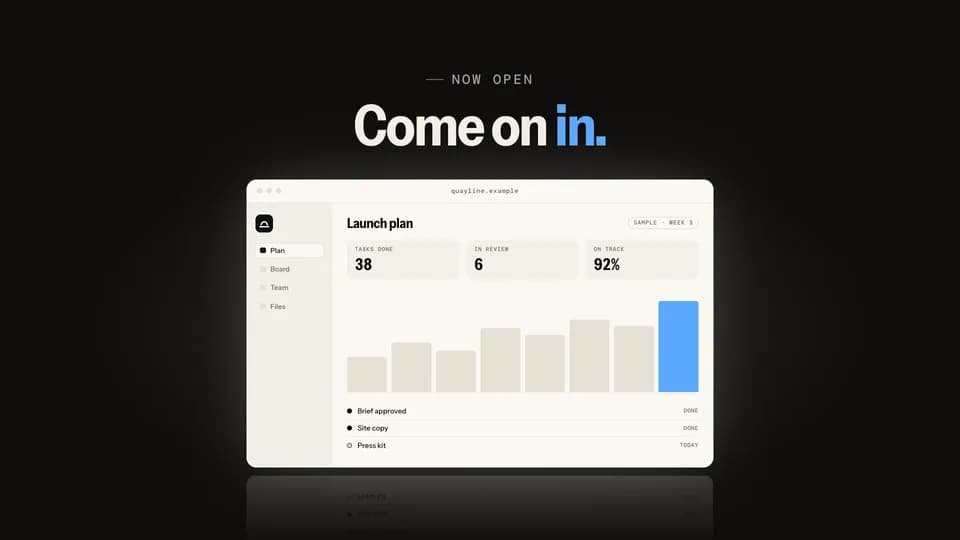 Reveal · reveal · hook5.6 s
Door split
A seam of light opens down the middle of two dark doors; they slide apart onto the lit product window.
--move door-split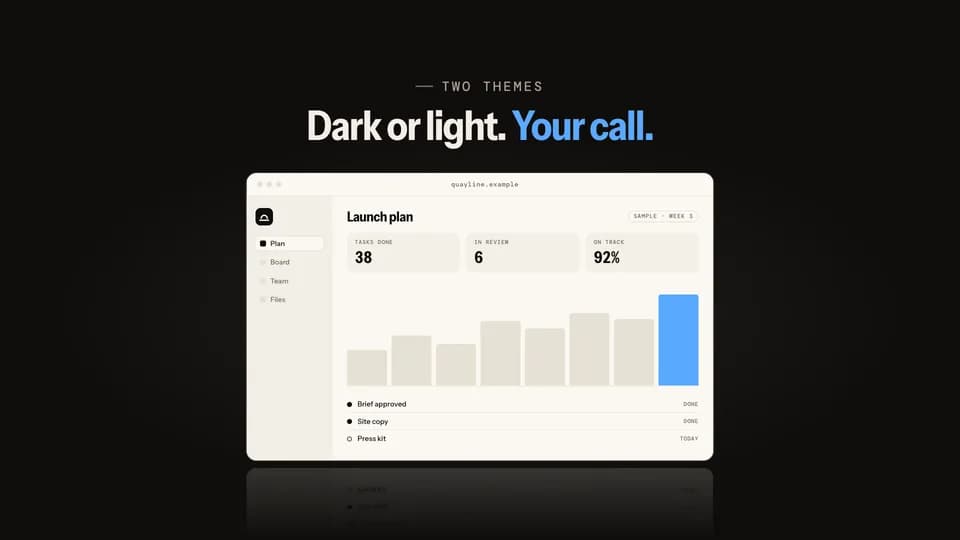 Reveal · reveal · feature5.6 s
Mode flip
The product sits in dark mode; a light handle sweeps across it and turns the same screen to light mode behind it.
--move mode-flip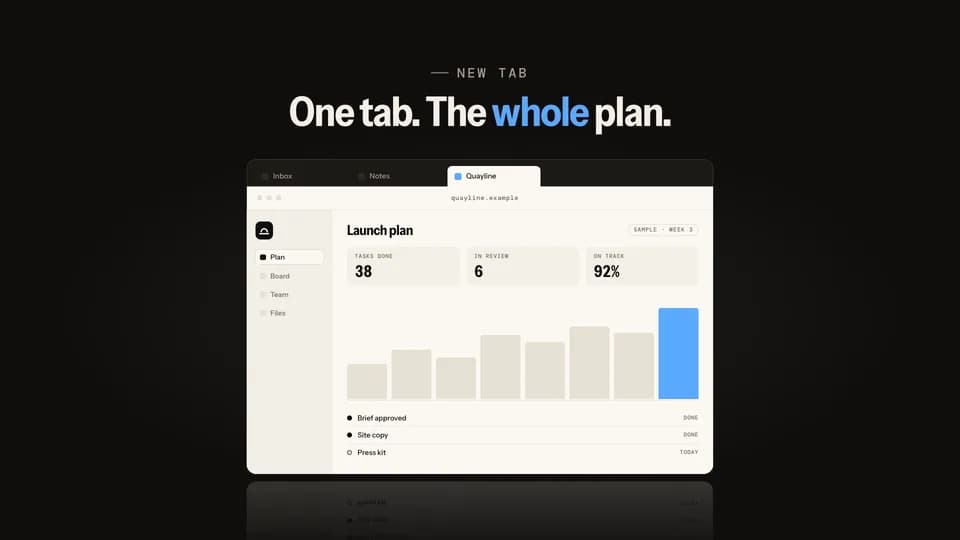 Reveal · reveal · demo5.6 s
Tab unroll
A cursor picks the product’s tab in a dark tab strip and the window unrolls down from it, lit.
--move tab-unroll Reveal · reveal · turn5.4 s
Focus pull
A sharp question hangs over a soft, out-of-focus screen; focus racks back, the line melts and the product comes sharp.
--move focus-pull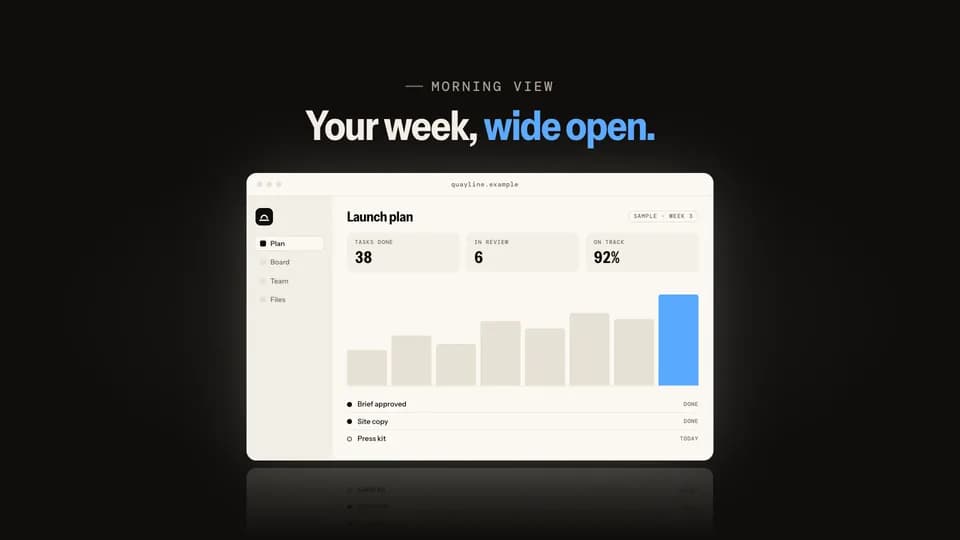 Reveal5 s
Blinds open
Light leaks between closed dark slats; they turn open one by one from the top and the lit product is behind them.
--move blinds-open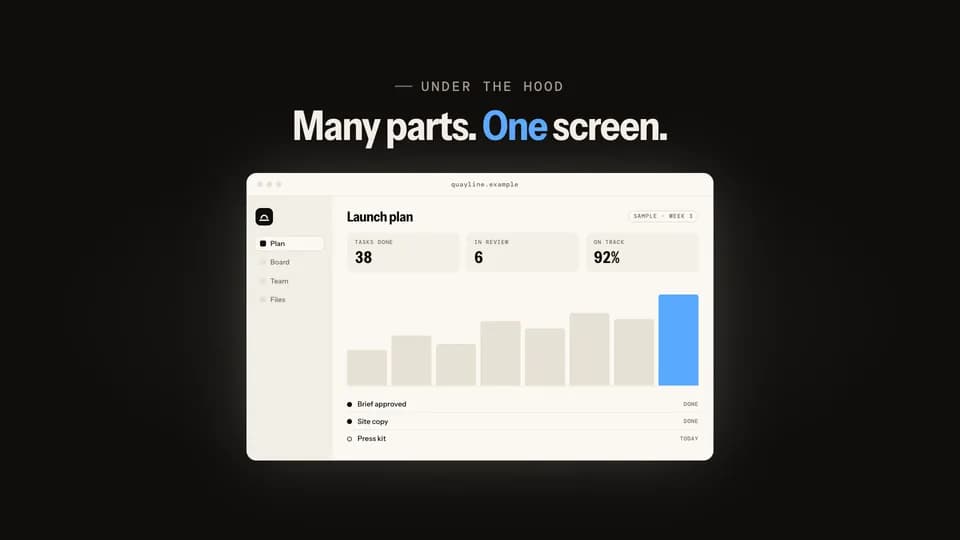 Reveal · reveal · build6 s
Exploded stack
The screen floats as three separated layers in an angled view, then they press together and swing flat to face you.
--move exploded-stack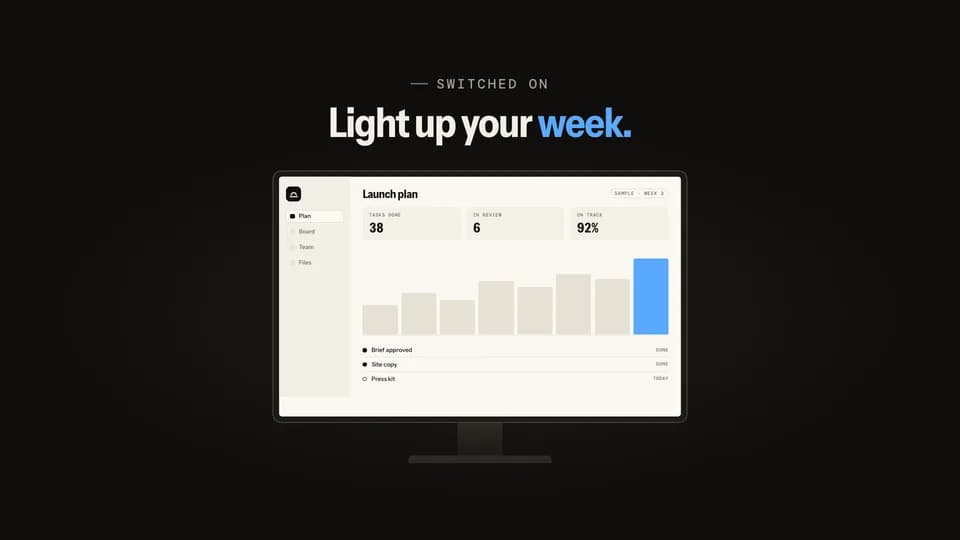 Reveal5 s
Power on
A dark monitor shows the mark, then a line of light opens across the glass and spreads into the lit product screen.
--move power-on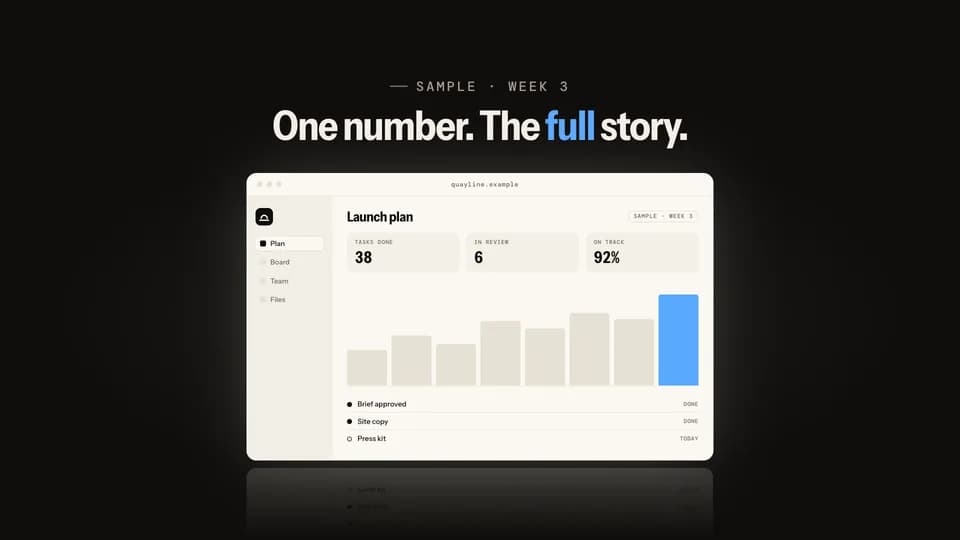 Reveal · reveal · proof5.6 s
Pull back
The frame opens on one big sample number, then pulls back smoothly until the whole product screen sits around it.
--move pull-back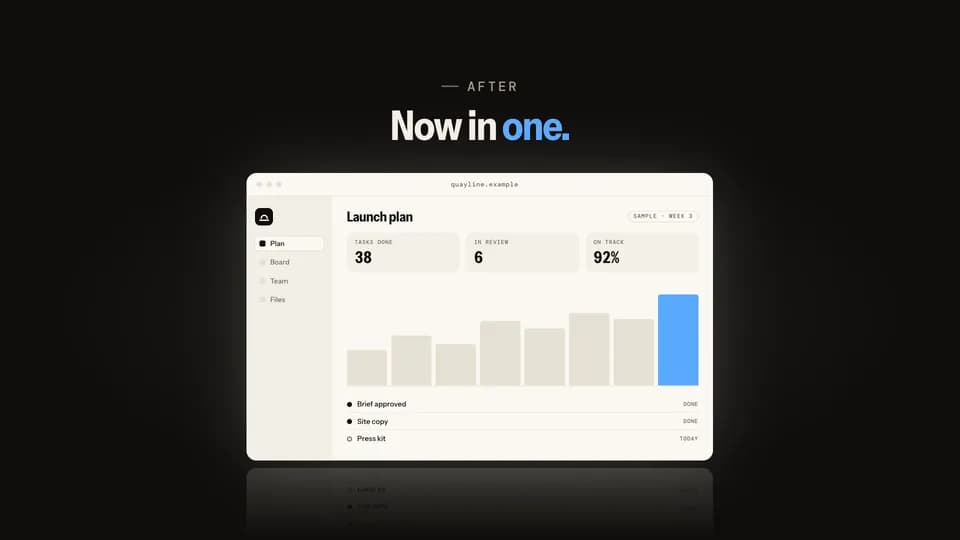 Reveal · reveal · contrast5.8 s
Card flip
A dark card names the old way, four scattered tools; it flips over on its axis and the product is on the back.
--move card-flip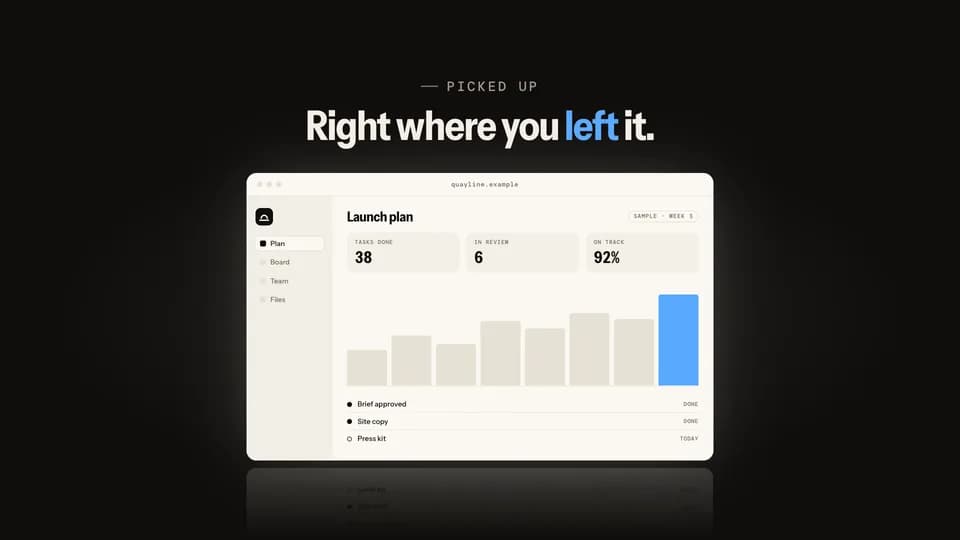 Reveal · reveal · demo5.4 s
Click iris
On a black stage a cursor clicks one button, and a circle of light opens from the click onto the lit product.
--move click-iris
Prompt & Agent · 20
 Hook5 s
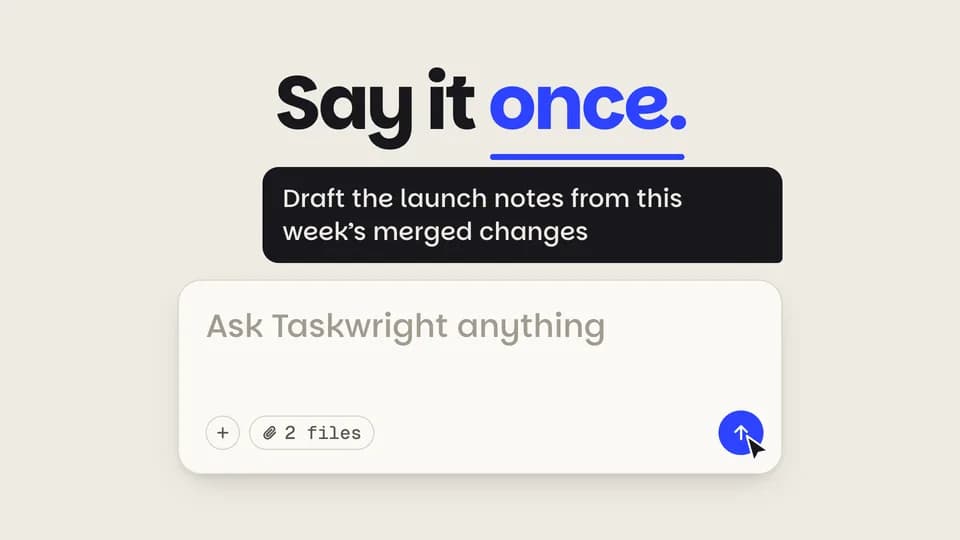
Prompt and send
A request types into a big prompt box, the cursor hits the cobalt send button, and the words lift into a sent bubble.
--move prompt-send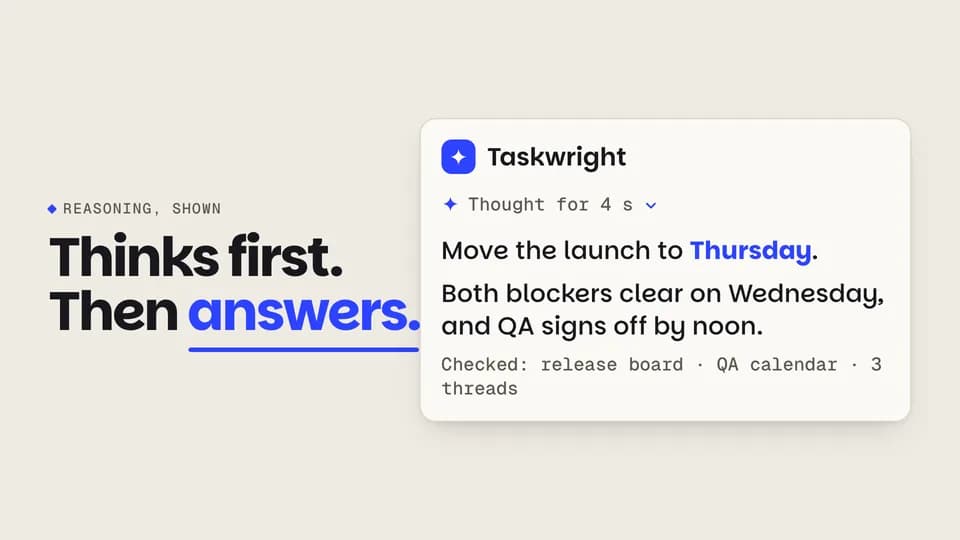 Reveal5.6 s
Thinking to answer
A turning spark and shimmering skeleton lines hold for a beat, then resolve into a short answer with its working shown.
--move think-resolve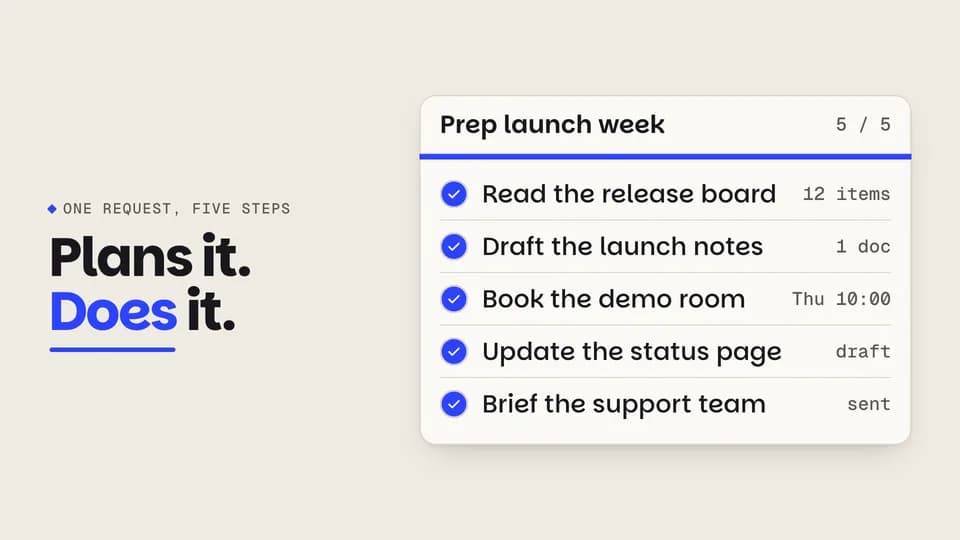 Proof6 s
Plan ticks
An agent’s five-step plan works down the list: each step spins, fills cobalt and draws its check while a bar fills.
--move plan-tick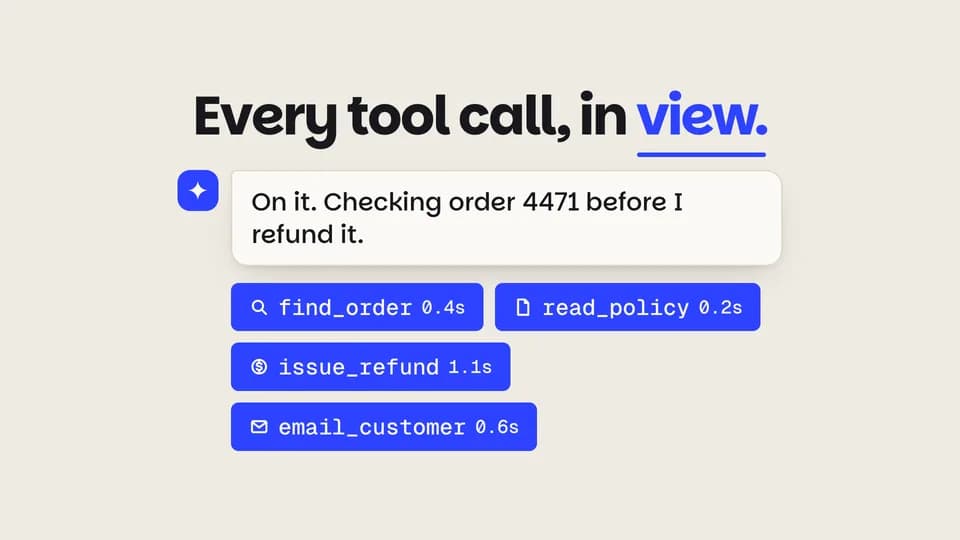 Reveal · demo5.8 s
Tool calls
Under the agent’s reply, four tool-call chips pop in one by one and fill cobalt as each call finishes, with its time.
--move tool-chips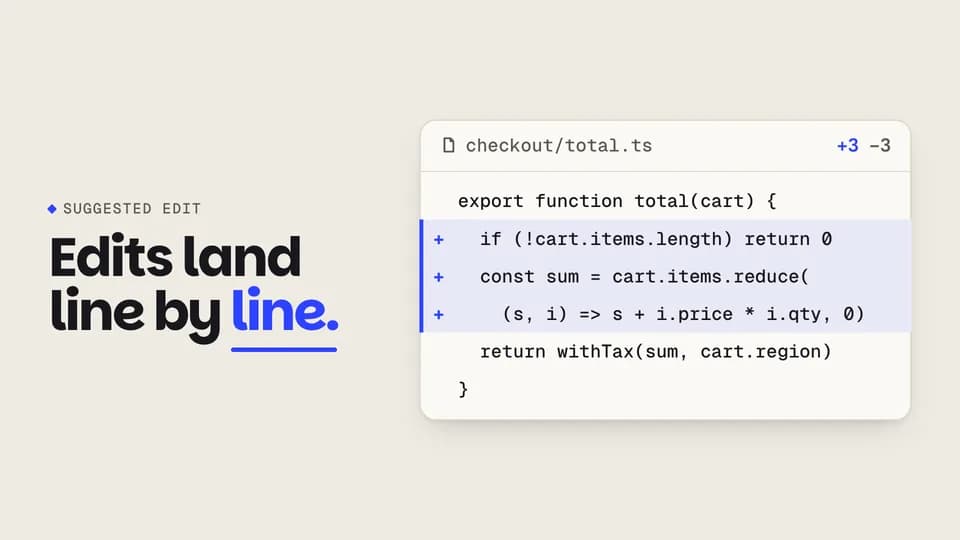 Proof5.8 s
Diff applies
In a code panel, old lines are struck and fold away while the agent’s new lines grow in on a cobalt gutter.
--move diff-apply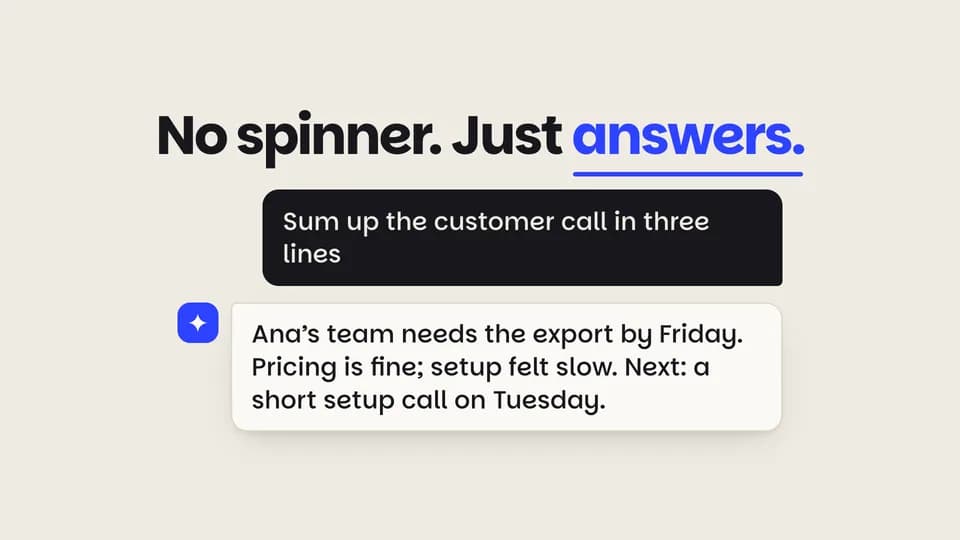 Reveal5.4 s
Streaming reply
A question sits in a graphite bubble; the agent’s reply streams in word by word behind a cobalt block caret.
--move token-stream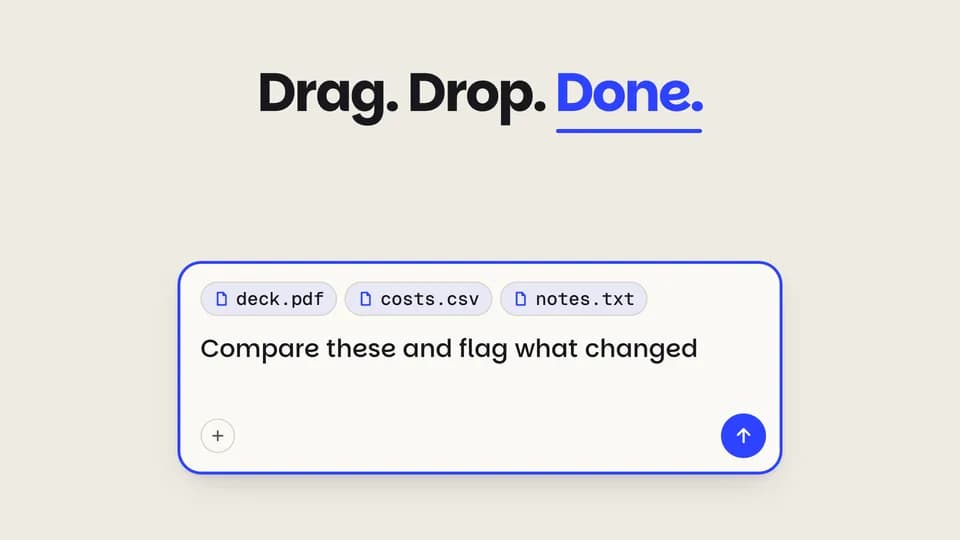 Reveal · demo5.4 s
Files dropped in
Three files hover over the prompt, drop in one after another as chips, and the request types itself after them.
--move file-drop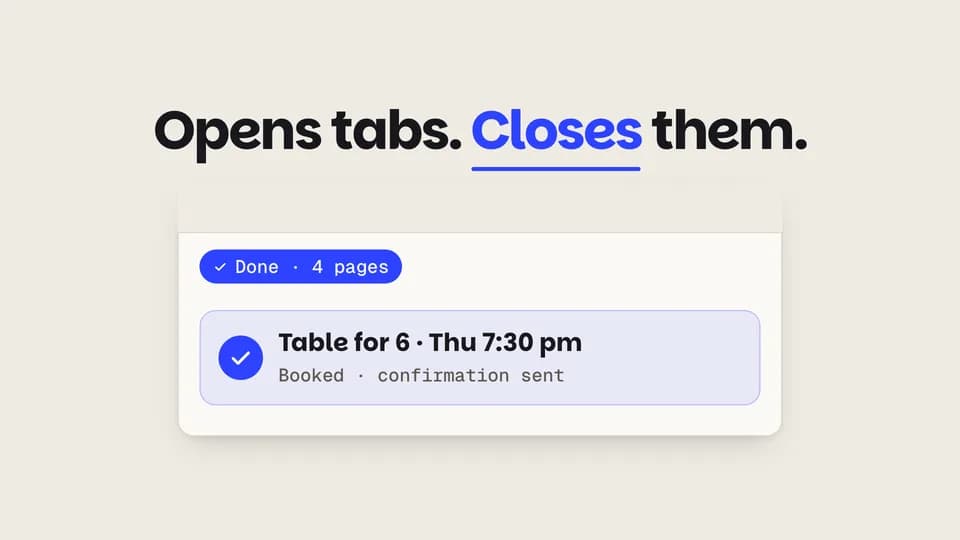 Reveal · demo5.8 s
Agent browses
The agent opens four browser tabs one by one, reads each, closes them all and leaves one booked result.
--move agent-tabs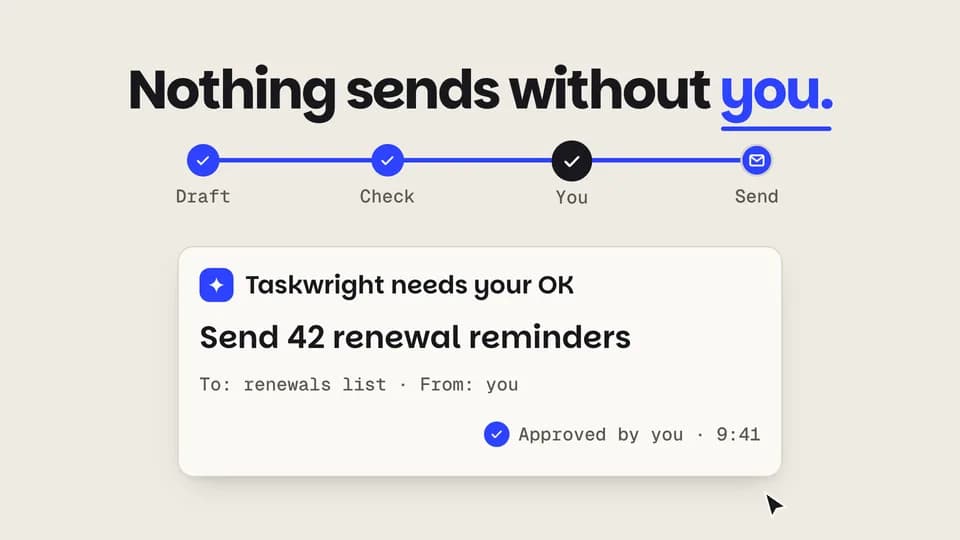 Proof · trust5.8 s
Approval gate
A run halts at a locked gate and asks to send; the cursor approves, the lock turns to a check and the run finishes.
--move approve-gate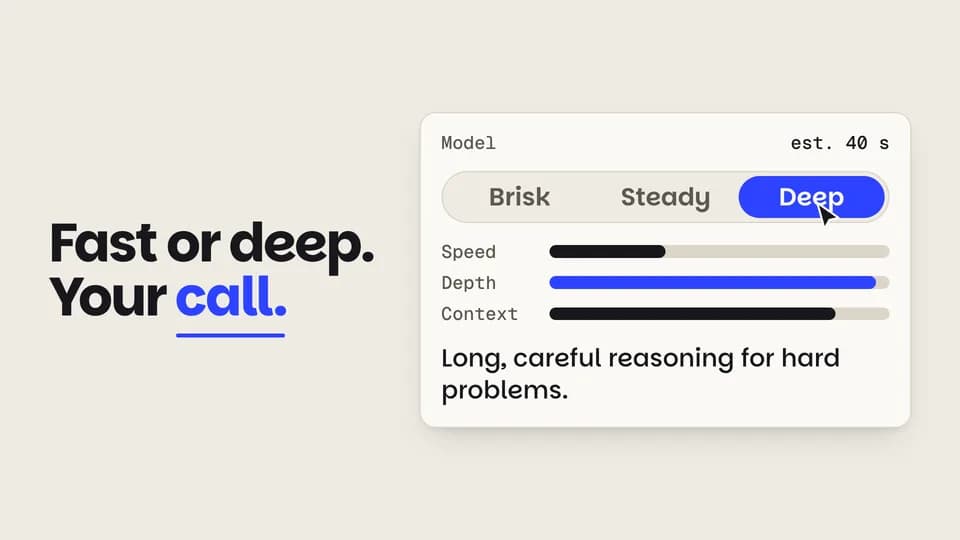 Reveal · feature5.6 s
Model switch
The cursor slides a three-way model picker from fast to deep; the meters trade speed for depth and the estimate updates.
--move model-switch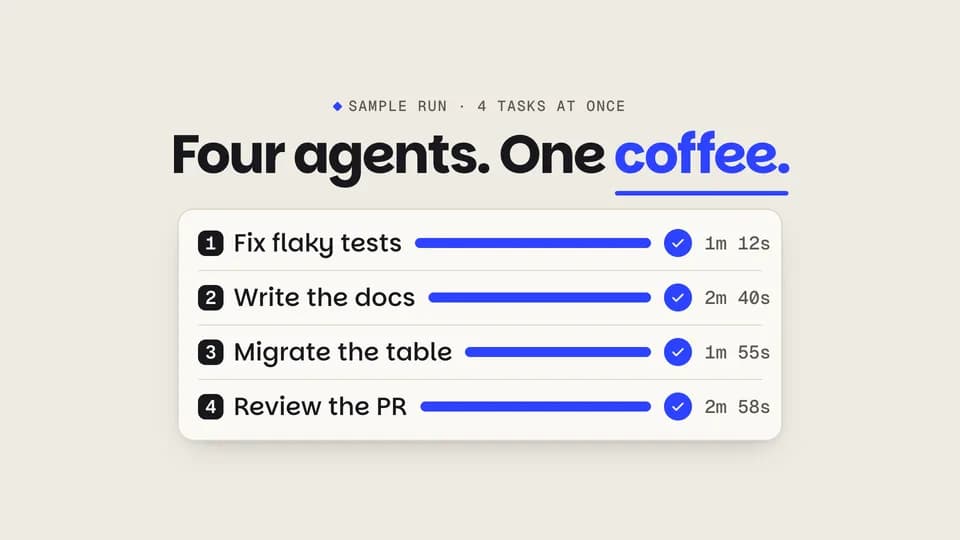 Proof5.8 s
Parallel agents
Four agent lanes run side by side at different speeds; each bar fills cobalt and lands a check with its time.
--move parallel-lanes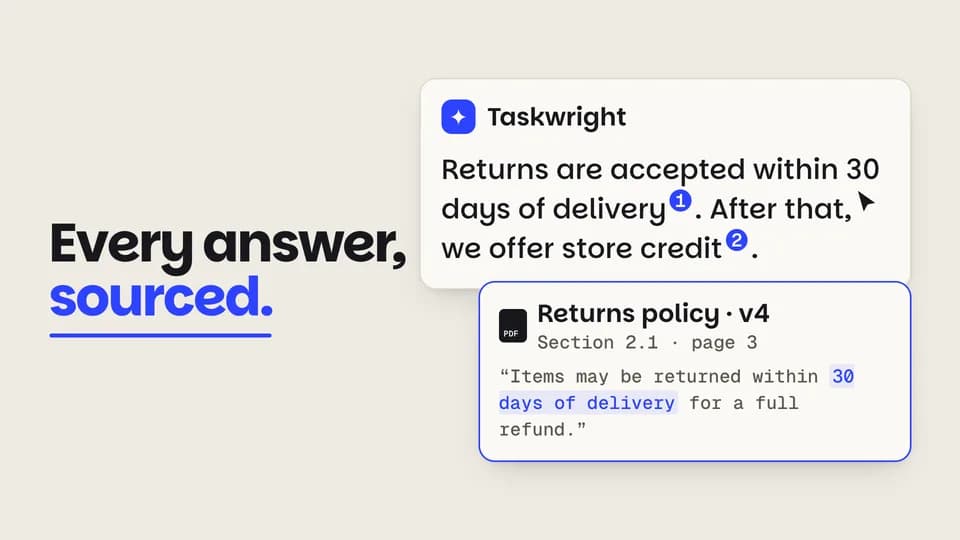 Proof · trust5.6 s
Citation pops
Numbered citations pop into an answer; the cursor opens the first and its source card rises with the quoted line.
--move cite-pop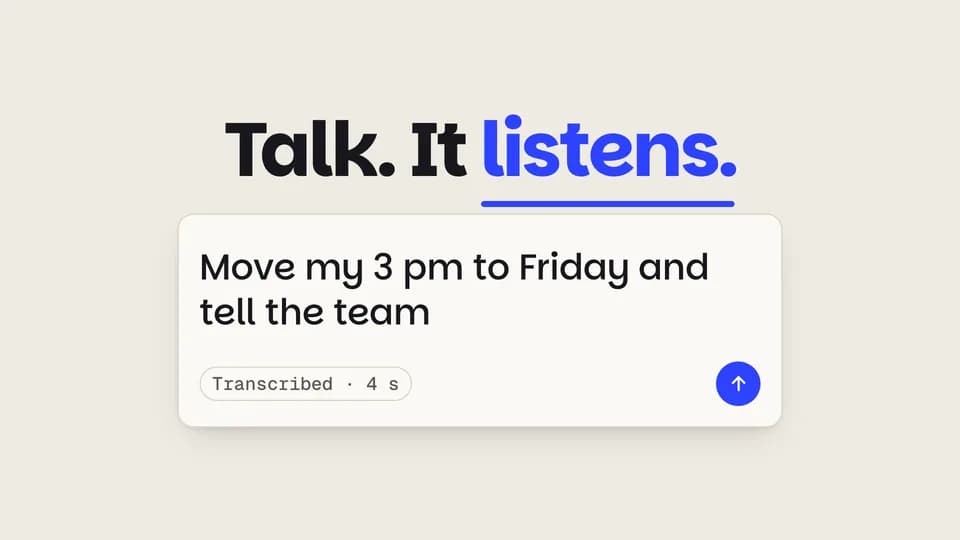 Reveal · input5.8 s
Voice to text
A cobalt mic records while a waveform grows left to right, then the wave clears and the words type out as a request.
--move voice-to-text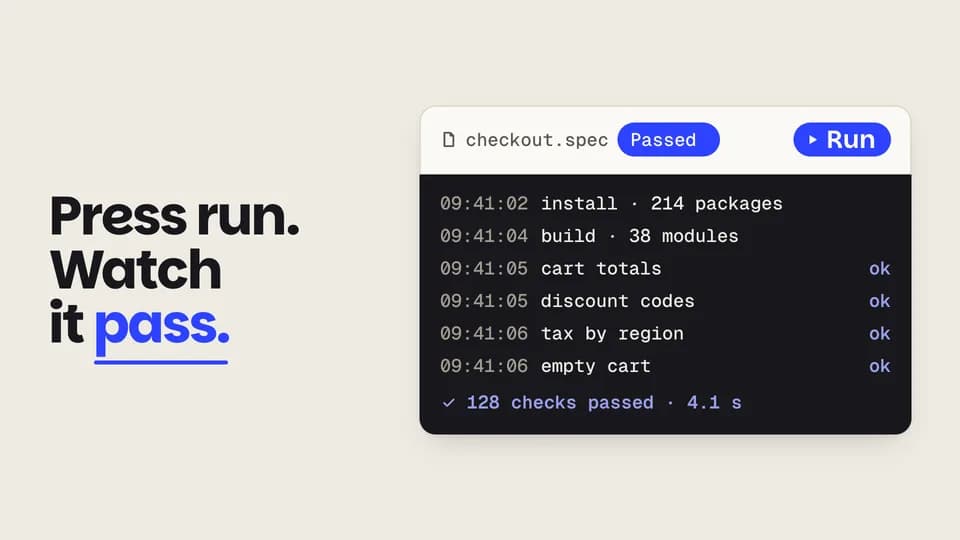 Reveal · demo5.8 s
Run and log
The cursor presses a Run button; a graphite log streams its lines and ends on a cobalt pass with the count.
--move run-log Reveal5.6 s
Result card opens
Under a one-line answer, a compact result row grows into a full card: a figure counts up and the bars rise.
--move card-expand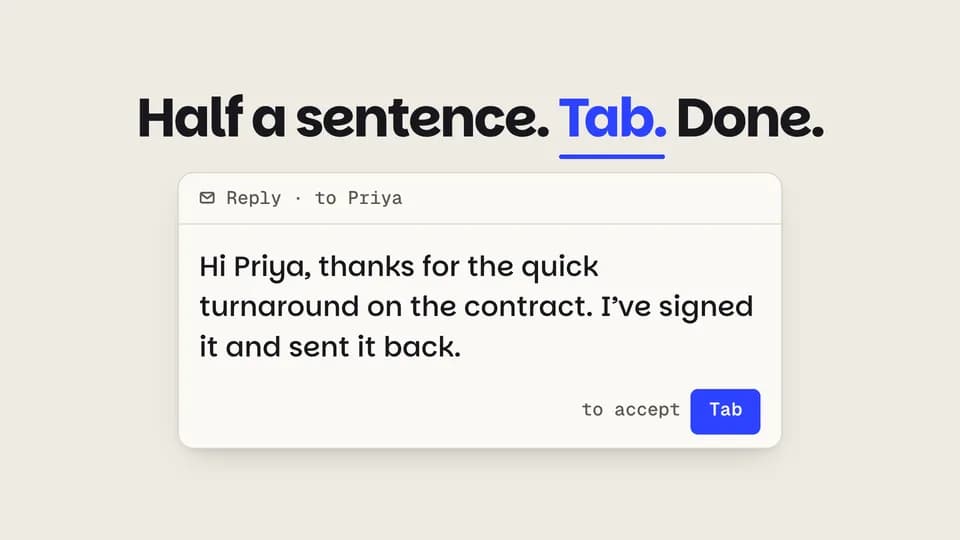 Reveal · demo5.2 s
Ghost text, accepted
Half a sentence types, the rest appears as faint ghost text, a Tab key presses and the ghost turns to ink.
--move ghost-accept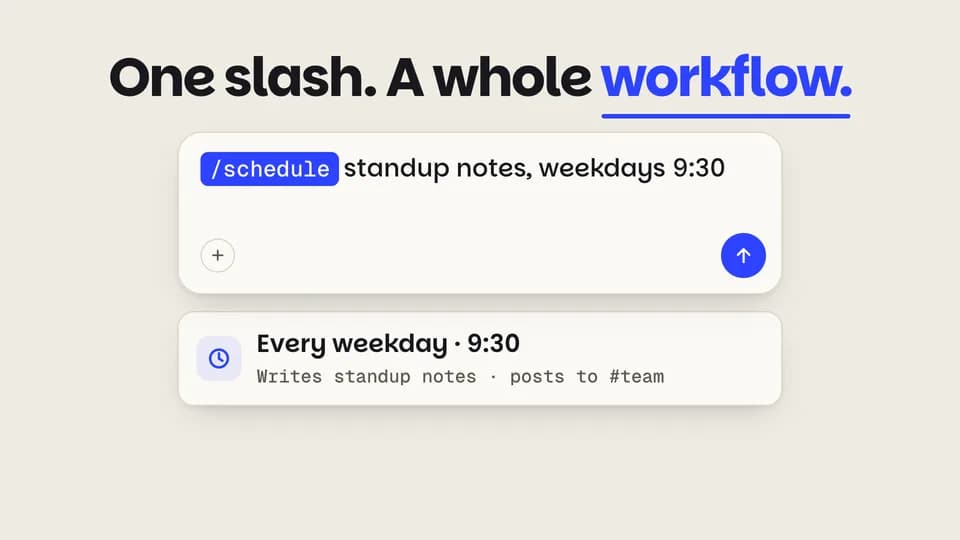 Reveal · feature5.6 s
Slash command
A slash opens a command menu, the highlight steps down to schedule, and a cobalt command chip drops into the prompt.
--move slash-menu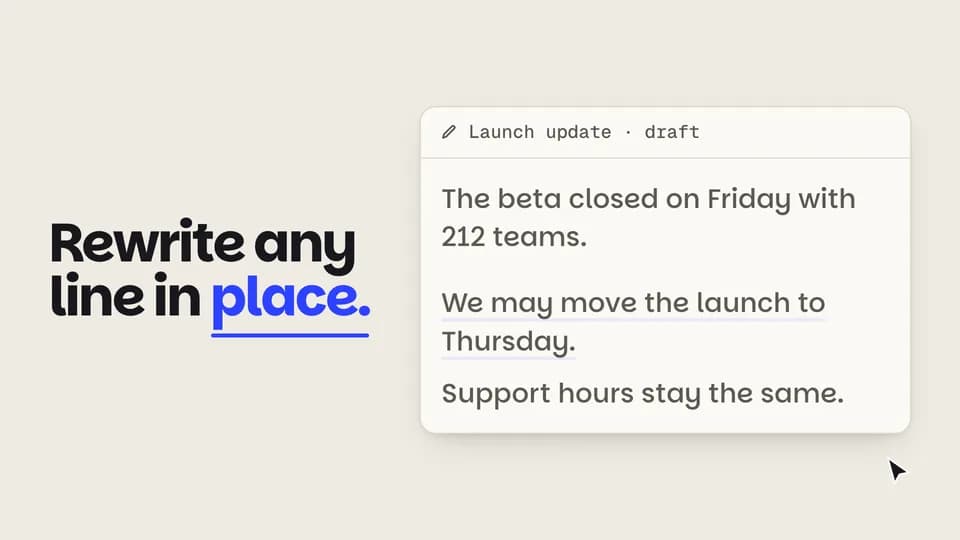 Reveal · demo5.8 s
Rewrite in place
A wordy line is selected in a doc, a dark toolbar pops, Shorter is clicked and the line folds into a crisp rewrite.
--move rewrite-inline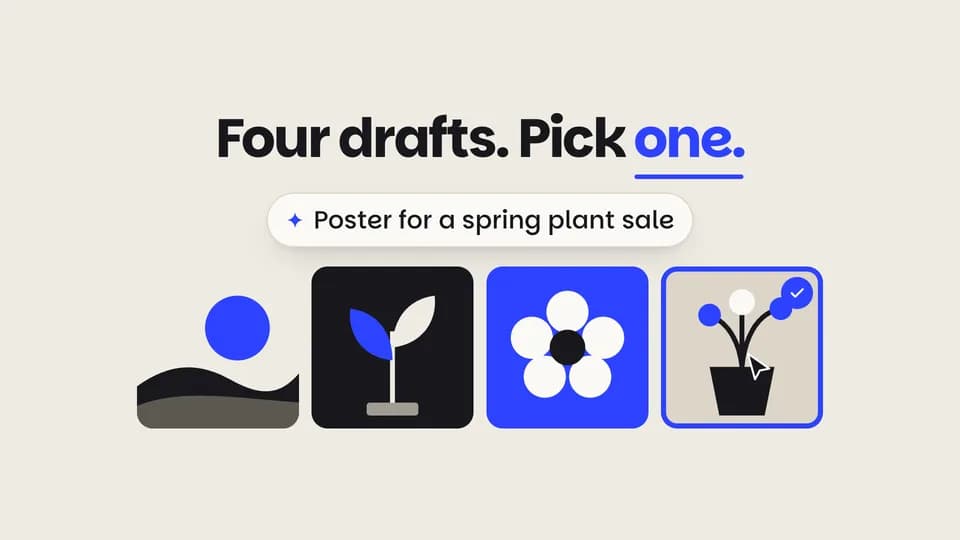 Reveal5.6 s
Four drafts
Four image drafts resolve from coarse blocks to flat posters, then the cursor picks the last one and it rings cobalt.
--move variant-grid Close · CTA4.4 s
Prompt sign-off
On graphite, the cobalt mark and name land, the call to action types into a prompt pill, and the address fades in.
--move prompt-signoff
Data Beats · 20
 Proof · proof · hook5 s
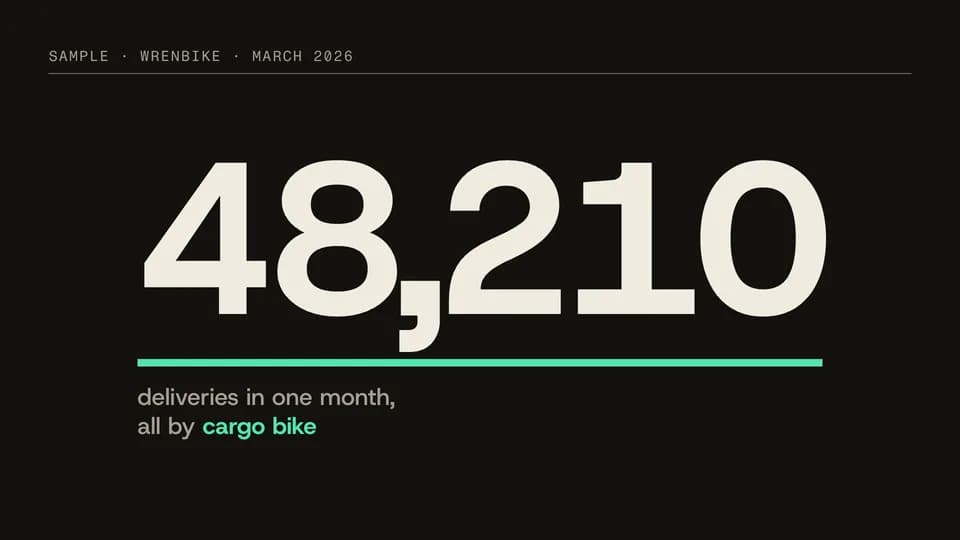
Big count
A hairline draws, then one huge figure races up and lands with its unit while a signal rule runs under it.
--move big-count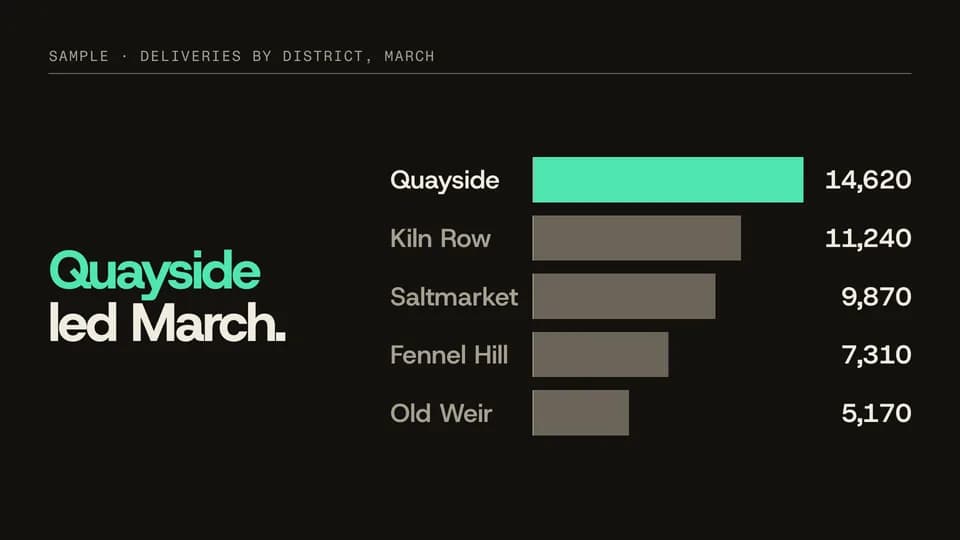 Proof · proof · comparison7 s
Bar winner
Five bars grow from a zero line one after another; the longest turns signal and the claim names the winner.
--move bar-winner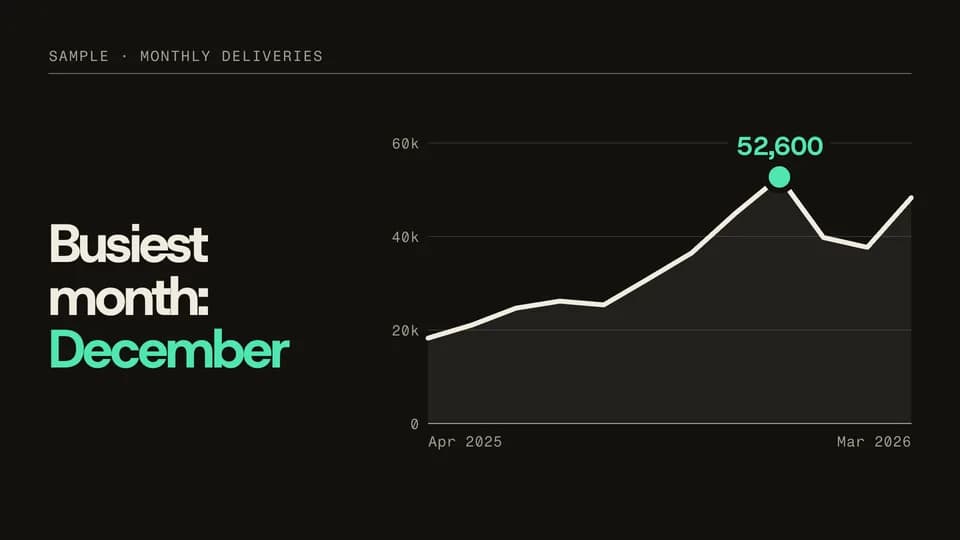 Proof · proof · trend6.4 s
Line peak
A year of monthly figures draws as one line over a zero-based grid; a signal dot and callout pin the peak.
--move line-peak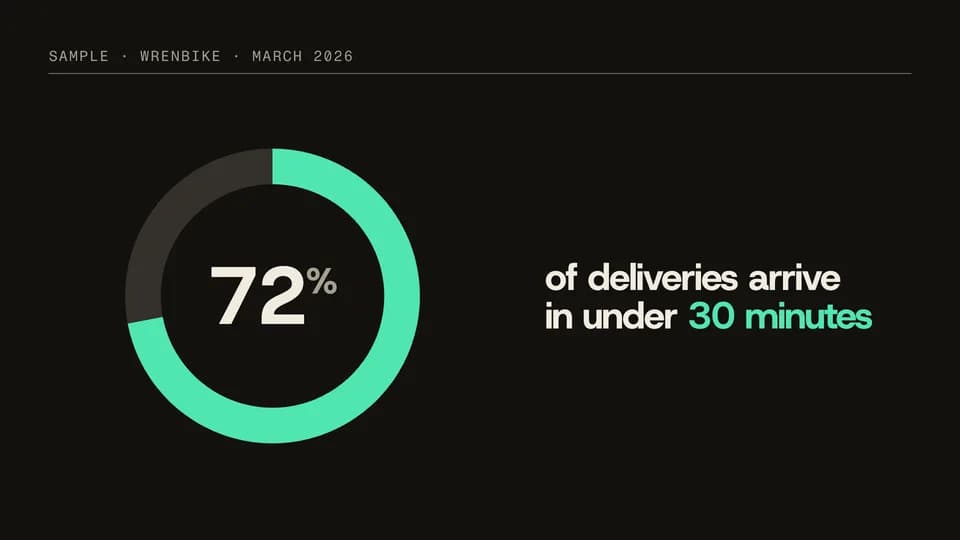 Proof · proof · share5.4 s
Donut fill
A ring track appears and a signal arc sweeps round to the share while the figure in the middle counts up to it.
--move donut-fill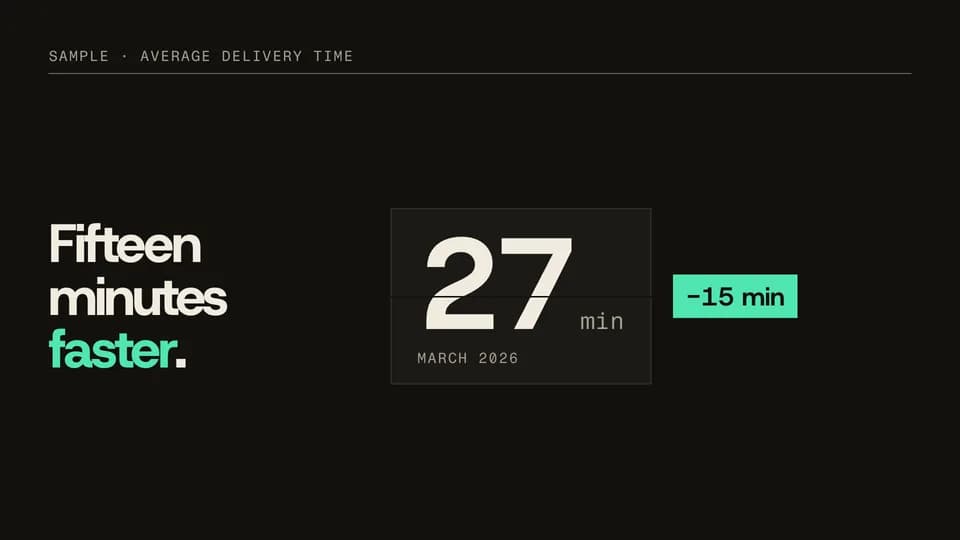 Proof · proof · before/after5.8 s
Number flip
Last year’s figure sits on a flap card, flips over to this year’s, and a signal chip states the difference.
--move number-flip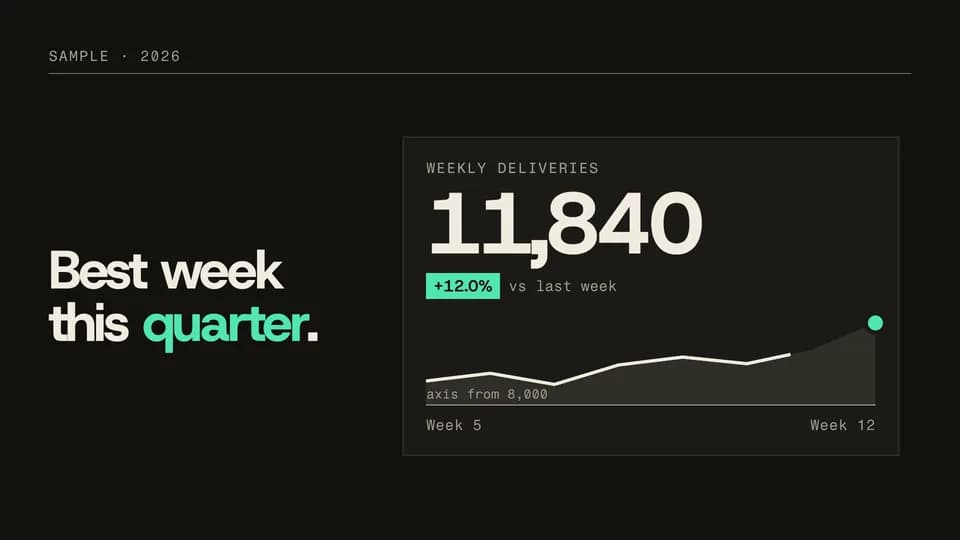 Proof · proof · dashboard6.8 s
KPI sparkline
A KPI tile counts up its figure, a sparkline with a labelled axis floor draws beneath it, and a signal chip shows the change.
--move kpi-spark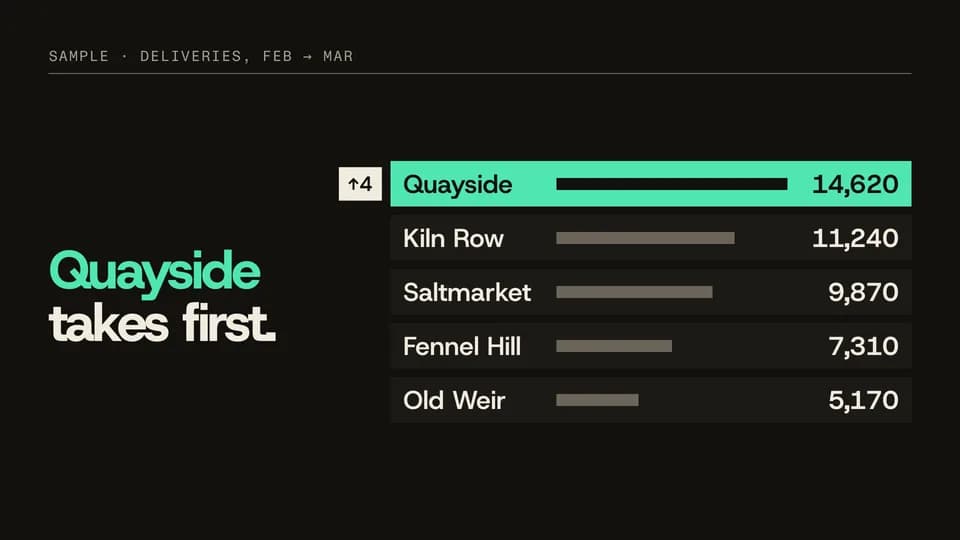 Proof · proof · change7.2 s
Rank shuffle
A ranked list sits in last month’s order, then rows slide to this month’s as figures recount; the climber turns signal.
--move rank-shuffle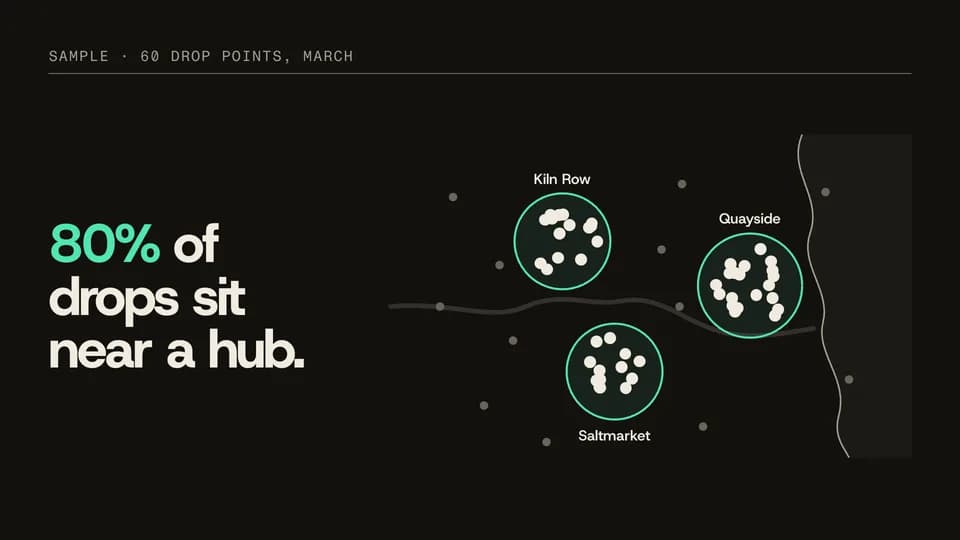 Proof · proof · where6.6 s
Dot cluster
Sixty drop points land on an invented city map, rings draw round three hubs, and the points outside dim away.
--move dot-cluster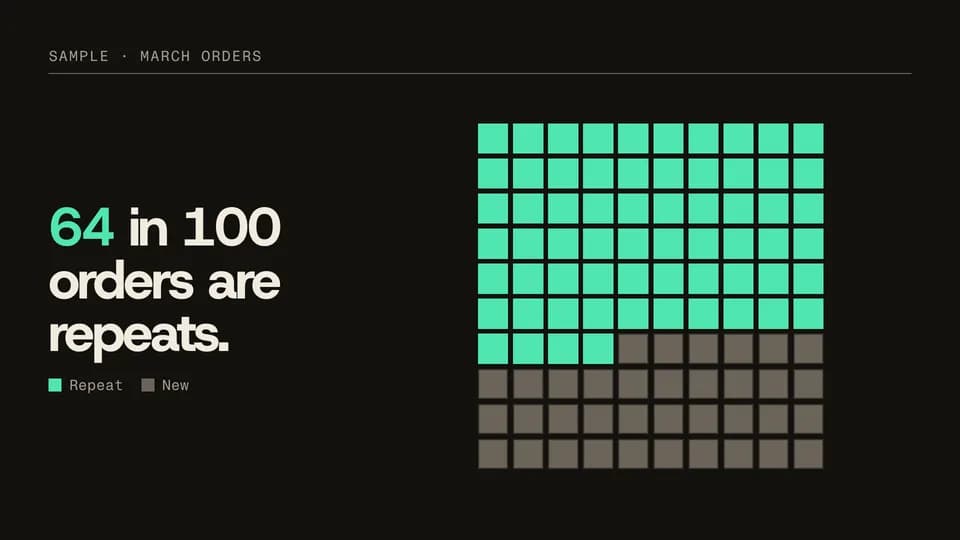 Proof · proof · share5.8 s
Waffle fill
A ten-by-ten grid of squares fills one square at a time until the share is lit in signal and the line explains it.
--move waffle-fill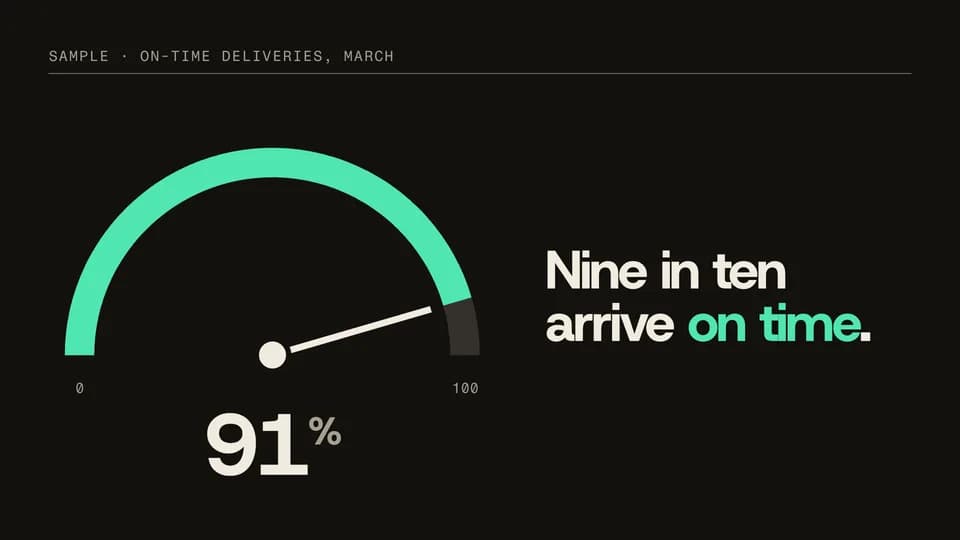 Proof · proof · rate5.4 s
Gauge swing
A half-dial fills in signal as the needle swings from zero and settles on the rate, which counts up beneath it.
--move gauge-swing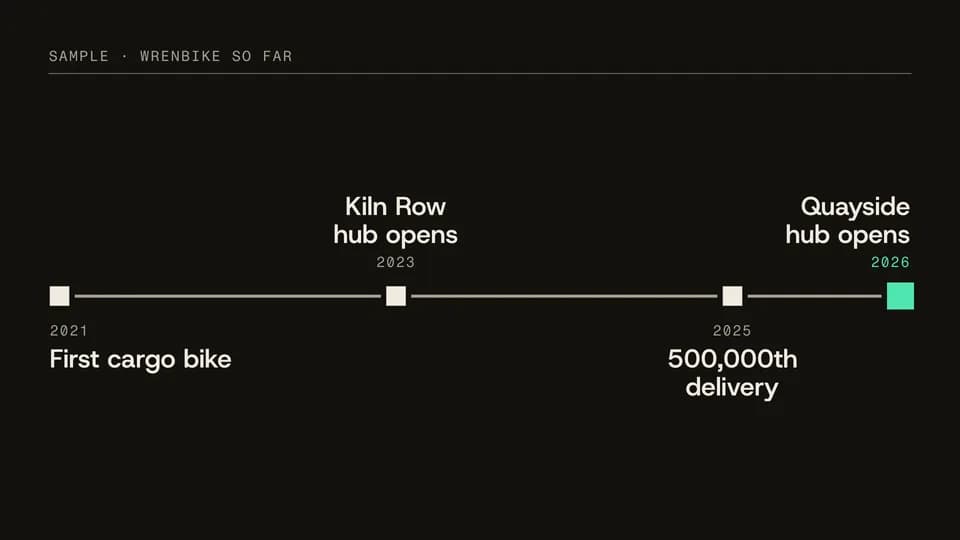 Explain · story · timeline7 s
Milestone line
A time rule draws across the frame and four dated milestones land on it in order, the latest in signal.
--move milestone-line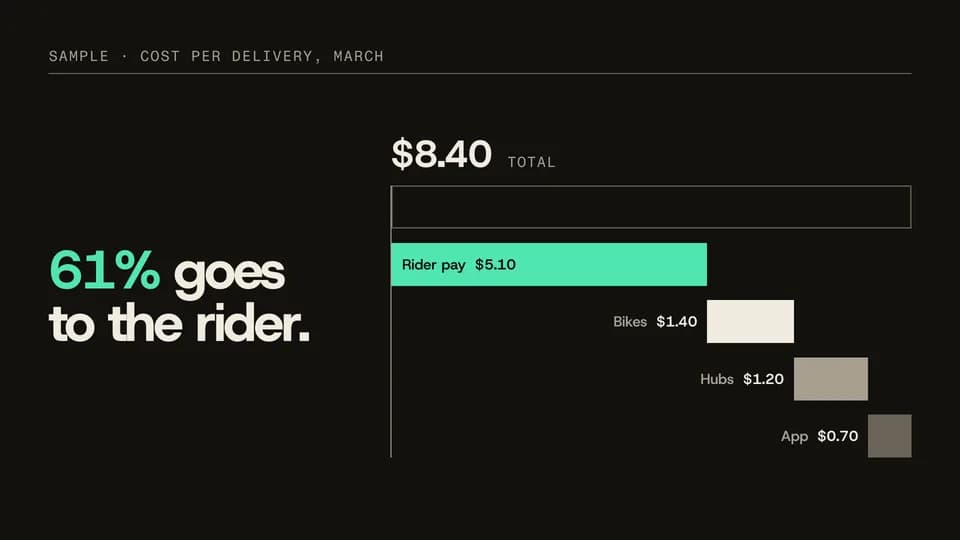 Explain · explain · breakdown7 s
Stack split
One stacked bar of a total splits into a waterfall of its parts, each labelled, the biggest in signal.
--move stack-split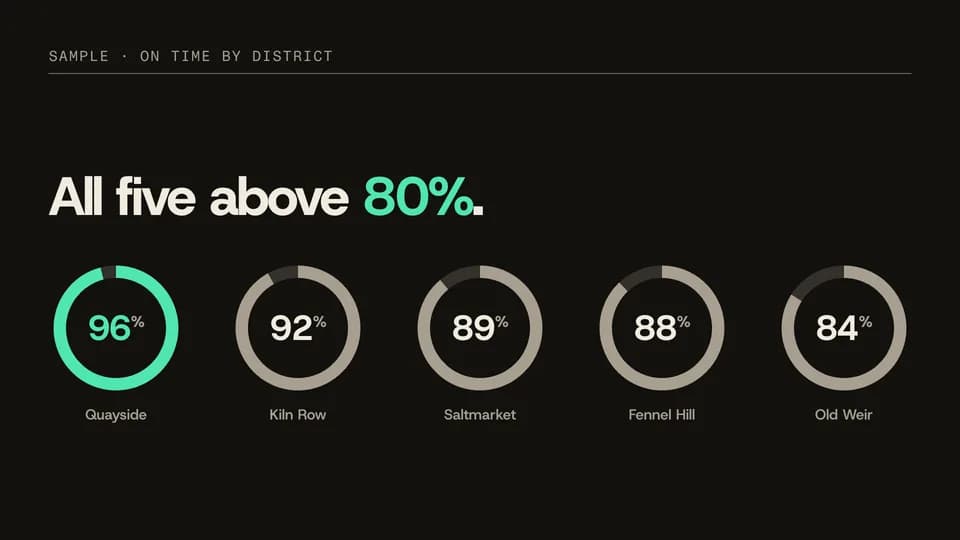 Proof · proof · per item7.4 s
Ring row
A row of small rings, one per item, sweep to their own percentages one after another; the top one is in signal.
--move ring-row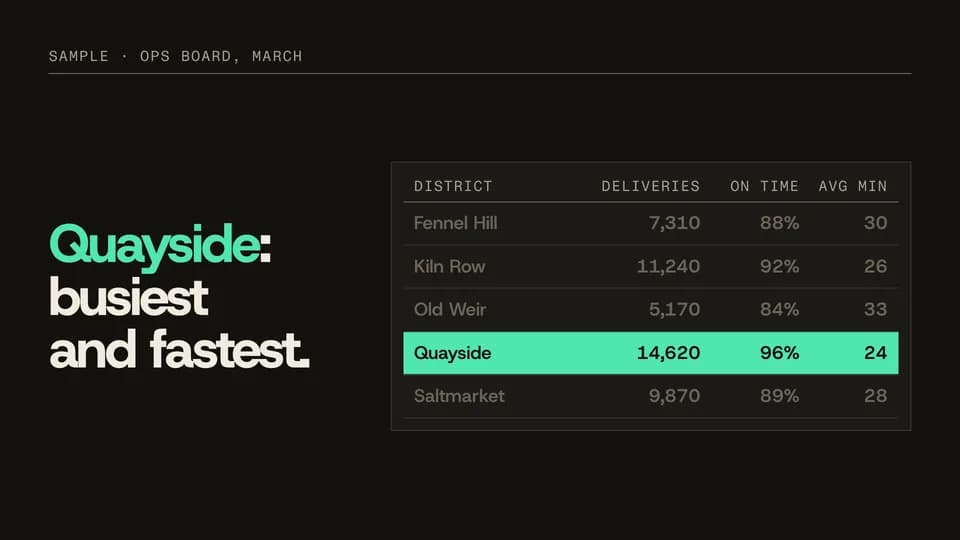 Reveal · reveal · detail6.2 s
Row spotlight
A data table sets in, a signal bar runs down its rows and stops on one while the others dim.
--move row-spotlight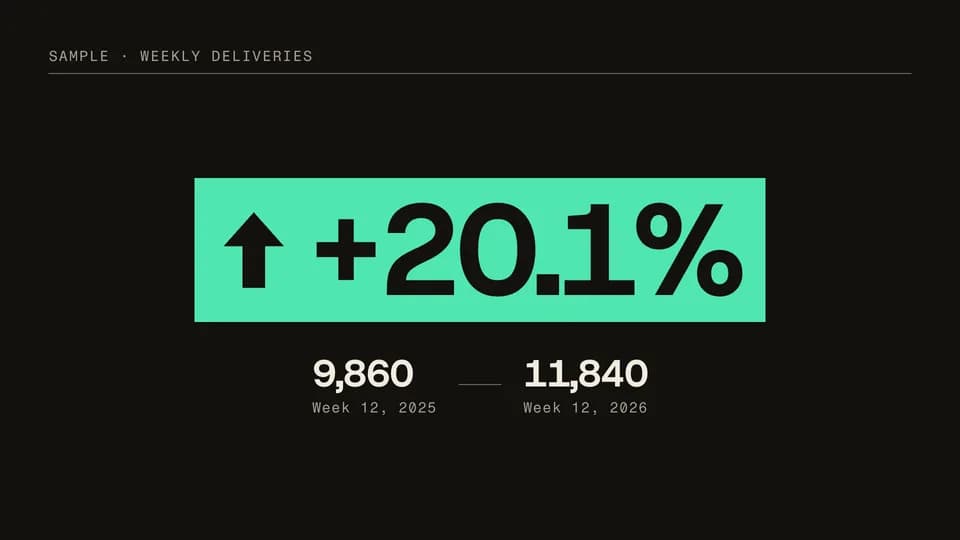 Proof · proof · change5.4 s
Delta badge
A signal badge counts up a percentage change while its arrow rises; the two figures it comes from sit beneath.
--move delta-badge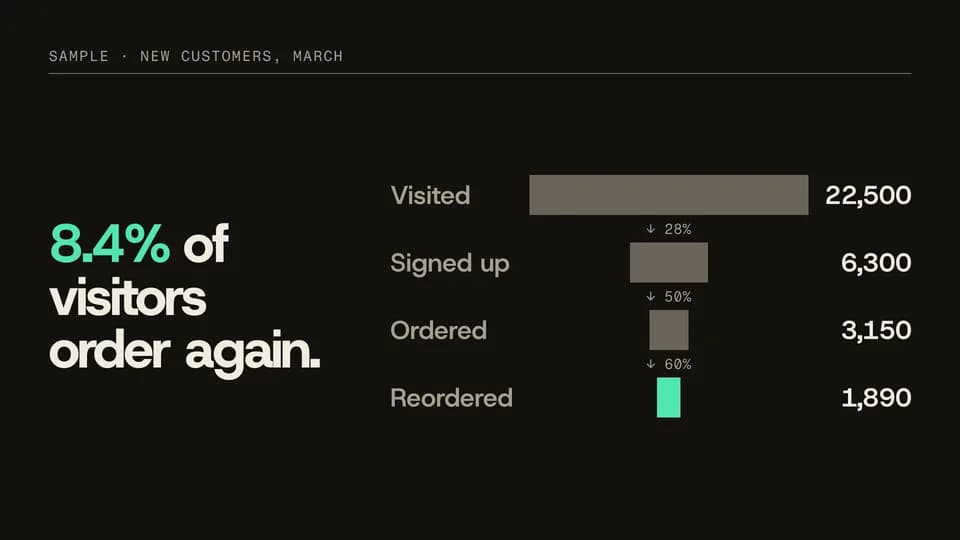 Explain · explain · conversion7.2 s
Funnel narrow
Four centred bars narrow step by step from visits to repeat orders, each step’s rate between them, the last in signal.
--move funnel-narrow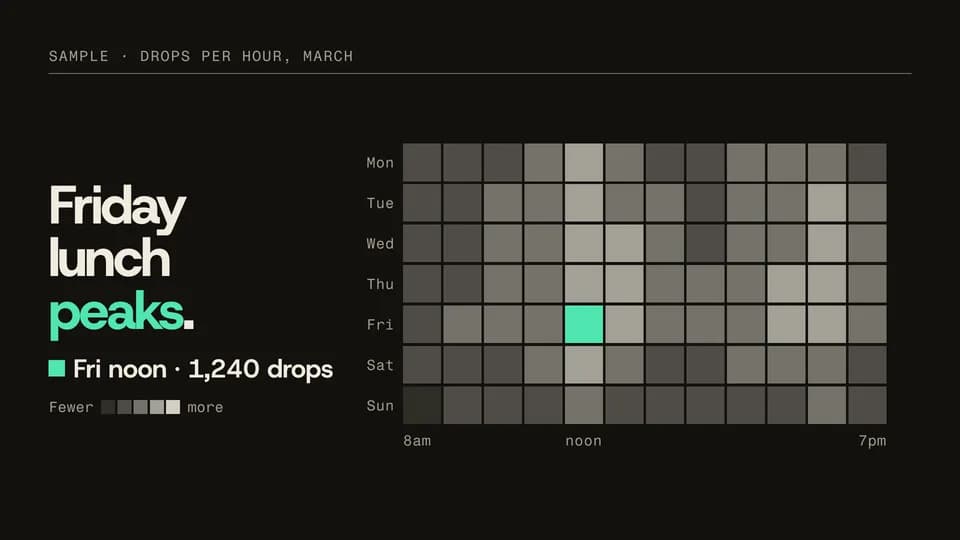 Proof · proof · pattern8 s
Heat fill
A week-by-hour grid fills column by column in tones of ink; the peak cell lights in signal with its count.
--move heat-fill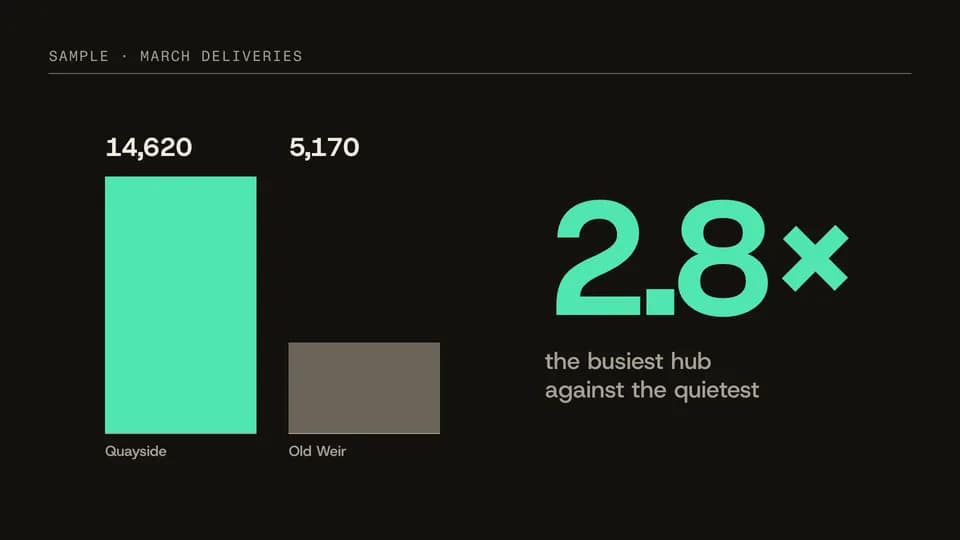 Proof · proof · comparison5.8 s
Versus pair
Two bars rise from one zero line side by side, then the multiple between them lands large beside them.
--move versus-pair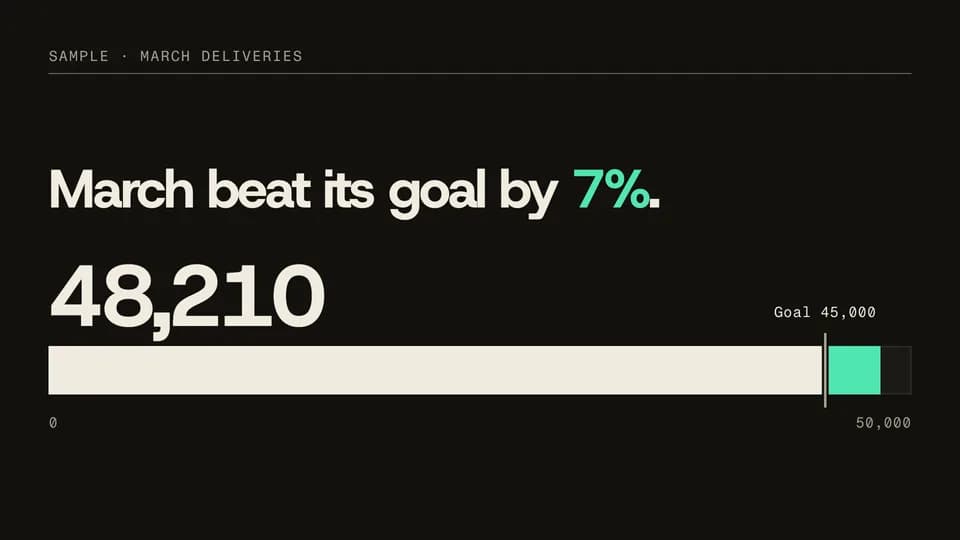 Proof · proof · target6 s
Goal track
A bar fills along a zero-based track, passes the goal marker and carries on in signal to the final figure.
--move goal-track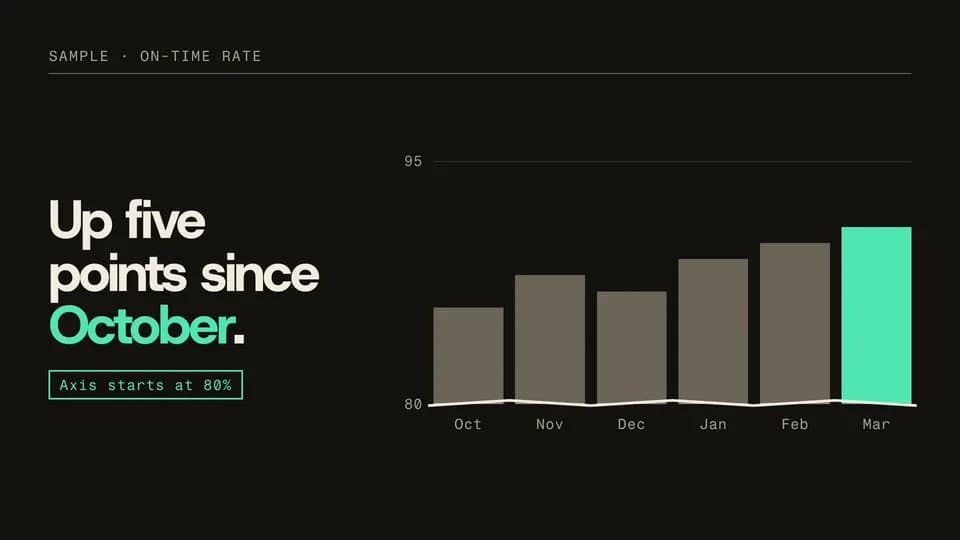 Explain · explain · honest zoom7.6 s
Axis break
Six bars rise from zero and look flat; the axis then zooms in, a break mark appears and a note says where it starts.
--move axis-break
Kinetic Titles · 20
 Hook · title in4.6 s
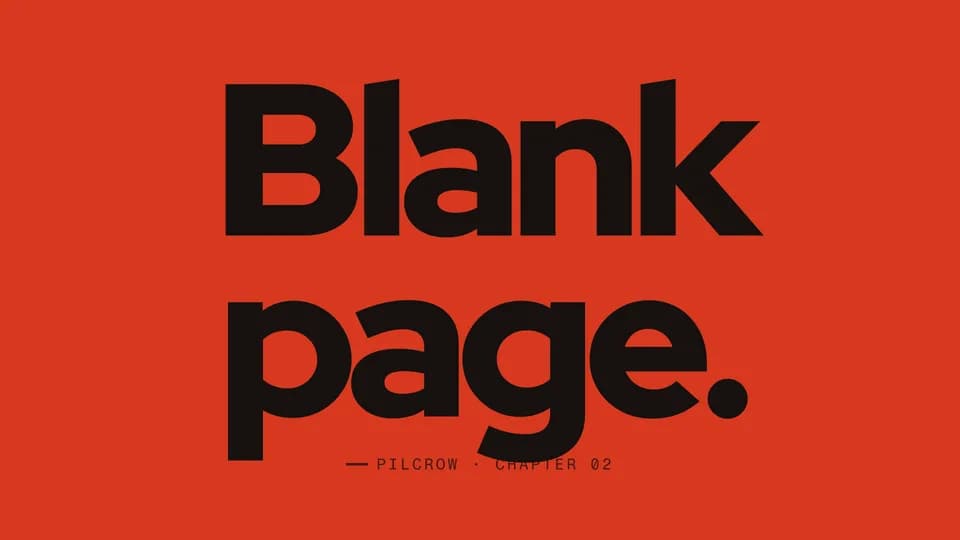
Letter cascade
Each letter of a two-line title tips down into place one after another, then a slate cue settles beneath.
--move letter-cascade Hook · title in · one word4 s
Scale settle
One word starts six times too big, filling the frame, and eases down until it settles at rest in the middle.
--move scale-settle Hook · title in · statement4.4 s
Mask slide
A three-line statement rises line by line from behind invisible baselines, the last word in the hot color.
--move mask-slide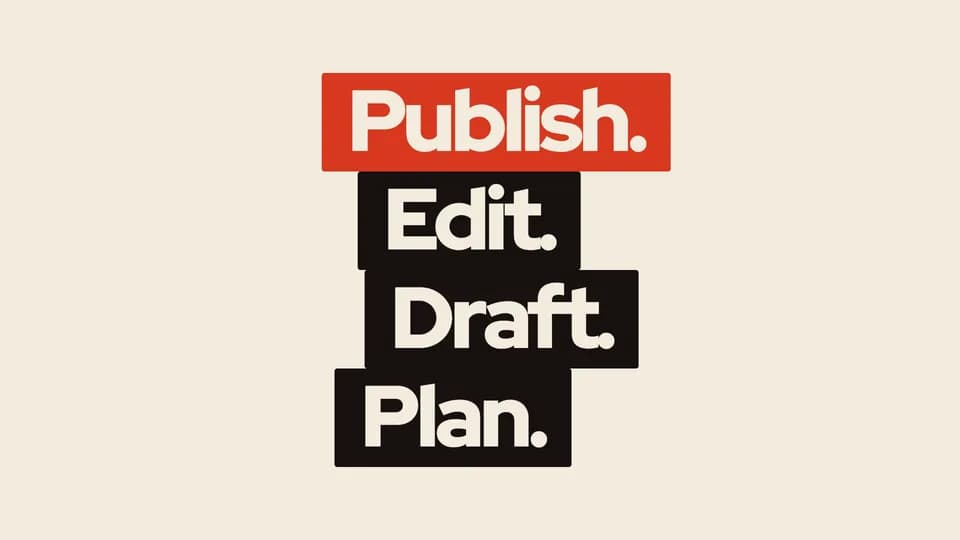 Hook · title in · list4.6 s
Block stack
Four word blocks fall in under gravity and stack into a crooked tower; the last block on top is the hot one.
--move block-stack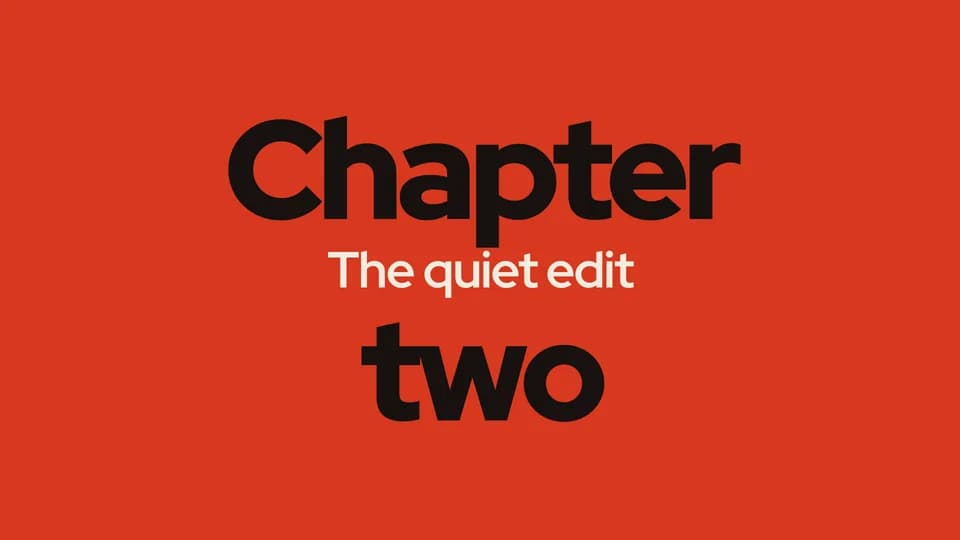 Hook · title in · subtitle4.8 s
Split reveal
A tight two-line title splits apart top and bottom, and a subtitle line opens in the gap between them.
--move split-reveal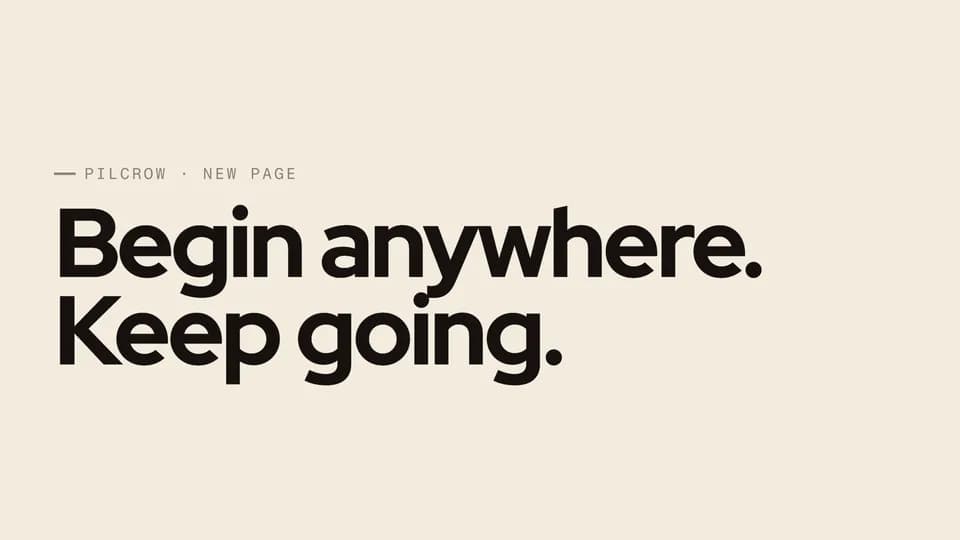 Hook · title in · statement5.4 s
Typewriter
A line types itself letter by letter behind a vermilion block caret that keeps blinking slowly once it is done.
--move typewriter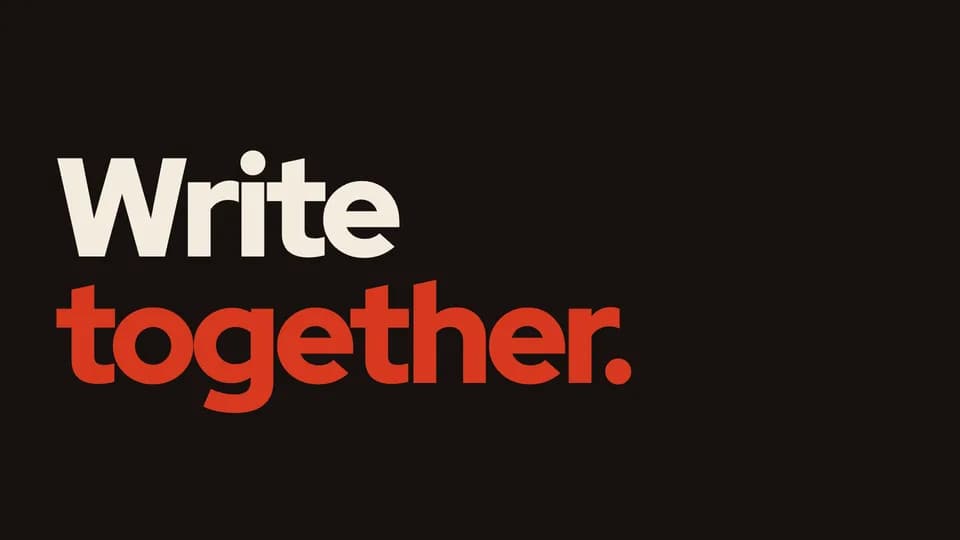 Hook · title · rotating word5.6 s
Word rotator
A fixed word holds while the word beside it rolls through three options in a slot and lands on the last one.
--move word-rotator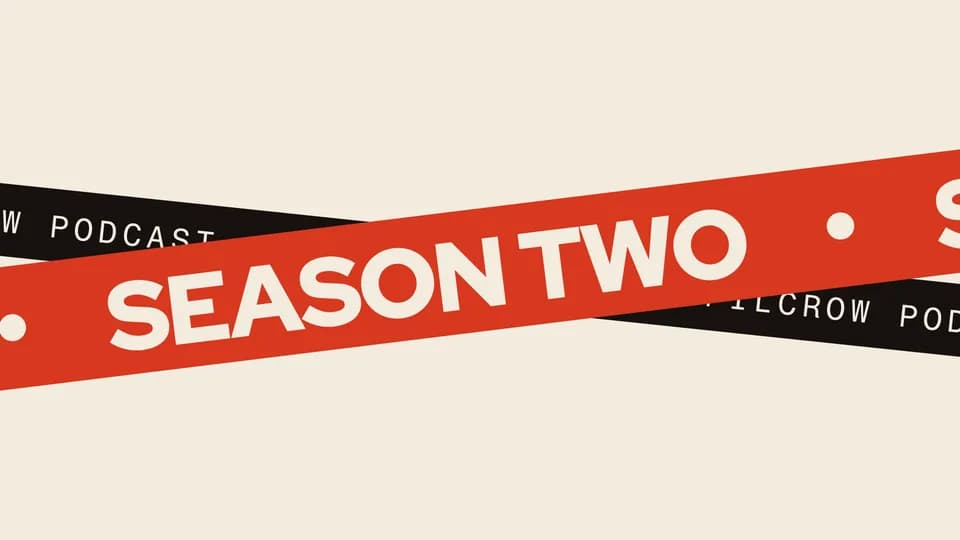 Hook · title · banner5 s
Ribbon title
Two crossing ribbons wipe across the frame, their repeated headline gliding along each band until both coast to a stop.
--move ribbon-title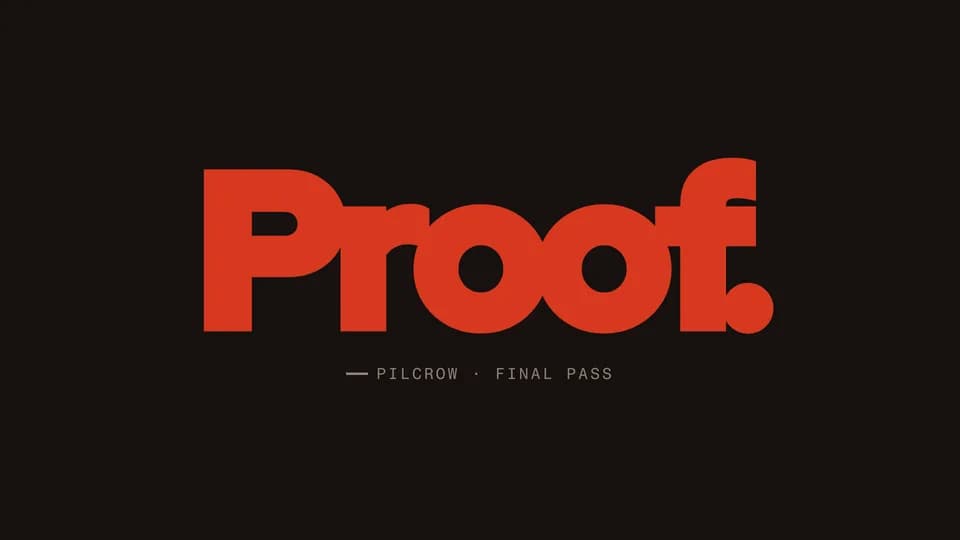 Hook · title · emphasis4.4 s
Outline fill
A word appears as a thin cream outline, then fills with vermilion from left to right as its stroke turns too.
--move outline-fill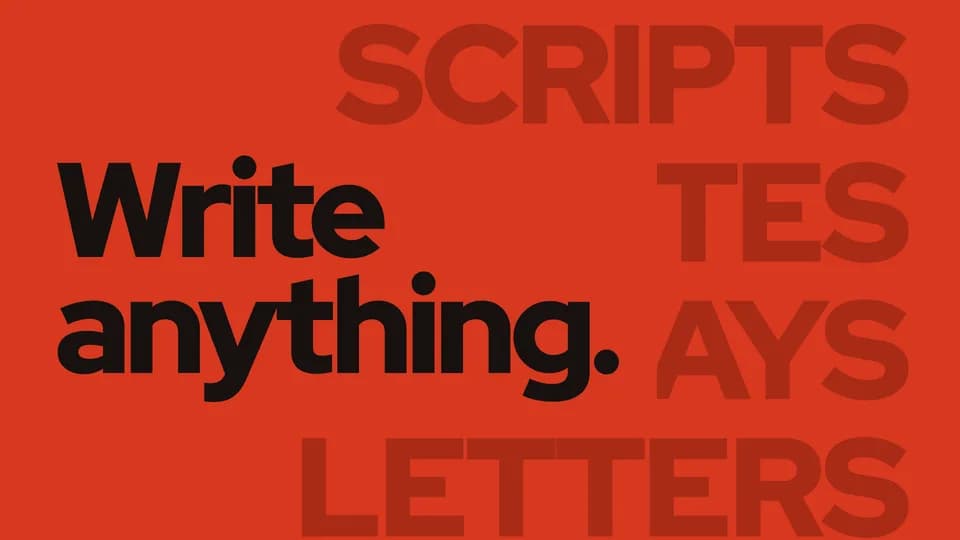 Hook · title · texture5.2 s
Vertical marquee
A column of ghost words scrolls up the frame and coasts to a stop behind a crisp title knocked out on a clean plate.
--move vertical-marquee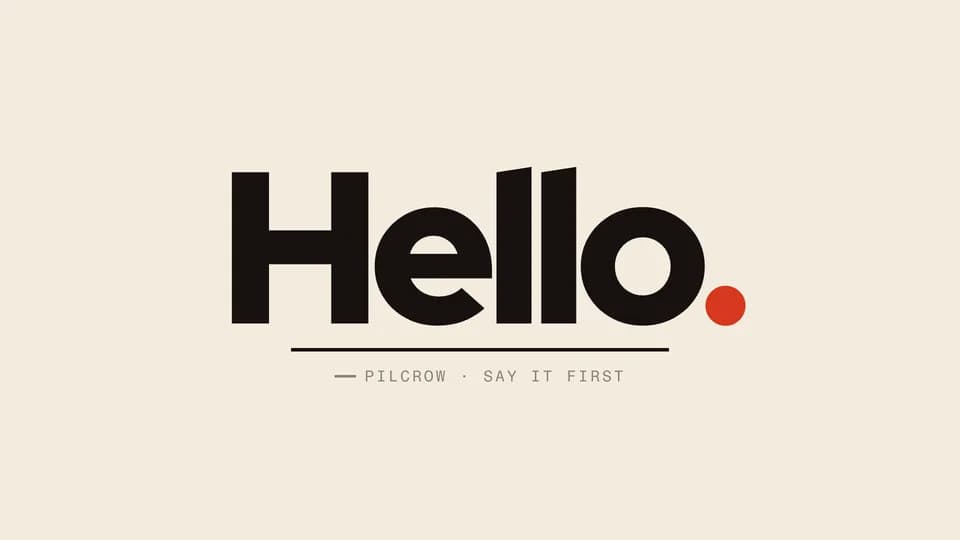 Hook · title in · playful4.4 s
Bounce drop
The letters of one word drop from above the frame one by one and bounce twice on an ink floor line before resting.
--move bounce-drop Hook · title · emphasis4.2 s
Stretch snap
The second word stretches wide and squat like elastic, holds a beat, then snaps back to size with a small overshoot.
--move stretch-snap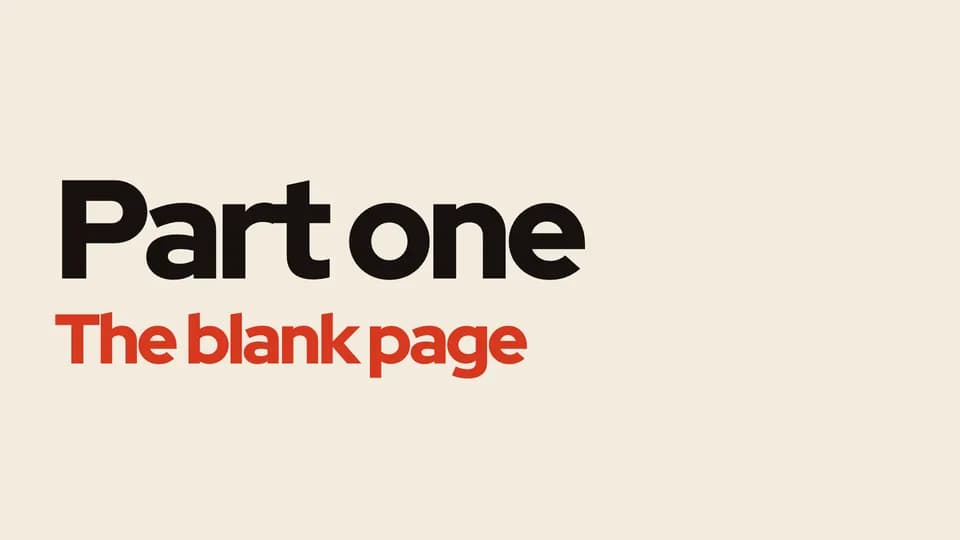 Hook · title in · section4.4 s
Bar wipe
A solid bar shoots across, then retracts to reveal the title under it; a vermilion bar does the same for the subtitle.
--move bar-wipe Proof · statement · contrast4.8 s
Contrast swap
A loud line and a quiet line trade places: the big one shrinks into grey as the small one grows big and hot.
--move contrast-swap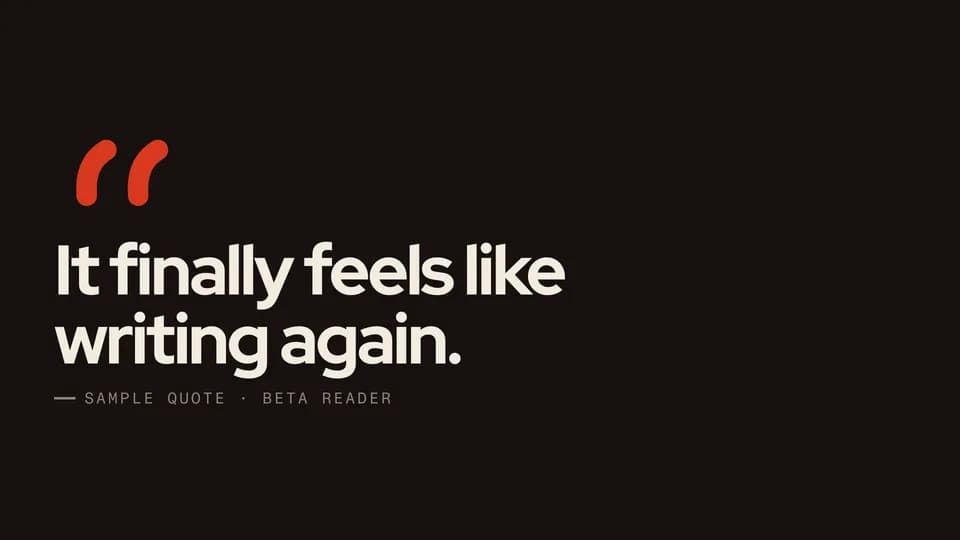 Proof · proof · quote5 s
Quote draw
Two vermilion quotation marks draw themselves stroke by stroke, the quote rises beneath them and its source fades in.
--move quote-draw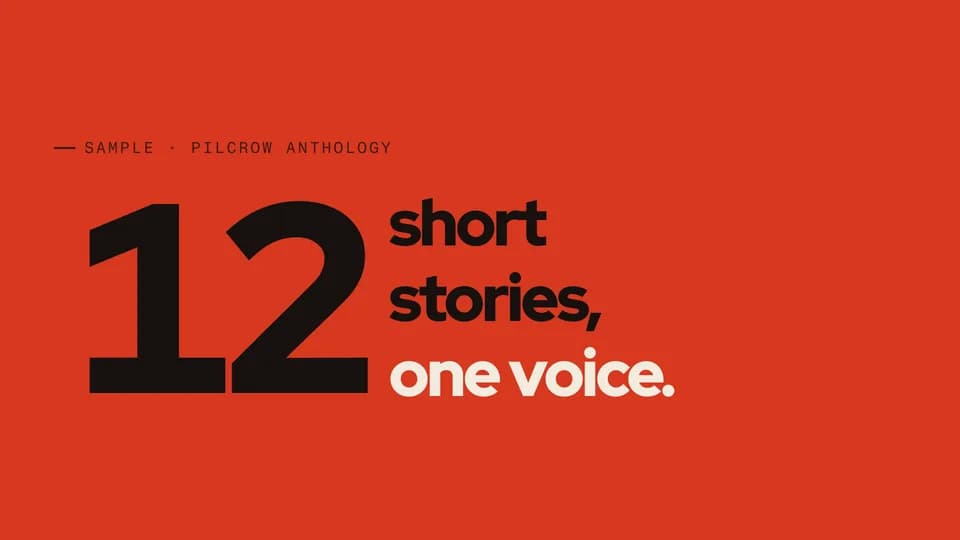 Proof · proof · figure4.6 s
Number lockup
A giant number counts up while three short lines lock to its height beside it, the last one in the hot color.
--move number-lockup Proof · statement · emphasis4.4 s
Word circle
A statement sets in, then a hand-drawn vermilion loop circles its one key word like a marker on a proof.
--move word-circle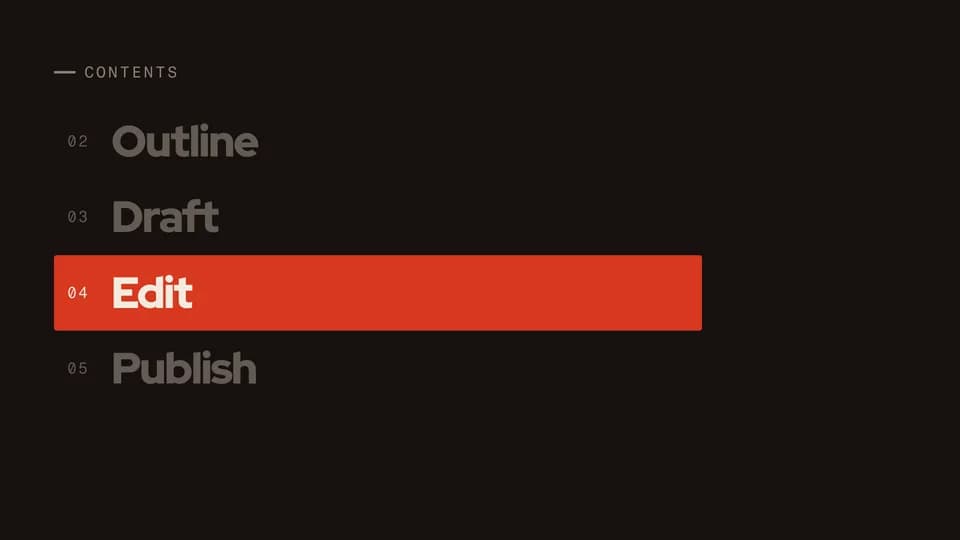 Transition · chapter · section6 s
Line scroll
A contents list scrolls up and stops on one line; a vermilion band lights it as every other line dims.
--move line-scroll Hook · name · title in4.2 s
Kern squeeze
A name enters with its letters spread wide across the frame and pulls together into tight, heavy type.
--move kern-squeeze Hook · name · caption4.6 s
Lower third
A name plate shoots out from the left and reveals a speaker’s name, then a vermilion role tag drops in below.
--move lower-third
Transitions · 20
 Transition · transition · wipe4.6 s
Diagonal wipe
The next card cuts across the frame on a raked diagonal led by an ink edge; its words slide in with the edge.
--move diagonal-wipe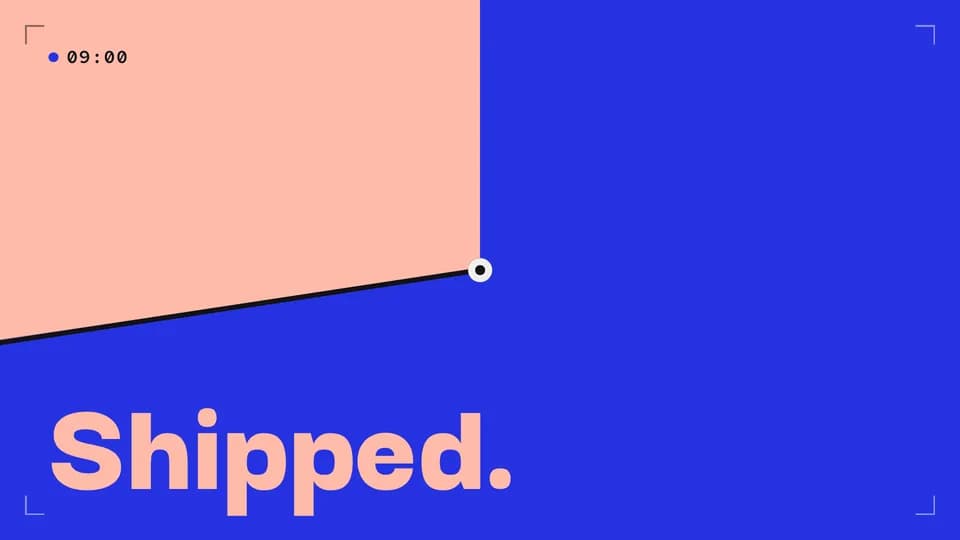 Transition · transition · time passes4.2 s
Clock wipe
An ink hand sweeps once round the frame from twelve o’clock, painting the next card in behind it.
--move clock-wipe Transition · transition · wipe4.6 s
Stripes sweep
Raked stripes sweep left to right in two shades of the next colour, then the new line rises on the clean field.
--move stripes-sweep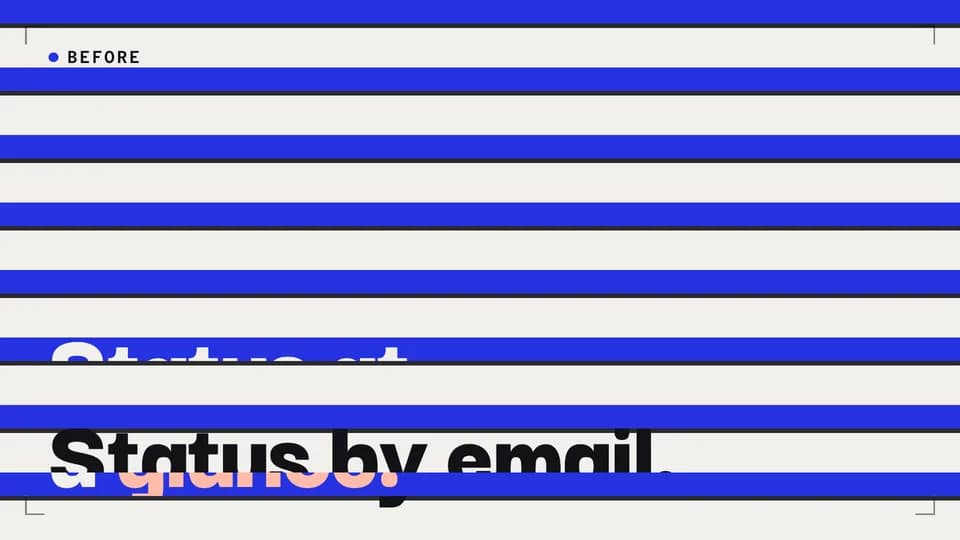 Transition · transition · wipe4.6 s
Venetian blinds
Eight slats tilt open across the frame, each led by a thin ink edge, and the next card shows through.
--move venetian-blinds Transition · transition · chapter break4.8 s
Iris close and open
The frame closes to a single dot on ink, holds, and the dot opens into the next card.
--move iris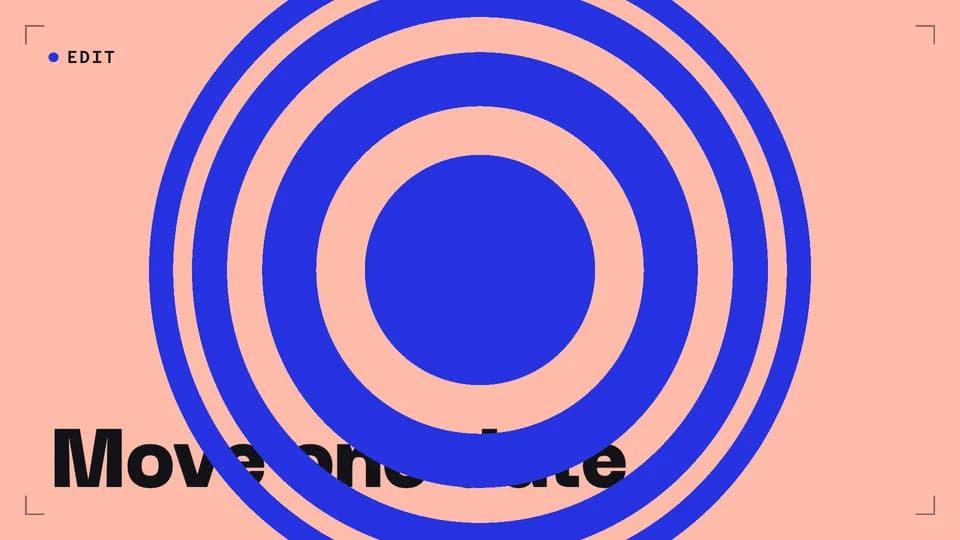 Transition · transition · cause and effect4.6 s
Ripple
Rings spread from the centre like a dropped stone, each showing the next card, until it fills the frame.
--move ripple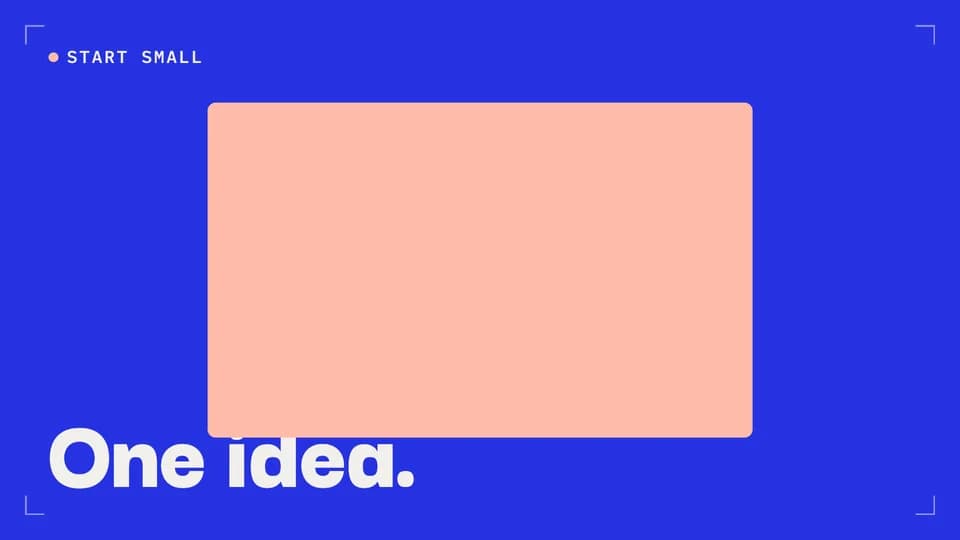 Transition · transition · reveal5 s
Shape morph
A dot appears, turns into a square, then opens into the whole screen: the next card, with the product on it.
--move shape-morph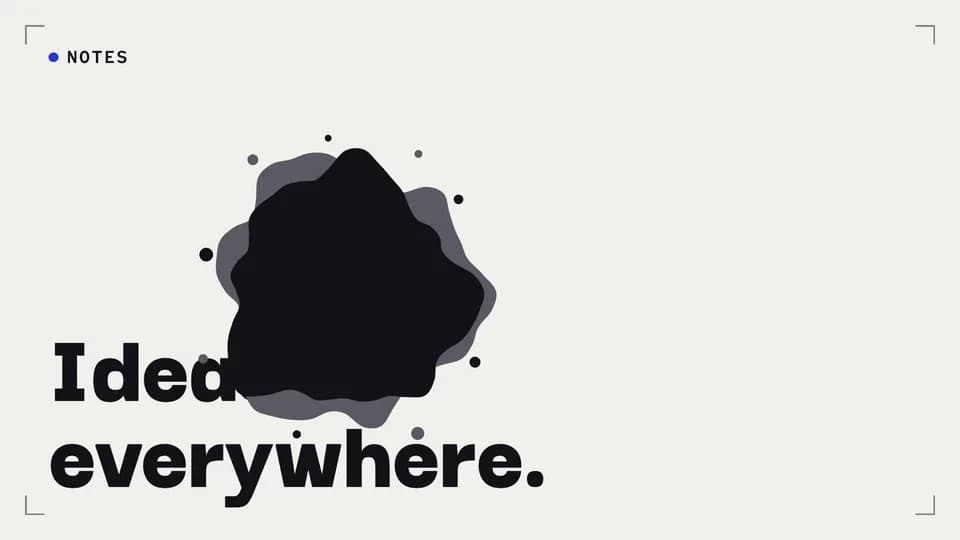 Transition · transition · mood change4.6 s
Ink bleed
A drop of ink lands on the paper card and bleeds outward with a wet grey rim until the frame is ink.
--move ink-bleed Transition · transition · reset4.6 s
Colour swallow
A small square of the next colour sits in the corner, then turns and grows until it swallows the frame.
--move color-swallow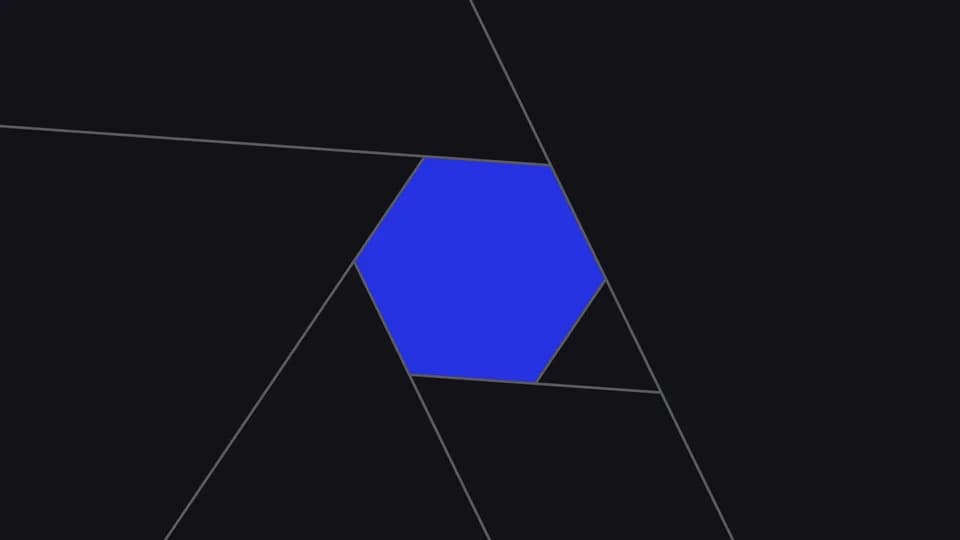 Transition · transition · snapshot4.4 s
Shutter
Six ink blades twist shut like a camera shutter, hold closed for a beat, then open on the next card.
--move shutter Transition · transition · next stop4.4 s
Split-flap
The whole frame flips like a departure board: the top half falls on its hinge and lands as the next card.
--move split-flap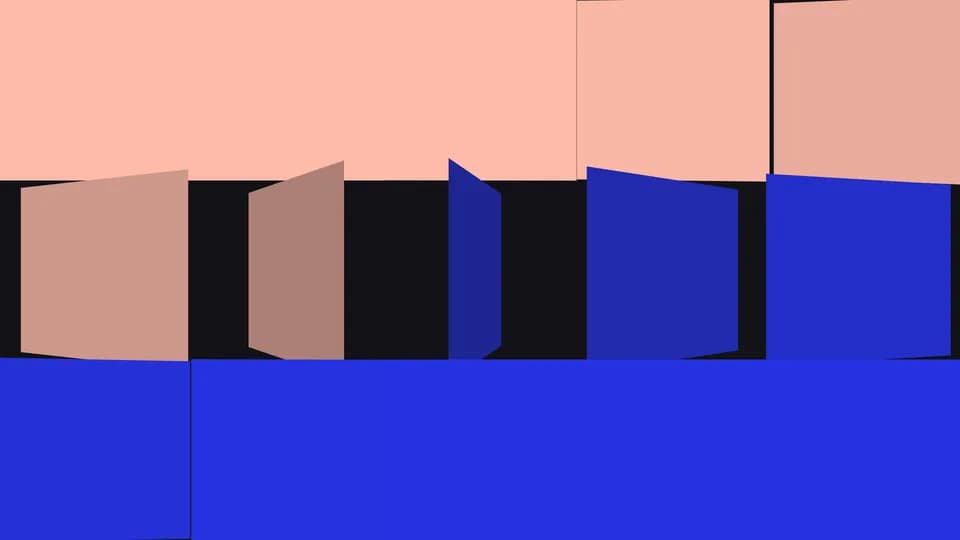 Transition · transition · rebuild4.8 s
Tile flip
The frame breaks into fifteen tiles that flip over one after another, each turning to the next colour.
--move tile-flip Transition · transition · fresh start4.8 s
Page curl
The card peels away from the bottom-right corner like a page, its back shaded, uncovering the next card.
--move page-curl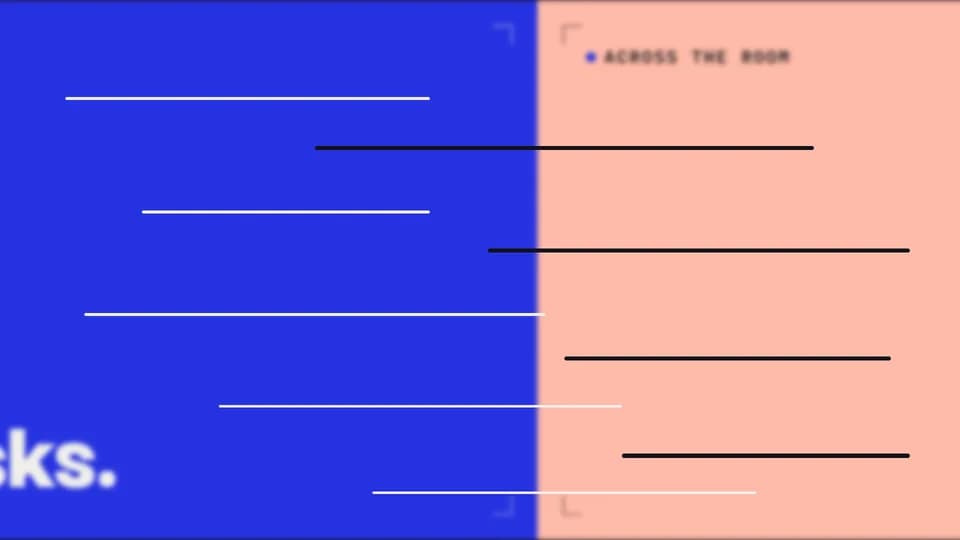 Transition · transition · meanwhile4.2 s
Whip pan
The camera whips sideways in under half a second, the frame smearing into motion lines, and lands on the next card.
--move whip-pan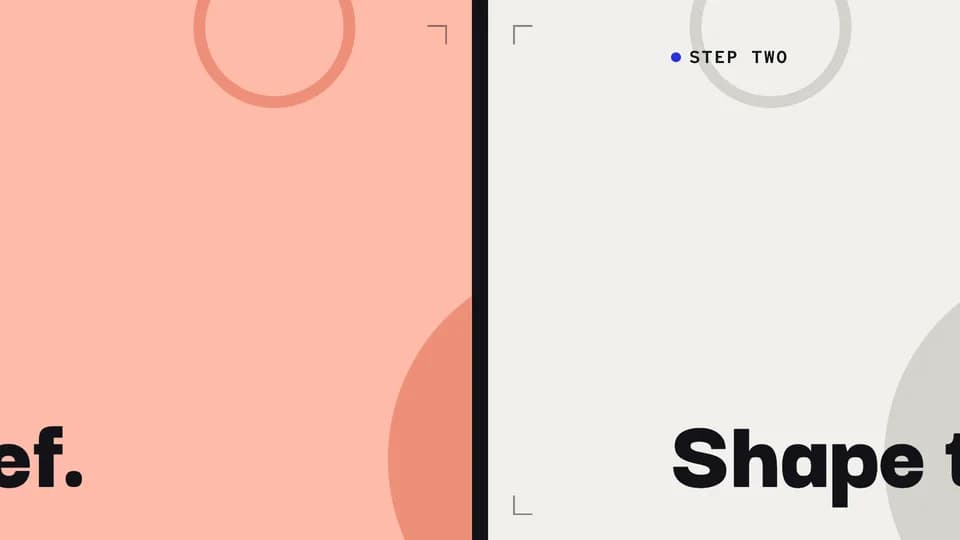 Transition · transition · next step4.8 s
Parallax push
The next card pushes the last one out; behind the words, a far layer drifts slower, so the move has depth.
--move parallax-push Transition · transition · dive in4.8 s
Letter zoom
One giant word holds; its O is a window onto the next card, and the camera dives through it.
--move letter-zoom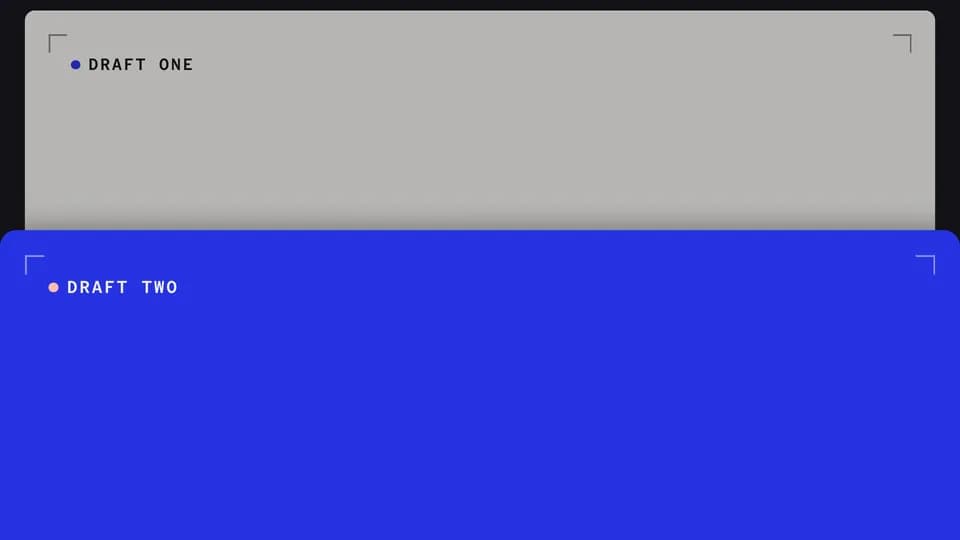 Transition · transition · build on it4.8 s
Slide and stack
The next card slides up and stacks on the last, which steps back and dims, its edge still peeking above.
--move slide-stack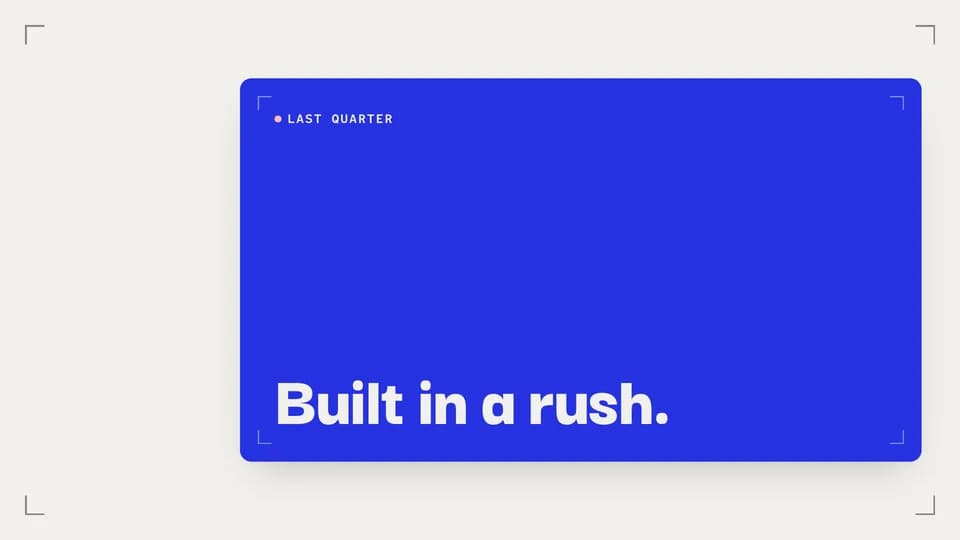 Transition · transition · recap5 s
Frame in frame
The whole card shrinks into a framed thumbnail that settles beside the next line, so the last beat stays in view.
--move frame-shrink Transition · transition · match cut4.4 s
Shape match cut
A hard cut between two cards that share one circle in the same place and size, so the eye never jumps.
--move shape-match Transition · transition · continuity4.6 s
Word carry
One word holds perfectly still while the card behind it wipes up and the line around it rewrites.
--move word-carry
Feature Callouts · 20
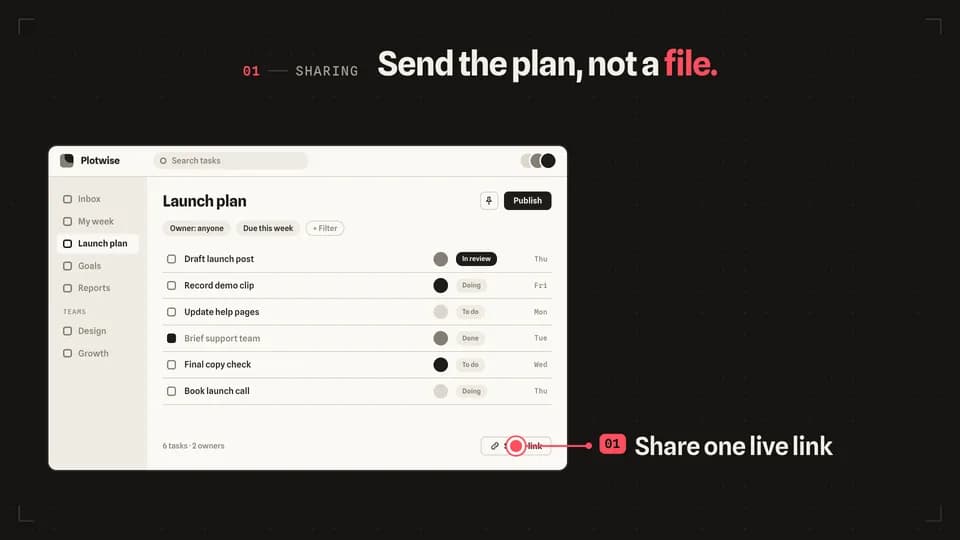 Explain · point4.6 s
Leader line
A redline dot lands on one control, a leader line draws out to the stage, and the feature’s label reveals at its end.
--move leader-line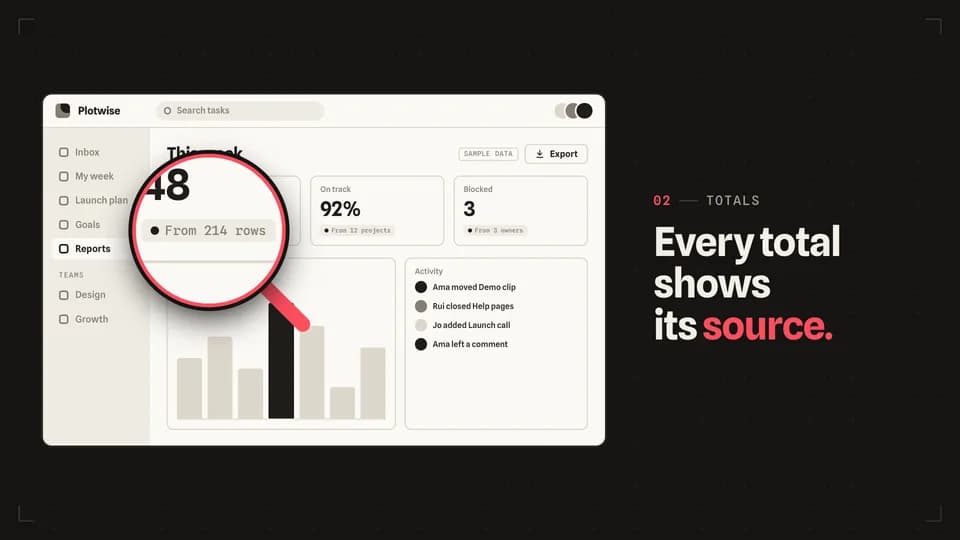 Transition · zoom5.2 s
Magnifier
A redline loupe settles over one small control and magnifies it to double size while the rest of the screen holds still.
--move magnifier Explain · point4.8 s
Ring pulse
Redline rings breathe out of one button once a second — three gentle pulses — while the line names what it does.
--move ring-pulse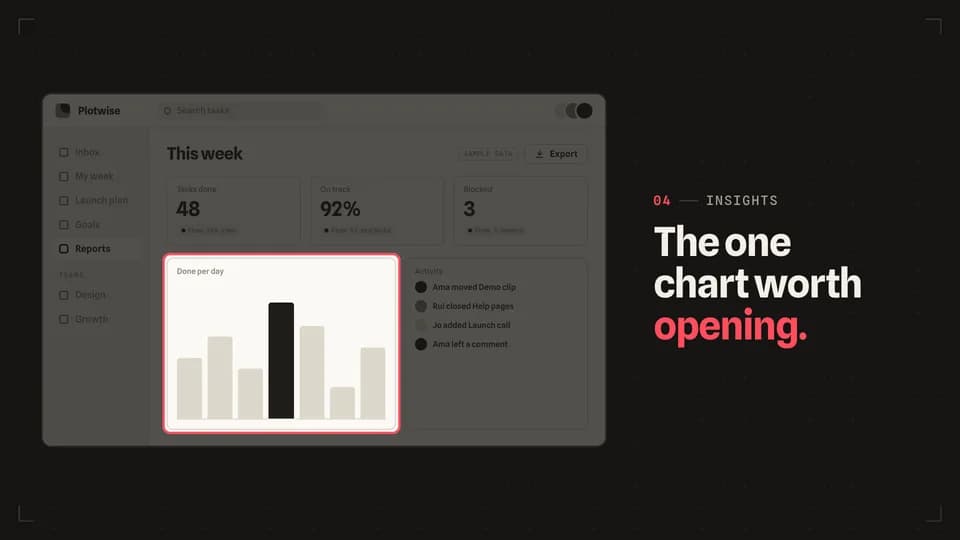 Transition · focus5 s
Spotlight
The screen dims around one panel, which keeps its light and gains a redline rim, so the eye has nowhere else to go.
--move spotlight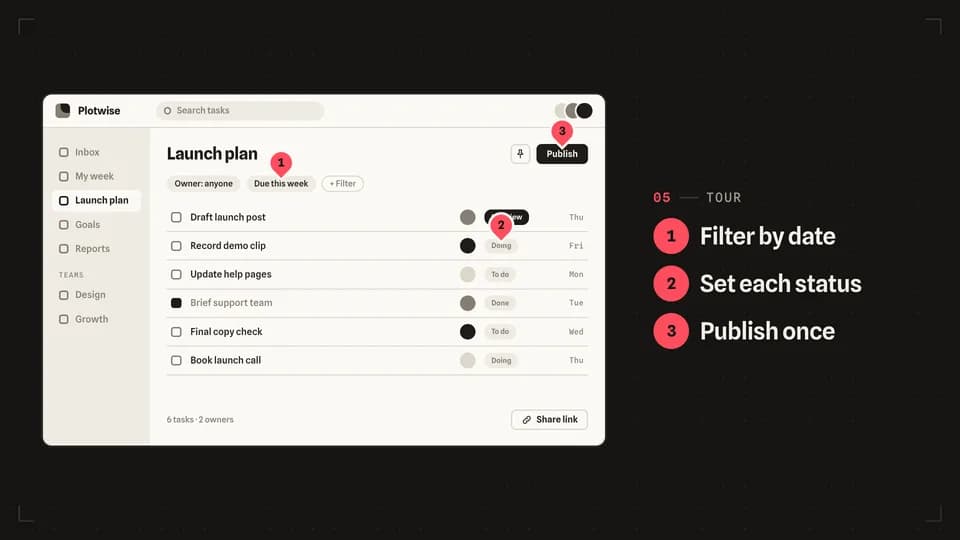 Reveal · tour6.4 s
Numbered pins
Three numbered redline pins drop onto the screen one by one, each in step with its line in a short list.
--move numbered-pins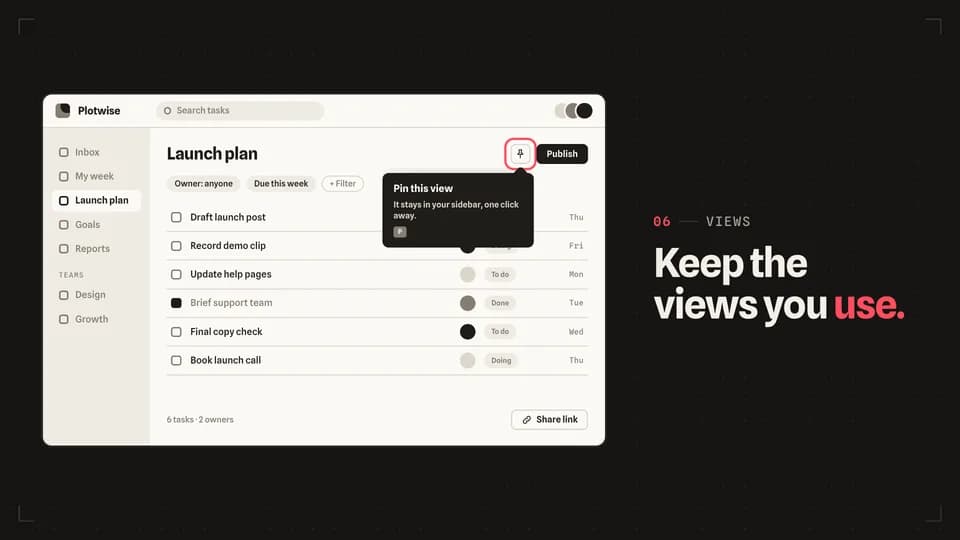 Explain5 s
Tooltip unfold
A redline ring marks an icon button, then its tooltip unfolds from the arrow — across, then down — to explain it.
--move tooltip-unfold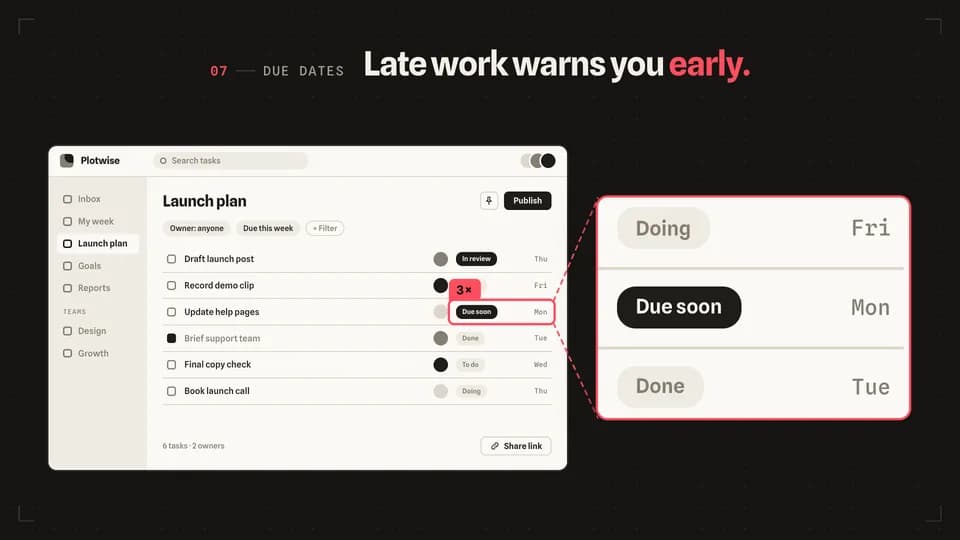 Reveal · detail5.6 s
Zoom inset
A redline box frames one small detail, and a panel beside the screen shows that same detail three times larger.
--move zoom-inset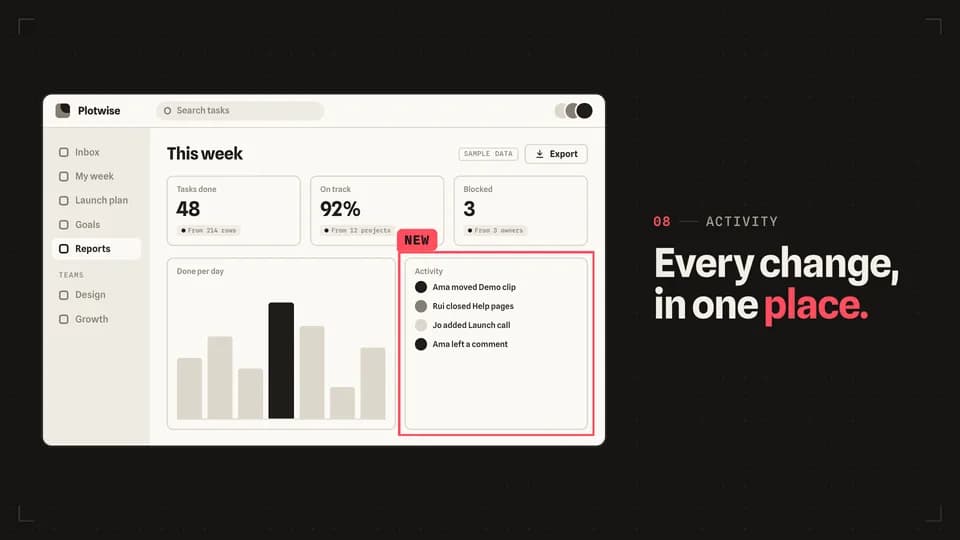 Explain · frame4.8 s
Trace box
Four redline edges run clockwise round one panel until it is boxed in, then a small New tag lands on its corner.
--move trace-box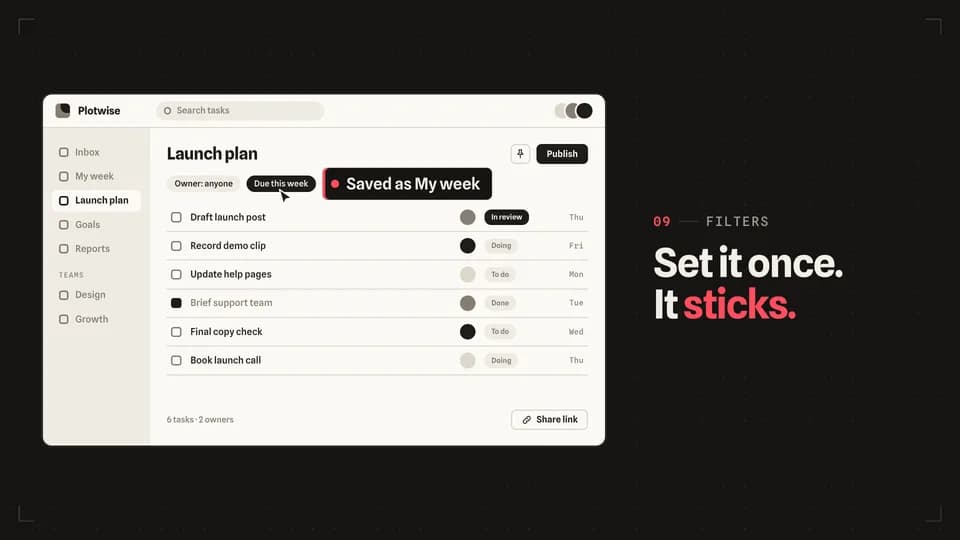 Reveal · demo5.4 s
Click reveal
A cursor travels to a filter chip and clicks; the chip turns on and a label slides out of it saying what just happened.
--move click-reveal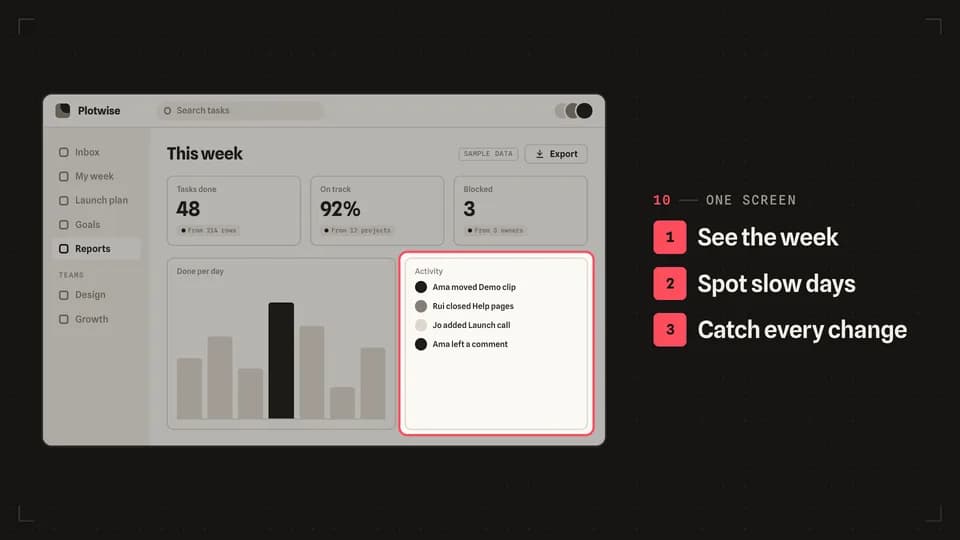 Reveal · tour6.2 s
List sync
A three-line feature list ticks down in order while a redline frame moves to the matching part of the screen each time.
--move list-sync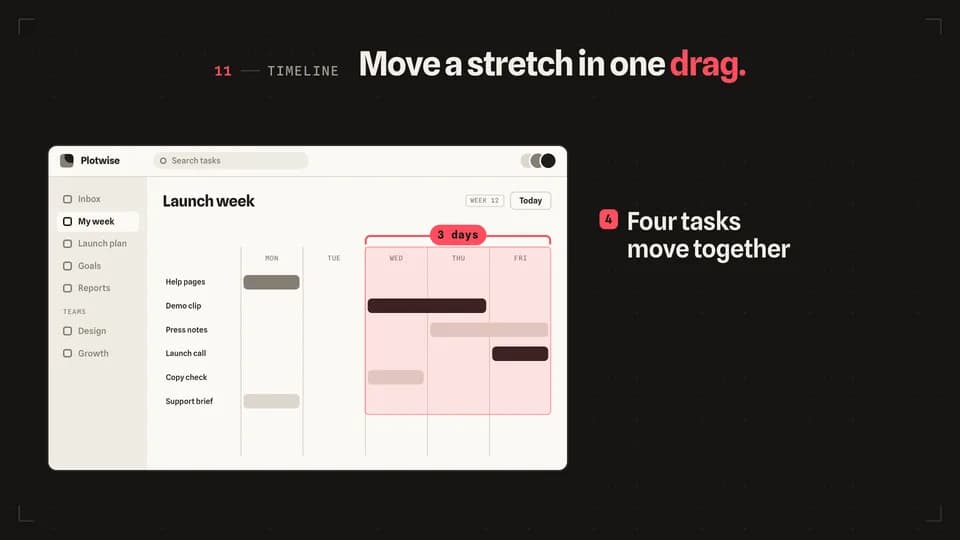 Explain · scope5.2 s
Range bracket
A redline bracket opens over three days of a timeline, the range lights, and every task inside it slides one day on.
--move range-bracket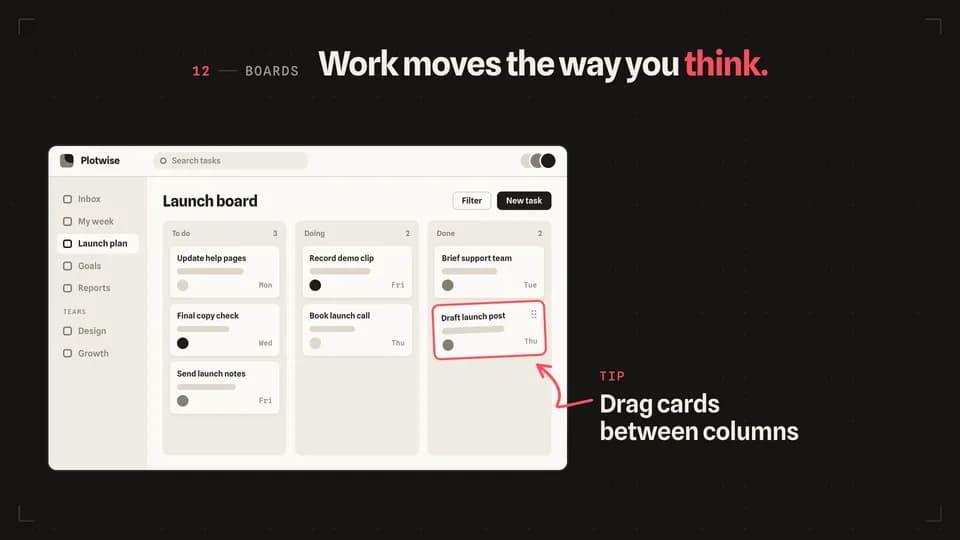 Explain · point5 s
Arrow sketch
A hand-drawn redline arrow sketches itself from a short note on the stage to the card being dragged on the screen.
--move arrow-sketch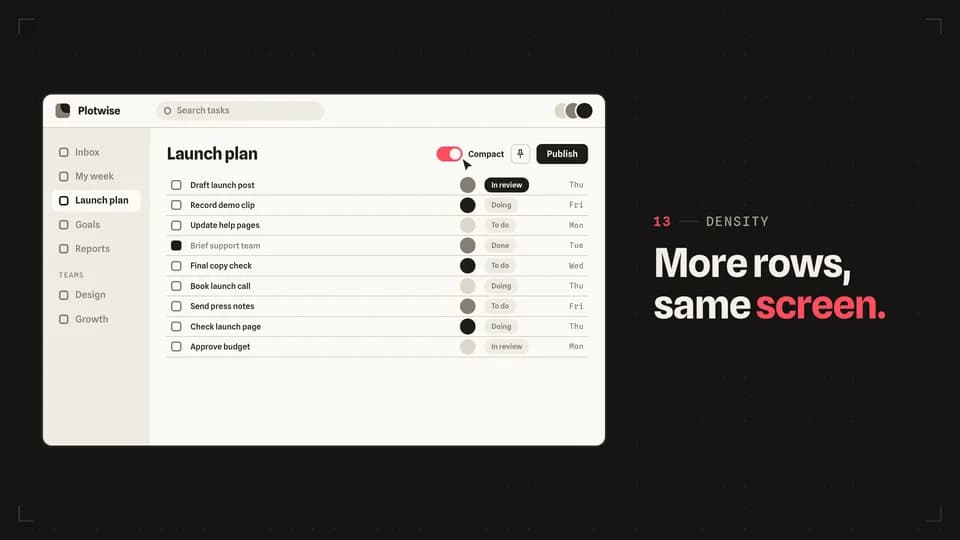 Proof · before · after5.6 s
Toggle flip
A cursor flips one switch from off to on, the switch fills with redline, and the rows below re-set in their compact form.
--move toggle-flip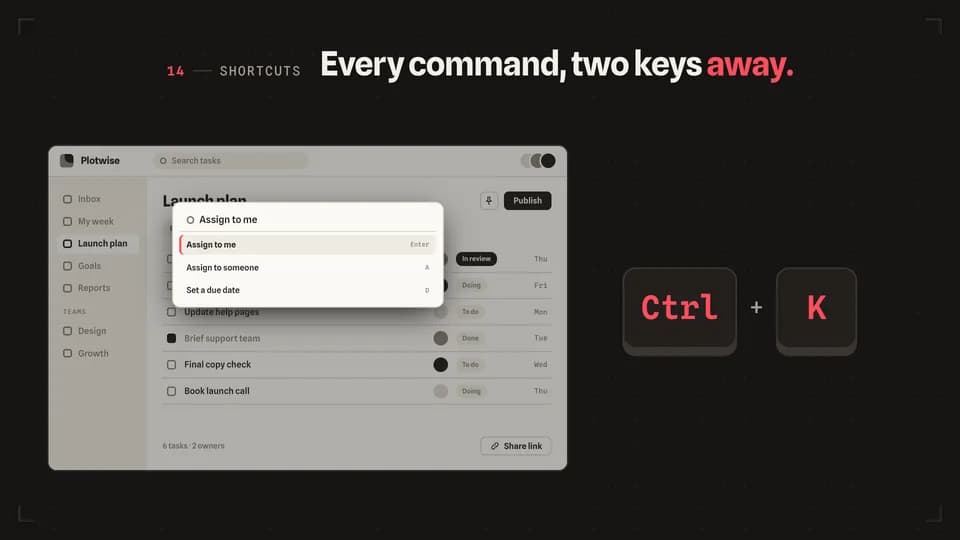 Reveal · demo5 s
Shortcut press
Two big keycaps press in turn on the stage, and the screen answers with its command bar typing the action.
--move shortcut-press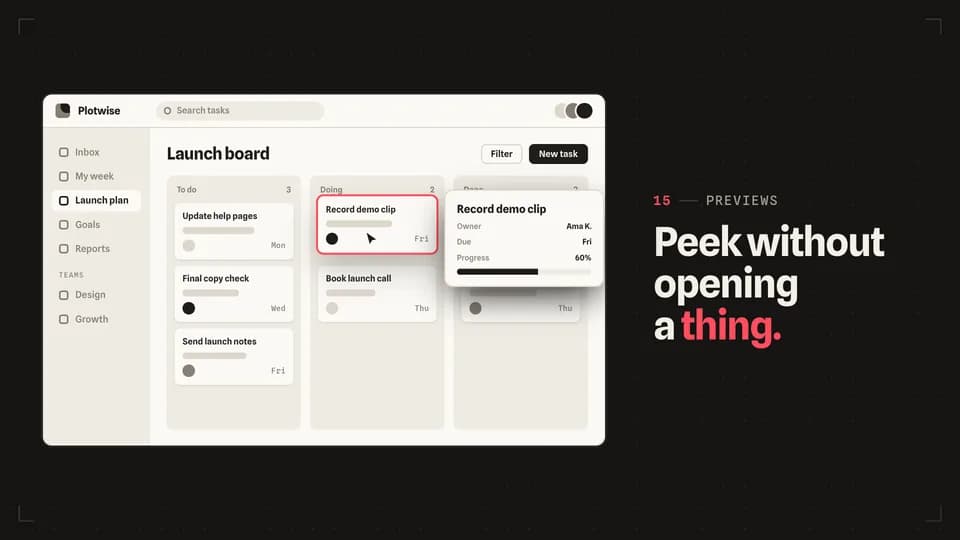 Reveal · preview5 s
Hover lift
The cursor rests on a card, the card lifts with a redline edge, and a preview card rises beside it with the details.
--move hover-lift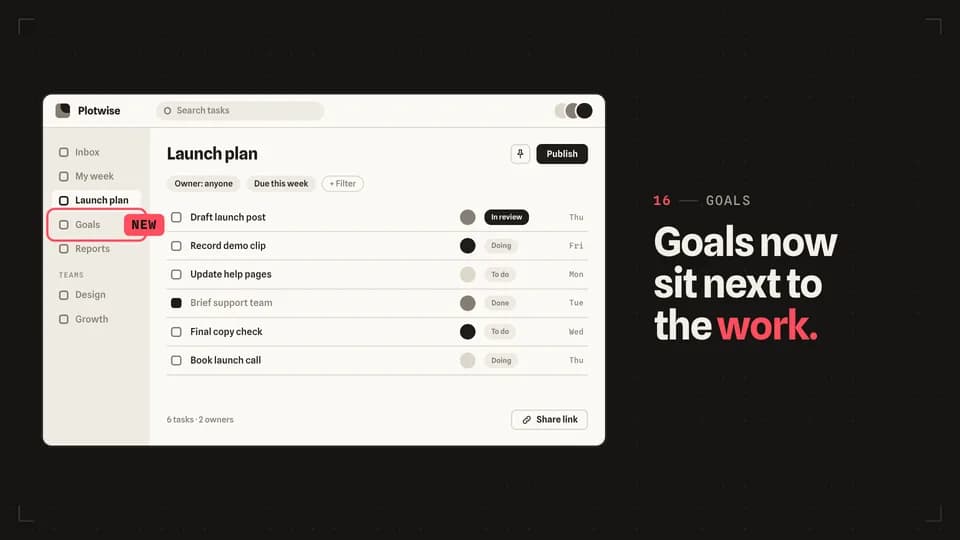 Hook · announce4.4 s
New badge
A redline ring settles round one sidebar item and a New badge stamps onto it, the way a release note points at a change.
--move new-badge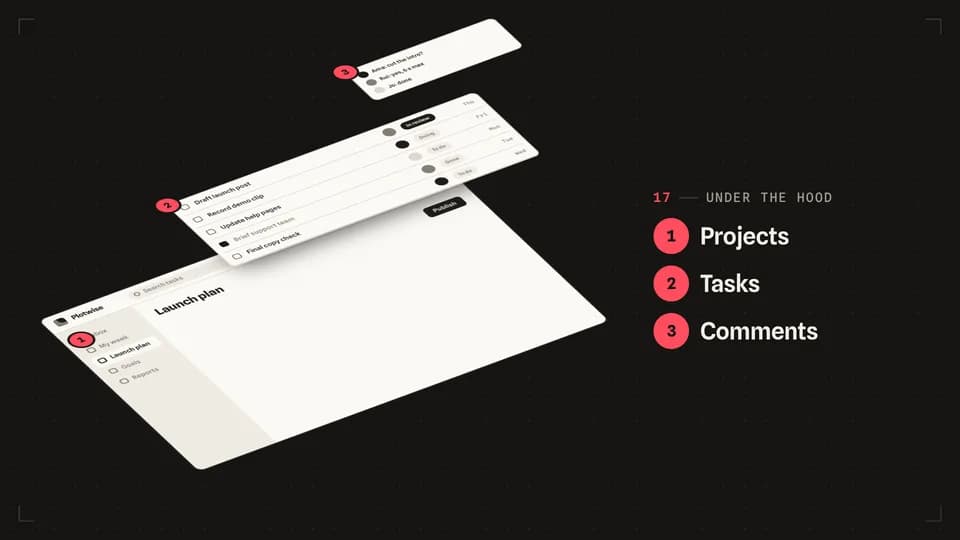 Explain · structure6.4 s
Exploded view
The screen tilts back and comes apart into three numbered layers, like an exploded diagram in a manual.
--move exploded-view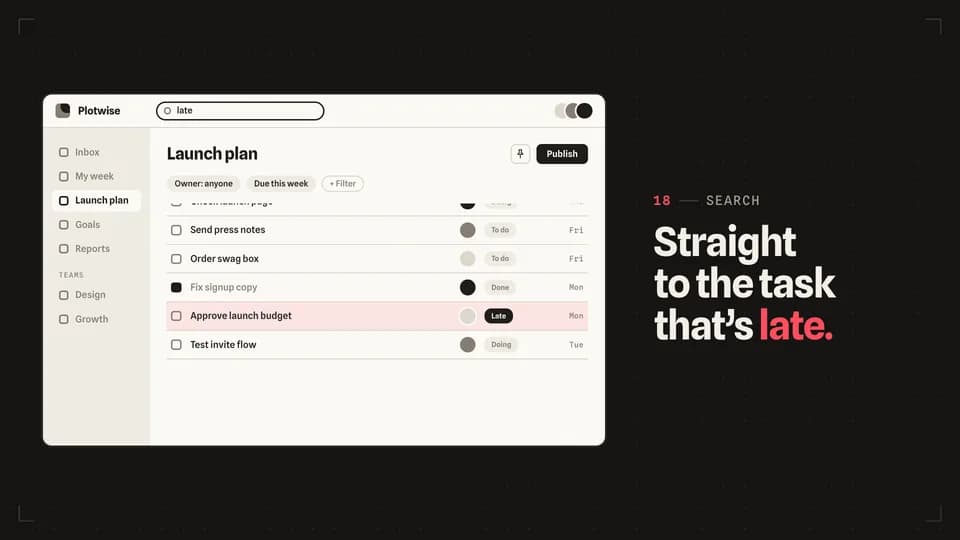 Transition · find5.6 s
Scroll stop
A search types, the long task list runs and eases to a stop on one row, and a redline bar lights that row.
--move scroll-stop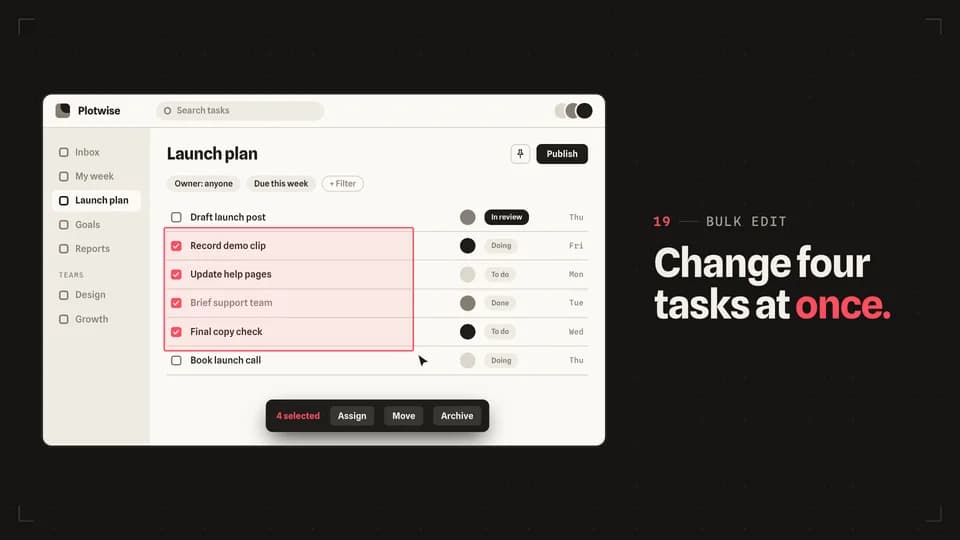 Transition · bulk5.8 s
Marquee select
The cursor drags a redline selection box across four rows, each row ticks as it is caught, and a bulk action bar rises.
--move marquee-select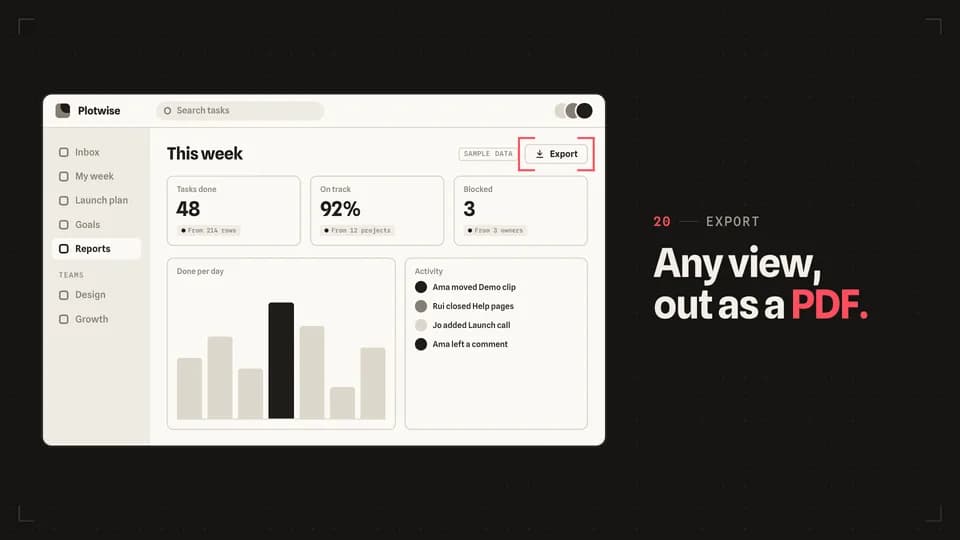 Transition · target4.6 s
Crop marks
Four redline corner marks start at the screen’s edges and close in until they frame one button.
--move crop-marks
Proof Points · 20
 Proof5.8 s
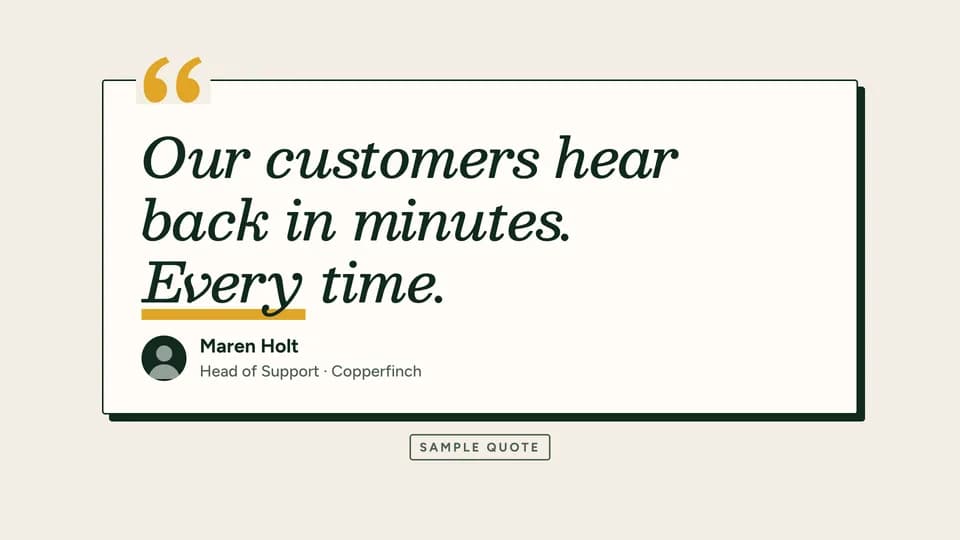
Quote card
A customer quote card rises with a gold quote mark, the line reveals, the name and role settle in and a sample stamp lands.
--move quote-card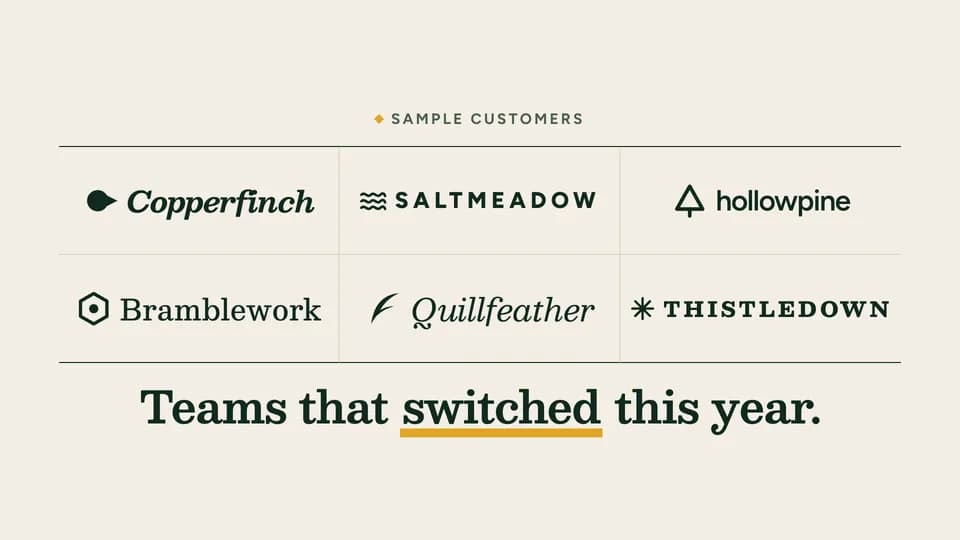 Proof5.6 s
Wordmark row
Six invented customer wordmarks rise into a ruled grid one by one under a sample label, then one line says who they are.
--move wordmark-row Proof5 s
Star fill
On the evergreen stage the average rating counts up while five large stars fill with gold to the same value; the source line follows.
--move star-fill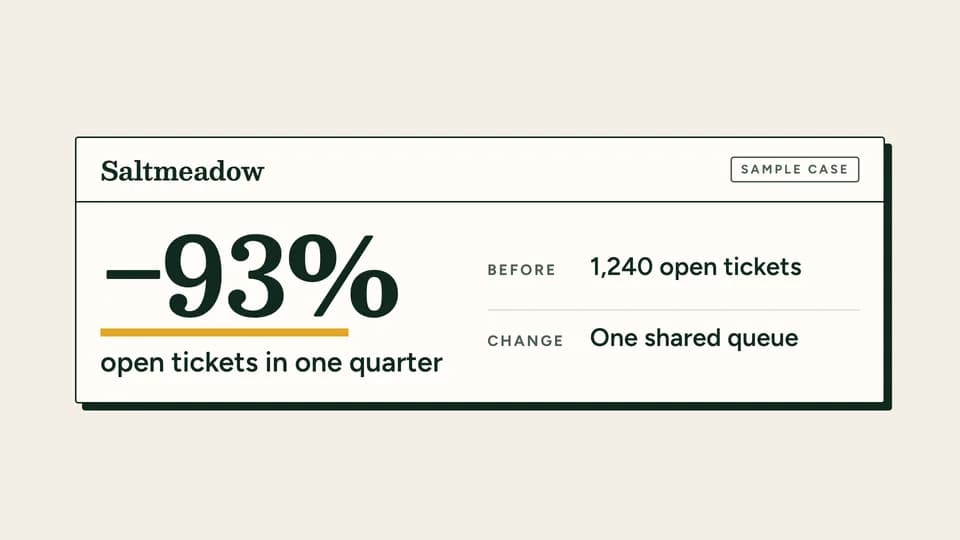 Proof6.4 s
Case card
A case-study slip opens on a customer name, the result counts to −93% over a gold rule, and the before and the change list beside it.
--move case-card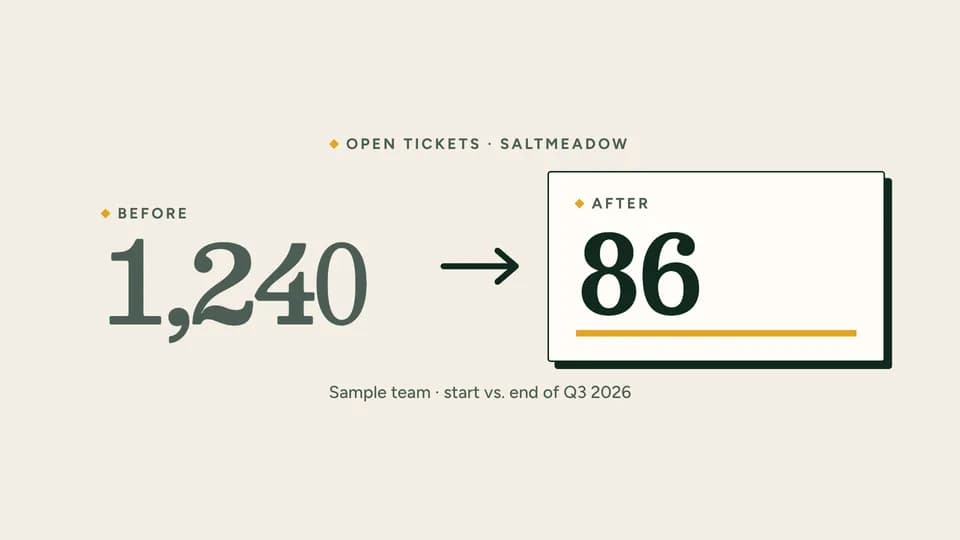 Proof · proof · contrast5.8 s
Metric pair
The before figure sits in soft ink, an arrow draws across, and the after figure counts down on a proof slip over a gold rule.
--move metric-pair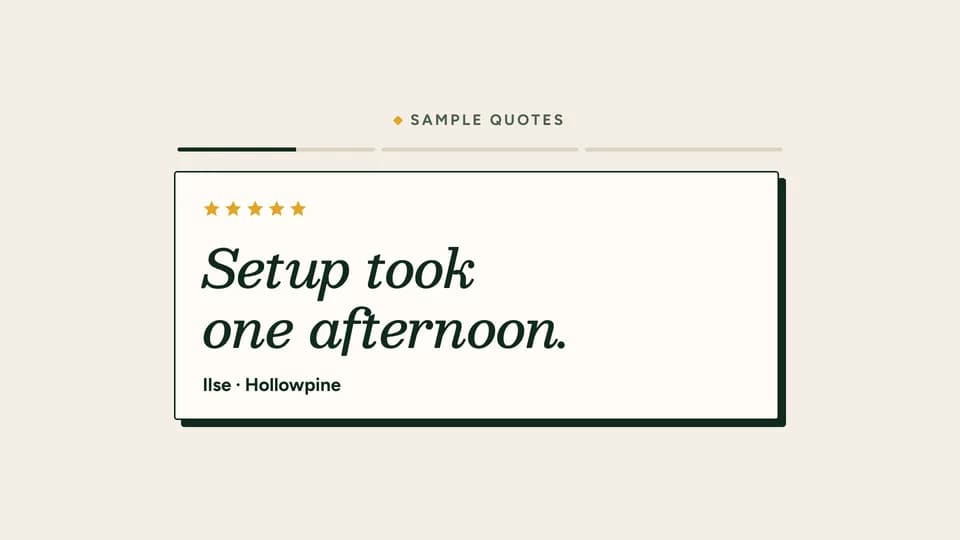 Proof7.6 s
Quote carousel
Three short quote cards slide through one window, each with stars and a name, while a segmented bar above tracks which card is up.
--move quote-carousel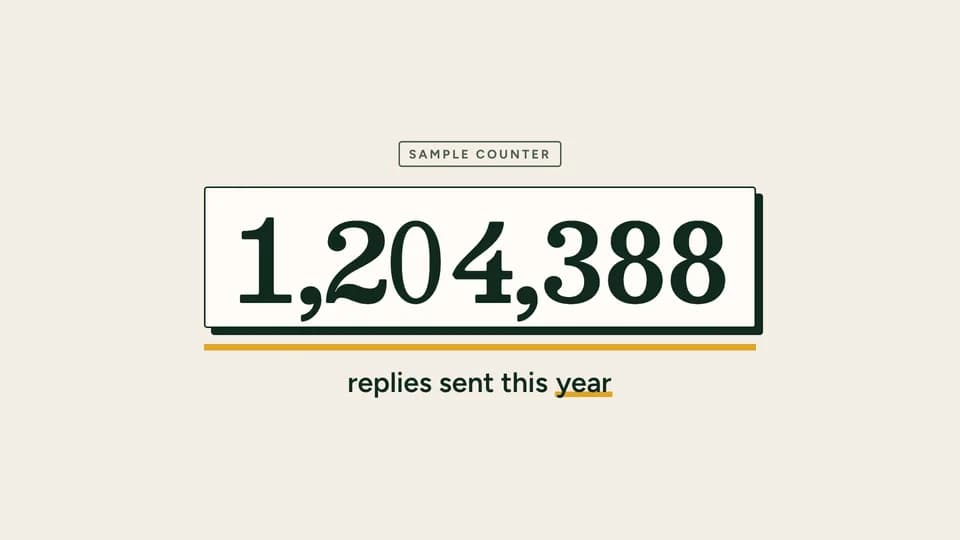 Proof · proof · scale5.4 s
Usage counter
A large running total races up on a proof slip and settles, a gold rule grows beneath it, and a sample stamp labels the figure.
--move usage-counter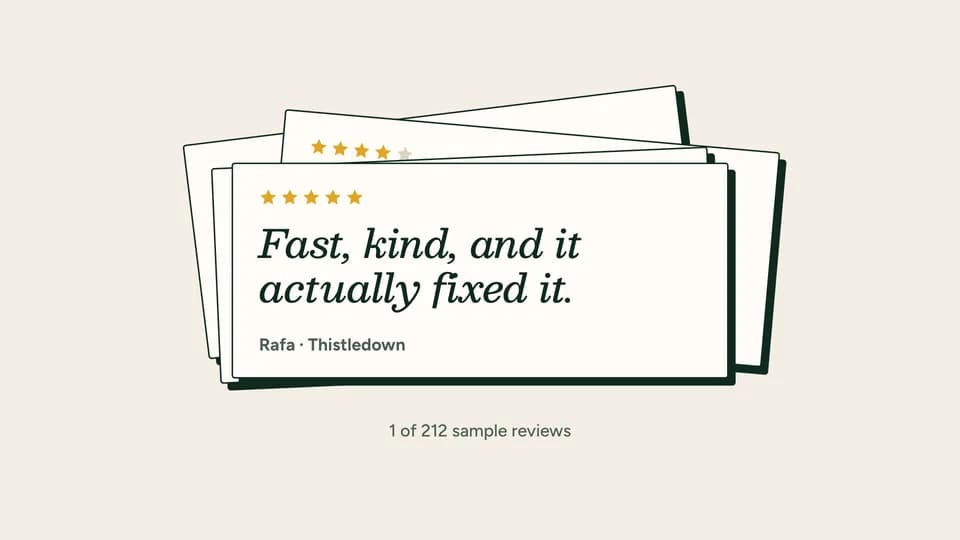 Proof6 s
Review stack
Review cards drop onto a loose pile one after another; the last lands square on top with lit stars, a short review and a name.
--move review-stack Proof5.4 s
Award seal
An invented gold seal stamps down at a slight tilt with its ribbons, ring text and year, and the line it stands for rises beside it.
--move award-seal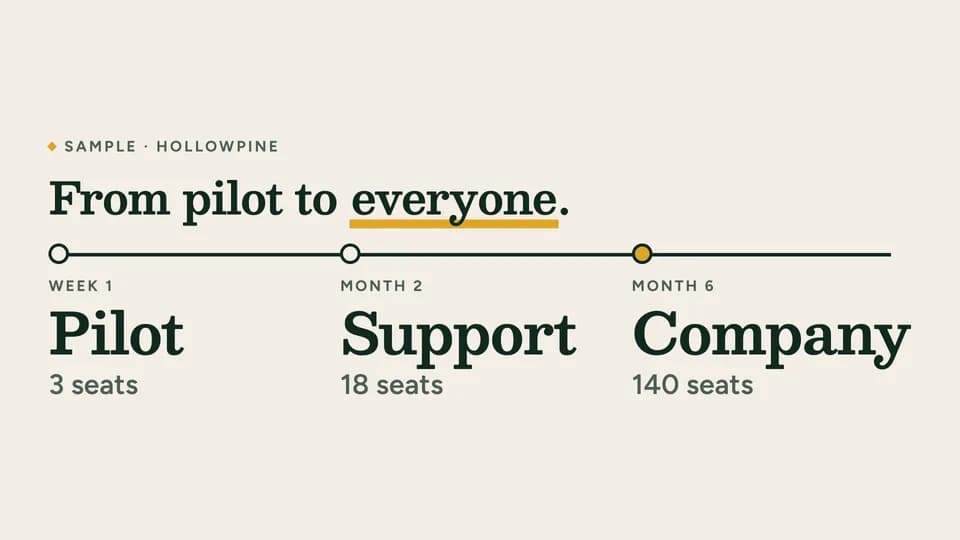 Proof · proof · story7.4 s
Adoption timeline
An ink line runs along a customer’s rollout and each stop rises as it passes: pilot, one team, the whole company in gold.
--move adoption-timeline Proof5.8 s
Press quote
On the evergreen stage an invented masthead wipes in between its rules, then a large italic pull quote reveals with its source.
--move press-quote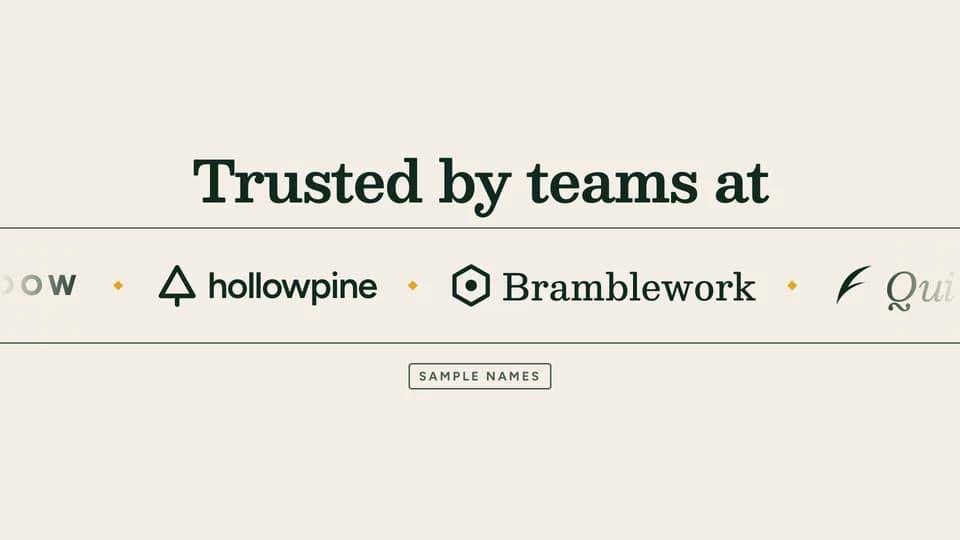 Proof6 s
Trusted marquee
Under a plain line, a ruled strip of invented customer names glides sideways, slows and settles, with a sample stamp below.
--move trusted-marquee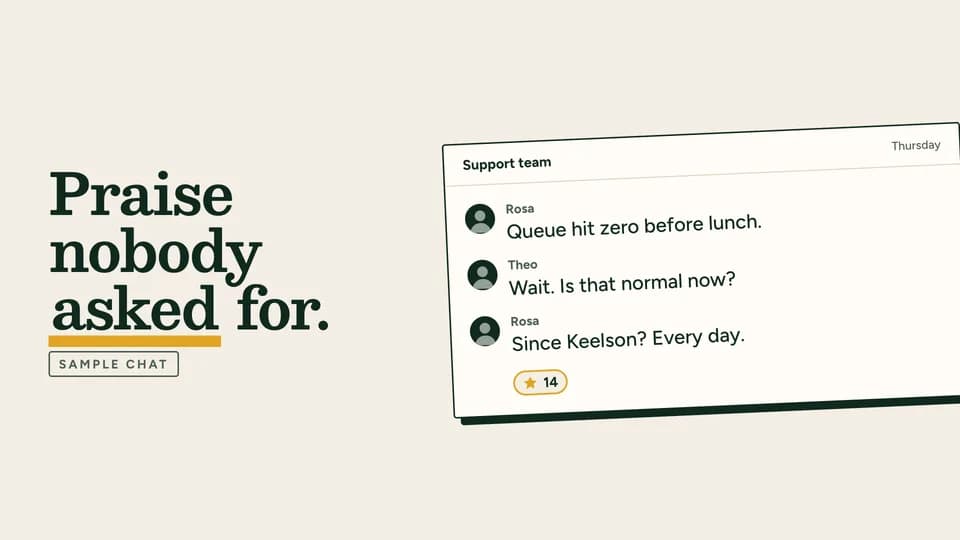 Proof6.4 s
Chat praise
A drawn team-chat screenshot, tilted like a pinned clipping, fills message by message with unprompted praise and a reaction.
--move chat-praise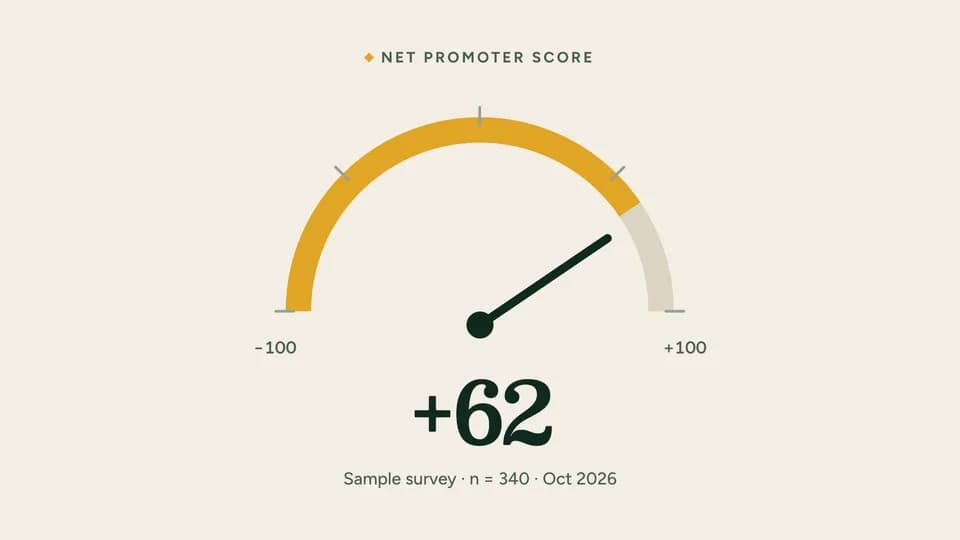 Proof5.6 s
NPS gauge
A half-dial gauge draws its gold arc while the needle sweeps from −100 to the score and the number counts with it.
--move nps-gauge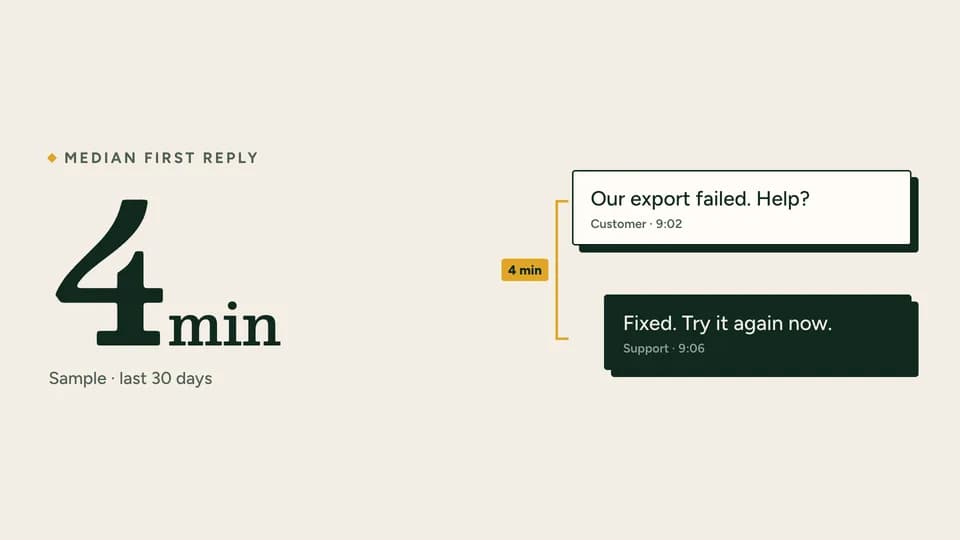 Proof5.6 s
Reply timer
A customer message and the team’s answer appear with their timestamps, a gold bracket measures the gap, and the median lands large.
--move reply-timer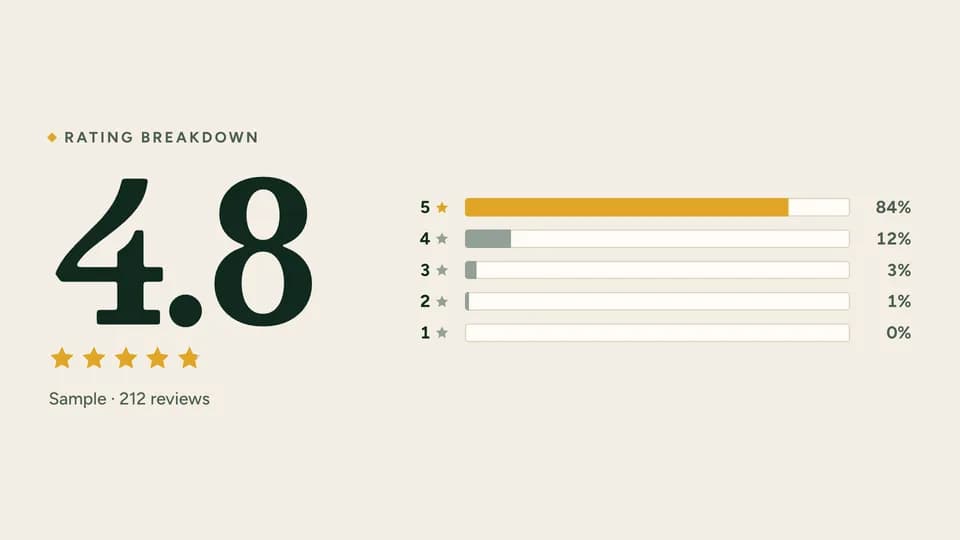 Proof6 s
Rating bars
The average and its stars sit beside a five-row breakdown whose bars grow in turn, the five-star bar in gold.
--move rating-bars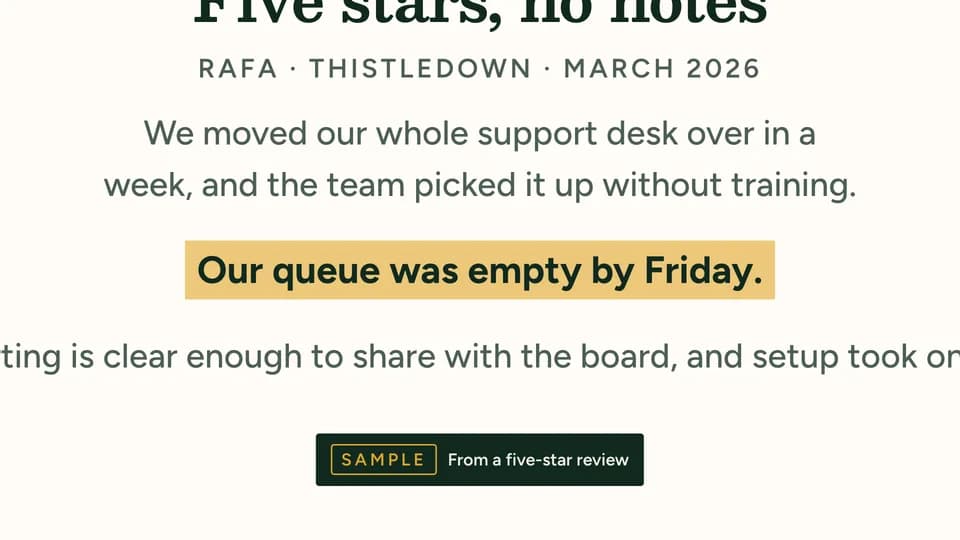 Proof6.4 s
Review zoom
A full written review sits on a slip, the camera pushes into its one telling sentence, a gold band marks it and a caption names it.
--move review-zoom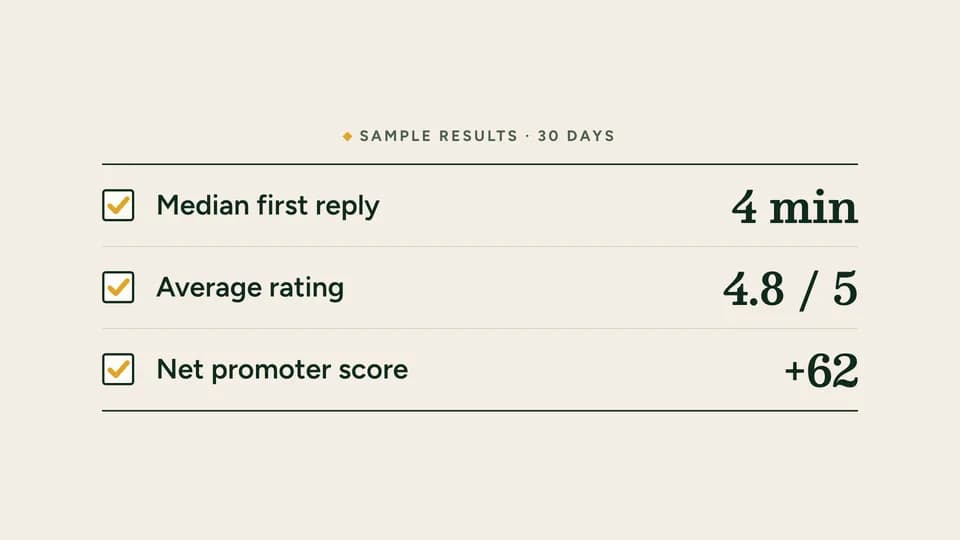 Proof · proof · recap5.8 s
Result checklist
Three results tick off down a ruled list — a box, a gold check drawing in, the measure and its figure — under a sample label.
--move result-checklist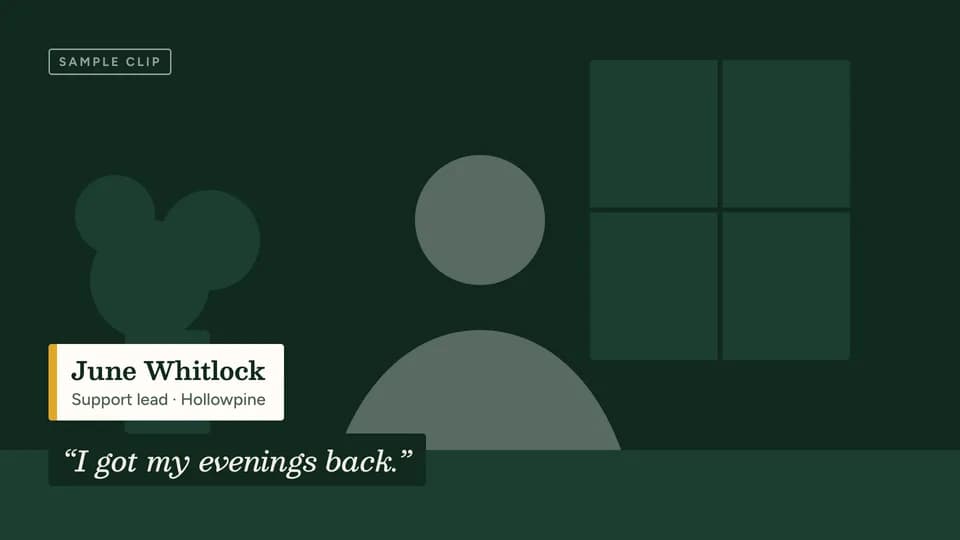 Proof · proof · testimonial6 s
Lower third
Over a drawn interview frame that stands in for a customer clip, a name bar wipes in and the quote sets as a subtitle.
--move lower-third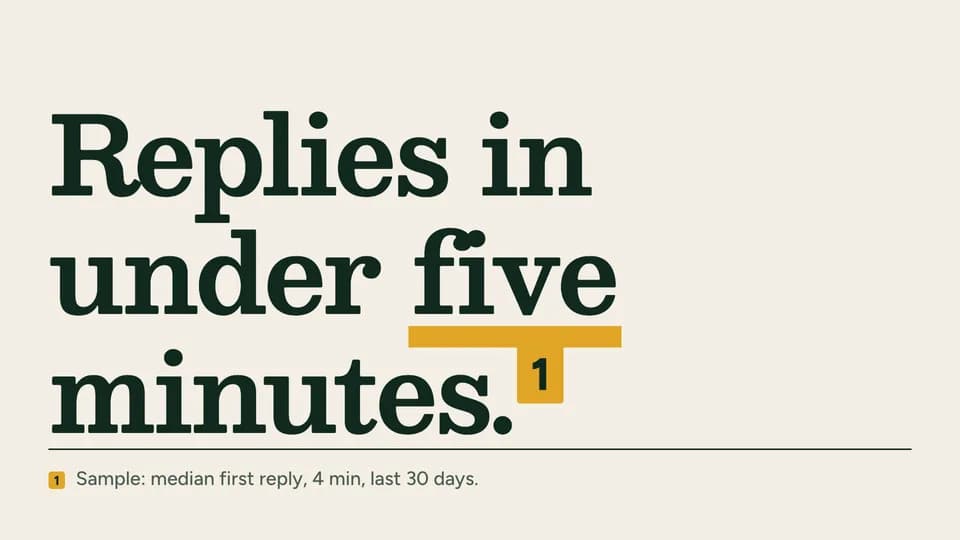 Hook · hook · proof6 s
Claim and footnote
A bold claim sets large with a gold footnote marker, then the footnote slides up under a rule and names the sample source.
--move claim-footnote
End Cards · 20
 Close · sign-off4.8 s
Mark assembly
Four shapes fly in and lock into the brand mark, then the name reveals beneath it with the call to action and the URL.
--move mark-assemble Reveal · action5.2 s
Button press
A cursor reaches an unlit call-to-action pill and presses it; the pill lights marigold, a ring pulses once and the URL lands.
--move cta-press Transition · scan5 s
Code block
A placeholder code block scans in row by row beside the name, a scan-to call to action and a short URL.
--move code-block Close · download5 s
Icon bounce
The app icon drops onto its shadow and hops twice to rest; the name, three platform words and the call to action follow.
--move icon-bounce Close · launch4.8 s
Available-now stamp
The name sets large, then a rubber stamp reading “Available now” thumps down beside it at a tilt.
--move stamp-now Hook · announce5 s
Date reveal
A desk-calendar leaf flips up and away to show the launch day, while the name and a calendar call to action land beside it.
--move date-reveal Close · sign-up5.6 s
Waitlist fill
An email types into a waitlist field, the cursor presses Join and the button lights; a “you’re on the list” line confirms.
--move waitlist-fill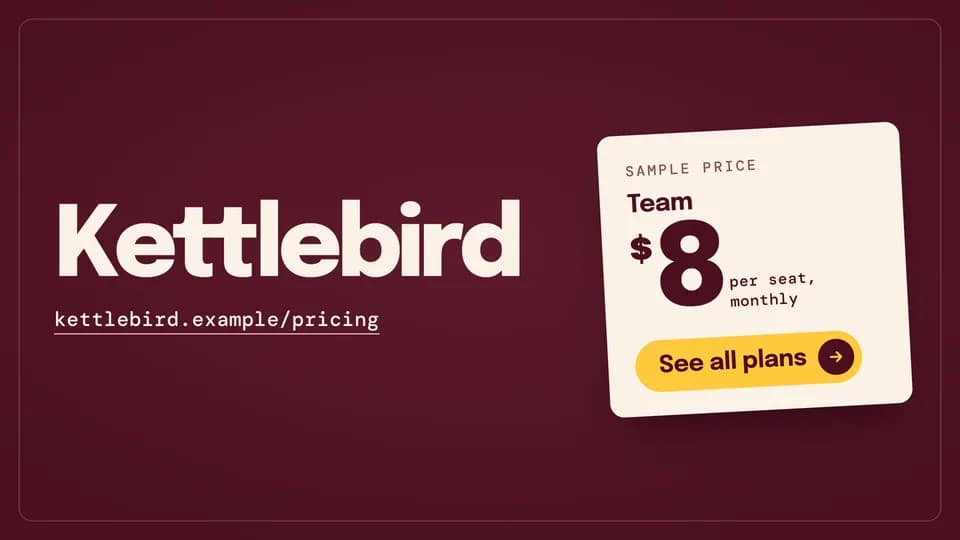 Close · offer5.2 s
Price card
A sheet price card drops in from above and settles at a slight tilt beside the name, its call to action on the card.
--move price-card Close · founder sign-off5.4 s
Signature
A short thank-you line, then a founder’s signature writes itself across the card and the call to action follows.
--move signature Close · sign-off5 s
Wordmark write
The brand name writes itself letter by letter as one monoline stroke, then the line, call to action and URL settle under it.
--move wordmark-write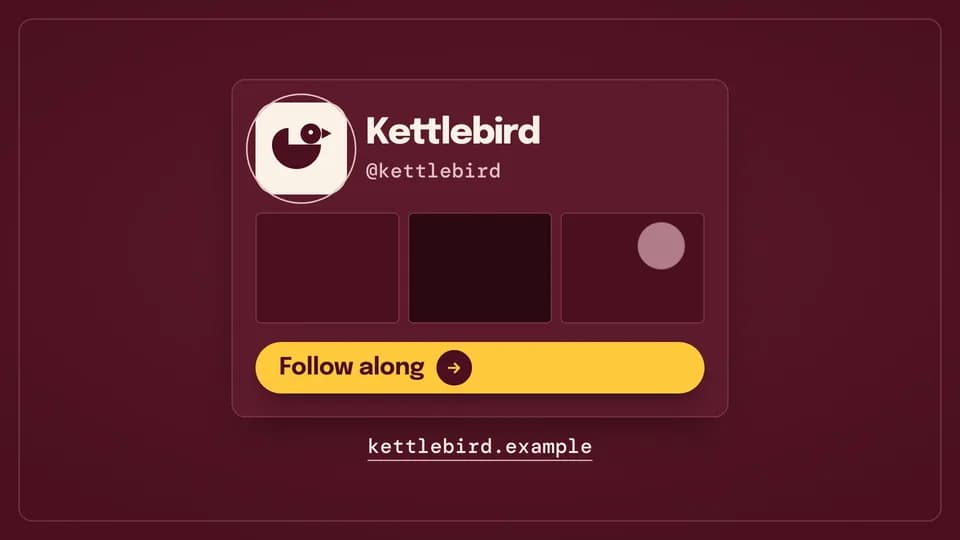 Close · follow5 s
Follow card
A profile card rises, a ring draws round the avatar and the invented handle types itself out above a follow call to action.
--move handle-card Close · credits6 s
Credit roll
Three “made with” credits roll up through the frame like film credits, then the name, call to action and URL rise and hold.
--move credit-roll Transition · loop5 s
Loop back
A timeline runs out to its end and snaps home as the film’s opening line slams back in, with the call to action under it.
--move loop-back Close · pre-launch5 s
Countdown
A dial drains as the days count down from 30 to 7, and the launch date, name and a save-the-date call to action land beside it.
--move countdown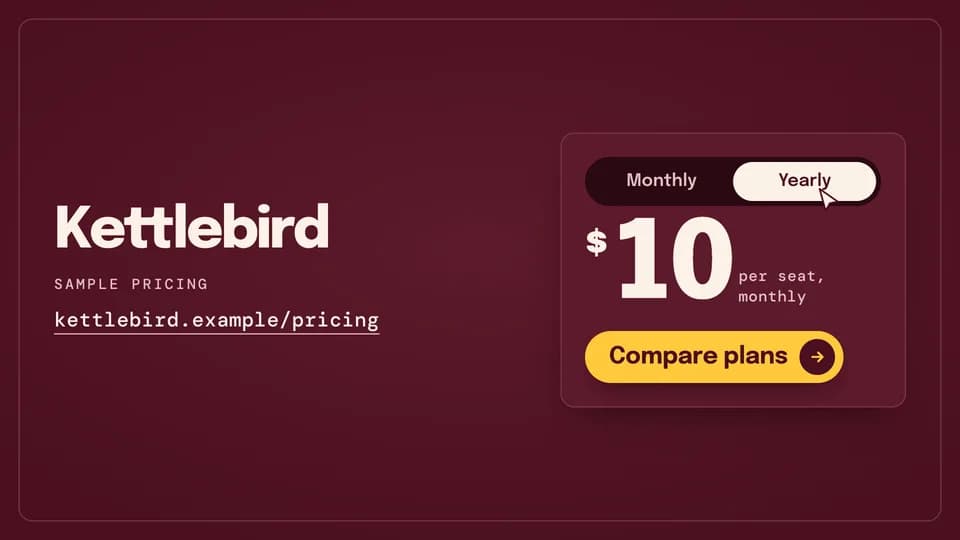 Close · offer5.2 s
Pricing toggle
The cursor flips a monthly/yearly toggle, the knob slides, and the sample price ticks down before the compare-plans call to action.
--move pricing-toggle Proof · proof · sign-off6.4 s
Quote to logo
A short sample review holds for three seconds, then gives way to the mark, the name, the call to action and the URL.
--move quote-logo Close · visit5.2 s
Address bar
The URL types itself into an address bar, the go key is pressed, and the call to action rises underneath.
--move url-type Close · sign-off4.8 s
Lockup split
The mark lands alone at centre, then slides aside as the name opens out beside it into a lockup over a hairline rule.
--move lockup-split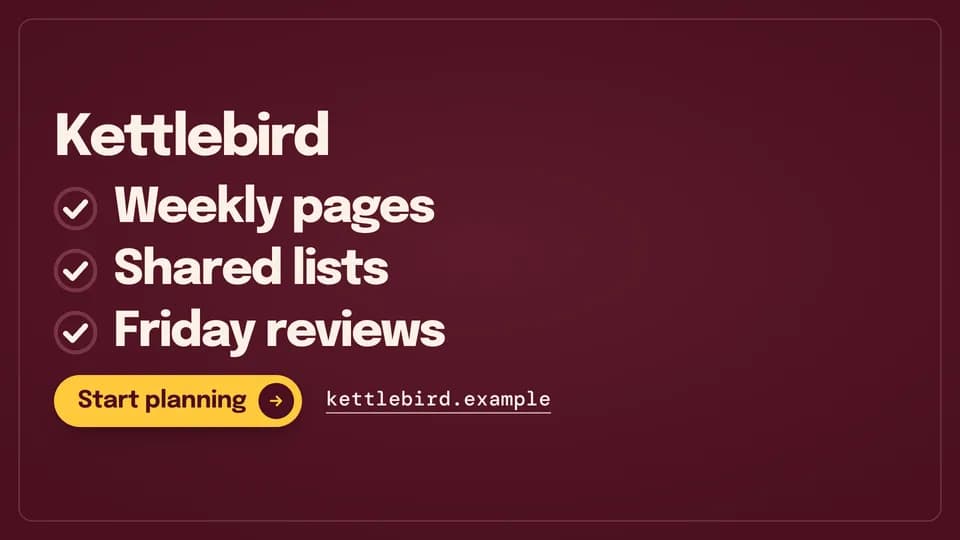 Close · recap5.2 s
Recap ticks
Three short benefits tick off one by one under the name, each check drawing itself, then the call to action lands.
--move recap-ticks Close · sign-off5 s
Card flip
A calling card shows the mark on its face, then flips over to the name, the call to action and the URL on its back.
--move card-flip
Explainer Beats · 20
 Transition · chapter · section open4.6 s
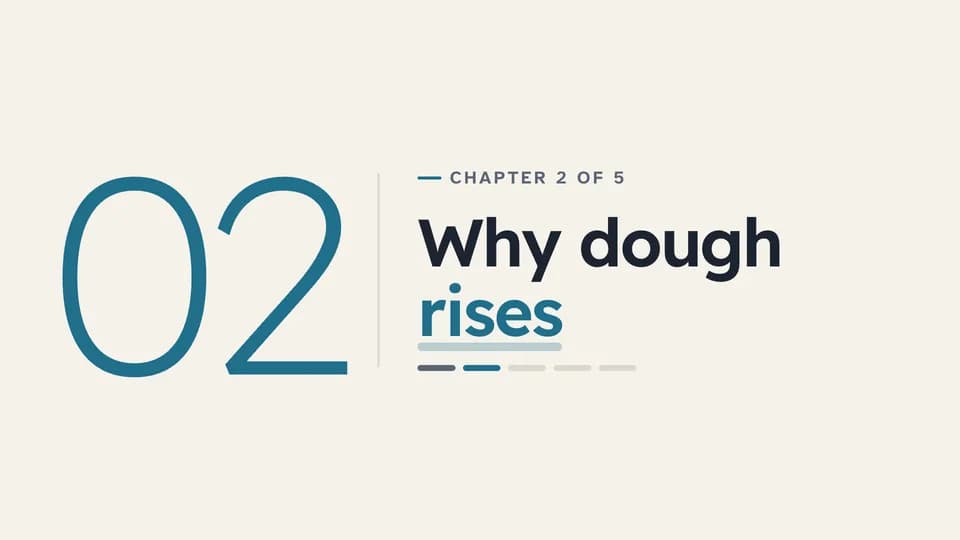
Chapter card
A large light chapter number reveals beside a rule, then the chapter title, its place in the course and a progress strip.
--move chapter-card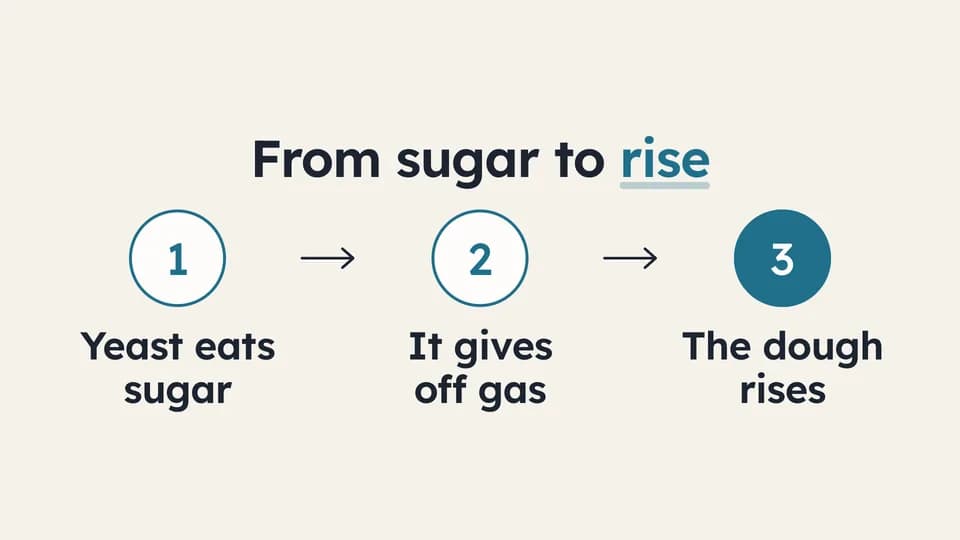 Explain · process6.4 s
Three steps
Three numbered steps appear one at a time, joined by drawn arrows; the last number fills teal as the result.
--move three-steps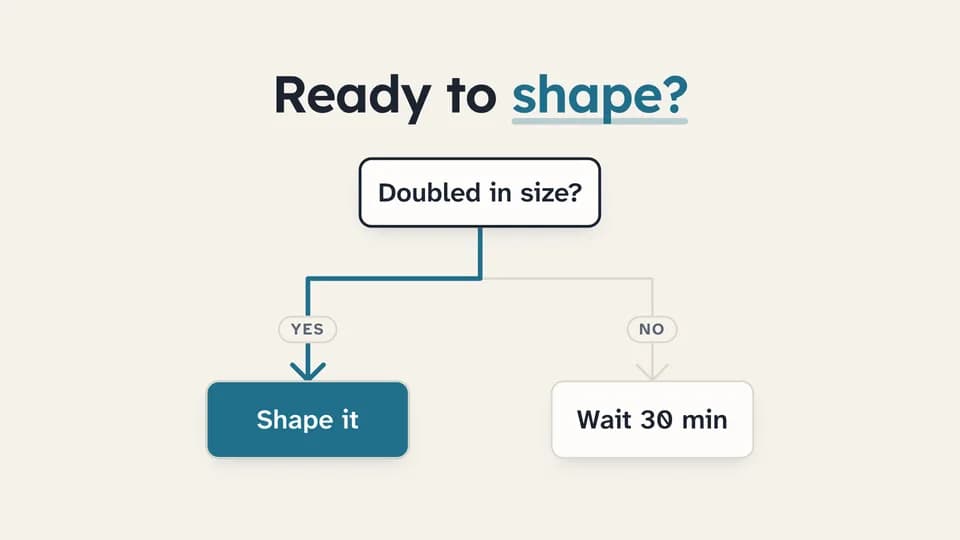 Explain · decision · logic6.6 s
Flowchart branch
A question node drops a line that forks into Yes and No outcomes; the chosen path redraws in teal and its outcome fills.
--move flow-branch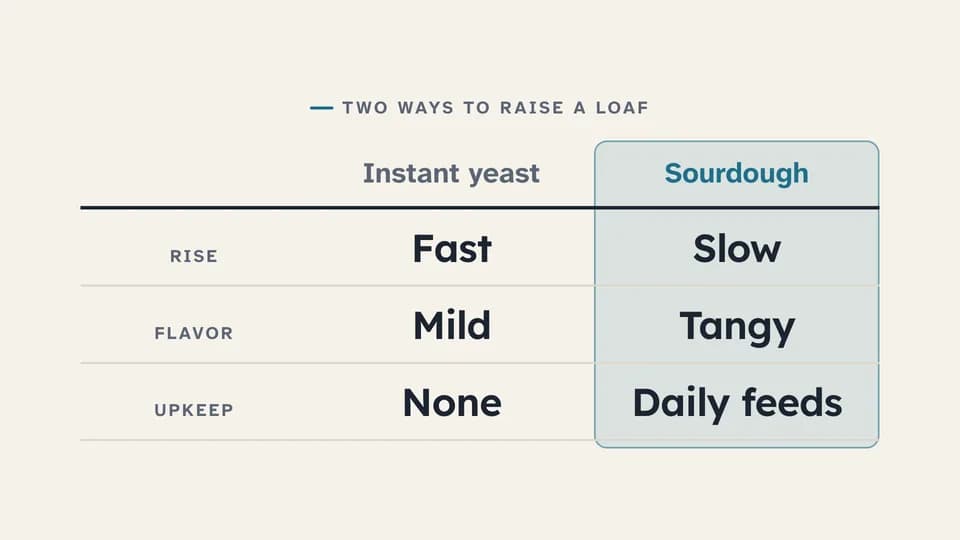 Proof · compare7.2 s
Comparison table
A two-option table fills one row at a time, then a soft teal band settles on the column being taught.
--move table-fill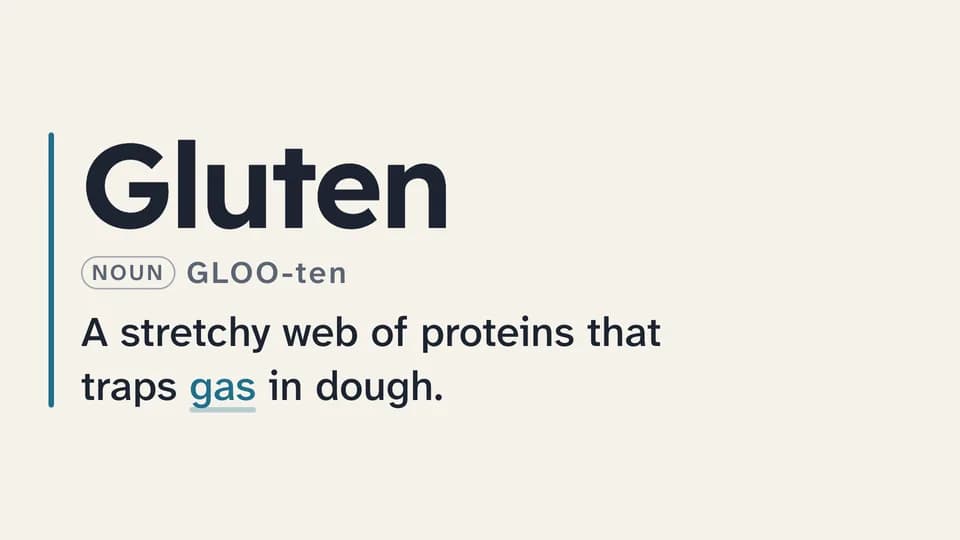 Explain · define5.8 s
Definition card
A term sets large beside a teal rule, its pronunciation and word class fade in, and the one-line definition wipes across.
--move definition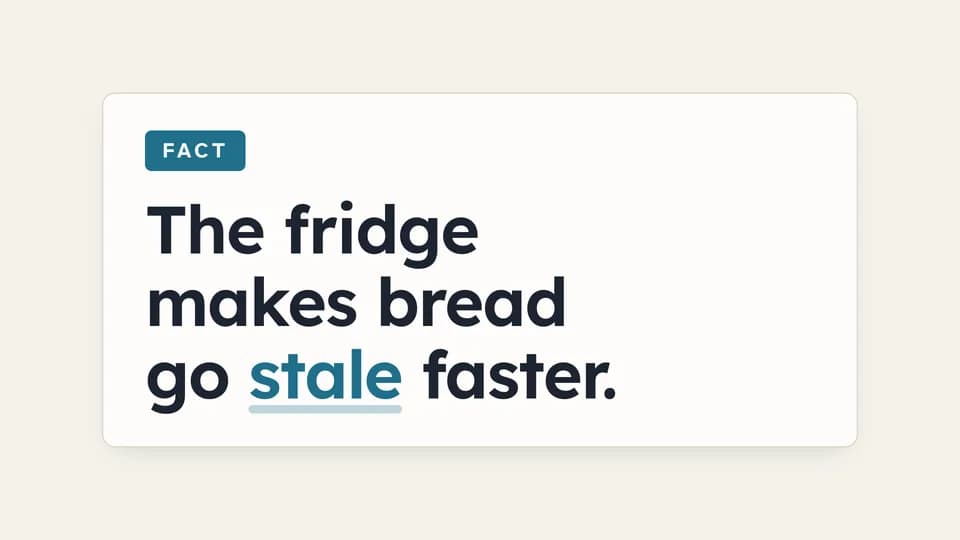 Explain · correct a belief7.4 s
Myth / fact flip
A card tagged Myth states a common belief, holds, then flips over to the Fact side with the correction.
--move myth-fact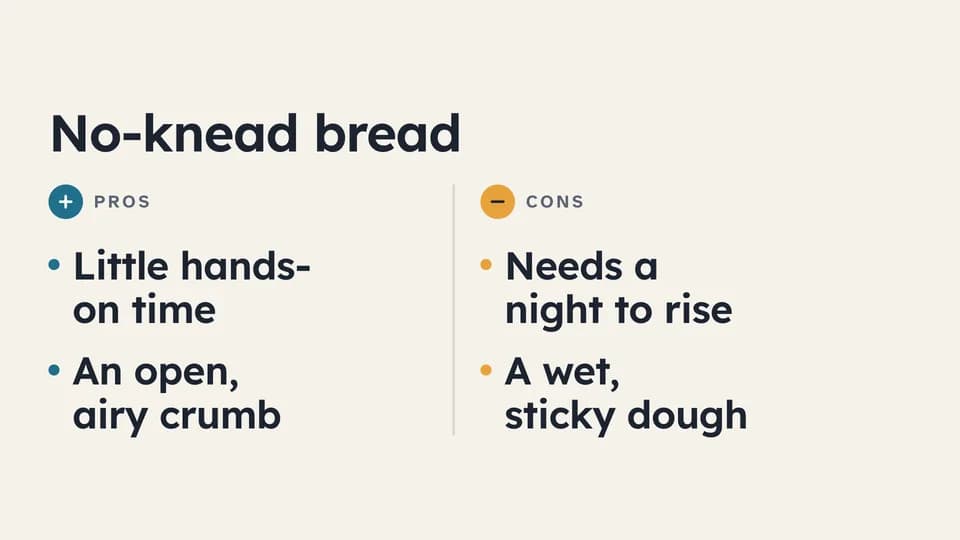 Explain · weigh7 s
Pros and cons
A rule splits the frame into a teal Pros column and an amber Cons column; points alternate in, one side then the other.
--move pros-cons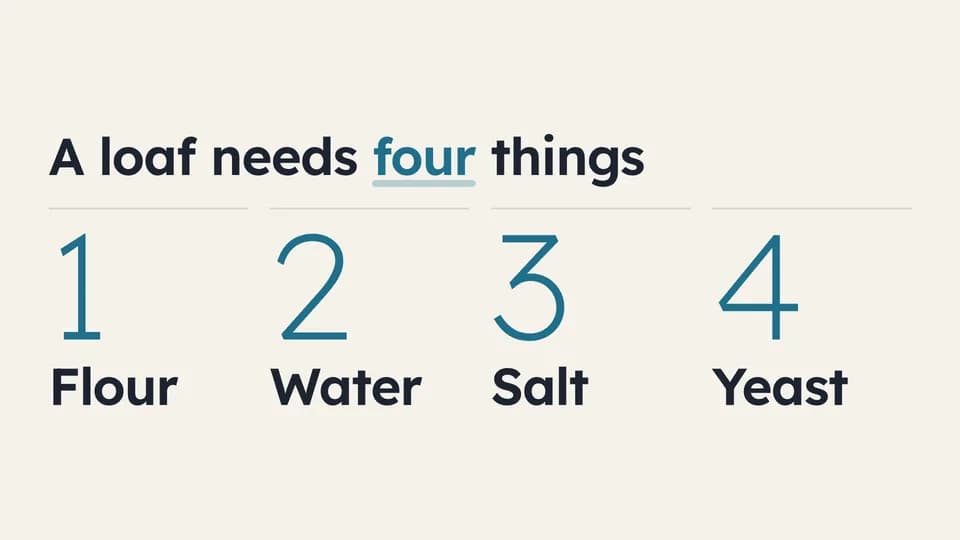 Explain · list6.2 s
Numbered list
Four large light numerals rise in sequence, each with its item, under a title that names the count.
--move numbered-list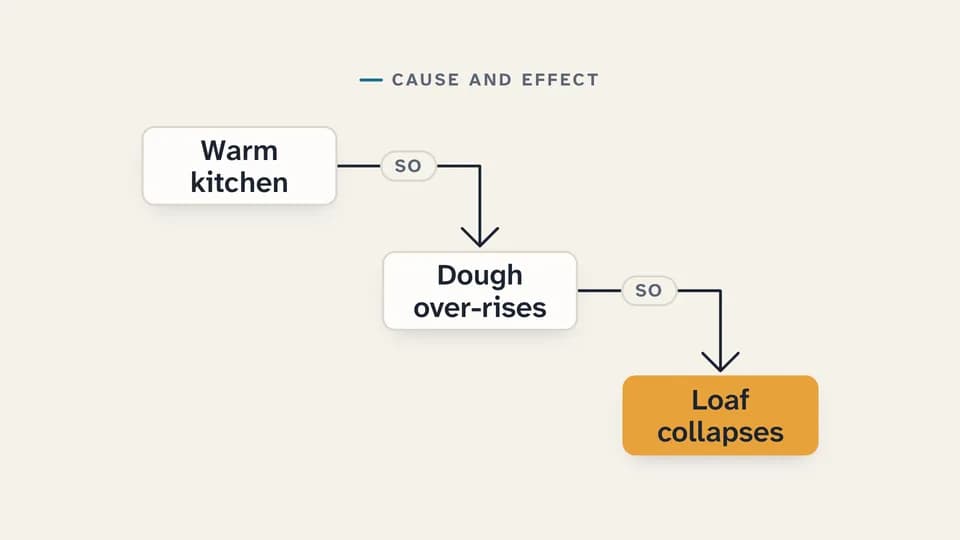 Explain · explain why6.6 s
Cause and effect
Three cards step down the frame joined by drawn elbow arrows tagged “so”; the last card, the effect, lands in amber.
--move cause-effect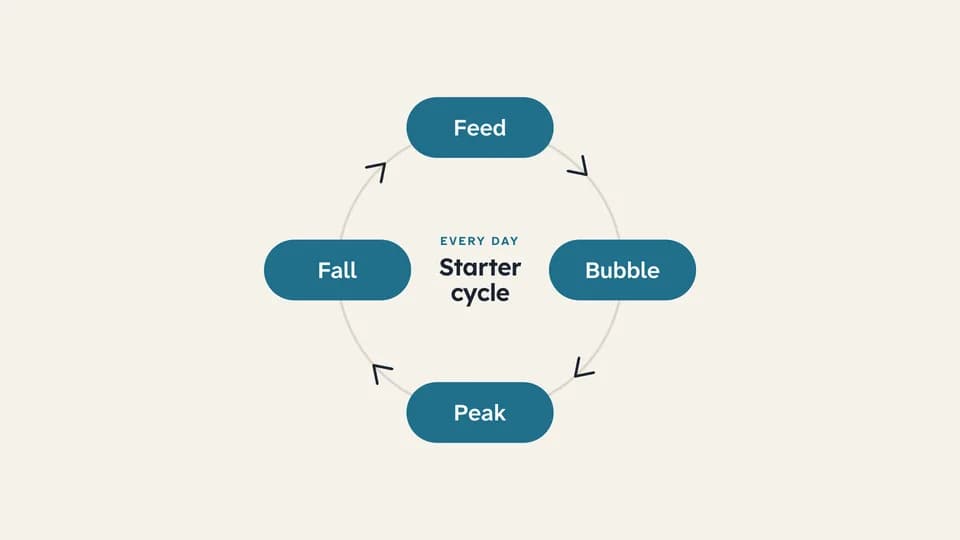 Transition · loop6.6 s
Cycle diagram
A ring draws itself, then a teal dot travels once around it, lighting each of four stages as it passes.
--move cycle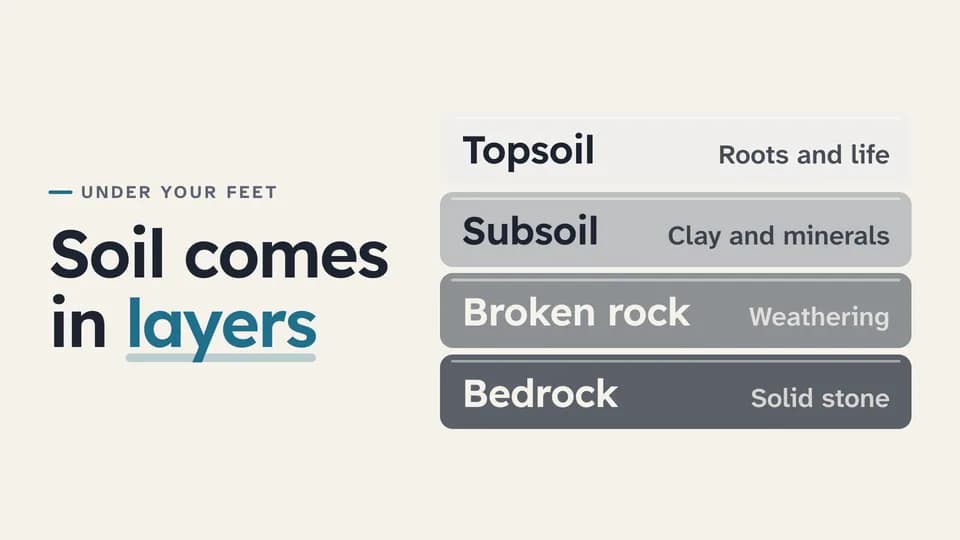 Explain · structure · how it works7.4 s
Layer stack
Four labelled layers drop in from the bottom up into one stack, the deepest darkest, beside the line that names them.
--move layer-stack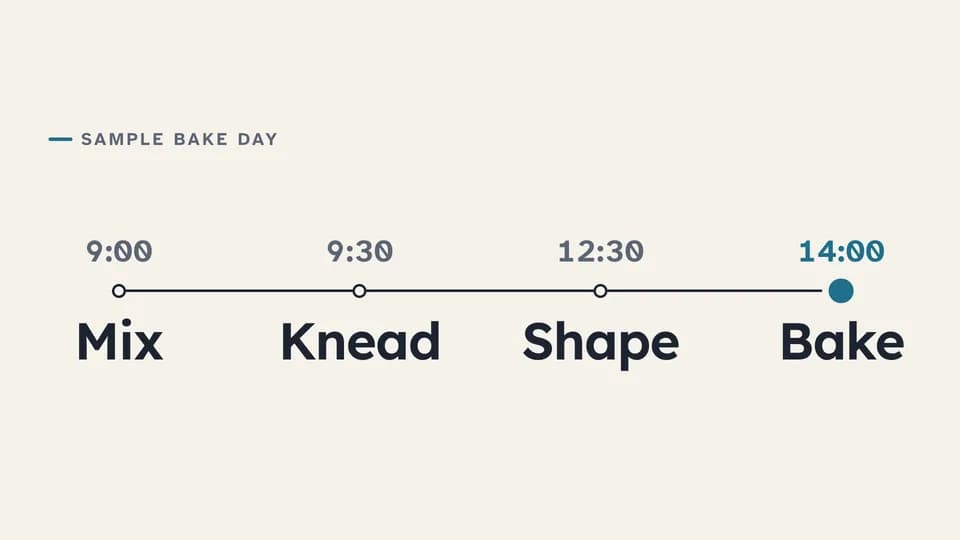 Explain · sequence over time7 s
Timeline
A line draws across the frame while a teal dot travels it, and four timed stops rise in along the way.
--move timeline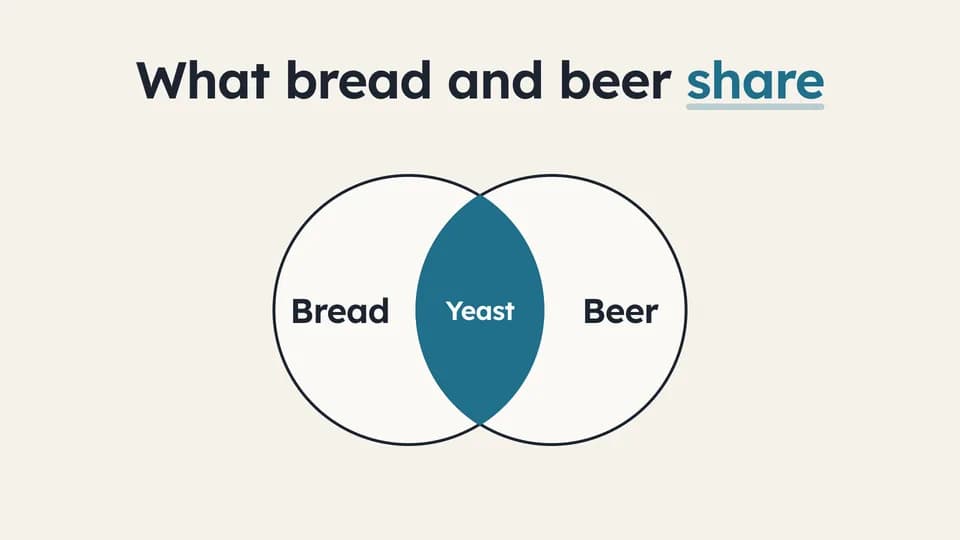 Transition · overlap6 s
Venn of two ideas
Two outlined circles slide in from either side and overlap; the shared lens fills teal and names what both have.
--move venn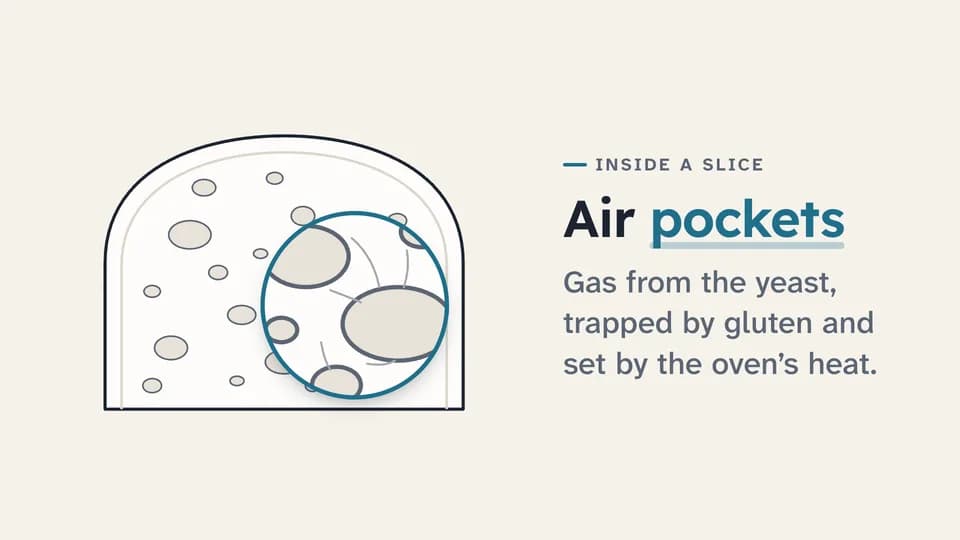 Reveal · detail · callout6.8 s
Zoom to detail
A drawn object sits still, a teal loupe grows over one part and magnifies it, and a label names what we are looking at.
--move zoom-detail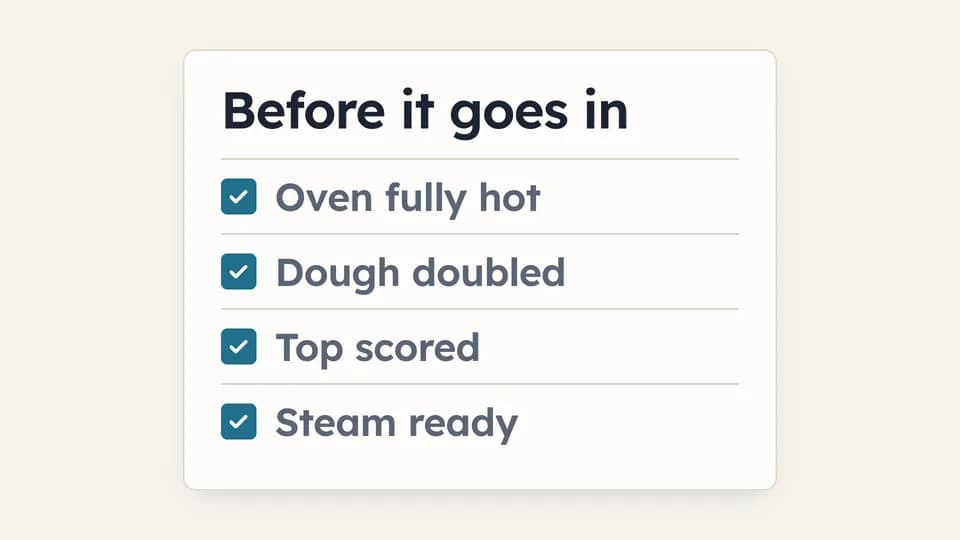 Close · recap · readiness6.2 s
Checklist
A checklist card sets in, then each box fills teal and draws its tick in turn while the item settles to soft ink.
--move checklist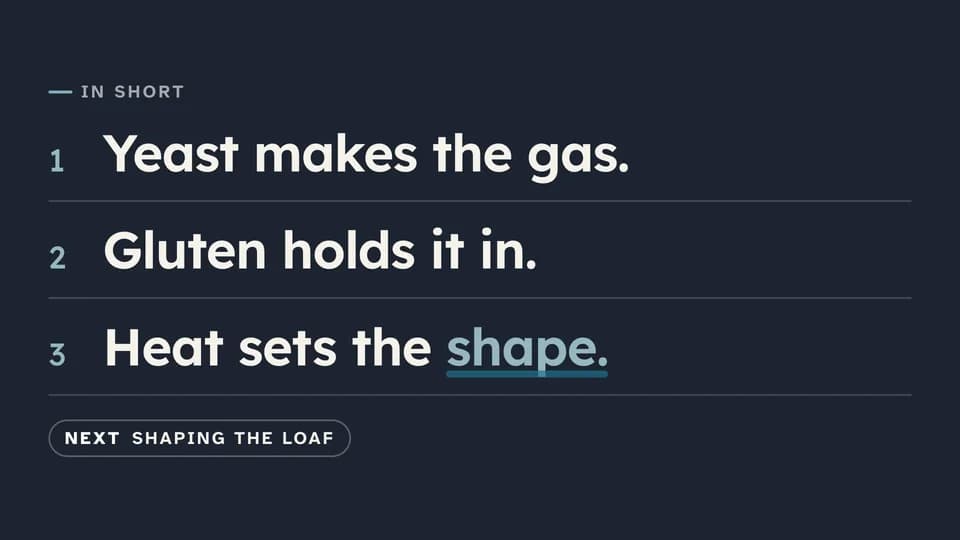 Close · close a section7 s
Summary card
On the ink stage, “In short” sets in and three numbered takeaways rise one by one, then a chip points to what is next.
--move summary-card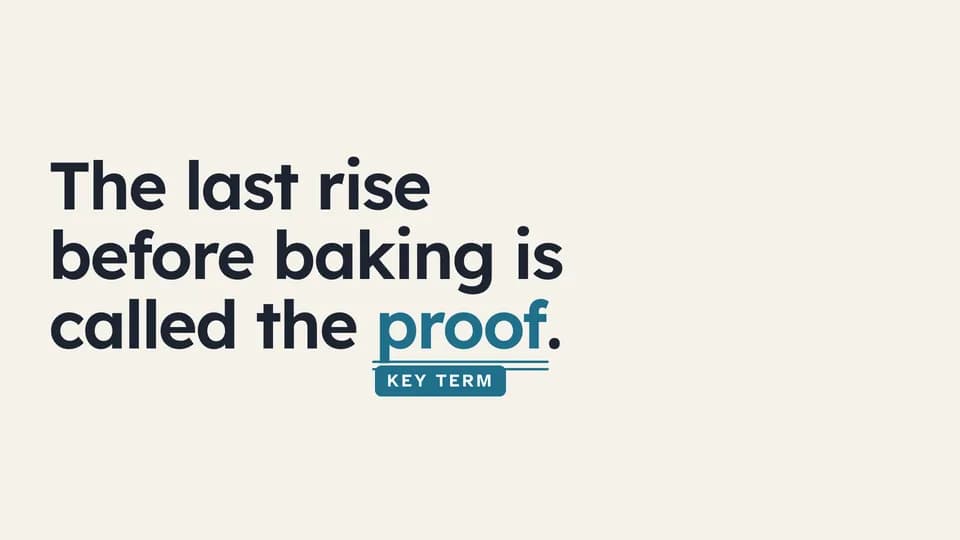 Hook · name a concept5.4 s
Key-term underline
A sentence sets in, then a teal double rule draws under its one key term and a Key term tag drops in beneath.
--move key-term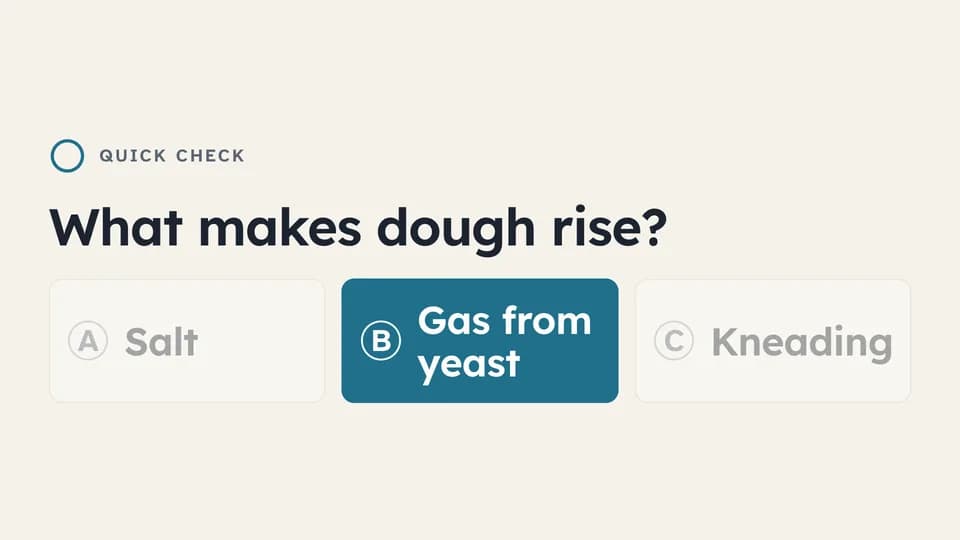 Explain · check understanding7.4 s
Question and answer
A question, three lettered options and a thinking ring that fills; then two options dim and the right one fills teal.
--move quiz-options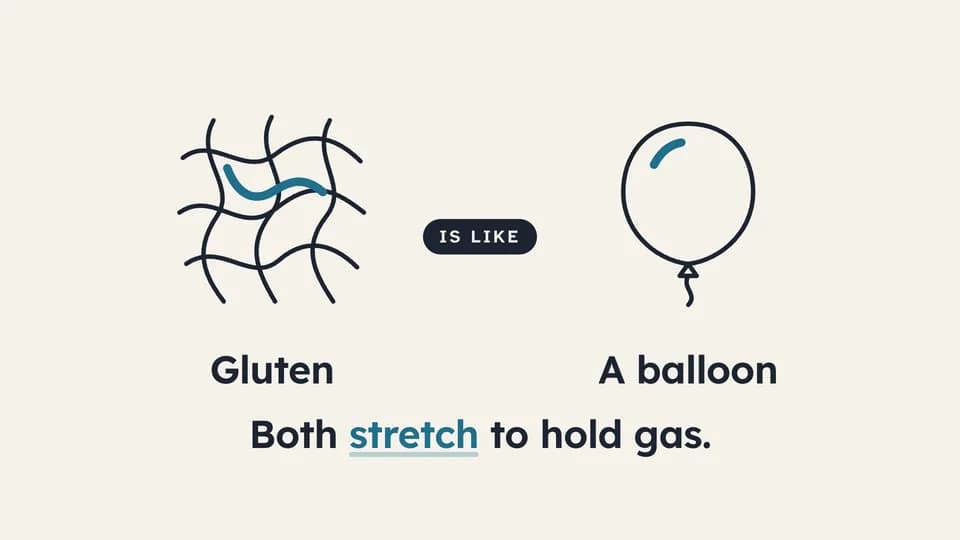 Explain · relate6.4 s
Analogy bridge
A line drawing of the idea draws on the left, an everyday object on the right, an “is like” chip bridges them, and the reason lands.
--move analogy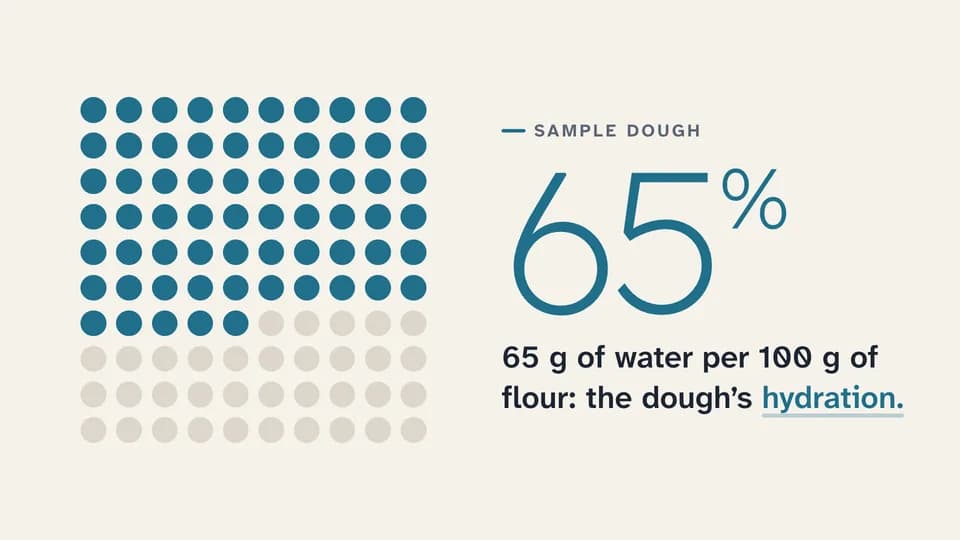 Proof · quantify6.6 s
Part of a whole
A grid of one hundred dots fills teal to a labelled sample share while the number counts up beside it and the term lands.
--move part-whole
Creator Overlays · 20
 Hook · intro5 s
Lower third
A marigold bar rises, the name wipes in on a bone card and the role drops out beneath it, low and to the left.
--move lower-third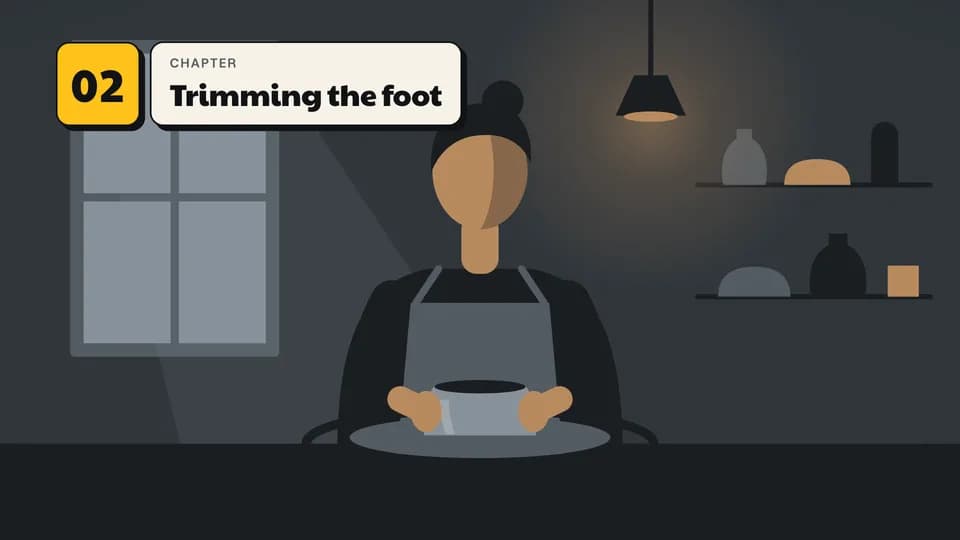 Explain · structure4.6 s
Chapter marker
A marigold number tile slams in at the top left and the chapter title wipes out of it on a bone card.
--move chapter-marker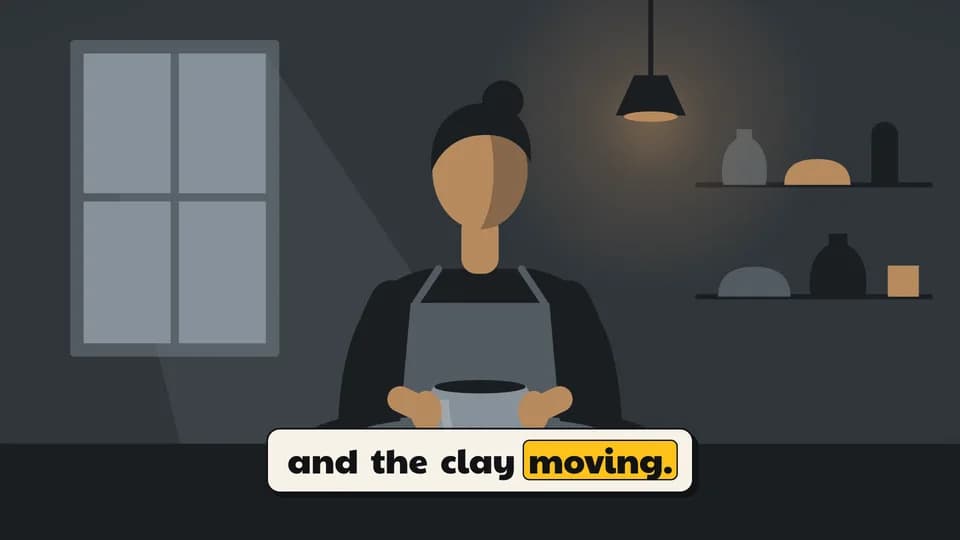 Explain · captions5.6 s
Caption with word highlight
Burned-in captions on a bone plate, two short lines in turn, with a marigold block hopping word to word as each is said.
--move word-caption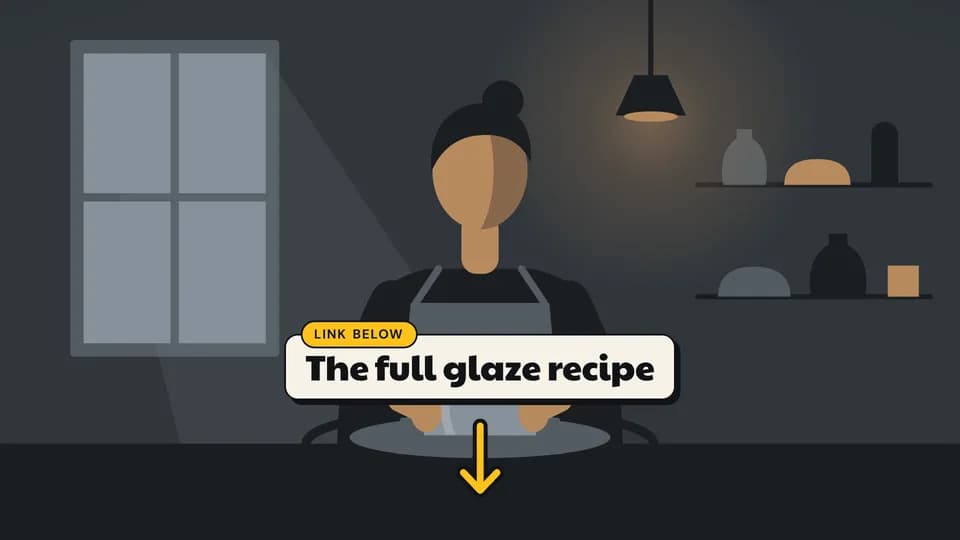 Close · CTA4.6 s
Link below
A bone card names what is linked, a marigold tab says where, and a drawn arrow draws down toward the description.
--move link-below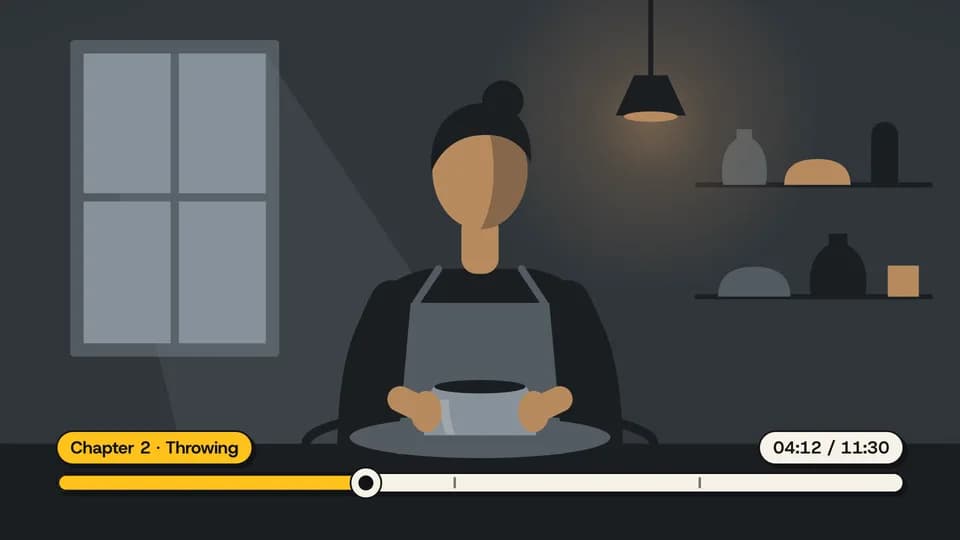 Explain · structure5.2 s
Progress and timestamp
A chaptered scrub bar grows across the bottom, its marigold fill and playhead run to the timestamp, and a chip names the chapter.
--move progress-scrub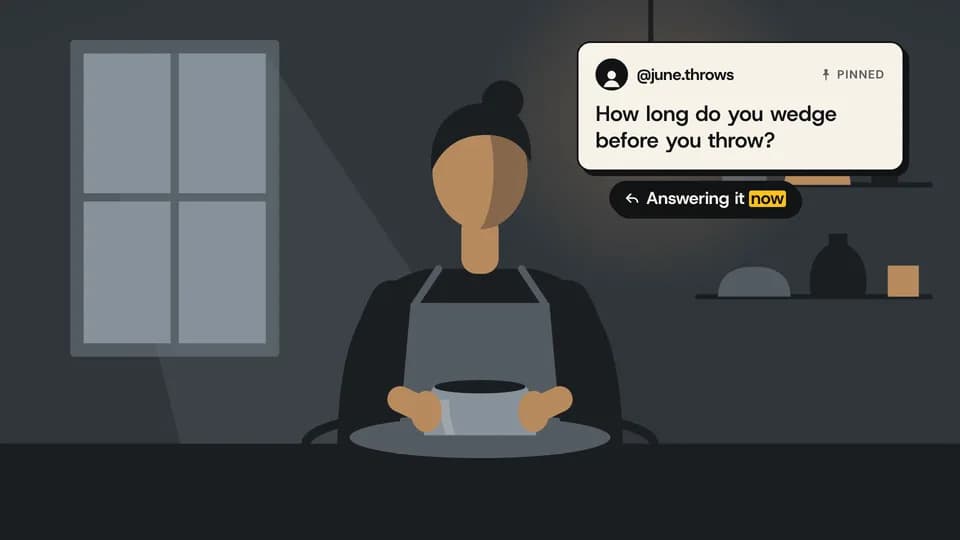 Proof · social proof5.8 s
Pinned comment
A viewer comment card slides in pinned at the top right, then an ink reply chip answers it with one highlighted word.
--move pinned-comment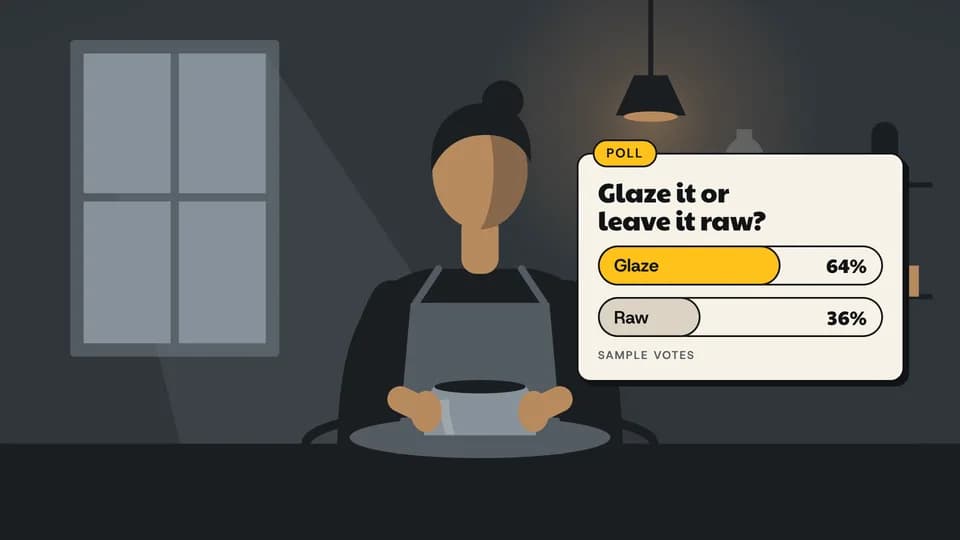 Close · engagement5.6 s
Poll card
A poll card zooms in with a question; two vote bars fill and count up, the leader in marigold, labelled as sample votes.
--move poll-card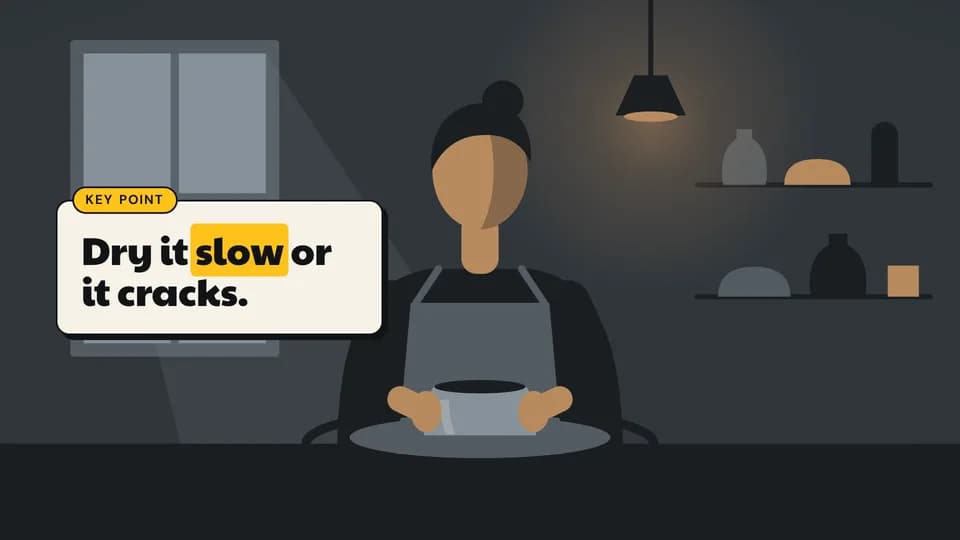 Hook · emphasis5 s
Key point
A bone card rises beside the creator with a marigold "Key point" tab; one word of the takeaway gets the marigold block.
--move key-point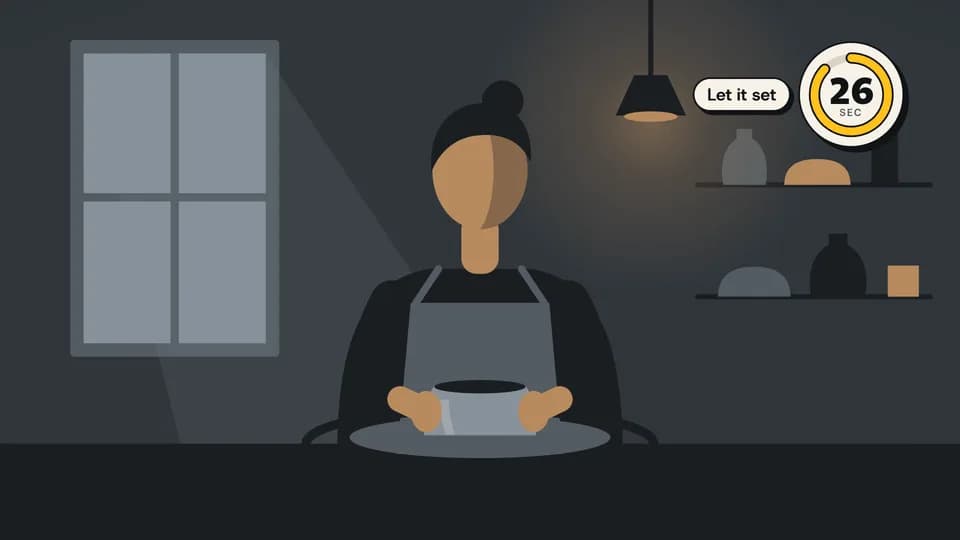 Reveal · utility5.6 s
Corner timer
A dial zooms into the top-right corner and counts down while its marigold arc drains; a chip says what the wait is for.
--move corner-timer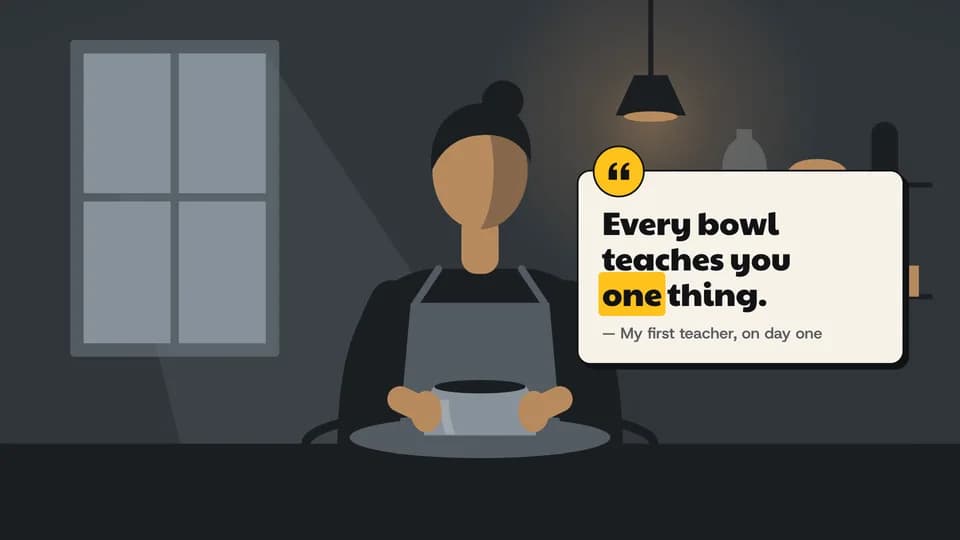 Hook · emphasis6 s
Quote pull-out
A quote card rises with a marigold quote disc on its corner; the line reveals, one word gets the block, the attribution follows.
--move quote-pullout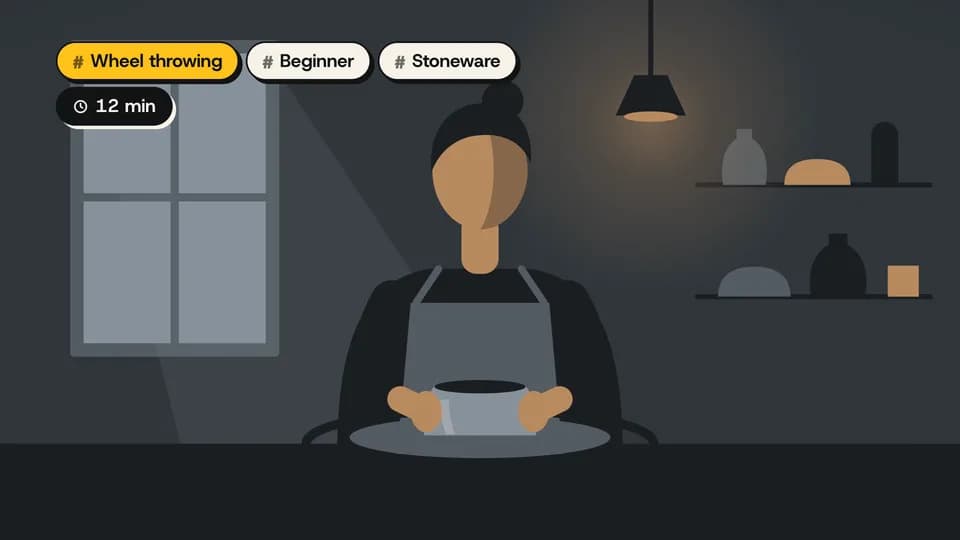 Explain · context4.4 s
Topic tags
Three topic tags and a running-time chip drop in one after another at the top left; the main topic wears marigold.
--move topic-tag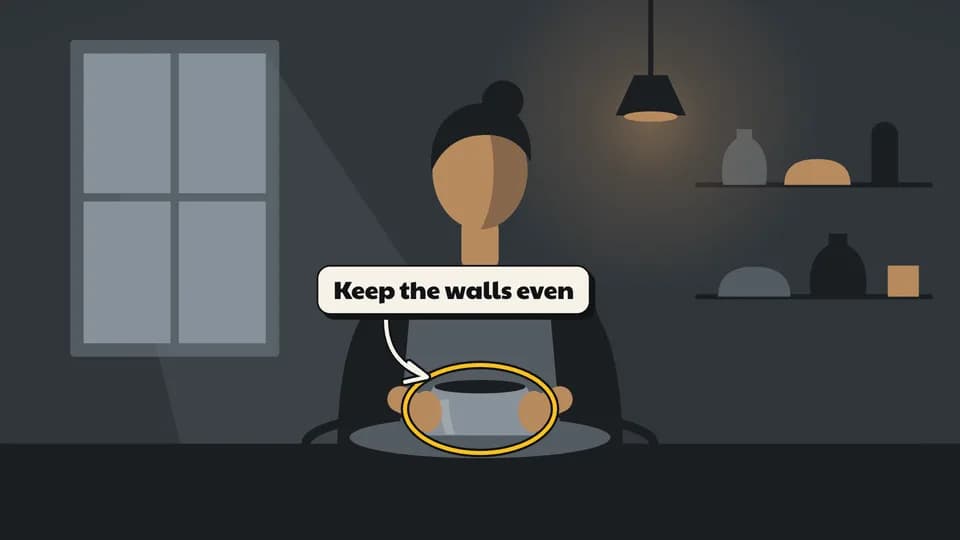 Explain · annotation5 s
Call-out arrow
A label card pops up beside the work, a drawn arrow curves from it and a marigold ring draws around the thing to watch.
--move callout-arrow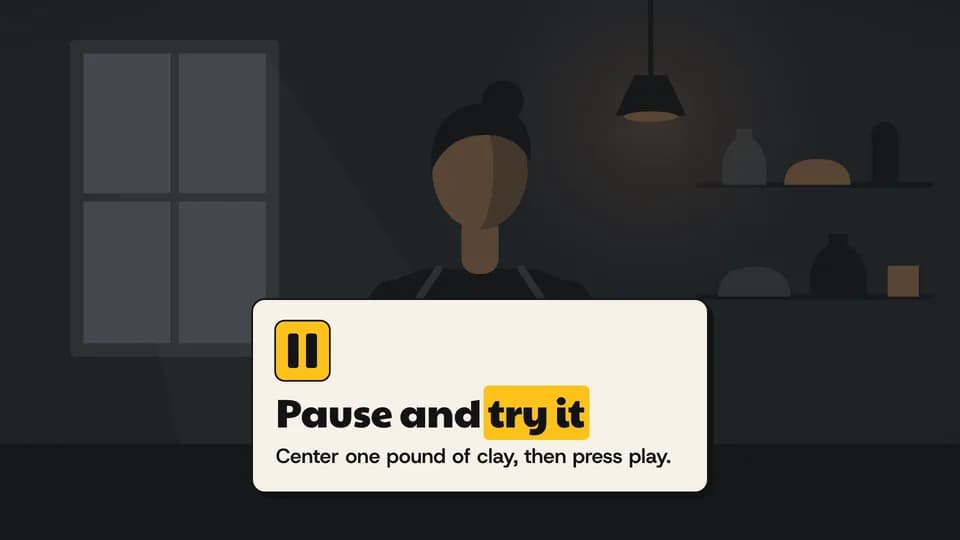 Reveal · prompt6 s
Pause and try
The footage dims as if paused, a card with a marigold pause glyph zooms in and asks the viewer to try the step themselves.
--move pause-try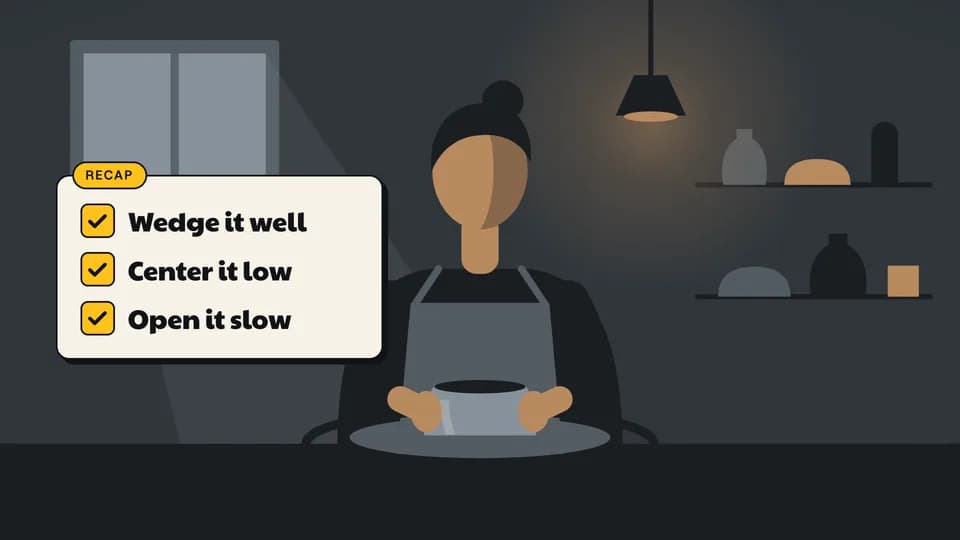 Close · summary6.2 s
Recap list
A recap card lists three steps; each box fills marigold and a check draws through it, one after another.
--move recap-list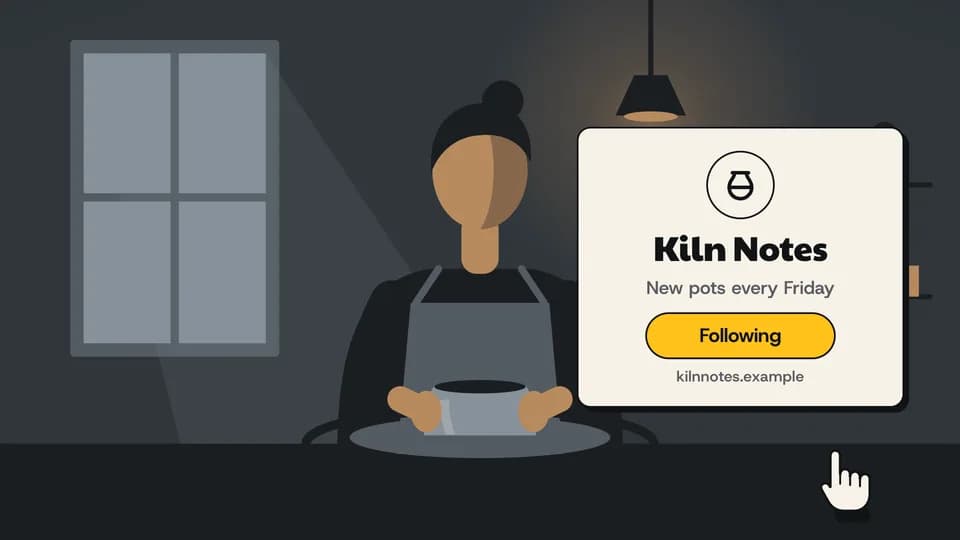 Close · CTA5.6 s
Follow for more
A channel card zooms in with name, schedule and address; an invented drawn hand taps the button and it turns marigold.
--move follow-card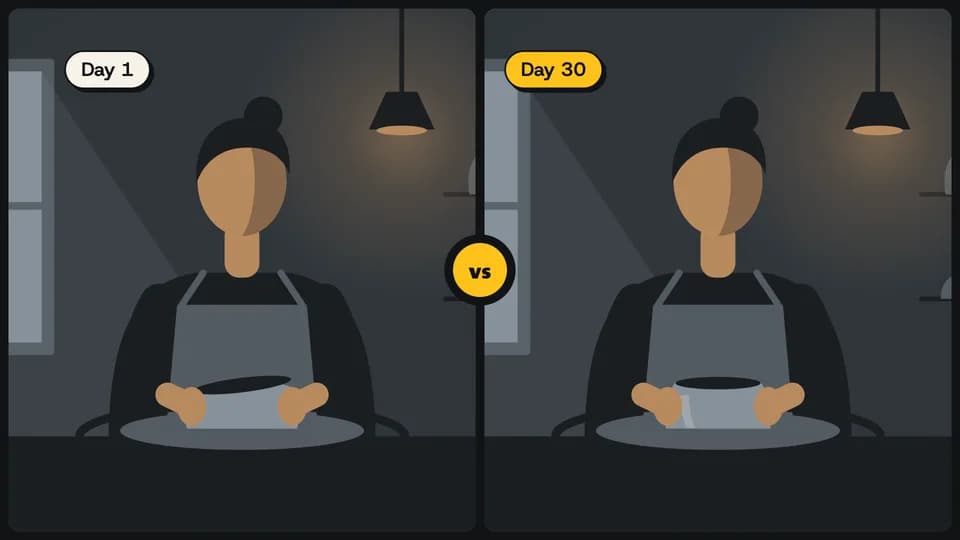 Proof · comparison5.4 s
Split screen
The frame splits into two takes with bone-edged panes — side by side in 16:9, stacked in vertical — labelled, with a marigold vs.
--move split-frame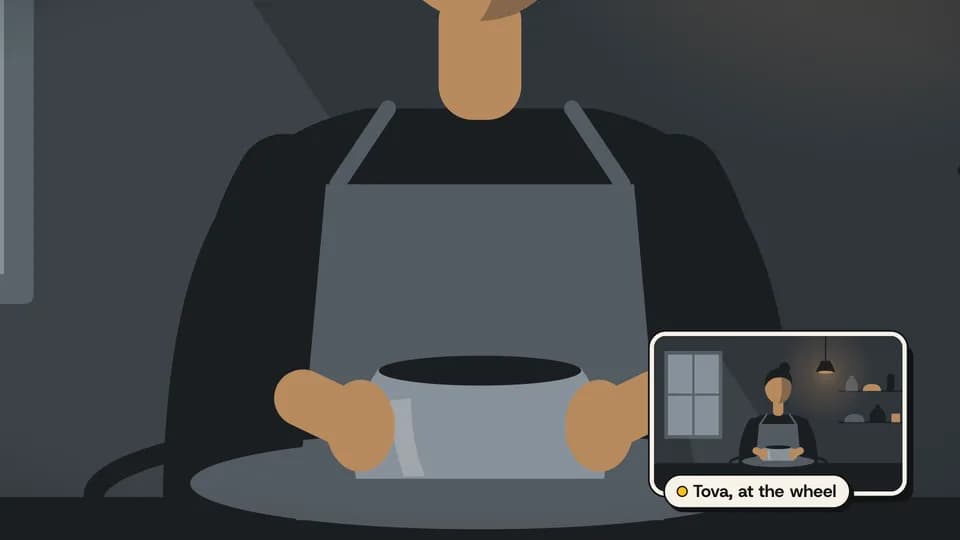 Explain · layout5.4 s
Picture in picture
The main shot pushes in on the work while the wide shot zooms into a bone-framed window in the corner, with a name chip.
--move pip-frame Close · reaction3.6 s
Reaction burst
A marigold ring snaps open around the creator and fourteen drawn shapes fly out from it, hang, and clear — no emoji, no words.
--move shape-burst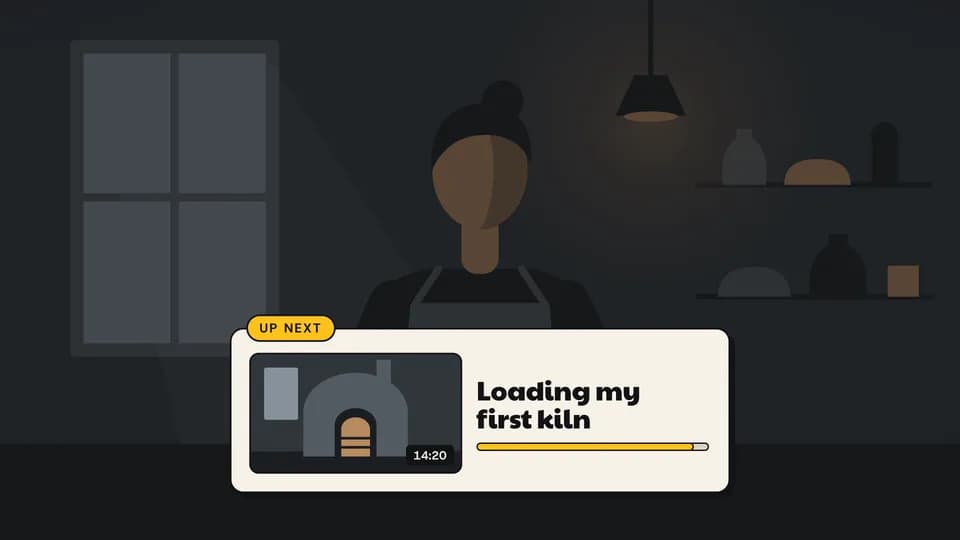 Close · outro6.2 s
Up next
The footage dims, an up-next card rises with a drawn thumbnail and title, and a marigold bar fills toward autoplay.
--move up-next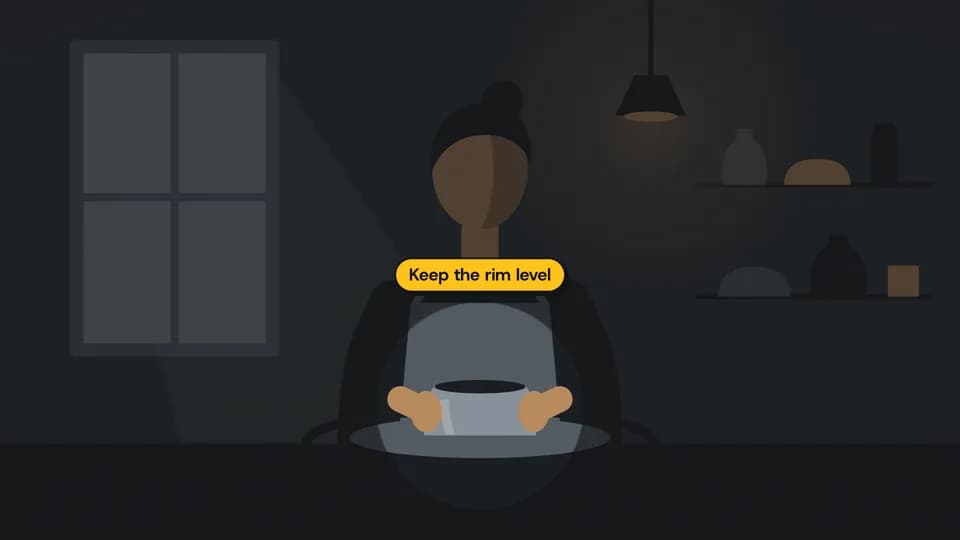 Explain · annotation5 s
Spotlight
The frame dims around one detail as a soft-edged hole closes onto it, and a marigold chip names what to watch.
--move spotlight
How moves work
A move is a film with one scene.
Pick a move.
Each one is a single beat — an opener, a reveal, a stat, an end card — as one scene, 3 to 8 seconds, in 16:9, 1:1 and 9:16.
Start a film from it.
Your agent runs new.mjs with --move and the move’s slug, then edits words and figures. Check, QA and render work as for any film.
Wear any taste.
wear.md maps a Taste Stack video taste’s palette and type onto the move, so one beat comes in every style in the catalog.