Moves
One beat, ready to cut.
A move is one beat of a film — the job a clip does, such as a hook, a reveal or a proof point — that your agent drops into any launch video: 220 of them in 11 sets, all included with Pro. Every move ships in the set’s house style — and wears any video taste you own.
20 of 220 moves · Feature Callouts
Feature Callouts · 20
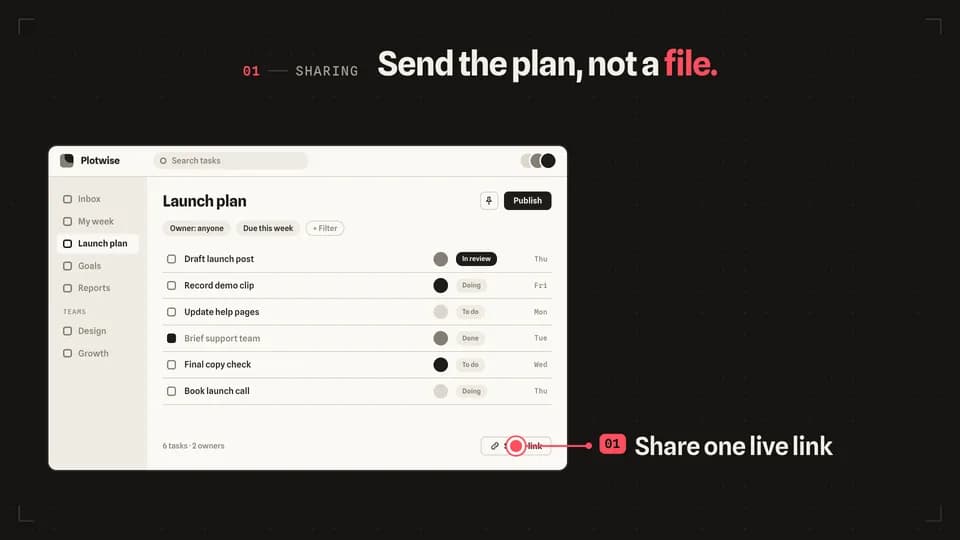 Explain · point4.6 s
Leader line
A redline dot lands on one control, a leader line draws out to the stage, and the feature’s label reveals at its end.
--move leader-line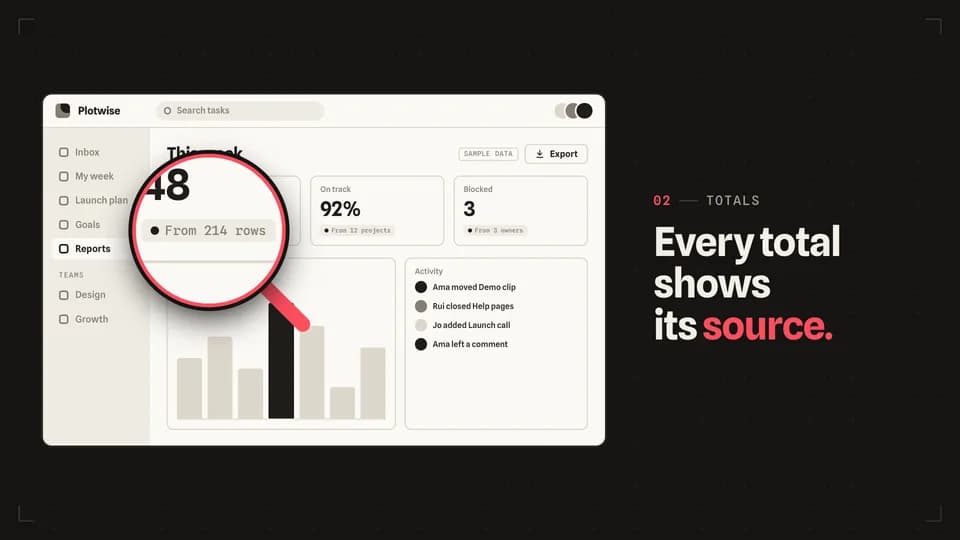 Transition · zoom5.2 s
Magnifier
A redline loupe settles over one small control and magnifies it to double size while the rest of the screen holds still.
--move magnifier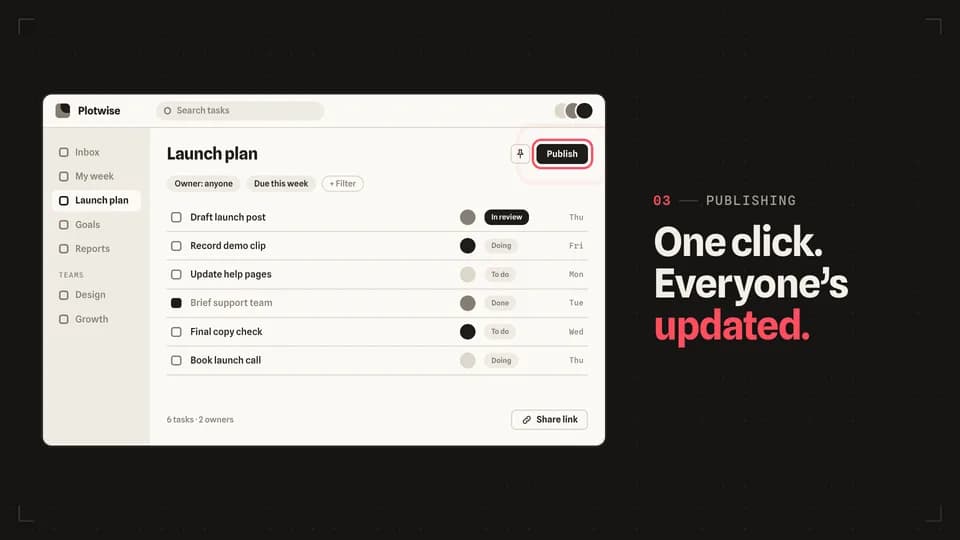 Explain · point4.8 s
Ring pulse
Redline rings breathe out of one button once a second — three gentle pulses — while the line names what it does.
--move ring-pulse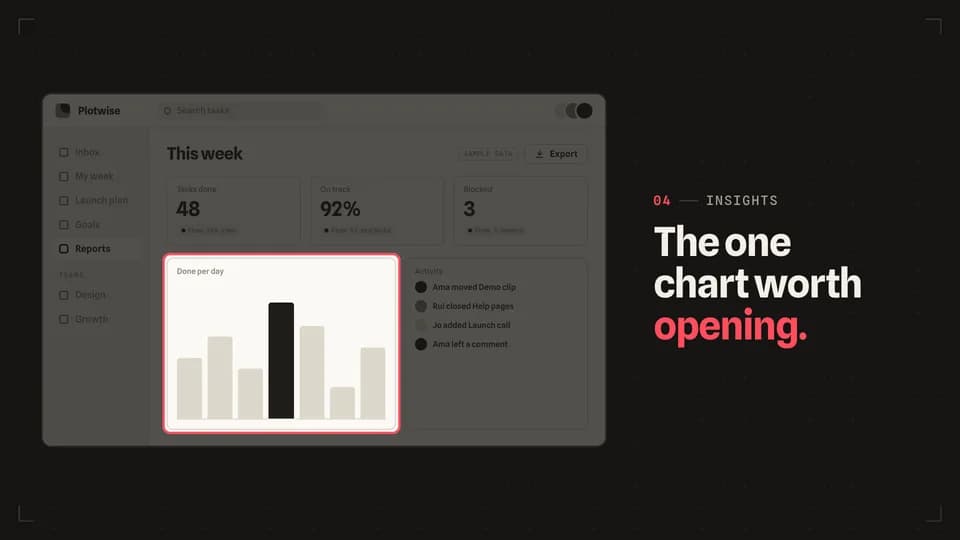 Transition · focus5 s
Spotlight
The screen dims around one panel, which keeps its light and gains a redline rim, so the eye has nowhere else to go.
--move spotlight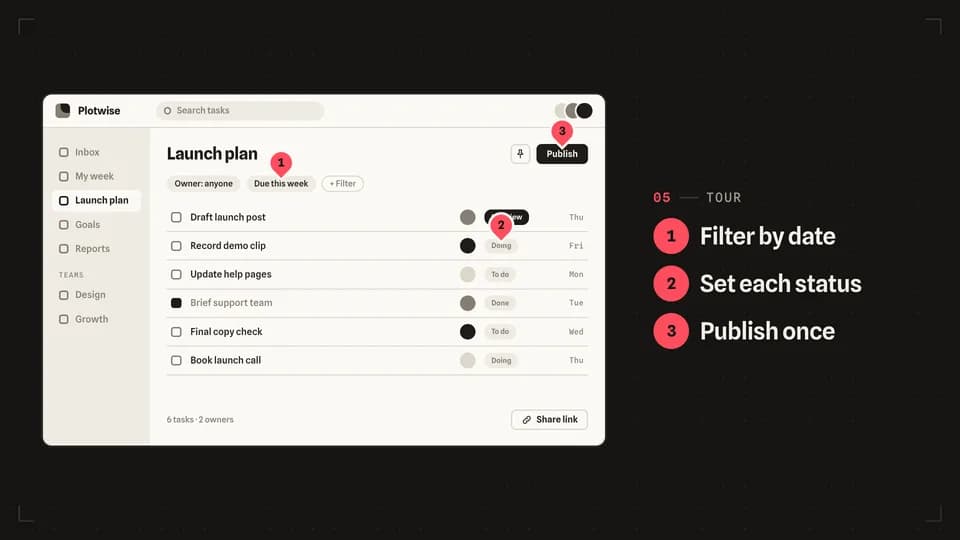 Reveal · tour6.4 s
Numbered pins
Three numbered redline pins drop onto the screen one by one, each in step with its line in a short list.
--move numbered-pins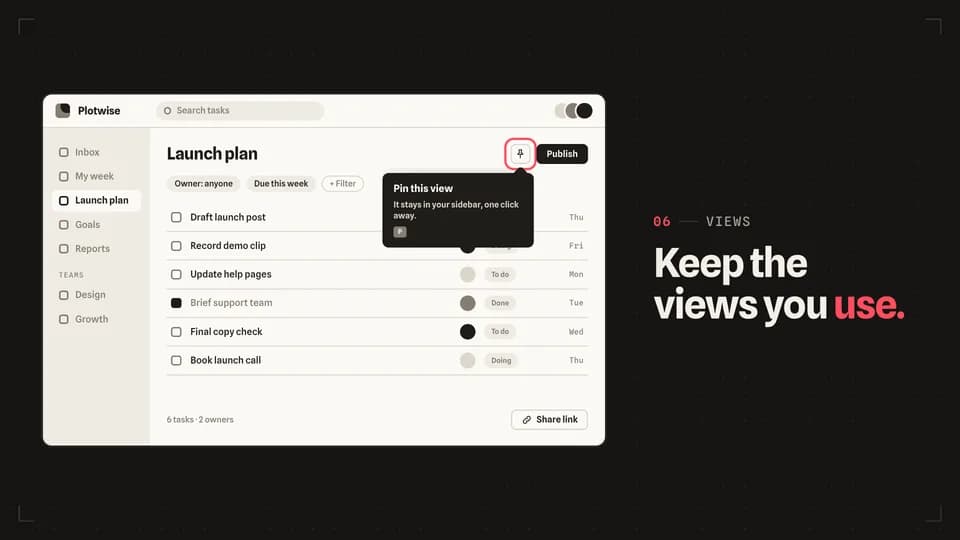 Explain5 s
Tooltip unfold
A redline ring marks an icon button, then its tooltip unfolds from the arrow — across, then down — to explain it.
--move tooltip-unfold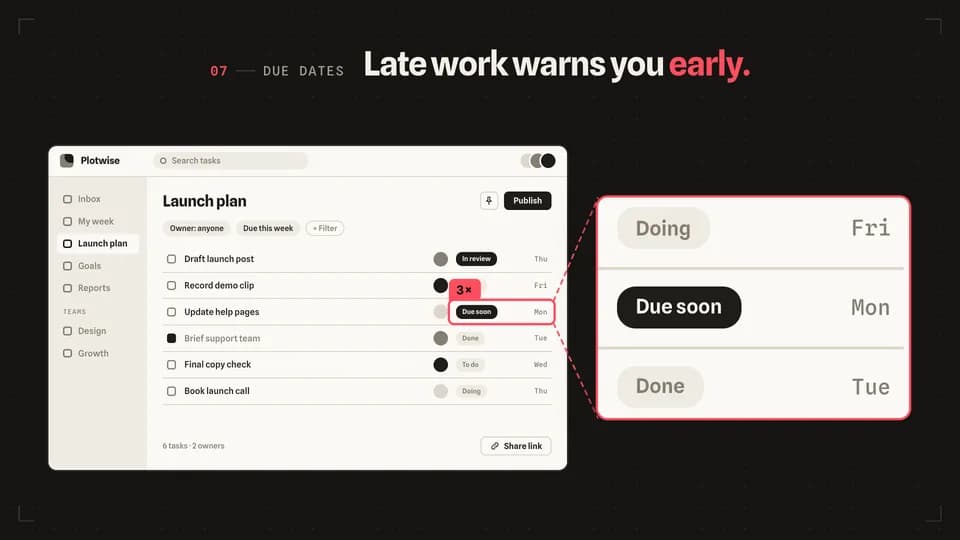 Reveal · detail5.6 s
Zoom inset
A redline box frames one small detail, and a panel beside the screen shows that same detail three times larger.
--move zoom-inset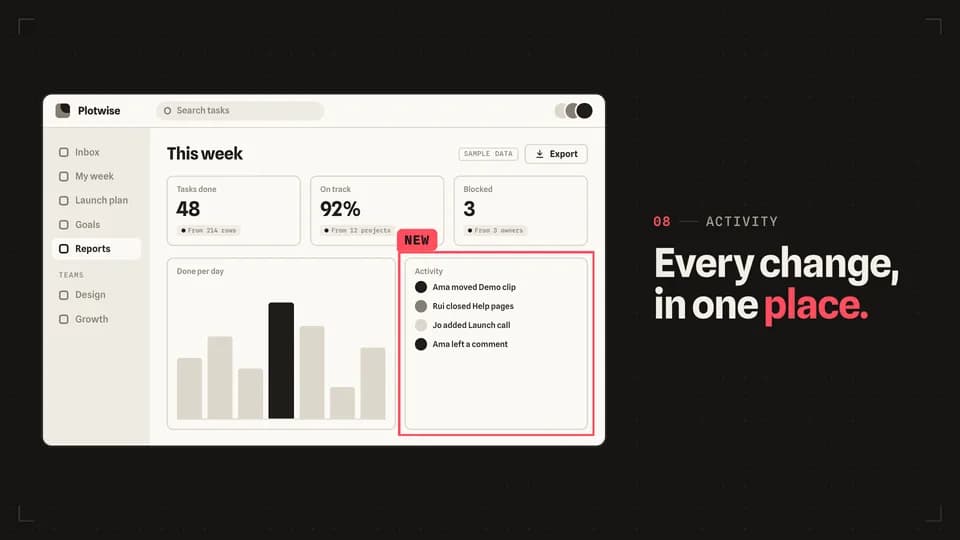 Explain · frame4.8 s
Trace box
Four redline edges run clockwise round one panel until it is boxed in, then a small New tag lands on its corner.
--move trace-box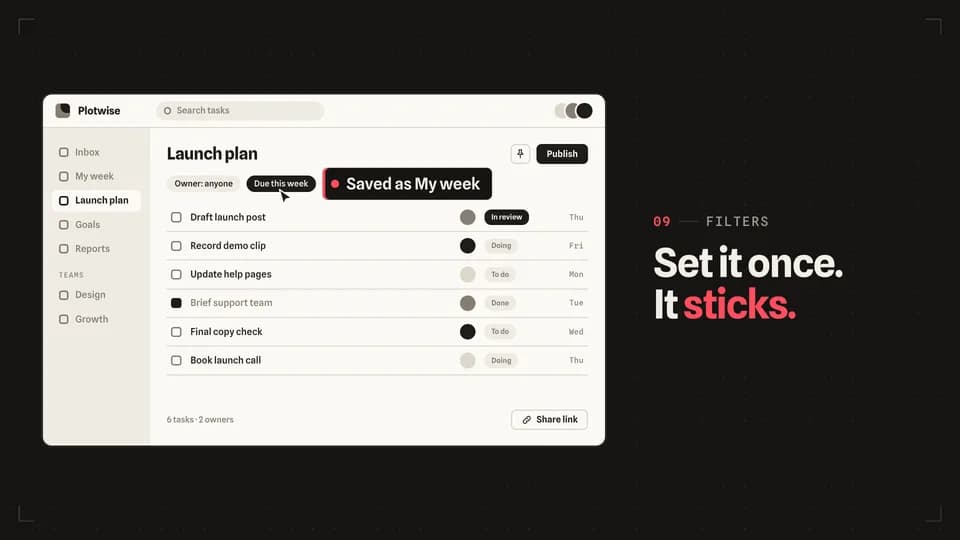 Reveal · demo5.4 s
Click reveal
A cursor travels to a filter chip and clicks; the chip turns on and a label slides out of it saying what just happened.
--move click-reveal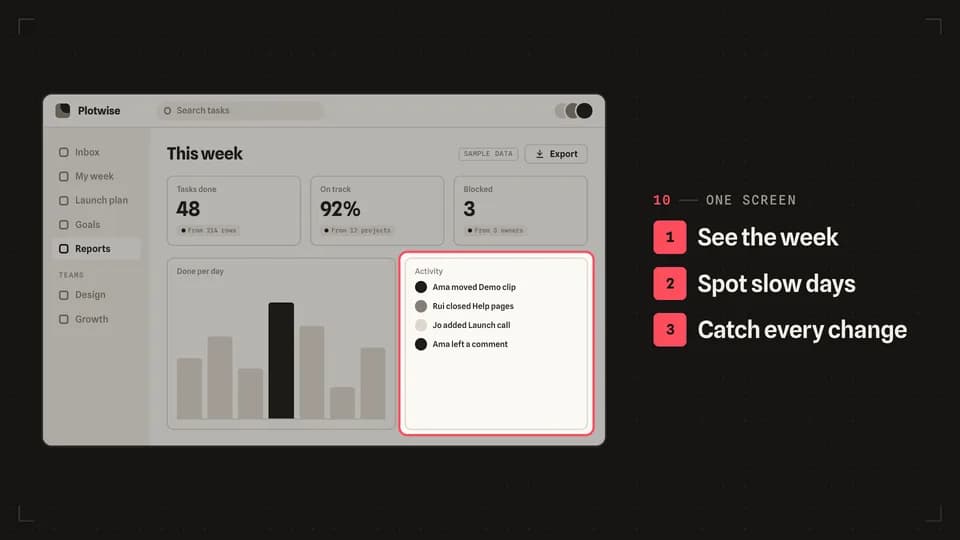 Reveal · tour6.2 s
List sync
A three-line feature list ticks down in order while a redline frame moves to the matching part of the screen each time.
--move list-sync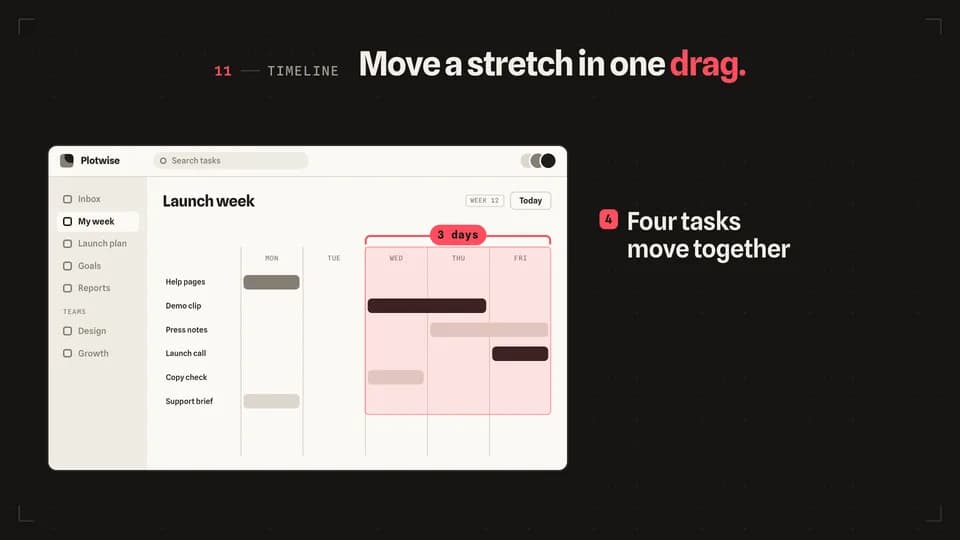 Explain · scope5.2 s
Range bracket
A redline bracket opens over three days of a timeline, the range lights, and every task inside it slides one day on.
--move range-bracket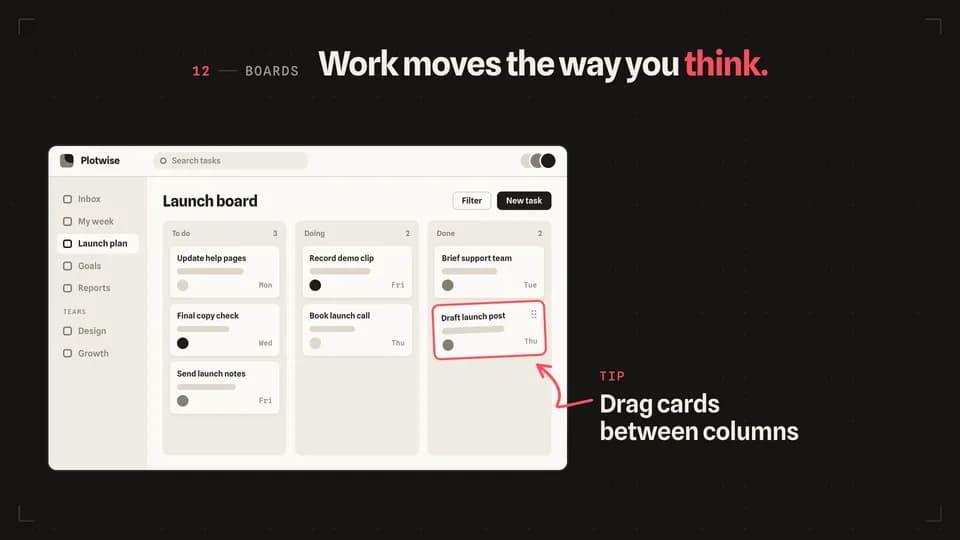 Explain · point5 s
Arrow sketch
A hand-drawn redline arrow sketches itself from a short note on the stage to the card being dragged on the screen.
--move arrow-sketch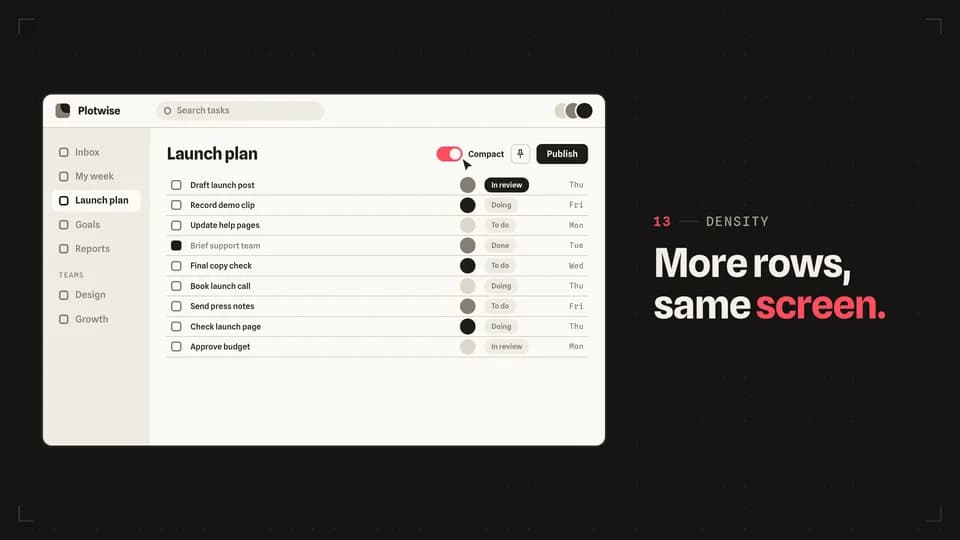 Proof · before · after5.6 s
Toggle flip
A cursor flips one switch from off to on, the switch fills with redline, and the rows below re-set in their compact form.
--move toggle-flip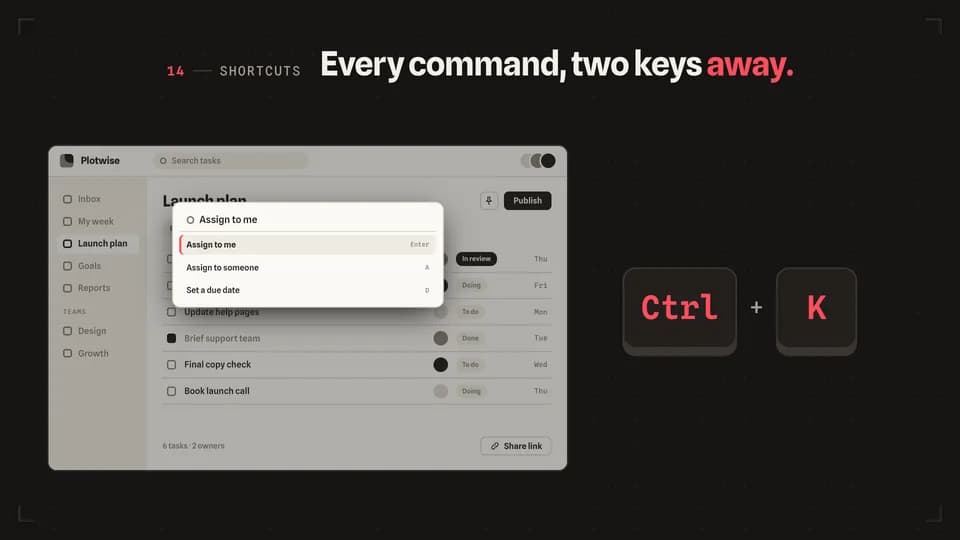 Reveal · demo5 s
Shortcut press
Two big keycaps press in turn on the stage, and the screen answers with its command bar typing the action.
--move shortcut-press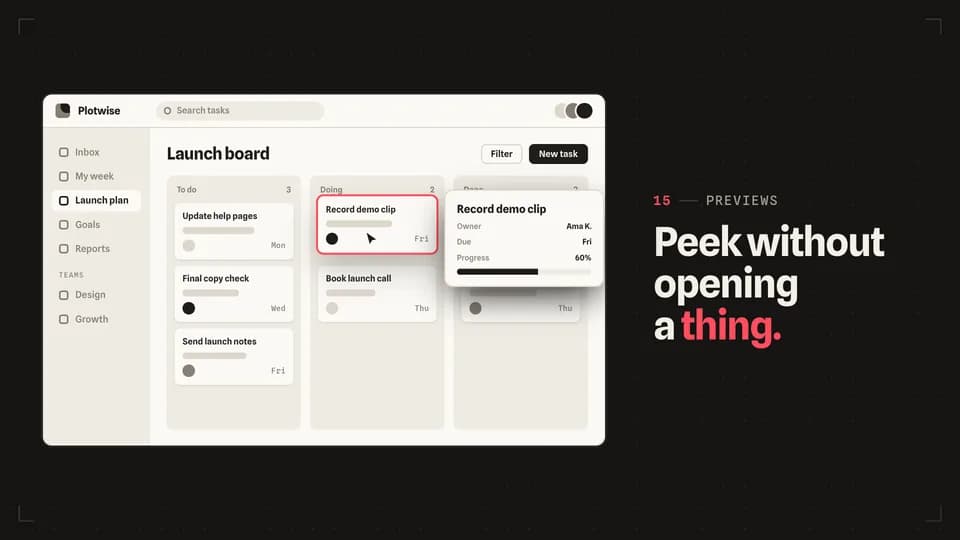 Reveal · preview5 s
Hover lift
The cursor rests on a card, the card lifts with a redline edge, and a preview card rises beside it with the details.
--move hover-lift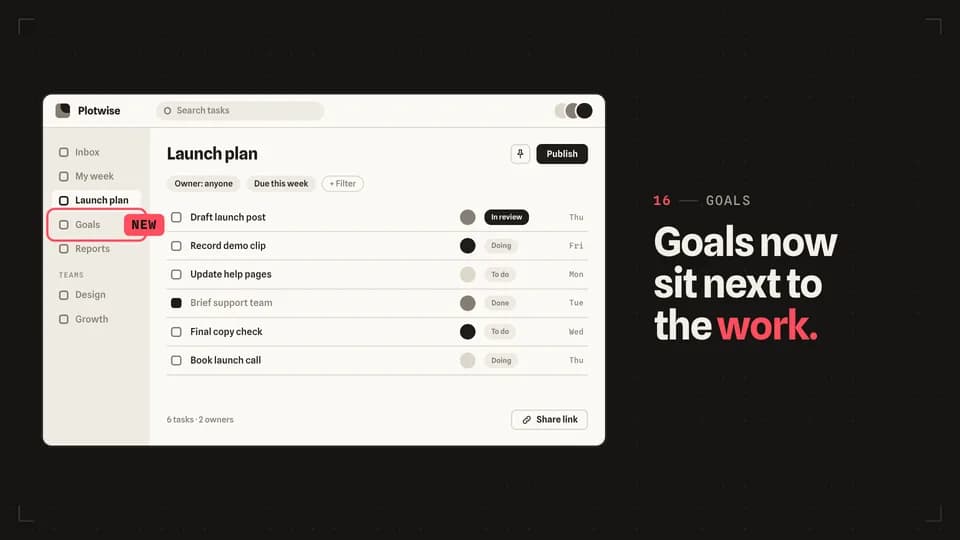 Hook · announce4.4 s
New badge
A redline ring settles round one sidebar item and a New badge stamps onto it, the way a release note points at a change.
--move new-badge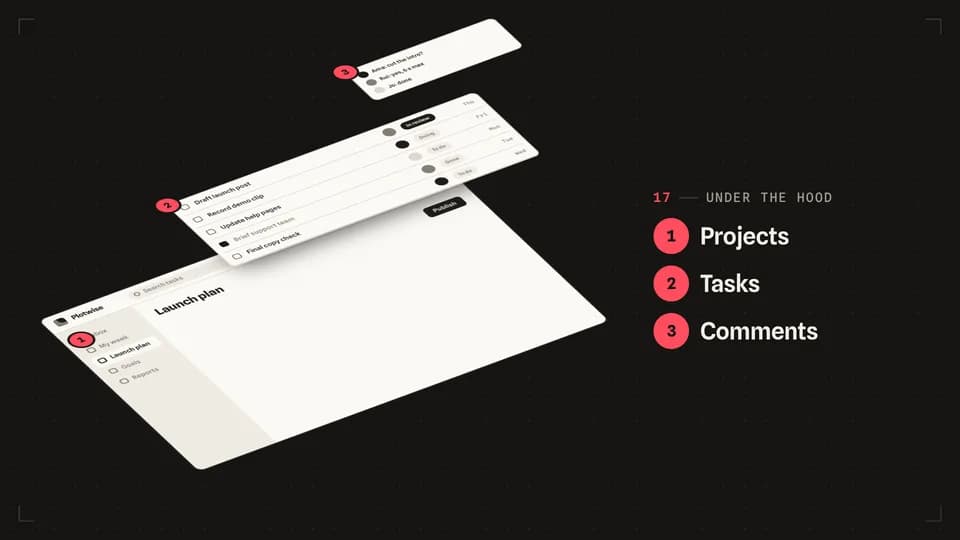 Explain · structure6.4 s
Exploded view
The screen tilts back and comes apart into three numbered layers, like an exploded diagram in a manual.
--move exploded-view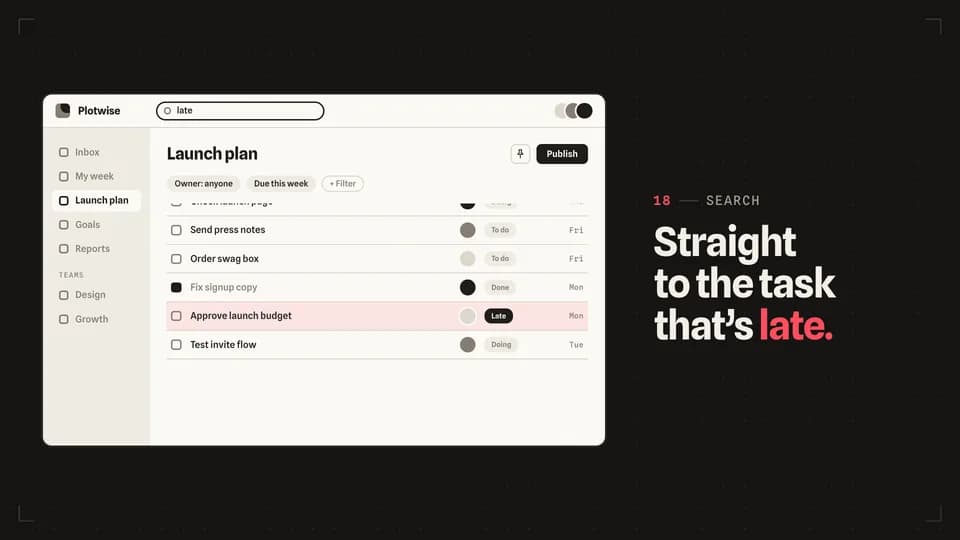 Transition · find5.6 s
Scroll stop
A search types, the long task list runs and eases to a stop on one row, and a redline bar lights that row.
--move scroll-stop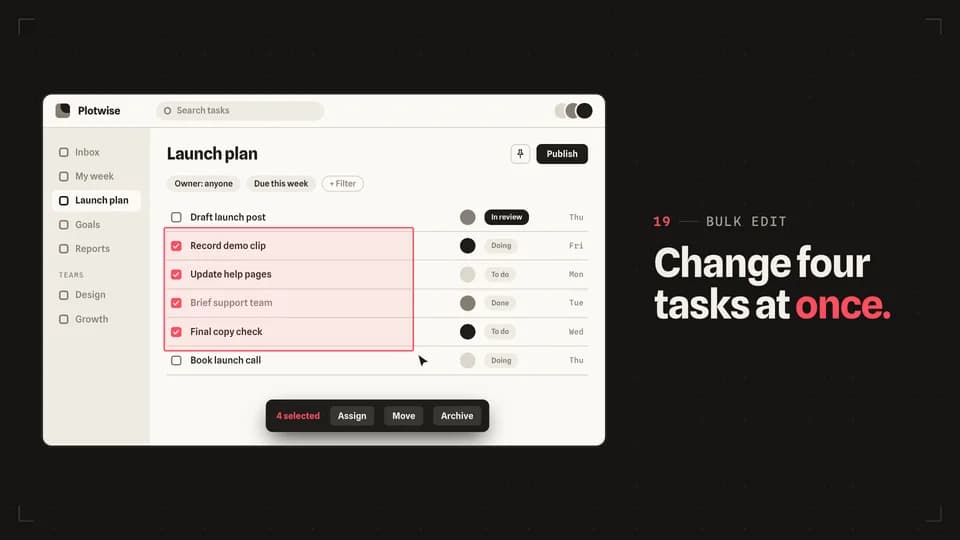 Transition · bulk5.8 s
Marquee select
The cursor drags a redline selection box across four rows, each row ticks as it is caught, and a bulk action bar rises.
--move marquee-select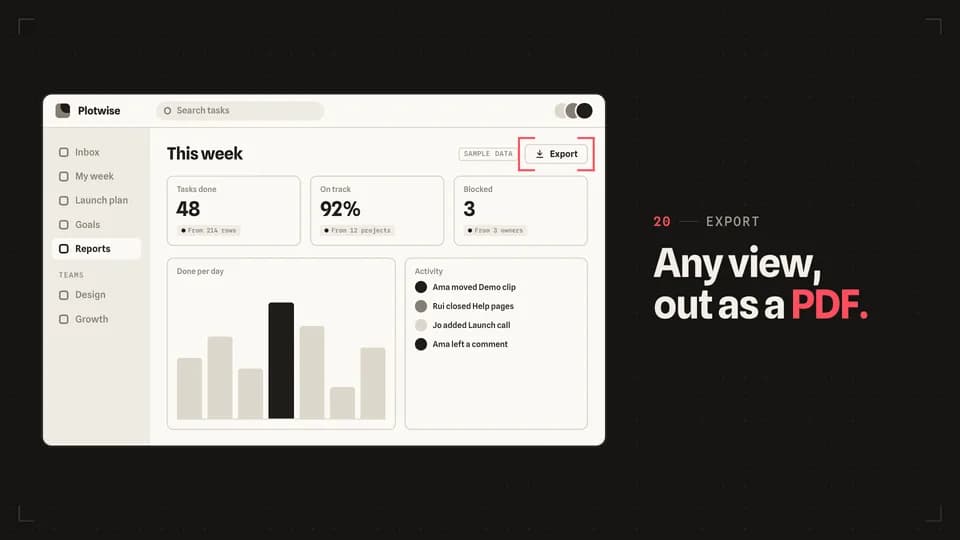 Transition · target4.6 s
Crop marks
Four redline corner marks start at the screen’s edges and close in until they frame one button.
--move crop-marks
How moves work
A move is a film with one scene.
Pick a move.
Each one is a single beat — an opener, a reveal, a stat, an end card — as one scene, 3 to 8 seconds, in 16:9, 1:1 and 9:16.
Start a film from it.
Your agent runs new.mjs with --move and the move’s slug, then edits words and figures. Check, QA and render work as for any film.
Wear any taste.
wear.md maps a Taste Stack video taste’s palette and type onto the move, so one beat comes in every style in the catalog.