Moves
One beat, ready to cut.
A move is one beat of a film — the job a clip does, such as a hook, a reveal or a proof point — that your agent drops into any launch video: 220 of them in 11 sets, all included with Pro. Every move ships in the set’s house style — and wears any video taste you own.
31 of 220 moves · Transition
Transitions · 20
 Transition · transition · wipe4.6 s
Diagonal wipe
The next card cuts across the frame on a raked diagonal led by an ink edge; its words slide in with the edge.
--move diagonal-wipe Transition · transition · time passes4.2 s
Clock wipe
An ink hand sweeps once round the frame from twelve o’clock, painting the next card in behind it.
--move clock-wipe Transition · transition · wipe4.6 s
Stripes sweep
Raked stripes sweep left to right in two shades of the next colour, then the new line rises on the clean field.
--move stripes-sweep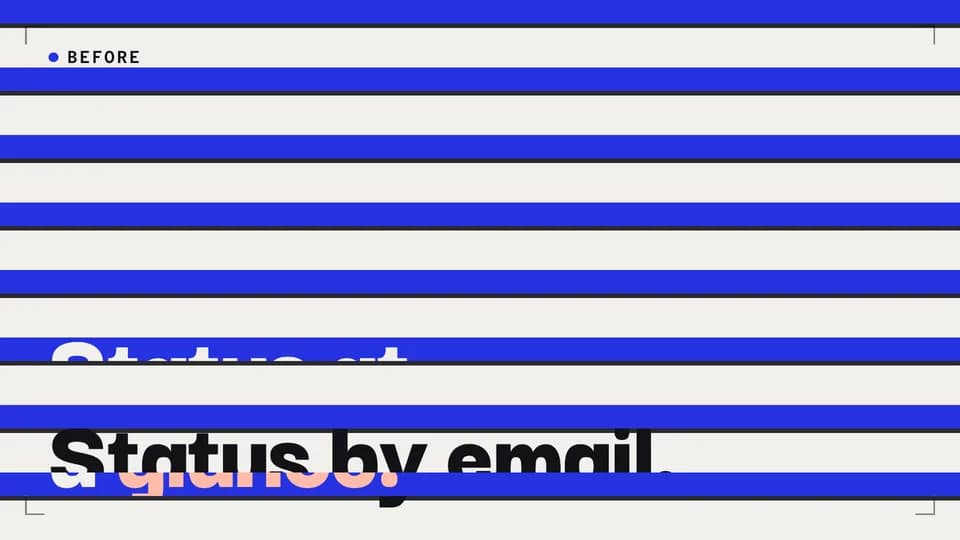 Transition · transition · wipe4.6 s
Venetian blinds
Eight slats tilt open across the frame, each led by a thin ink edge, and the next card shows through.
--move venetian-blinds Transition · transition · chapter break4.8 s
Iris close and open
The frame closes to a single dot on ink, holds, and the dot opens into the next card.
--move iris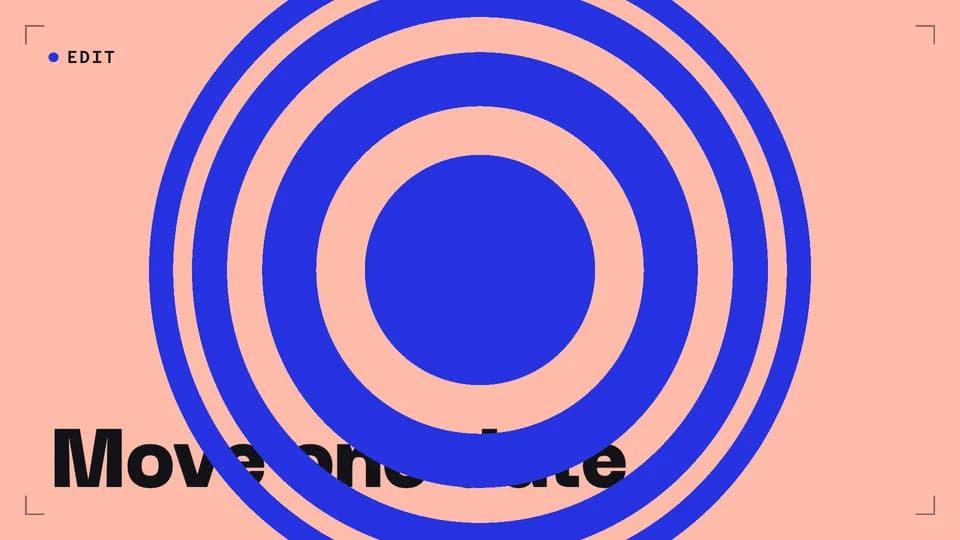 Transition · transition · cause and effect4.6 s
Ripple
Rings spread from the centre like a dropped stone, each showing the next card, until it fills the frame.
--move ripple Transition · transition · reveal5 s
Shape morph
A dot appears, turns into a square, then opens into the whole screen: the next card, with the product on it.
--move shape-morph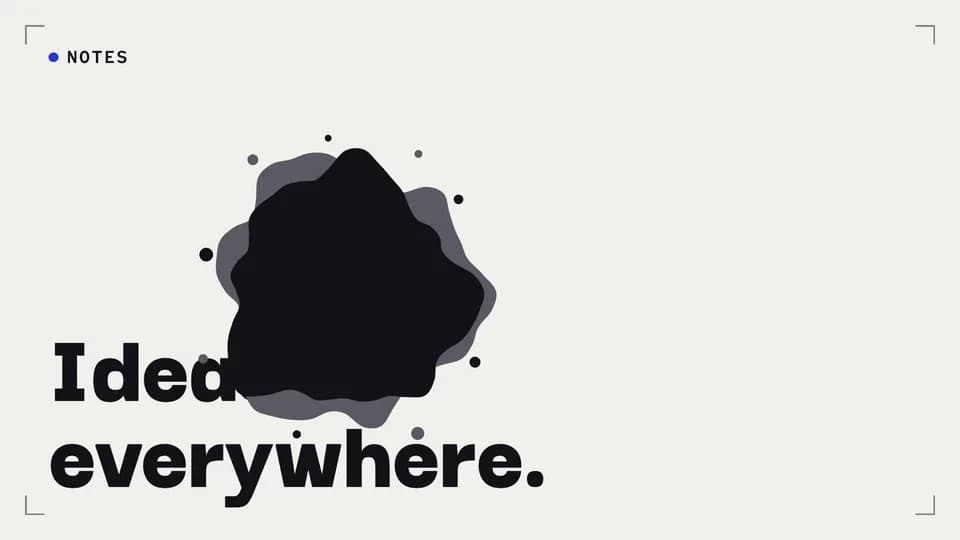 Transition · transition · mood change4.6 s
Ink bleed
A drop of ink lands on the paper card and bleeds outward with a wet grey rim until the frame is ink.
--move ink-bleed Transition · transition · reset4.6 s
Colour swallow
A small square of the next colour sits in the corner, then turns and grows until it swallows the frame.
--move color-swallow Transition · transition · snapshot4.4 s
Shutter
Six ink blades twist shut like a camera shutter, hold closed for a beat, then open on the next card.
--move shutter Transition · transition · next stop4.4 s
Split-flap
The whole frame flips like a departure board: the top half falls on its hinge and lands as the next card.
--move split-flap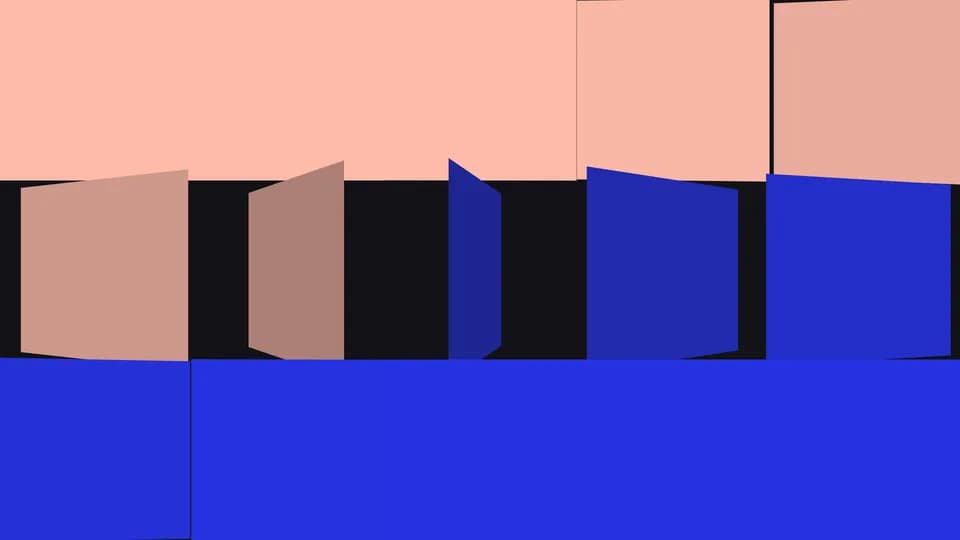 Transition · transition · rebuild4.8 s
Tile flip
The frame breaks into fifteen tiles that flip over one after another, each turning to the next colour.
--move tile-flip Transition · transition · fresh start4.8 s
Page curl
The card peels away from the bottom-right corner like a page, its back shaded, uncovering the next card.
--move page-curl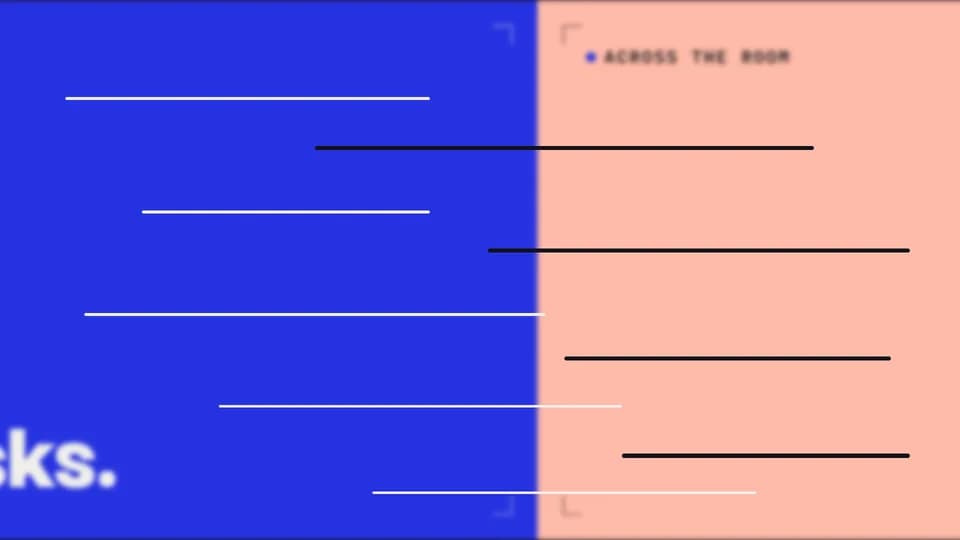 Transition · transition · meanwhile4.2 s
Whip pan
The camera whips sideways in under half a second, the frame smearing into motion lines, and lands on the next card.
--move whip-pan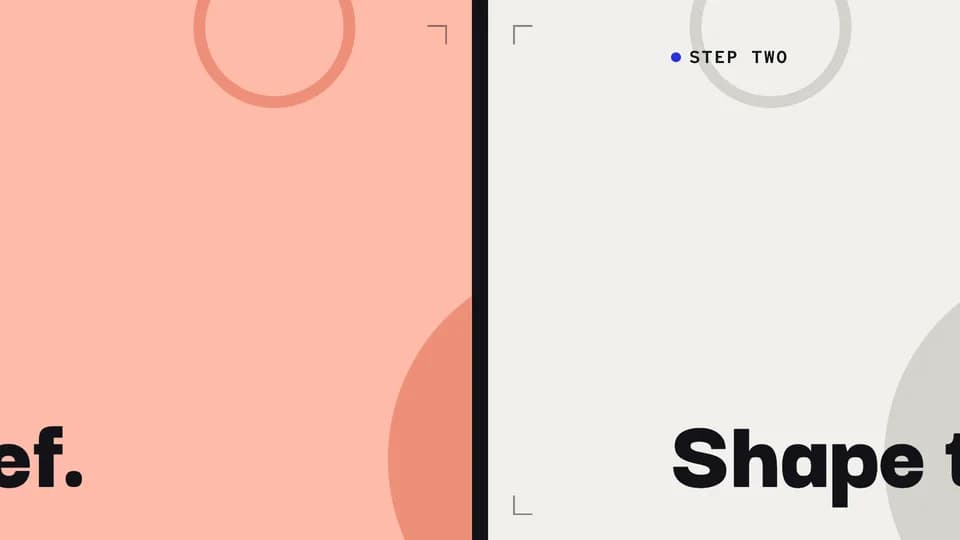 Transition · transition · next step4.8 s
Parallax push
The next card pushes the last one out; behind the words, a far layer drifts slower, so the move has depth.
--move parallax-push Transition · transition · dive in4.8 s
Letter zoom
One giant word holds; its O is a window onto the next card, and the camera dives through it.
--move letter-zoom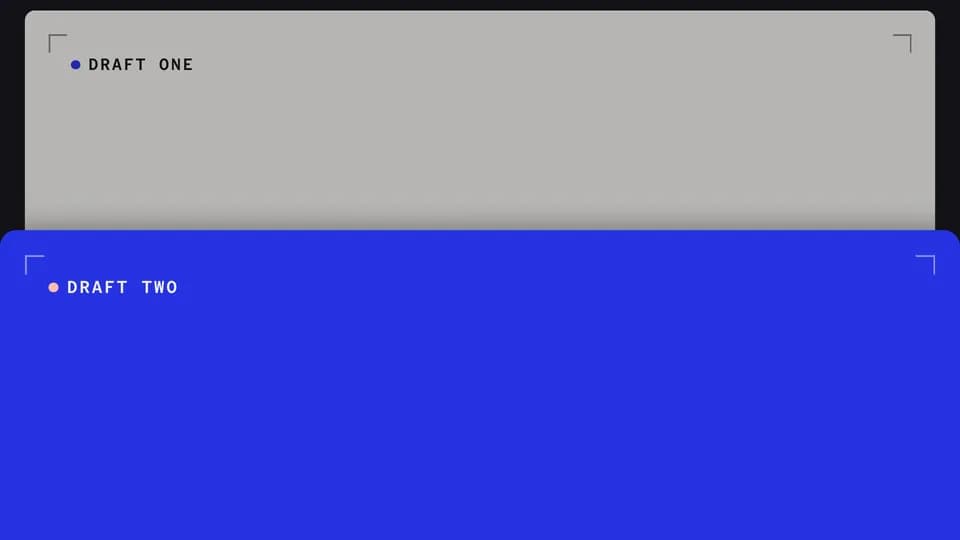 Transition · transition · build on it4.8 s
Slide and stack
The next card slides up and stacks on the last, which steps back and dims, its edge still peeking above.
--move slide-stack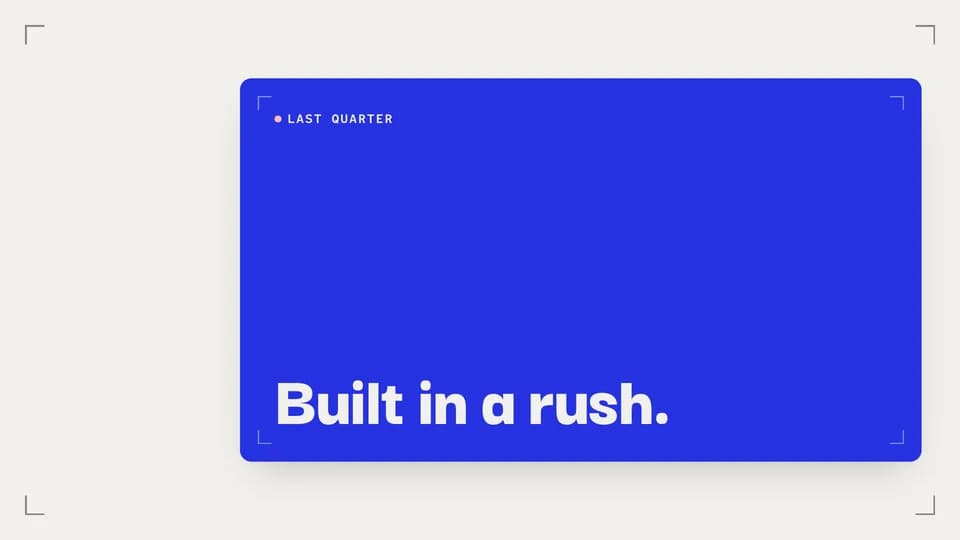 Transition · transition · recap5 s
Frame in frame
The whole card shrinks into a framed thumbnail that settles beside the next line, so the last beat stays in view.
--move frame-shrink Transition · transition · match cut4.4 s
Shape match cut
A hard cut between two cards that share one circle in the same place and size, so the eye never jumps.
--move shape-match Transition · transition · continuity4.6 s
Word carry
One word holds perfectly still while the card behind it wipes up and the line around it rewrites.
--move word-carry
Feature Callouts · 5
 Transition · zoom5.2 s
Magnifier
A redline loupe settles over one small control and magnifies it to double size while the rest of the screen holds still.
--move magnifier Transition · focus5 s
Spotlight
The screen dims around one panel, which keeps its light and gains a redline rim, so the eye has nowhere else to go.
--move spotlight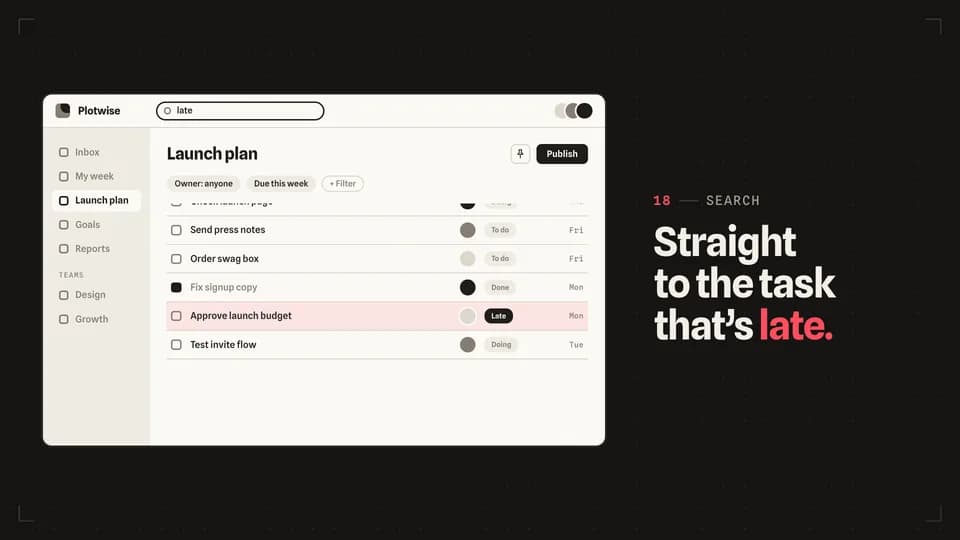 Transition · find5.6 s
Scroll stop
A search types, the long task list runs and eases to a stop on one row, and a redline bar lights that row.
--move scroll-stop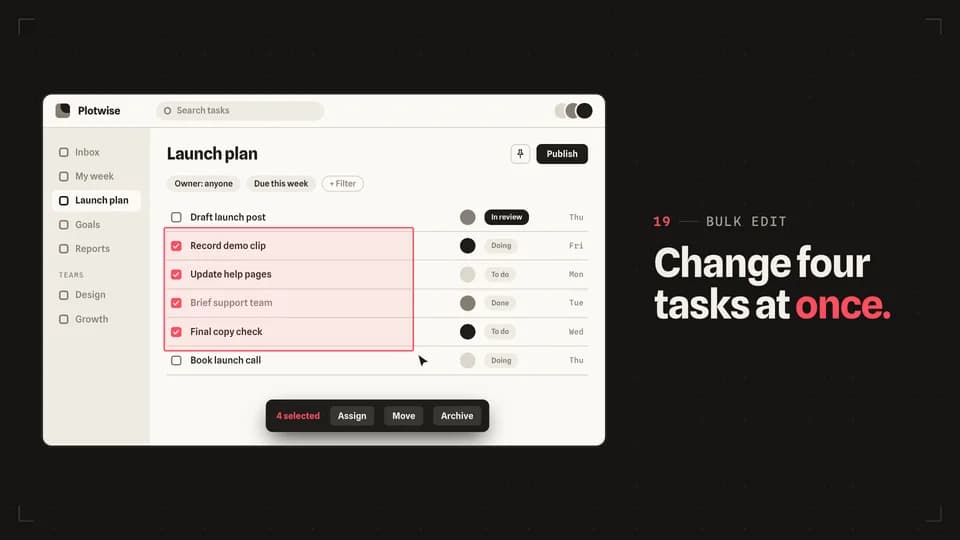 Transition · bulk5.8 s
Marquee select
The cursor drags a redline selection box across four rows, each row ticks as it is caught, and a bulk action bar rises.
--move marquee-select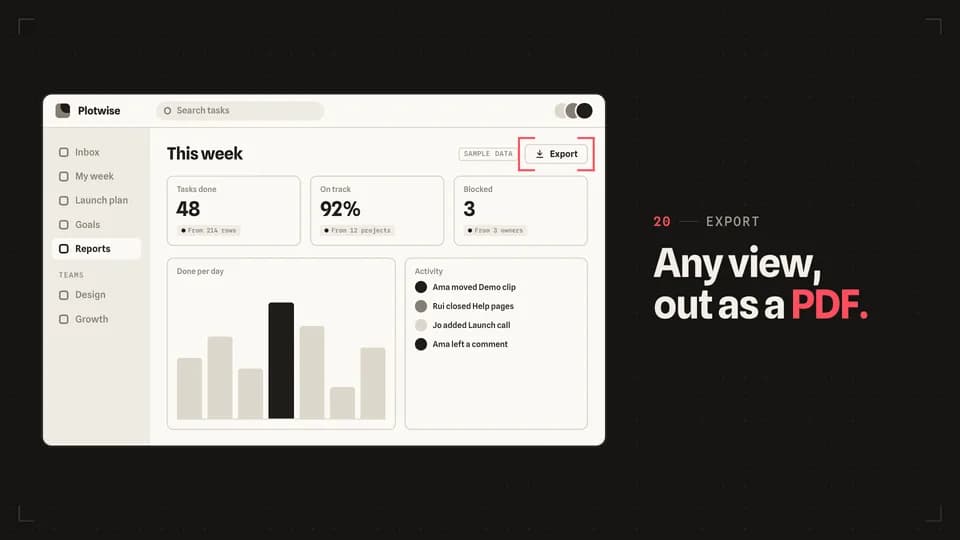 Transition · target4.6 s
Crop marks
Four redline corner marks start at the screen’s edges and close in until they frame one button.
--move crop-marks
End Cards · 2
 Transition · scan5 s
Code block
A placeholder code block scans in row by row beside the name, a scan-to call to action and a short URL.
--move code-block Transition · loop5 s
Loop back
A timeline runs out to its end and snaps home as the film’s opening line slams back in, with the call to action under it.
--move loop-back
Explainer Beats · 3
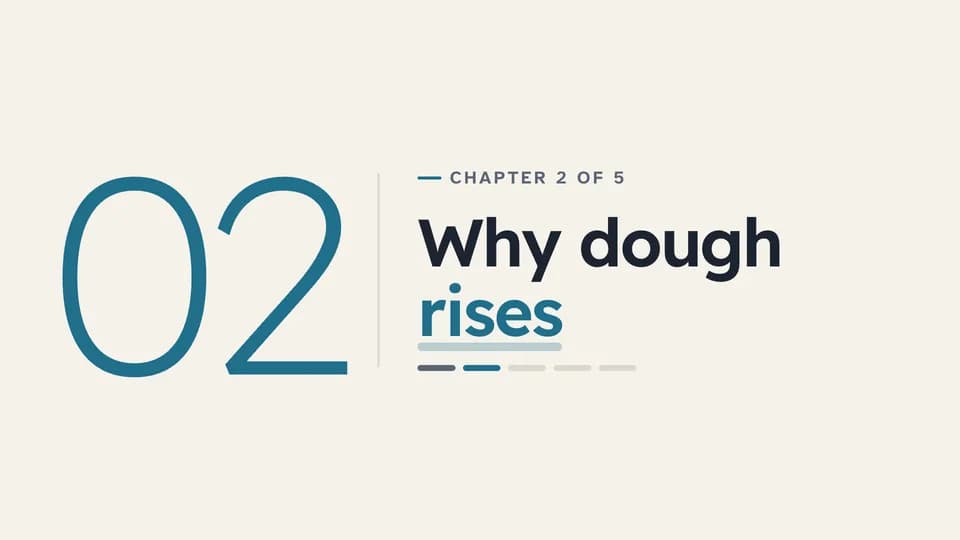 Transition · chapter · section open4.6 s
Chapter card
A large light chapter number reveals beside a rule, then the chapter title, its place in the course and a progress strip.
--move chapter-card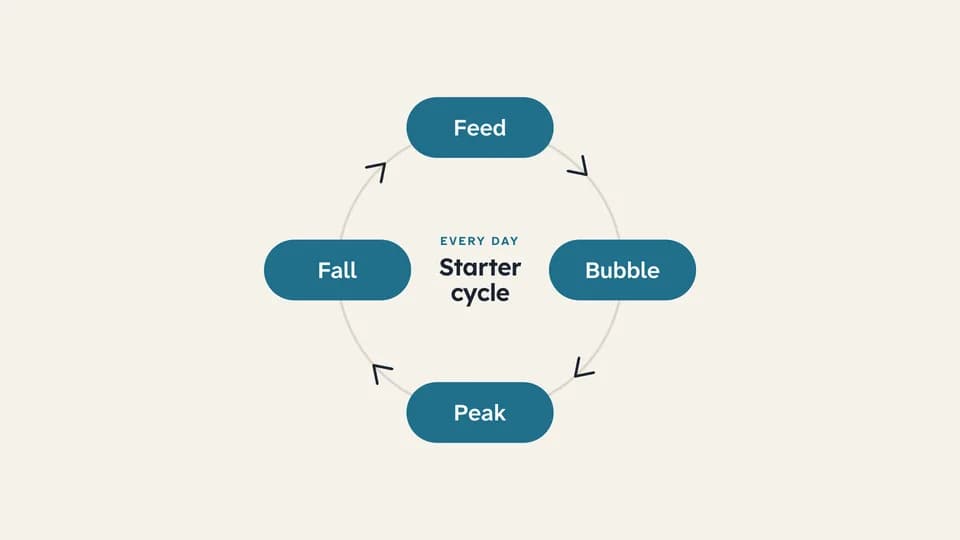 Transition · loop6.6 s
Cycle diagram
A ring draws itself, then a teal dot travels once around it, lighting each of four stages as it passes.
--move cycle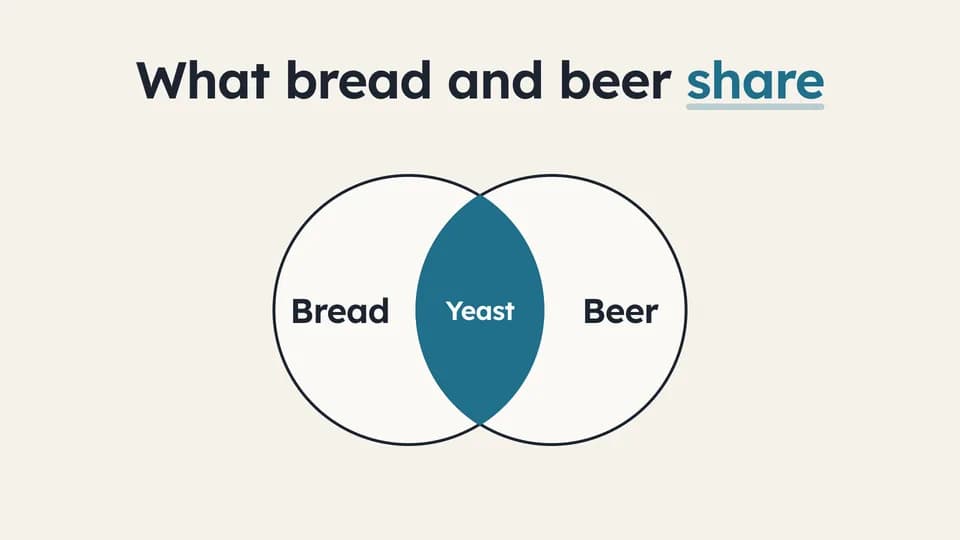 Transition · overlap6 s
Venn of two ideas
Two outlined circles slide in from either side and overlap; the shared lens fills teal and names what both have.
--move venn
How moves work
A move is a film with one scene.
Pick a move.
Each one is a single beat — an opener, a reveal, a stat, an end card — as one scene, 3 to 8 seconds, in 16:9, 1:1 and 9:16.
Start a film from it.
Your agent runs new.mjs with --move and the move’s slug, then edits words and figures. Check, QA and render work as for any film.
Wear any taste.
wear.md maps a Taste Stack video taste’s palette and type onto the move, so one beat comes in every style in the catalog.