Moves
One beat, ready to cut.
A move is one beat of a film — the job a clip does, such as a hook, a reveal or a proof point — that your agent drops into any launch video: 220 of them in 11 sets, all included with Pro. Every move ships in the set’s house style — and wears any video taste you own.
29 of 220 moves · Explain
Data Beats · 4
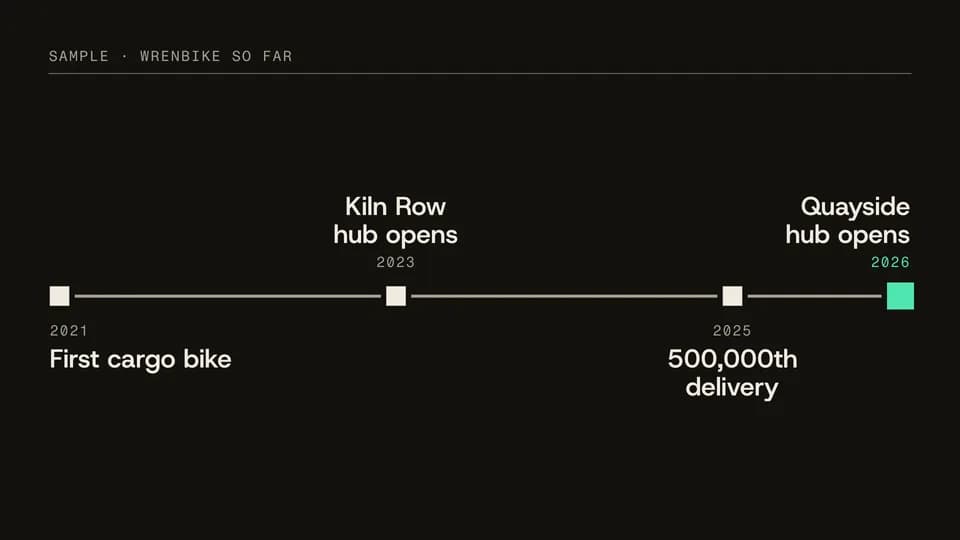 Explain · story · timeline7 s
Milestone line
A time rule draws across the frame and four dated milestones land on it in order, the latest in signal.
--move milestone-line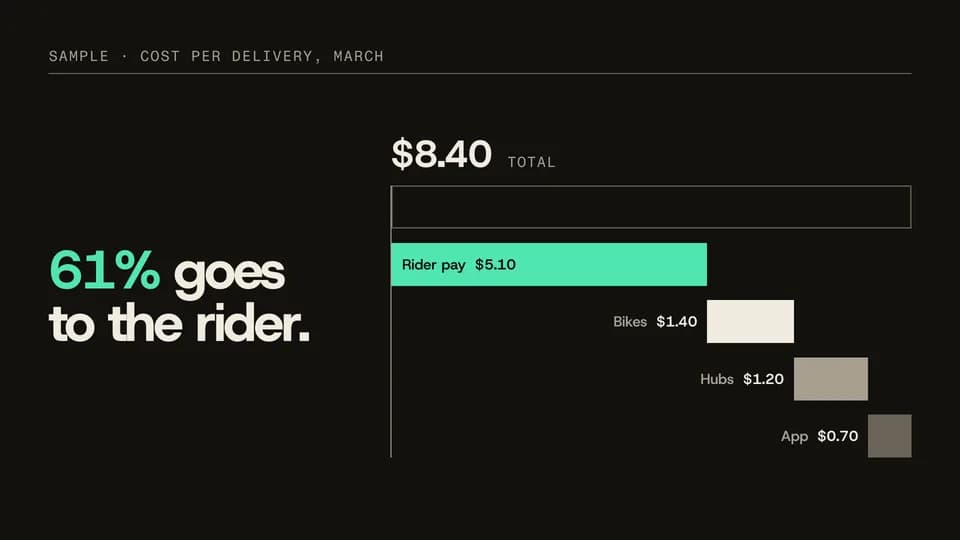 Explain · explain · breakdown7 s
Stack split
One stacked bar of a total splits into a waterfall of its parts, each labelled, the biggest in signal.
--move stack-split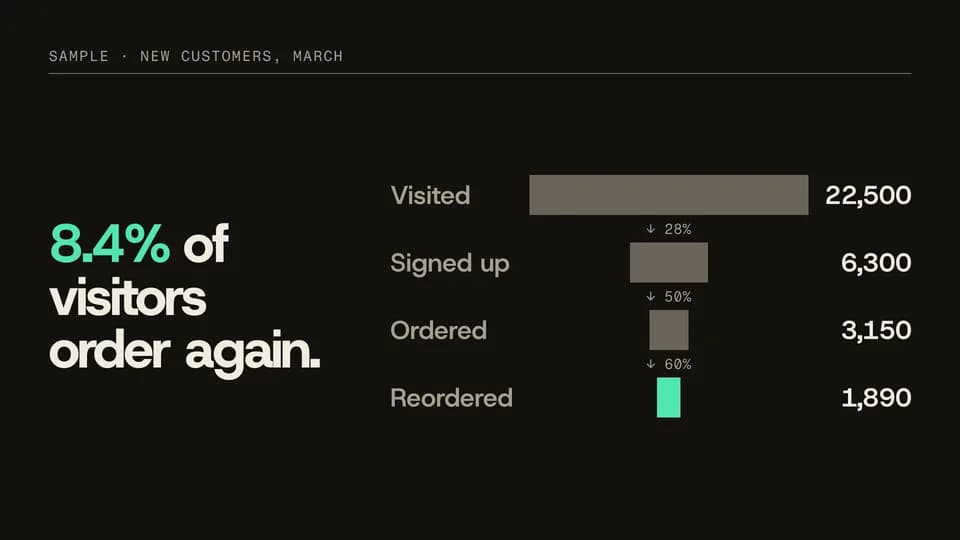 Explain · explain · conversion7.2 s
Funnel narrow
Four centred bars narrow step by step from visits to repeat orders, each step’s rate between them, the last in signal.
--move funnel-narrow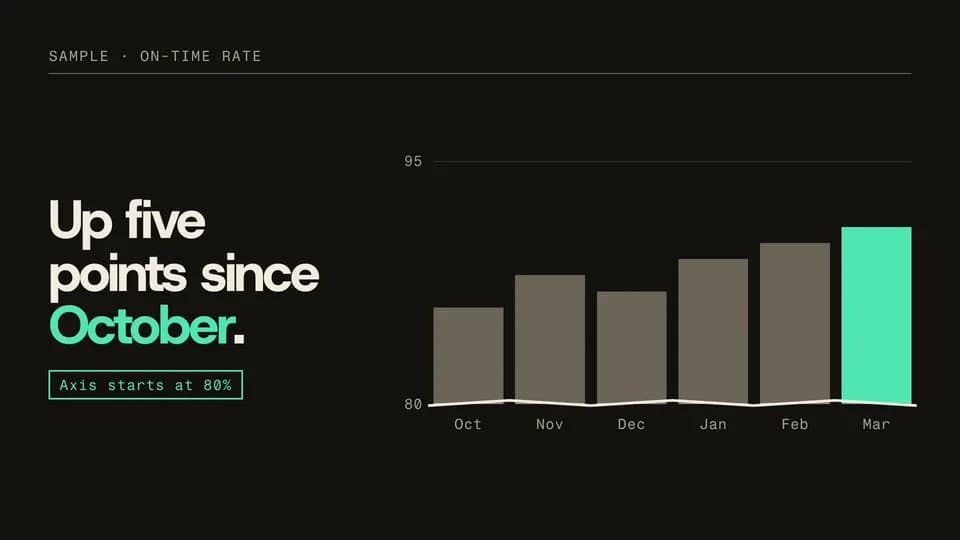 Explain · explain · honest zoom7.6 s
Axis break
Six bars rise from zero and look flat; the axis then zooms in, a break mark appears and a note says where it starts.
--move axis-break
Feature Callouts · 7
 Explain · point4.6 s
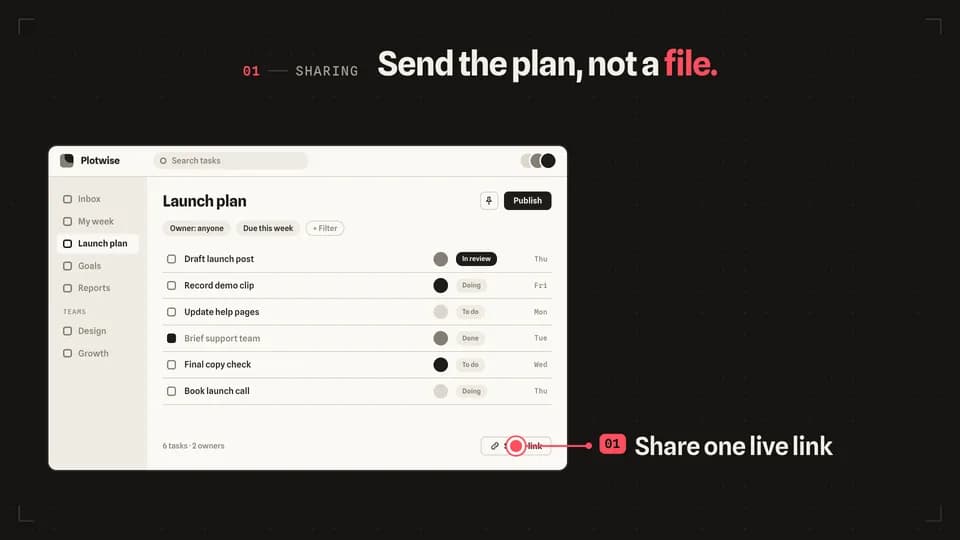
Leader line
A redline dot lands on one control, a leader line draws out to the stage, and the feature’s label reveals at its end.
--move leader-line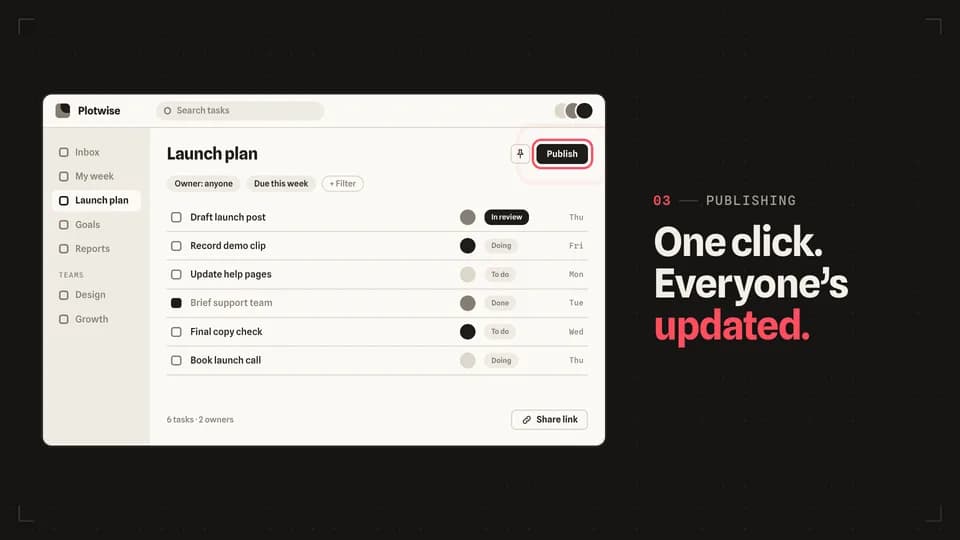 Explain · point4.8 s
Ring pulse
Redline rings breathe out of one button once a second — three gentle pulses — while the line names what it does.
--move ring-pulse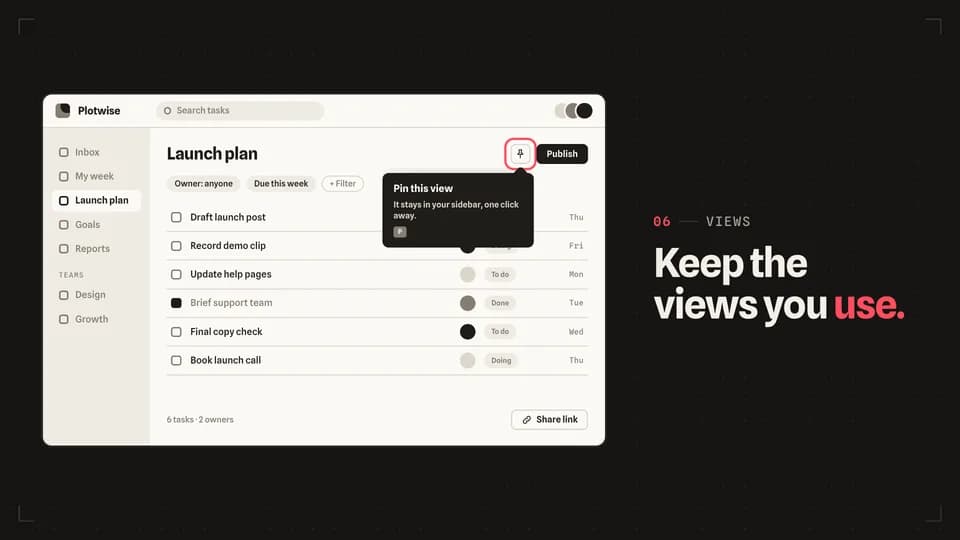 Explain5 s
Tooltip unfold
A redline ring marks an icon button, then its tooltip unfolds from the arrow — across, then down — to explain it.
--move tooltip-unfold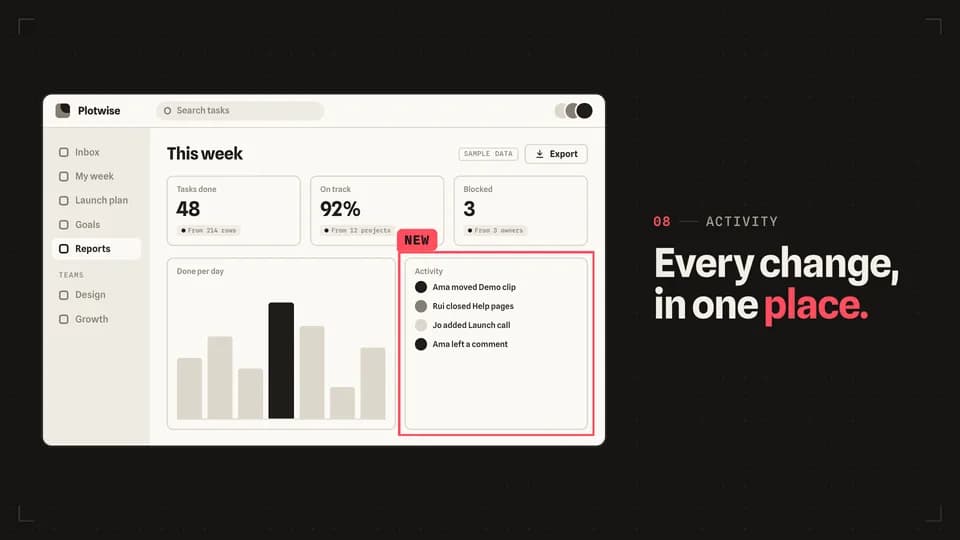 Explain · frame4.8 s
Trace box
Four redline edges run clockwise round one panel until it is boxed in, then a small New tag lands on its corner.
--move trace-box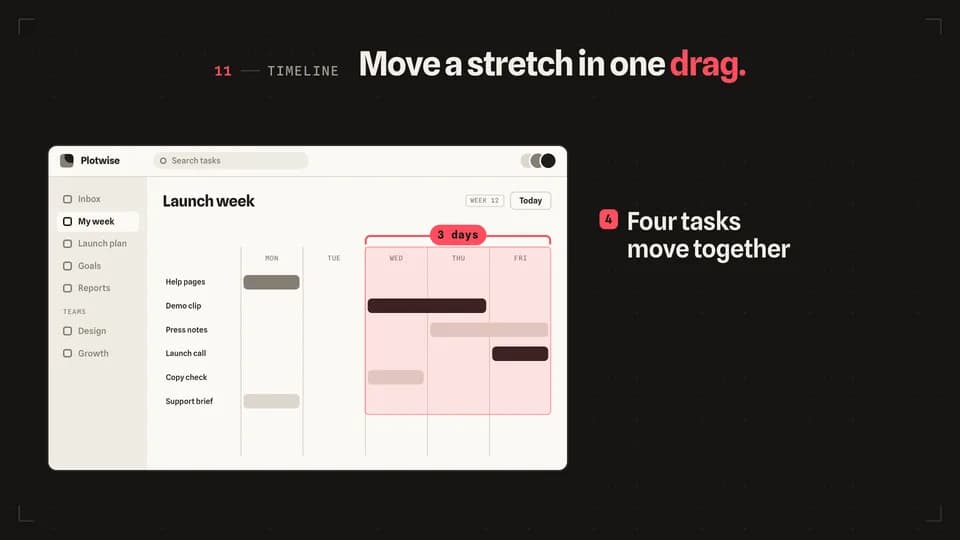 Explain · scope5.2 s
Range bracket
A redline bracket opens over three days of a timeline, the range lights, and every task inside it slides one day on.
--move range-bracket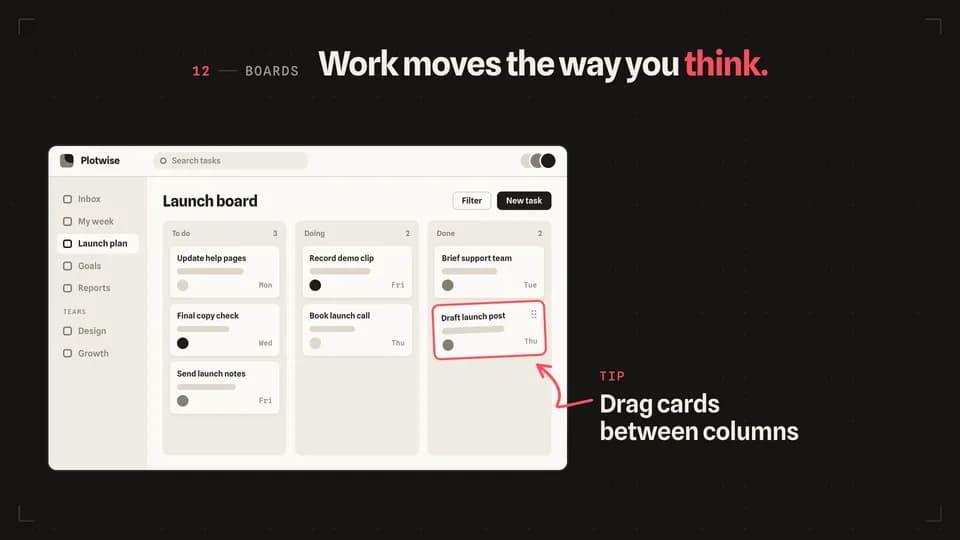 Explain · point5 s
Arrow sketch
A hand-drawn redline arrow sketches itself from a short note on the stage to the card being dragged on the screen.
--move arrow-sketch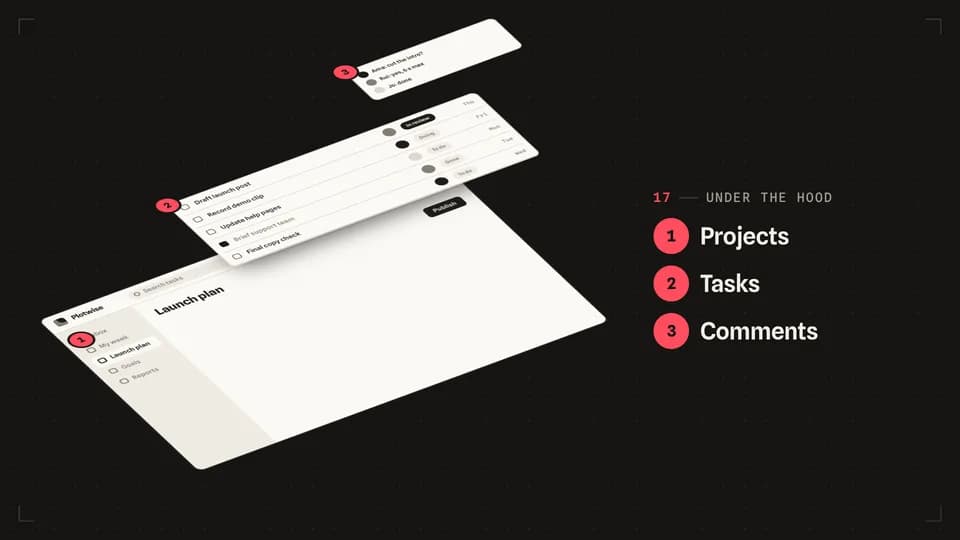 Explain · structure6.4 s
Exploded view
The screen tilts back and comes apart into three numbered layers, like an exploded diagram in a manual.
--move exploded-view
Explainer Beats · 11
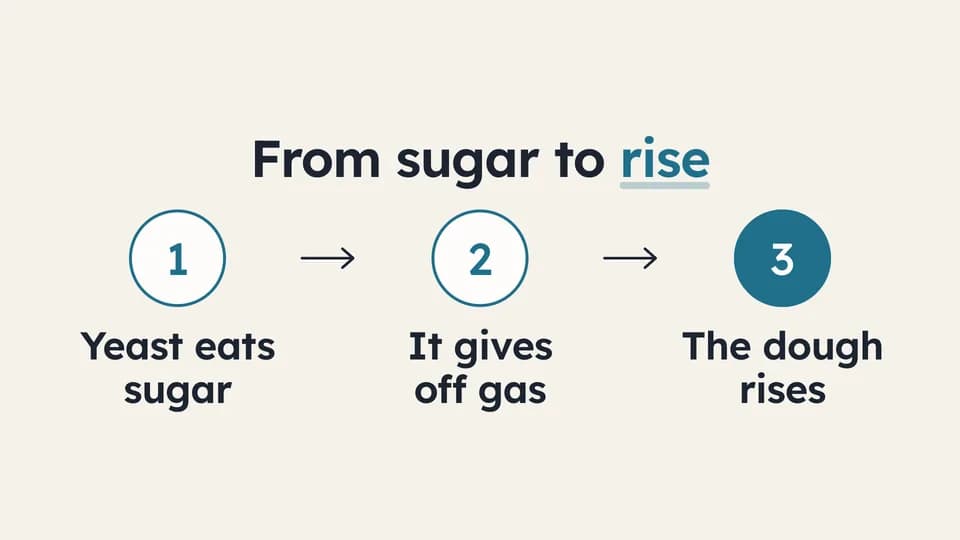 Explain · process6.4 s
Three steps
Three numbered steps appear one at a time, joined by drawn arrows; the last number fills teal as the result.
--move three-steps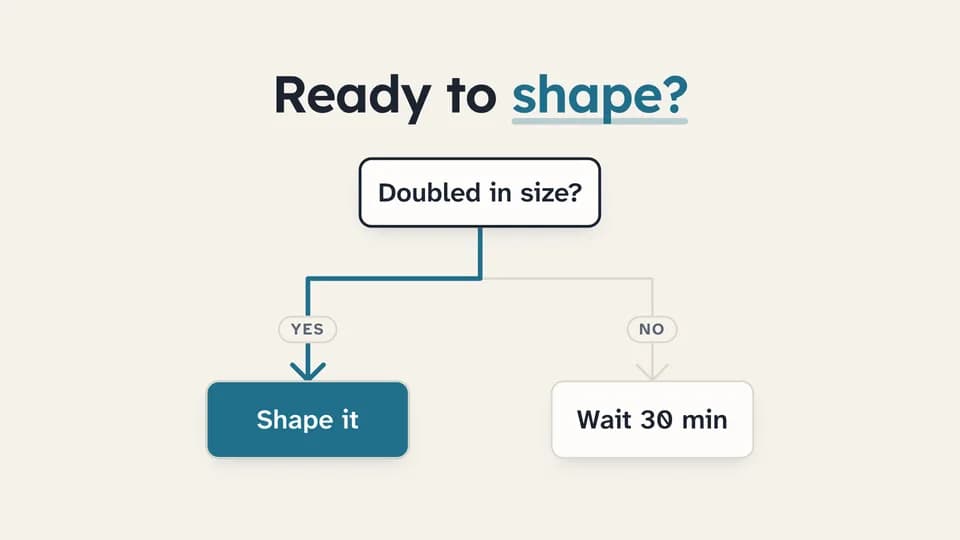 Explain · decision · logic6.6 s
Flowchart branch
A question node drops a line that forks into Yes and No outcomes; the chosen path redraws in teal and its outcome fills.
--move flow-branch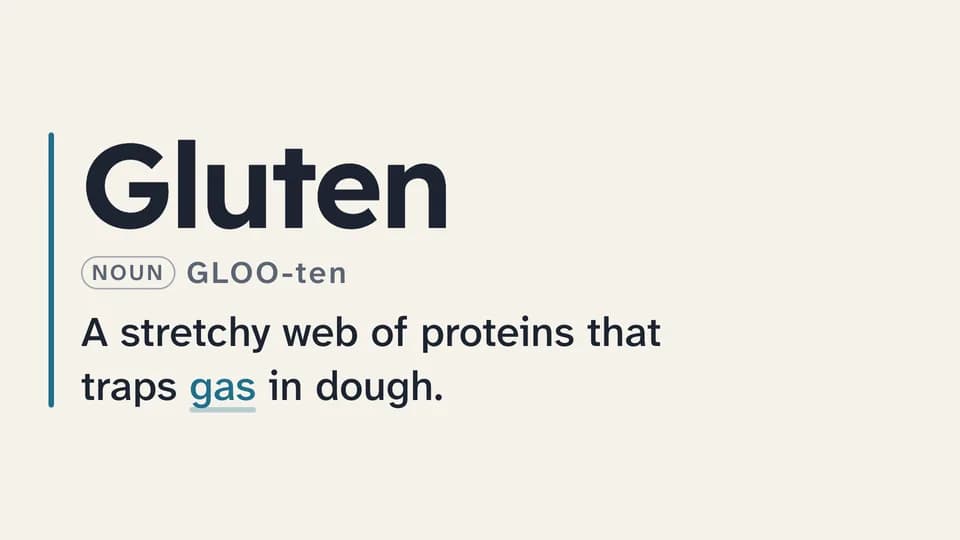 Explain · define5.8 s
Definition card
A term sets large beside a teal rule, its pronunciation and word class fade in, and the one-line definition wipes across.
--move definition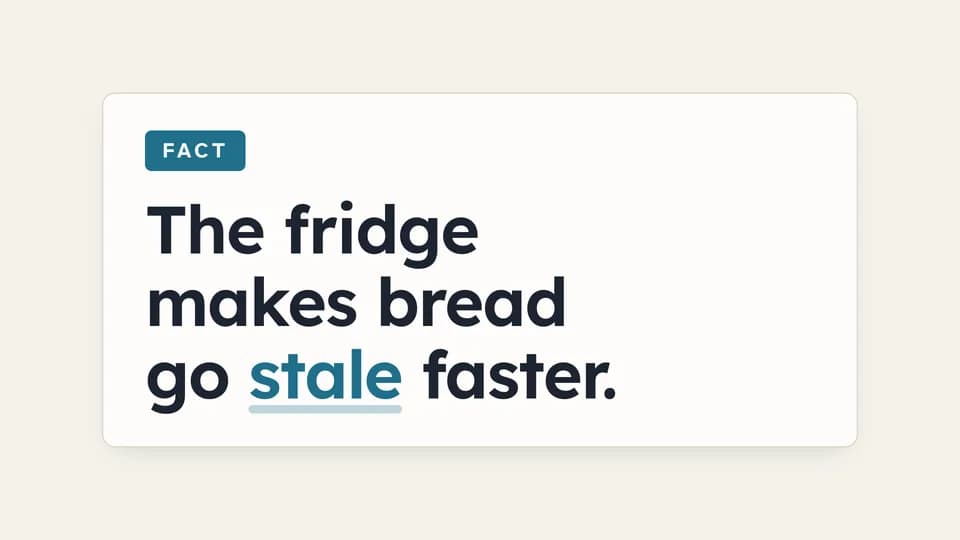 Explain · correct a belief7.4 s
Myth / fact flip
A card tagged Myth states a common belief, holds, then flips over to the Fact side with the correction.
--move myth-fact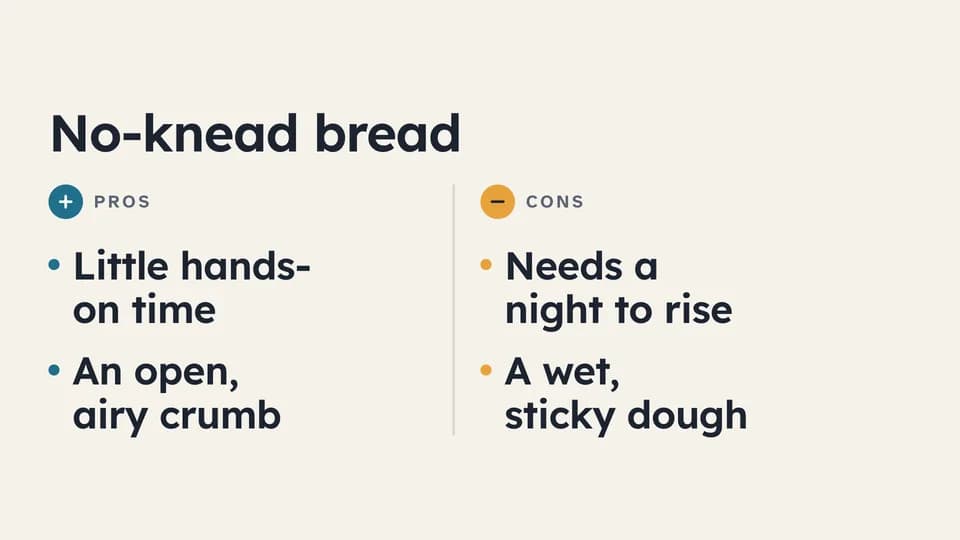 Explain · weigh7 s
Pros and cons
A rule splits the frame into a teal Pros column and an amber Cons column; points alternate in, one side then the other.
--move pros-cons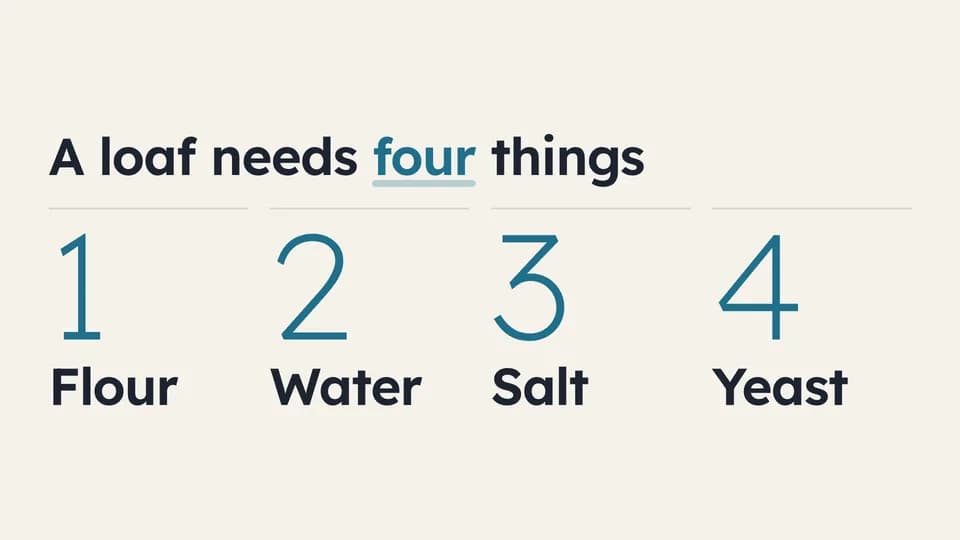 Explain · list6.2 s
Numbered list
Four large light numerals rise in sequence, each with its item, under a title that names the count.
--move numbered-list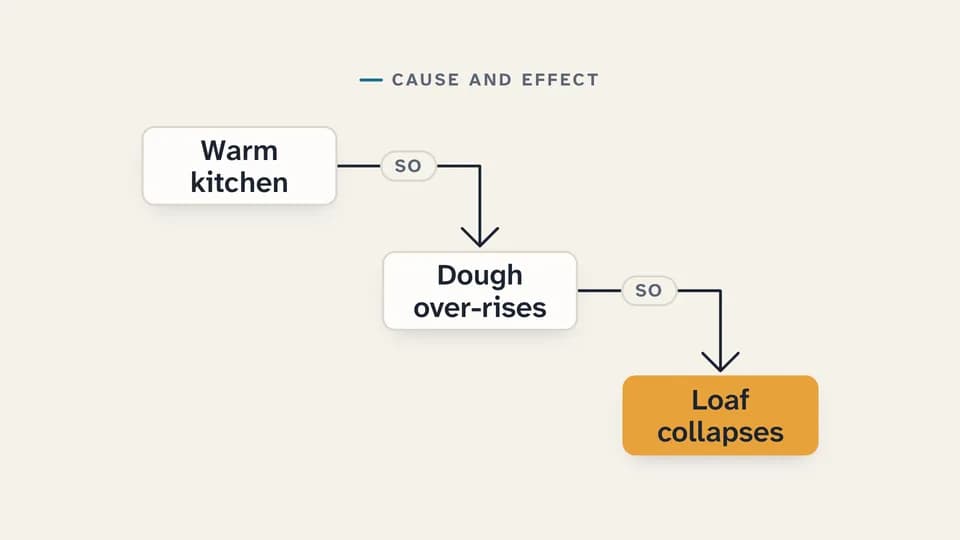 Explain · explain why6.6 s
Cause and effect
Three cards step down the frame joined by drawn elbow arrows tagged “so”; the last card, the effect, lands in amber.
--move cause-effect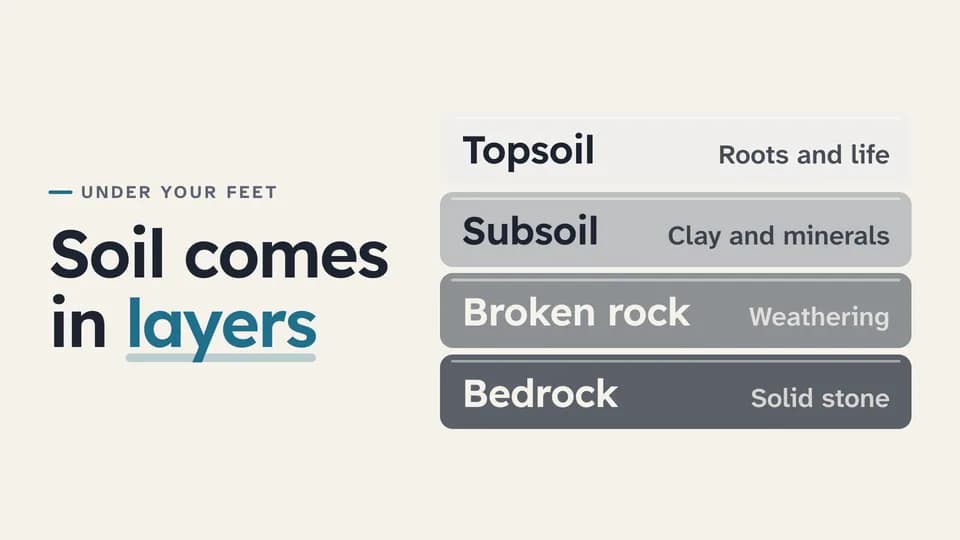 Explain · structure · how it works7.4 s
Layer stack
Four labelled layers drop in from the bottom up into one stack, the deepest darkest, beside the line that names them.
--move layer-stack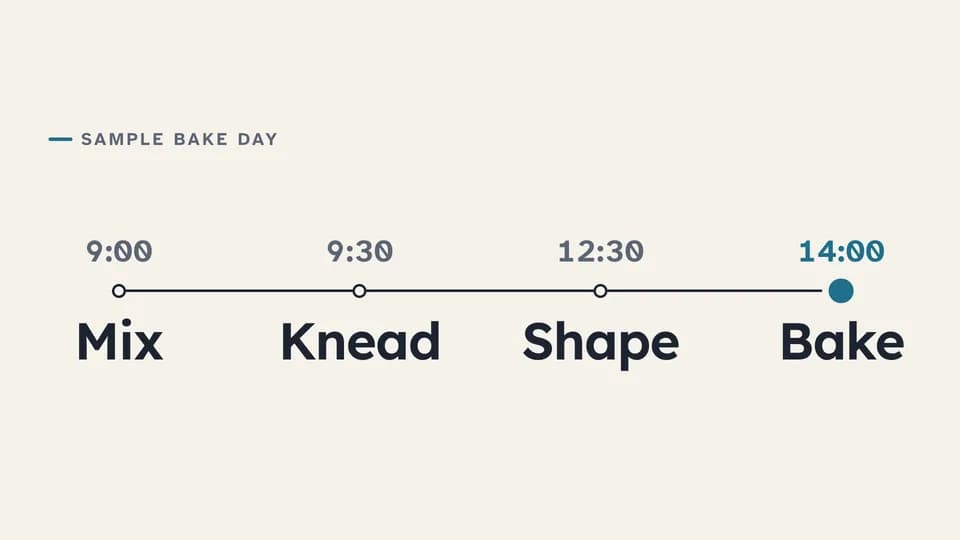 Explain · sequence over time7 s
Timeline
A line draws across the frame while a teal dot travels it, and four timed stops rise in along the way.
--move timeline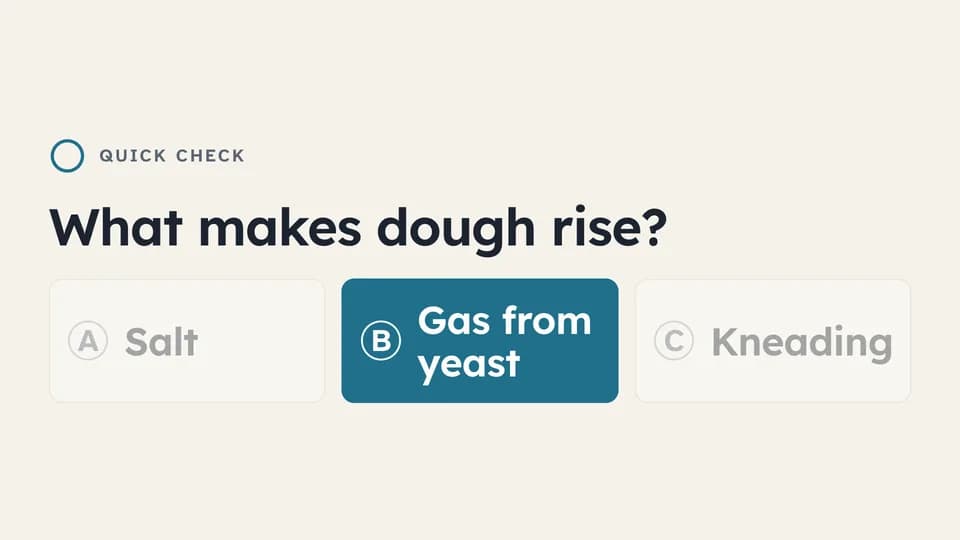 Explain · check understanding7.4 s
Question and answer
A question, three lettered options and a thinking ring that fills; then two options dim and the right one fills teal.
--move quiz-options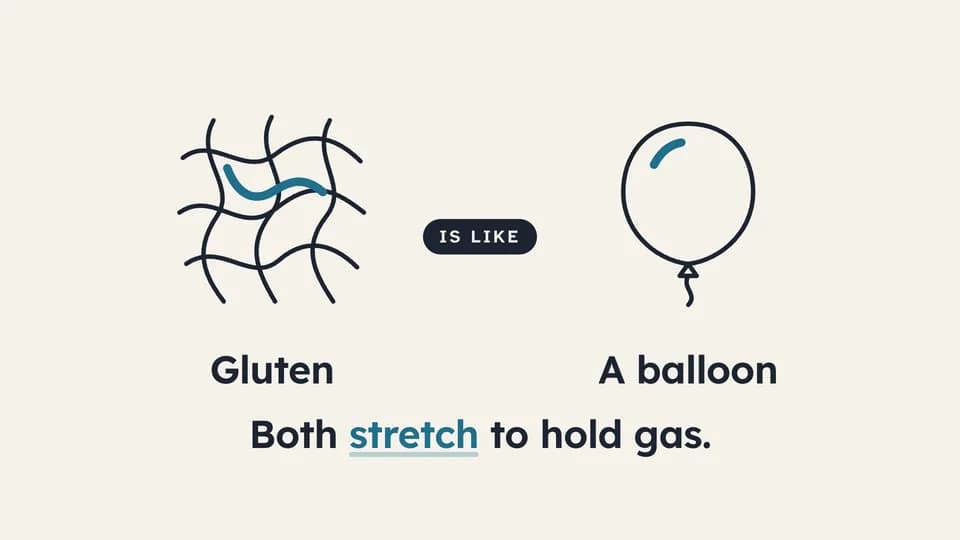 Explain · relate6.4 s
Analogy bridge
A line drawing of the idea draws on the left, an everyday object on the right, an “is like” chip bridges them, and the reason lands.
--move analogy
Creator Overlays · 7
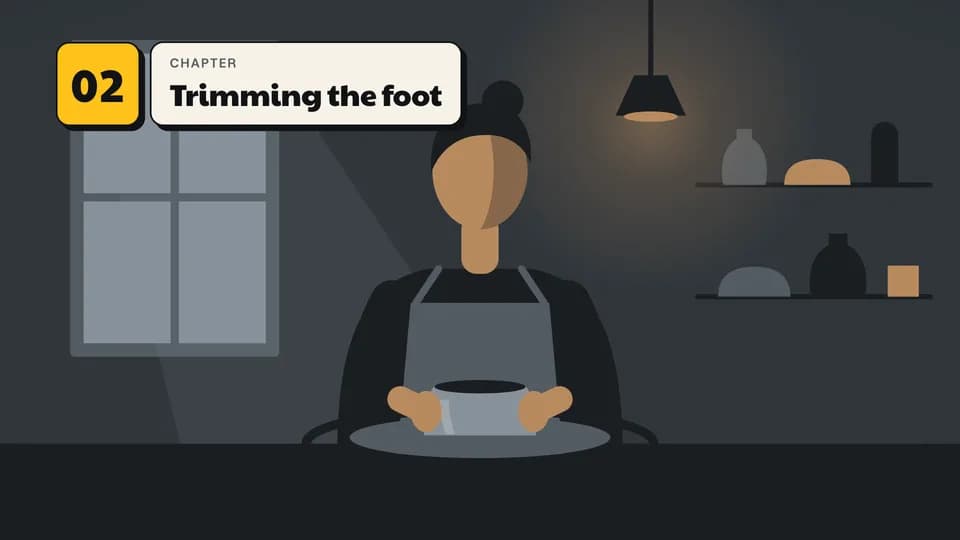 Explain · structure4.6 s
Chapter marker
A marigold number tile slams in at the top left and the chapter title wipes out of it on a bone card.
--move chapter-marker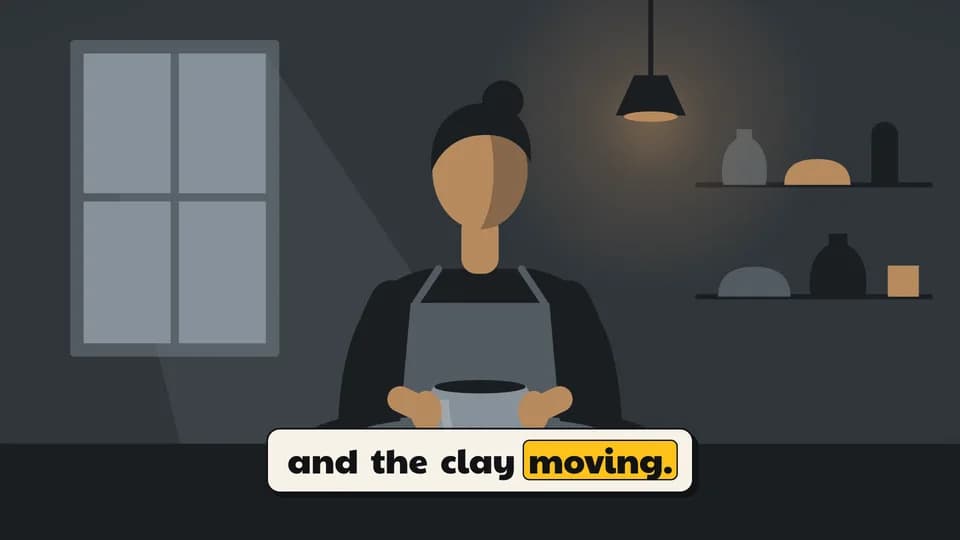 Explain · captions5.6 s
Caption with word highlight
Burned-in captions on a bone plate, two short lines in turn, with a marigold block hopping word to word as each is said.
--move word-caption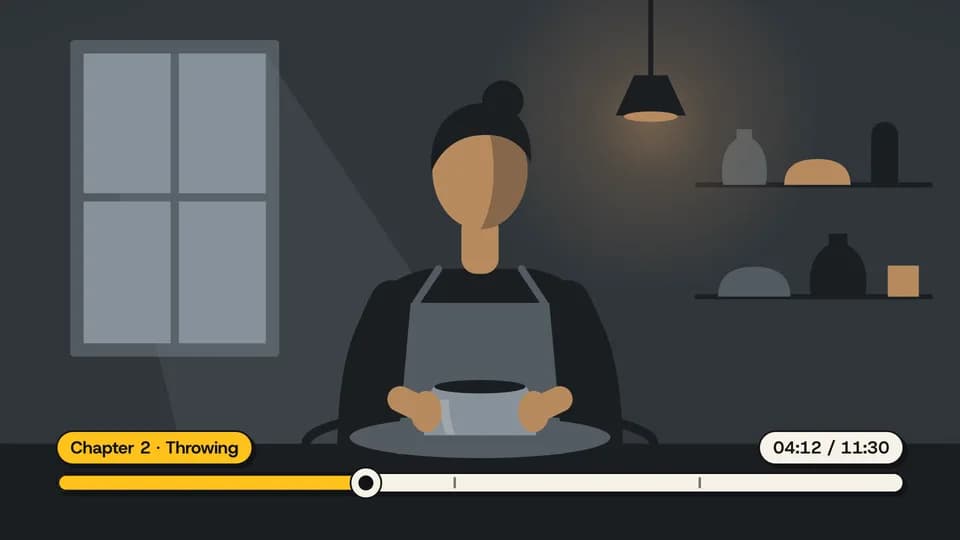 Explain · structure5.2 s
Progress and timestamp
A chaptered scrub bar grows across the bottom, its marigold fill and playhead run to the timestamp, and a chip names the chapter.
--move progress-scrub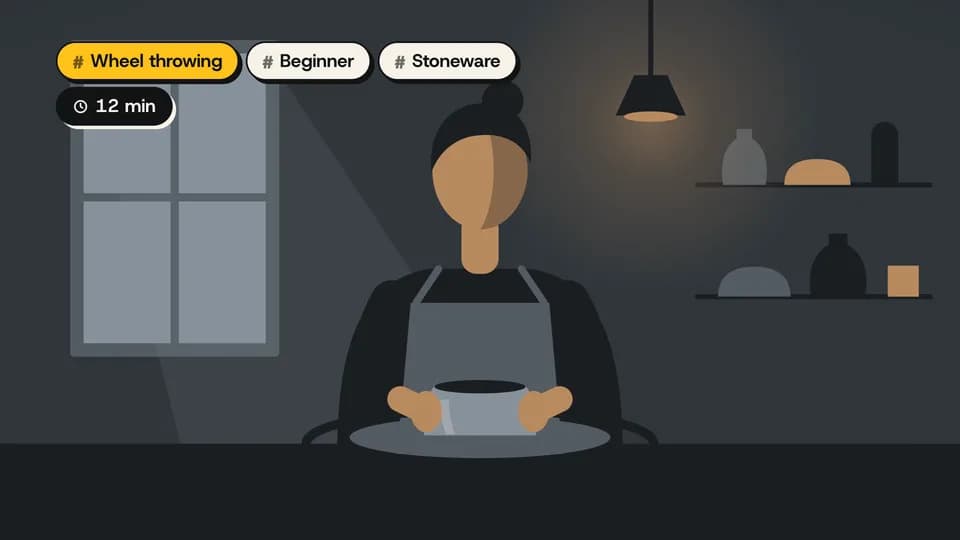 Explain · context4.4 s
Topic tags
Three topic tags and a running-time chip drop in one after another at the top left; the main topic wears marigold.
--move topic-tag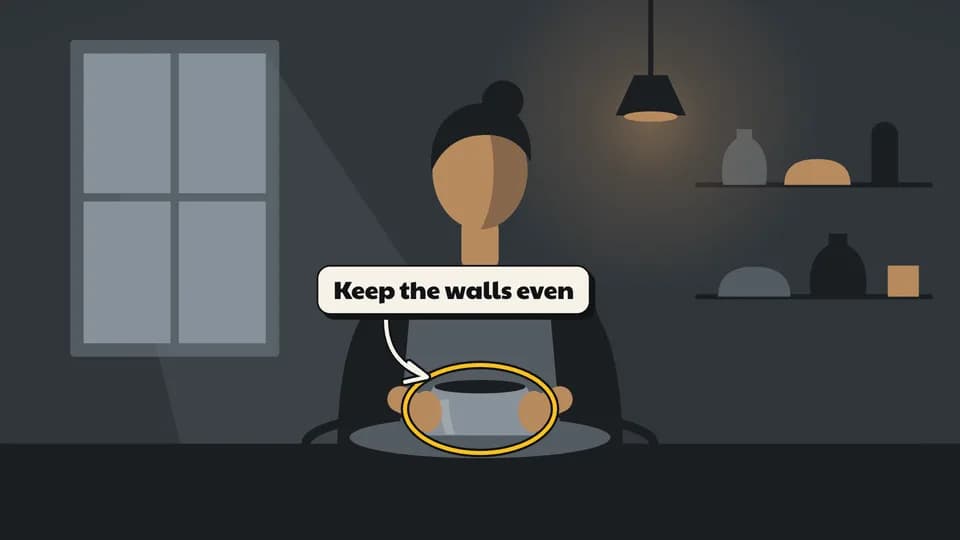 Explain · annotation5 s
Call-out arrow
A label card pops up beside the work, a drawn arrow curves from it and a marigold ring draws around the thing to watch.
--move callout-arrow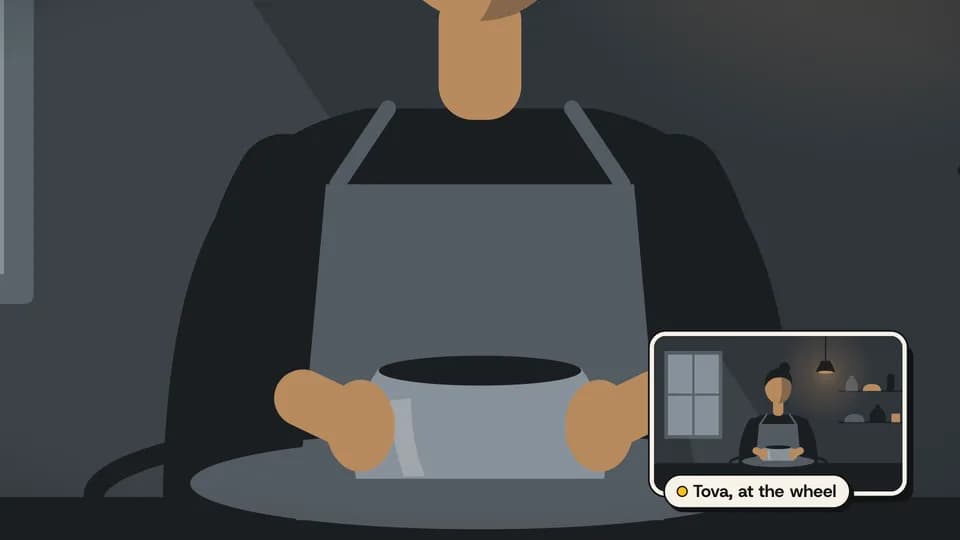 Explain · layout5.4 s
Picture in picture
The main shot pushes in on the work while the wide shot zooms into a bone-framed window in the corner, with a name chip.
--move pip-frame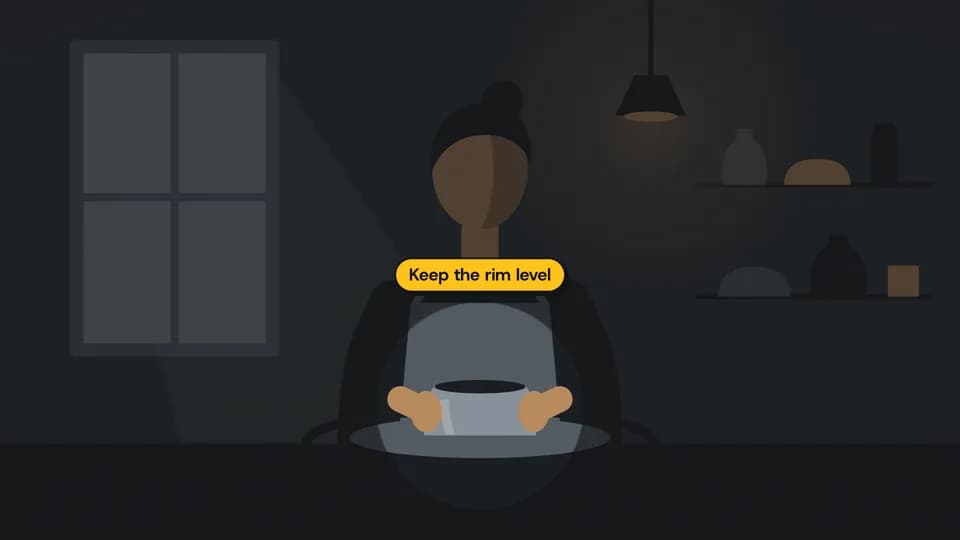 Explain · annotation5 s
Spotlight
The frame dims around one detail as a soft-edged hole closes onto it, and a marigold chip names what to watch.
--move spotlight
How moves work
A move is a film with one scene.
Pick a move.
Each one is a single beat — an opener, a reveal, a stat, an end card — as one scene, 3 to 8 seconds, in 16:9, 1:1 and 9:16.
Start a film from it.
Your agent runs new.mjs with --move and the move’s slug, then edits words and figures. Check, QA and render work as for any film.
Wear any taste.
wear.md maps a Taste Stack video taste’s palette and type onto the move, so one beat comes in every style in the catalog.