Moves
One beat, ready to cut.
A move is one beat of a film — the job a clip does, such as a hook, a reveal or a proof point — that your agent drops into any launch video: 220 of them in 11 sets, all included with Pro. Every move ships in the set’s house style — and wears any video taste you own.
5 of 220 moves · Proof · Prompt & Agent
Prompt & Agent · 5
 Proof6 s
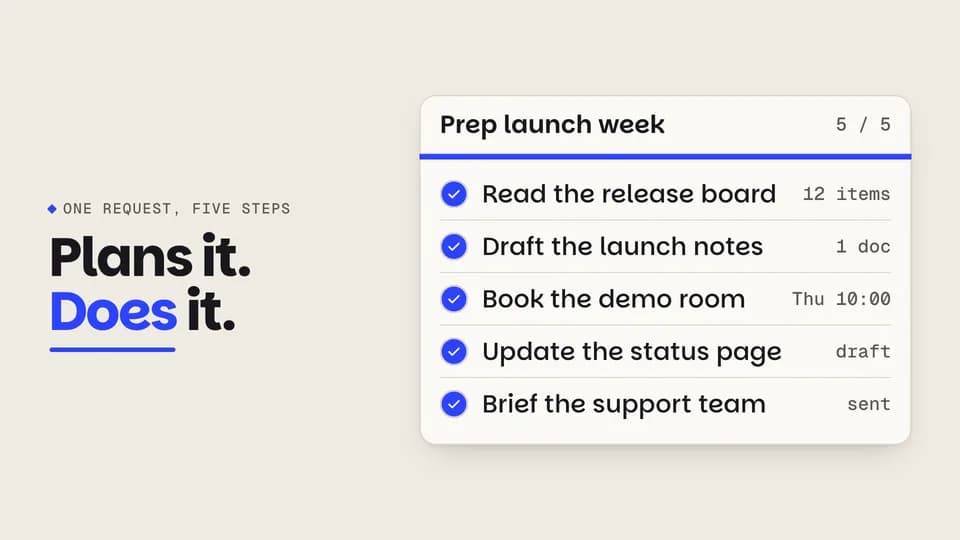
Plan ticks
An agent’s five-step plan works down the list: each step spins, fills cobalt and draws its check while a bar fills.
--move plan-tick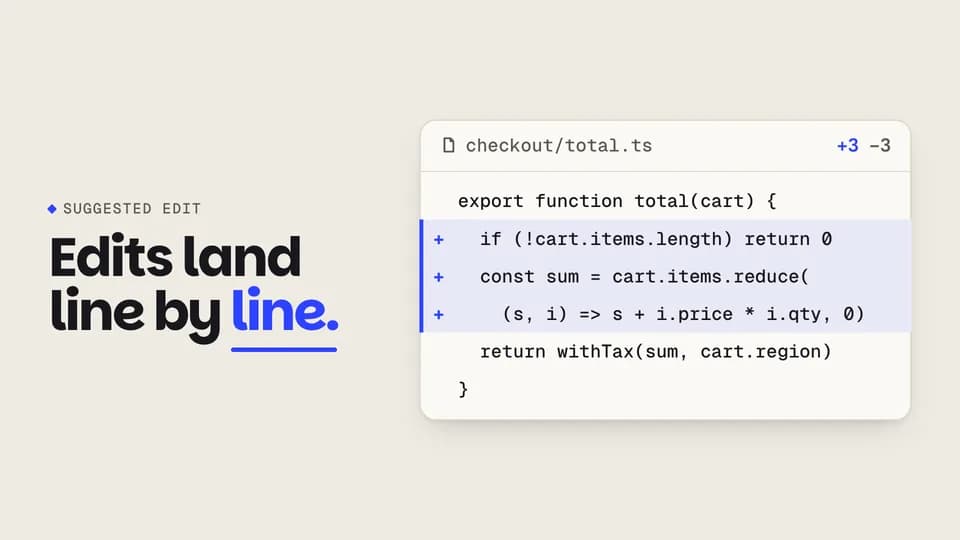 Proof5.8 s
Diff applies
In a code panel, old lines are struck and fold away while the agent’s new lines grow in on a cobalt gutter.
--move diff-apply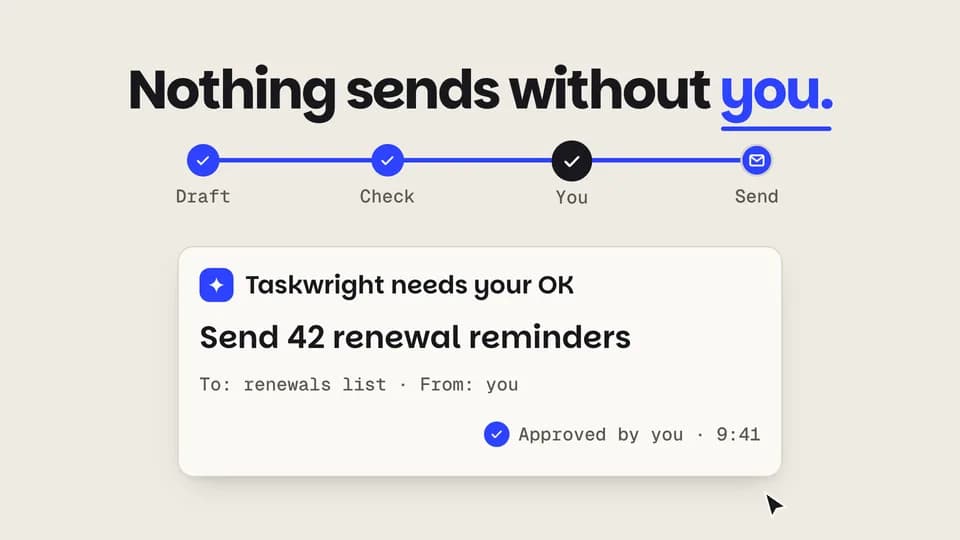 Proof · trust5.8 s
Approval gate
A run halts at a locked gate and asks to send; the cursor approves, the lock turns to a check and the run finishes.
--move approve-gate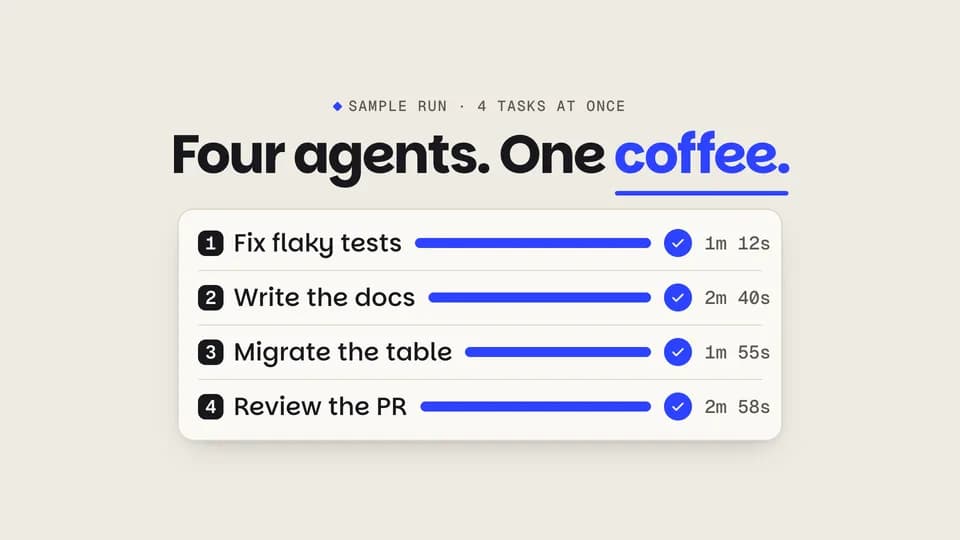 Proof5.8 s
Parallel agents
Four agent lanes run side by side at different speeds; each bar fills cobalt and lands a check with its time.
--move parallel-lanes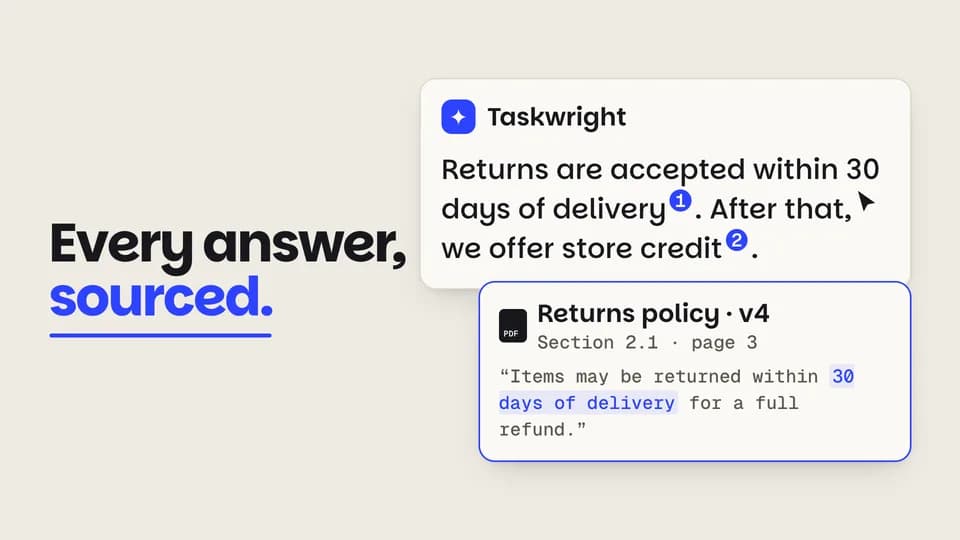 Proof · trust5.6 s
Citation pops
Numbered citations pop into an answer; the cursor opens the first and its source card rises with the quoted line.
--move cite-pop
How moves work
A move is a film with one scene.
Pick a move.
Each one is a single beat — an opener, a reveal, a stat, an end card — as one scene, 3 to 8 seconds, in 16:9, 1:1 and 9:16.
Start a film from it.
Your agent runs new.mjs with --move and the move’s slug, then edits words and figures. Check, QA and render work as for any film.
Wear any taste.
wear.md maps a Taste Stack video taste’s palette and type onto the move, so one beat comes in every style in the catalog.