Moves
One beat, ready to cut.
A move is one beat of a film — the job a clip does, such as a hook, a reveal or a proof point — that your agent drops into any launch video: 220 of them in 11 sets, all included with Pro. Every move ships in the set’s house style — and wears any video taste you own.
20 of 220 moves · Reveal · Product Reveals
Product Reveals · 20
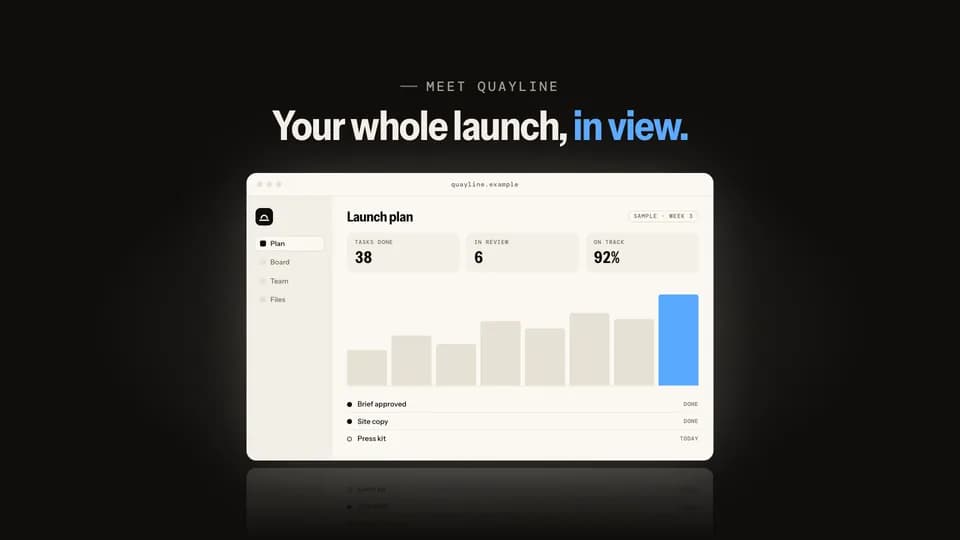 Reveal · reveal · hook5 s
Rise from dark
On a black stage the light comes up and the product window climbs out of the floor into it, throwing a reflection.
--move rise-from-dark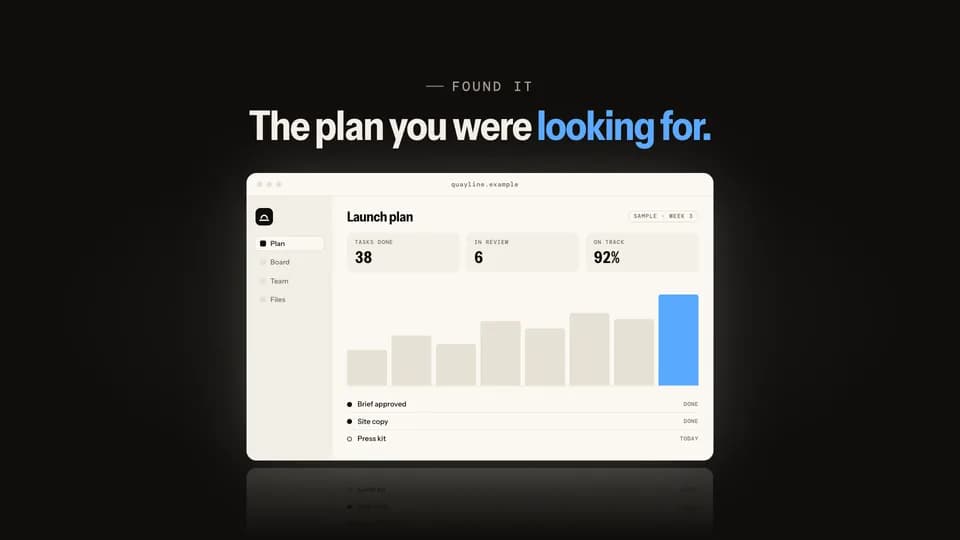 Reveal5.6 s
Spotlight find
A spotlight sweeps the dark stage, finds the product window, opens wide, and the house lights come up on it.
--move spotlight-find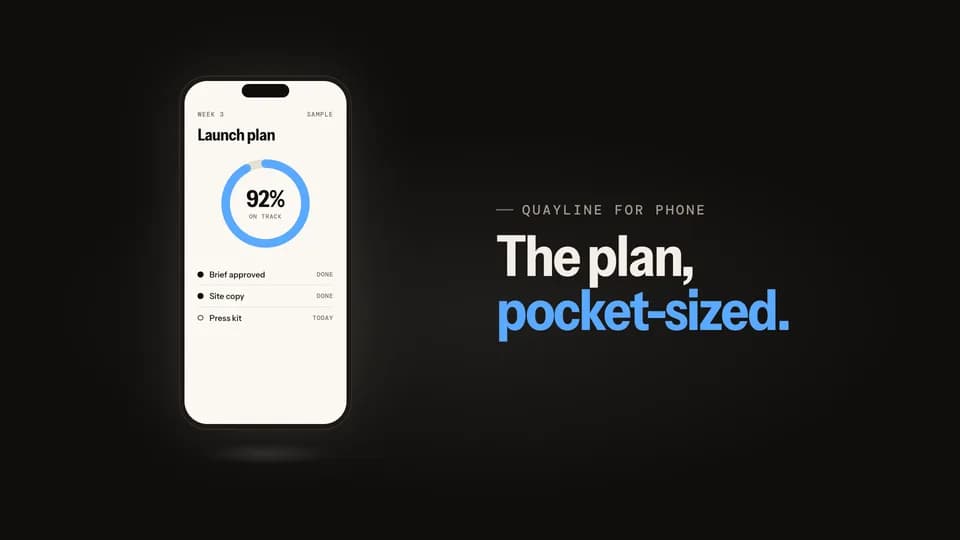 Reveal5 s
Phone swing
A phone slides in tilted from the side, swings level as it lands on its own light, and its screen wakes up.
--move phone-swing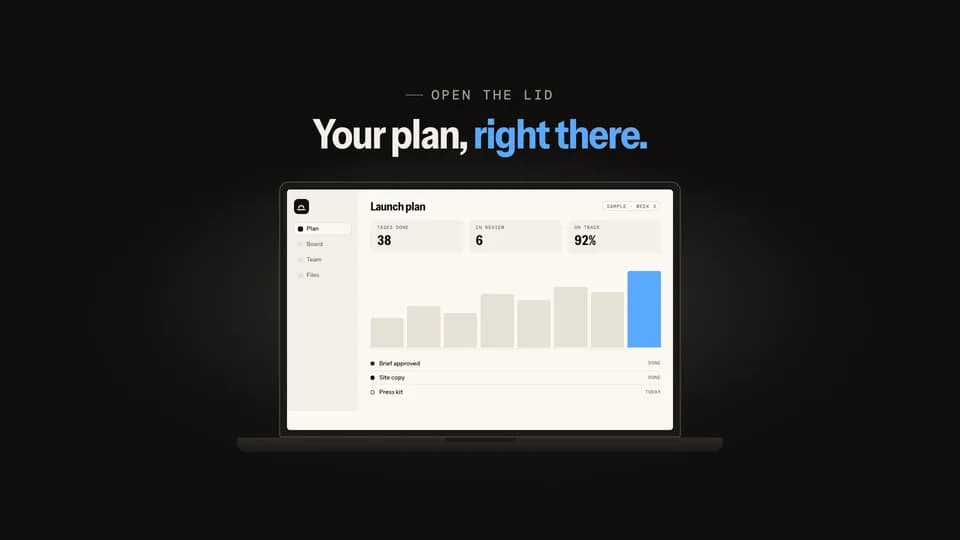 Reveal5.4 s
Lid open
A closed laptop opens its lid on the hinge; the screen glows on with the product and light spills around it.
--move lid-open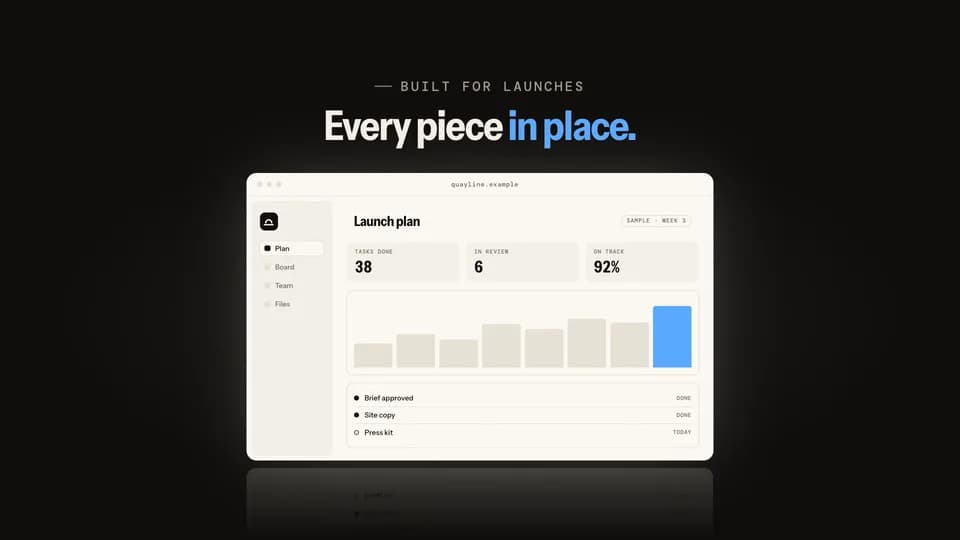 Reveal · reveal · build5.4 s
Panel assemble
The screen’s own panels fly in from scattered angles, lock into an empty window frame, and the screen lights behind them.
--move panel-assemble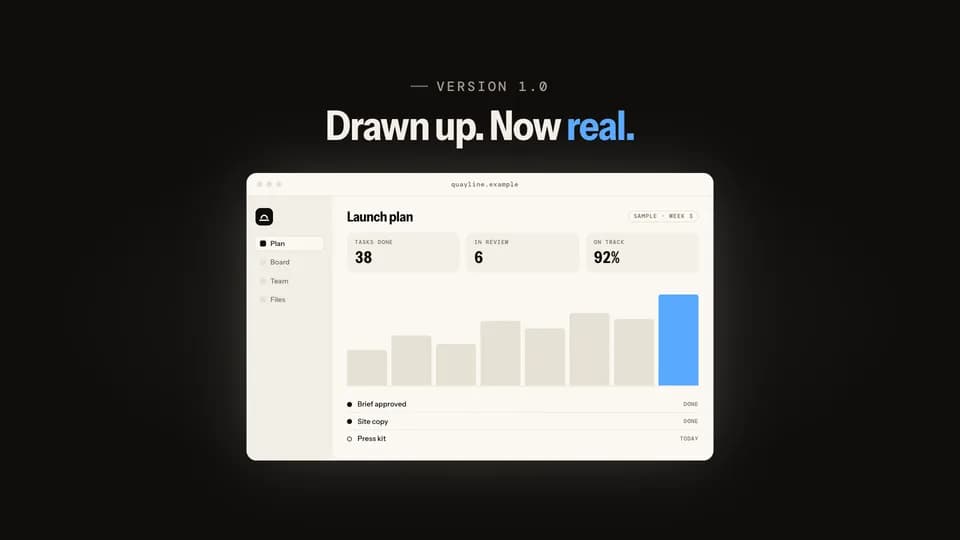 Reveal · reveal · build5.8 s
Blueprint fill
A cue-blue outline of the screen draws itself line by line, then the real, finished screen wipes in over it.
--move blueprint-fill Reveal5.4 s
Icon bloom
The app icon sits alone on the stage, then blooms open, its corners easing square, into the full product window.
--move icon-bloom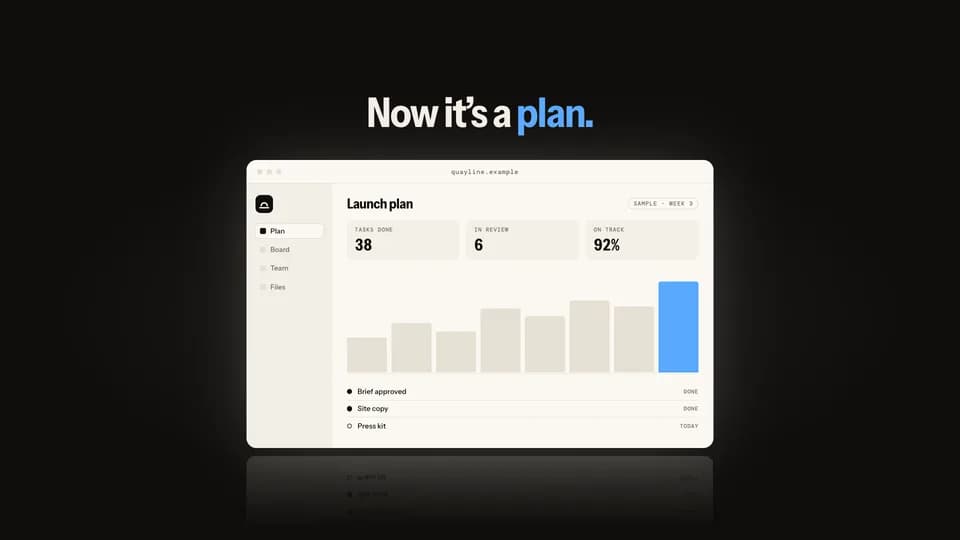 Reveal · reveal · contrast5.8 s
Page peel
A plain document lies over the product; its corner peels back, then the whole sheet lifts away to show the screen.
--move page-peel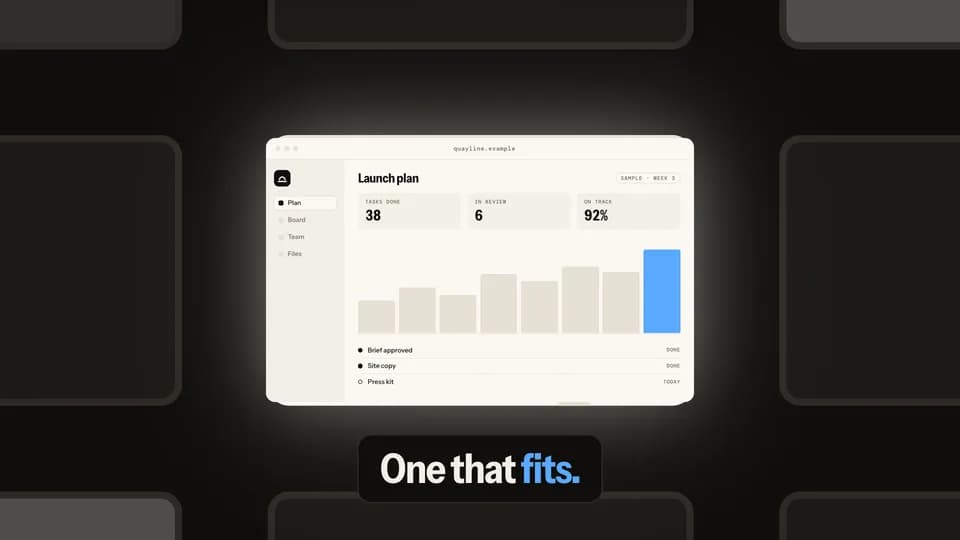 Reveal · reveal · hook6 s
City zoom
A night city of dim windows; one is lit, and the camera dives into it until it becomes the product screen.
--move city-zoom Reveal5.2 s
Turn to face
A phone stands edge-on in the light, turns on its axis to face the lens, and a sheen crosses the glass as it lands.
--move turn-to-face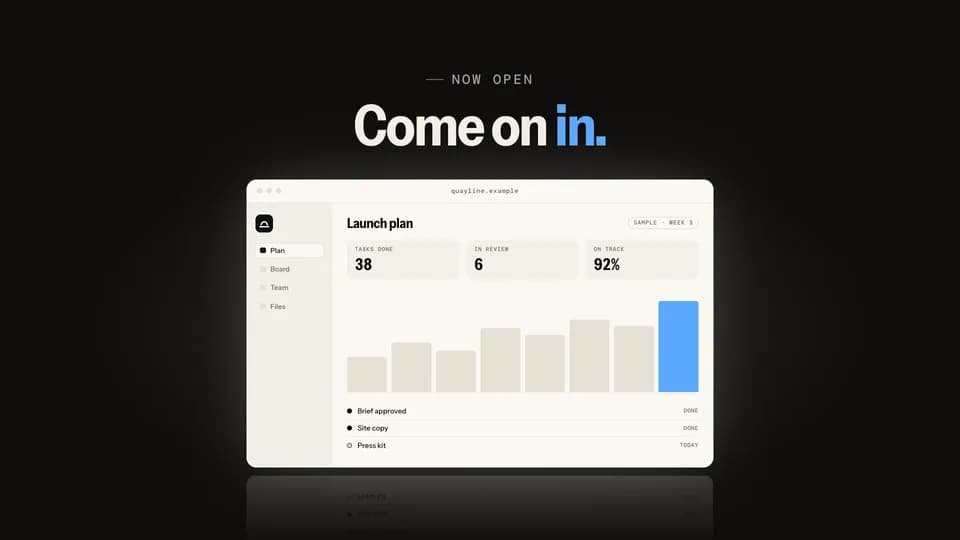 Reveal · reveal · hook5.6 s
Door split
A seam of light opens down the middle of two dark doors; they slide apart onto the lit product window.
--move door-split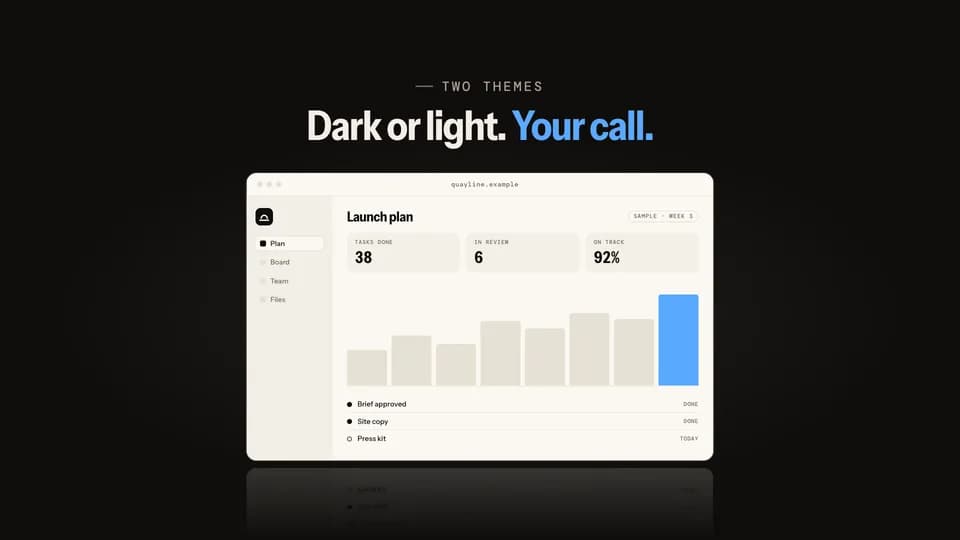 Reveal · reveal · feature5.6 s
Mode flip
The product sits in dark mode; a light handle sweeps across it and turns the same screen to light mode behind it.
--move mode-flip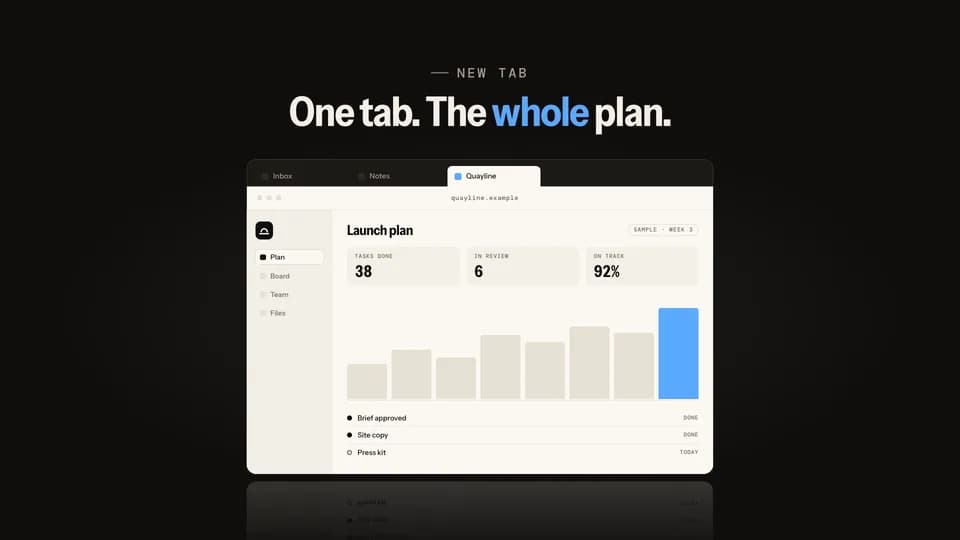 Reveal · reveal · demo5.6 s
Tab unroll
A cursor picks the product’s tab in a dark tab strip and the window unrolls down from it, lit.
--move tab-unroll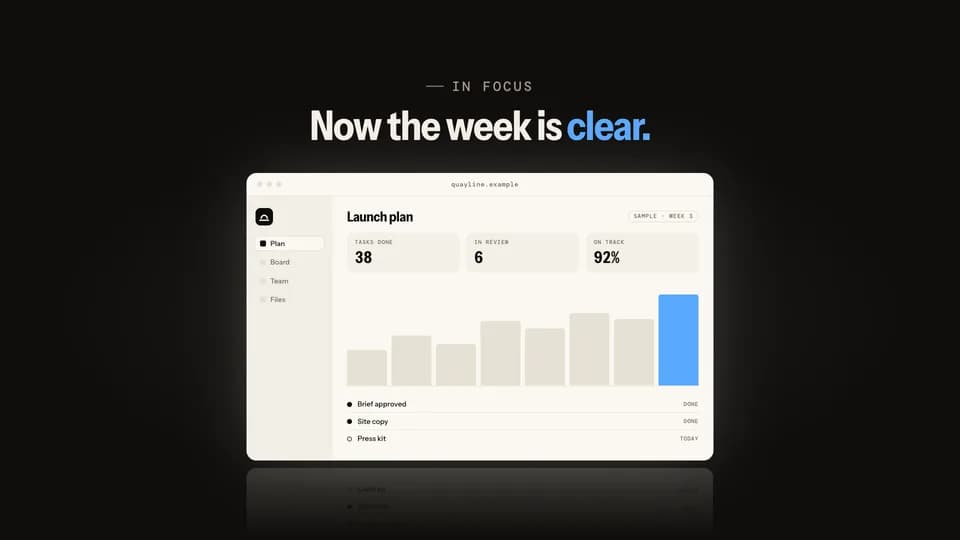 Reveal · reveal · turn5.4 s
Focus pull
A sharp question hangs over a soft, out-of-focus screen; focus racks back, the line melts and the product comes sharp.
--move focus-pull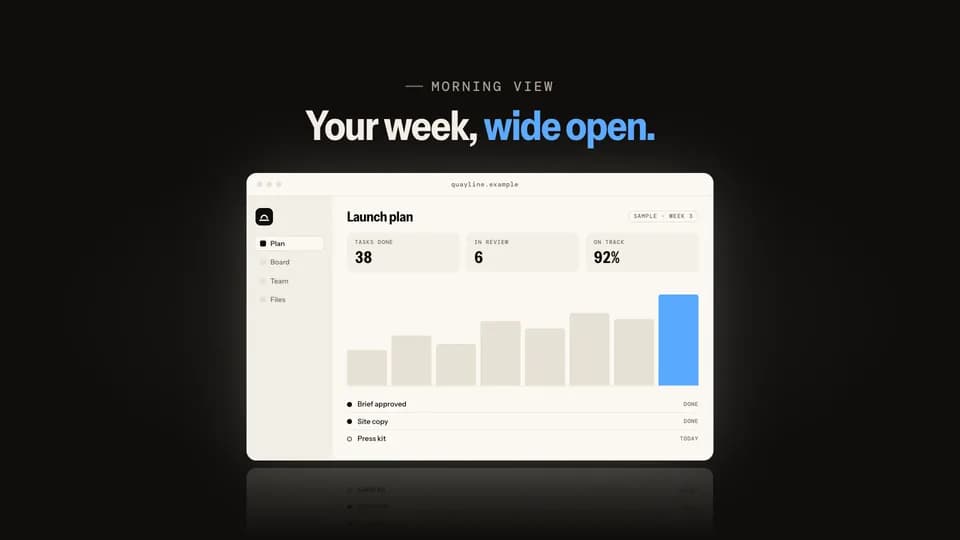 Reveal5 s
Blinds open
Light leaks between closed dark slats; they turn open one by one from the top and the lit product is behind them.
--move blinds-open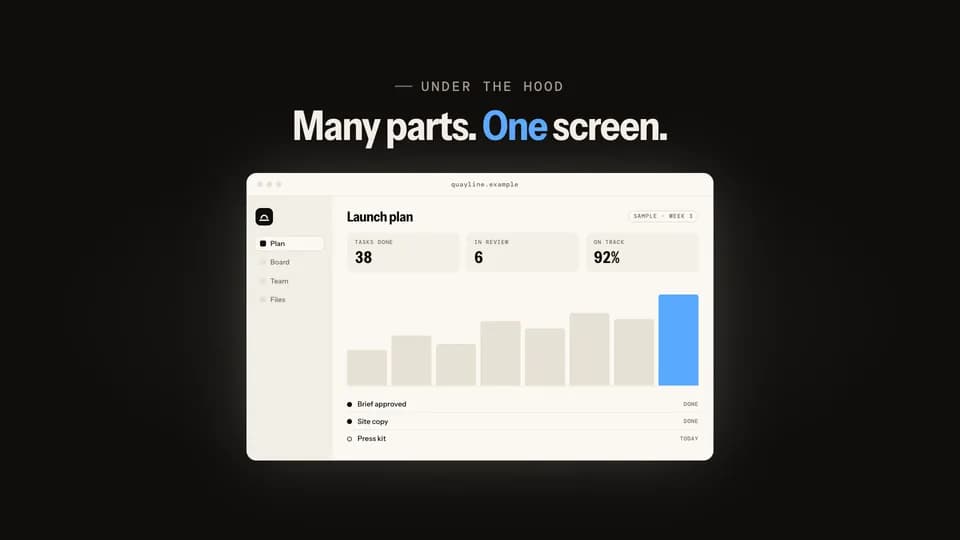 Reveal · reveal · build6 s
Exploded stack
The screen floats as three separated layers in an angled view, then they press together and swing flat to face you.
--move exploded-stack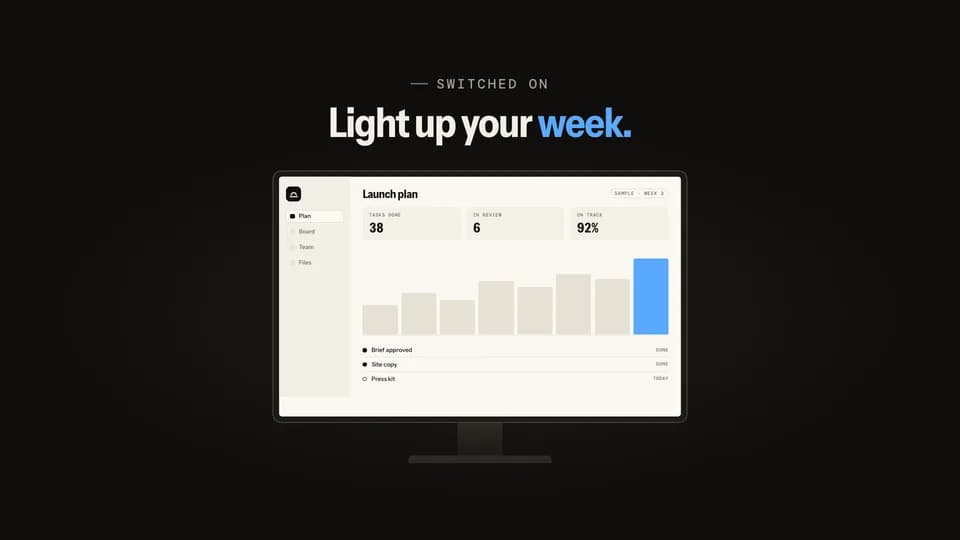 Reveal5 s
Power on
A dark monitor shows the mark, then a line of light opens across the glass and spreads into the lit product screen.
--move power-on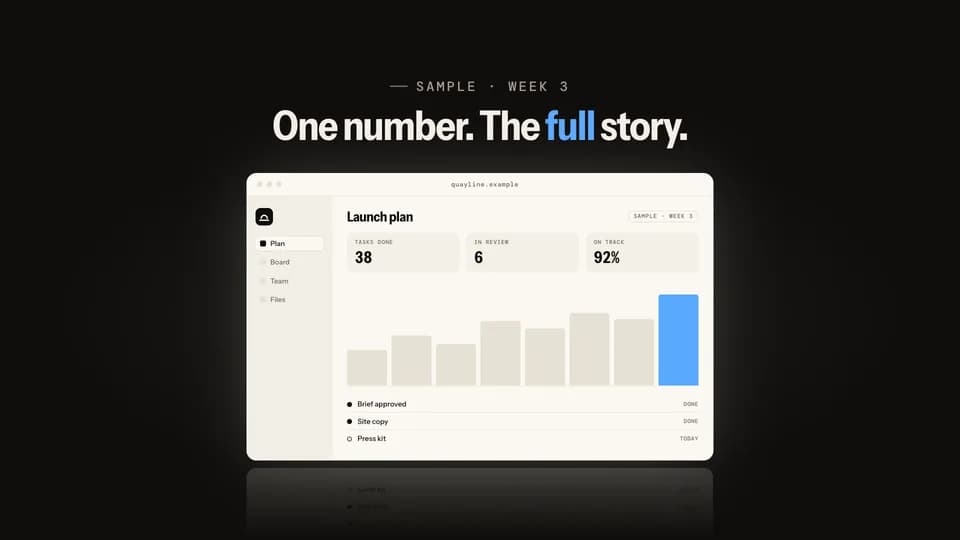 Reveal · reveal · proof5.6 s
Pull back
The frame opens on one big sample number, then pulls back smoothly until the whole product screen sits around it.
--move pull-back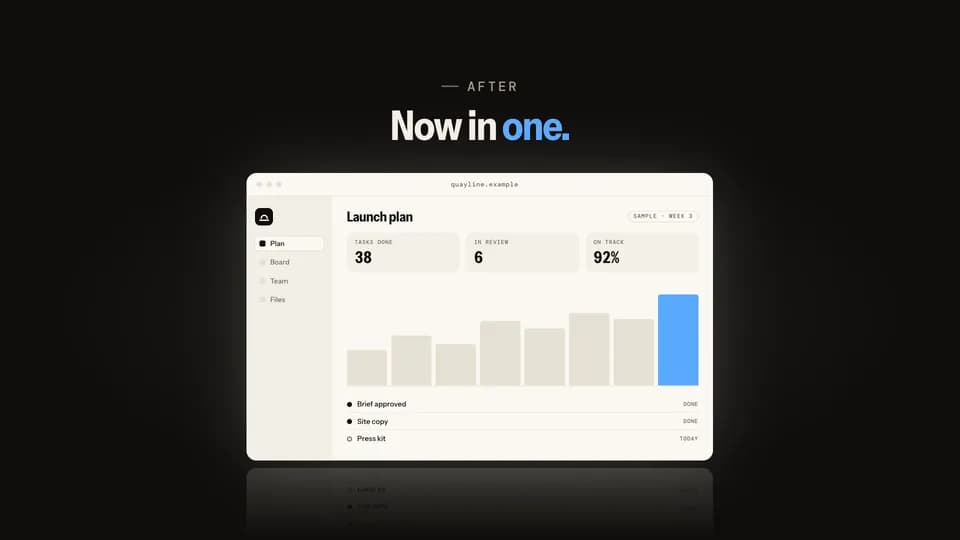 Reveal · reveal · contrast5.8 s
Card flip
A dark card names the old way, four scattered tools; it flips over on its axis and the product is on the back.
--move card-flip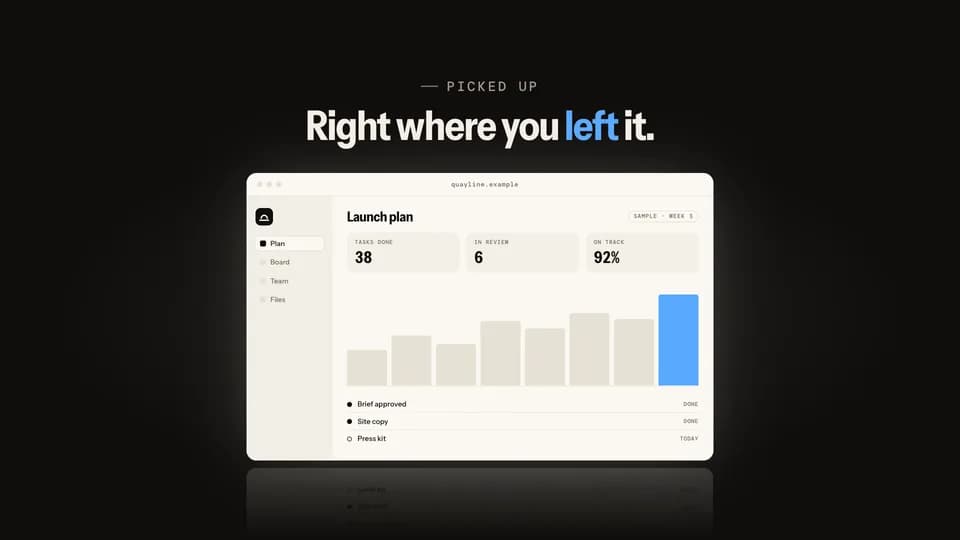 Reveal · reveal · demo5.4 s
Click iris
On a black stage a cursor clicks one button, and a circle of light opens from the click onto the lit product.
--move click-iris
How moves work
A move is a film with one scene.
Pick a move.
Each one is a single beat — an opener, a reveal, a stat, an end card — as one scene, 3 to 8 seconds, in 16:9, 1:1 and 9:16.
Start a film from it.
Your agent runs new.mjs with --move and the move’s slug, then edits words and figures. Check, QA and render work as for any film.
Wear any taste.
wear.md maps a Taste Stack video taste’s palette and type onto the move, so one beat comes in every style in the catalog.