Moves
One beat, ready to cut.
A move is one beat of a film — the job a clip does, such as a hook, a reveal or a proof point — that your agent drops into any launch video: 220 of them in 11 sets, all included with Pro. Every move ships in the set’s house style — and wears any video taste you own.
4 of 220 moves · Explain · Data Beats
Data Beats · 4
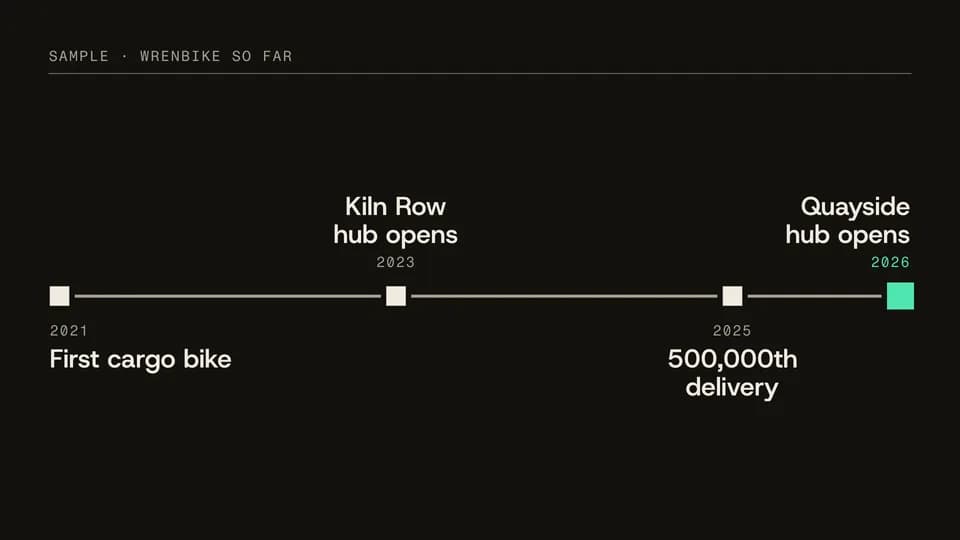 Explain · story · timeline7 s
Milestone line
A time rule draws across the frame and four dated milestones land on it in order, the latest in signal.
--move milestone-line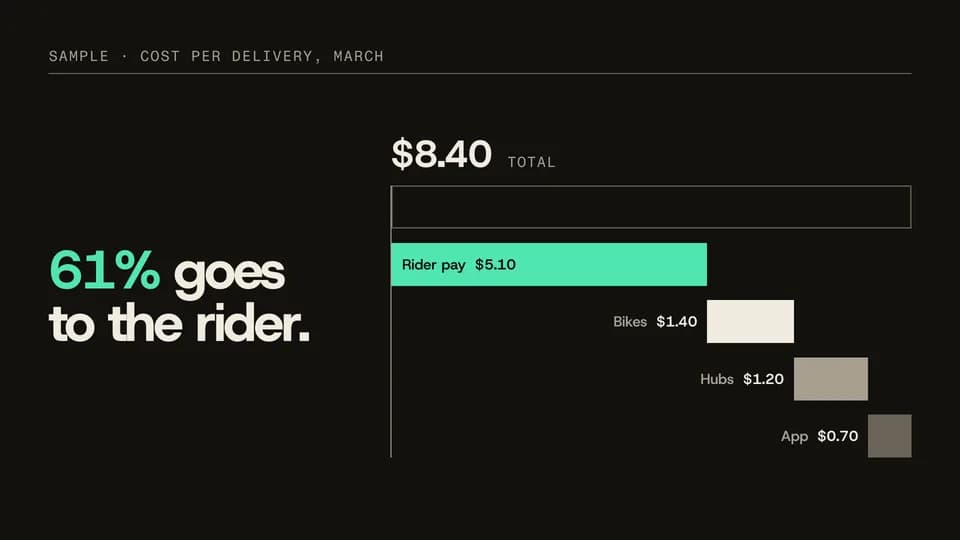 Explain · explain · breakdown7 s
Stack split
One stacked bar of a total splits into a waterfall of its parts, each labelled, the biggest in signal.
--move stack-split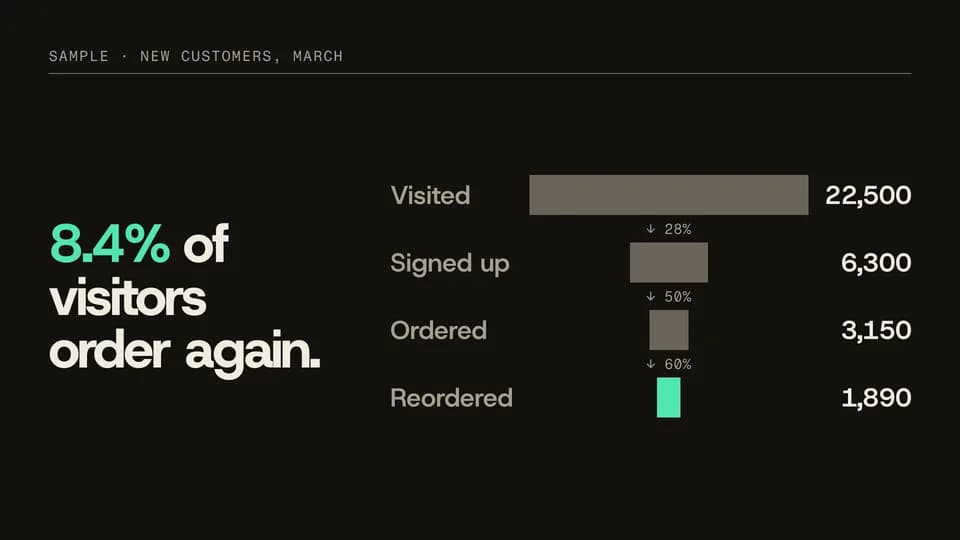 Explain · explain · conversion7.2 s
Funnel narrow
Four centred bars narrow step by step from visits to repeat orders, each step’s rate between them, the last in signal.
--move funnel-narrow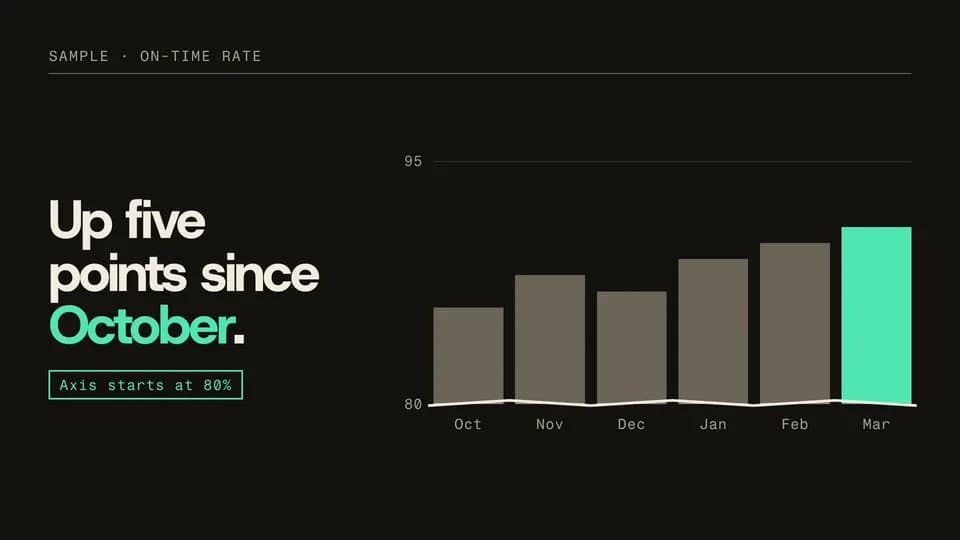 Explain · explain · honest zoom7.6 s
Axis break
Six bars rise from zero and look flat; the axis then zooms in, a break mark appears and a note says where it starts.
--move axis-break
How moves work
A move is a film with one scene.
Pick a move.
Each one is a single beat — an opener, a reveal, a stat, an end card — as one scene, 3 to 8 seconds, in 16:9, 1:1 and 9:16.
Start a film from it.
Your agent runs new.mjs with --move and the move’s slug, then edits words and figures. Check, QA and render work as for any film.
Wear any taste.
wear.md maps a Taste Stack video taste’s palette and type onto the move, so one beat comes in every style in the catalog.